This tag collects practical, real-world guidance for people who want to build, fix, or improve a home network without relying on a professional for every step. It is written for homeowners, renters, and hobbyists who are comfortable with basic tools and settings but want clear, safe, and legal options when dealing with Wi-Fi dead zones, weak signals, or awkward router placement. The articles assume you are starting from a common problem, not from a technical manual.
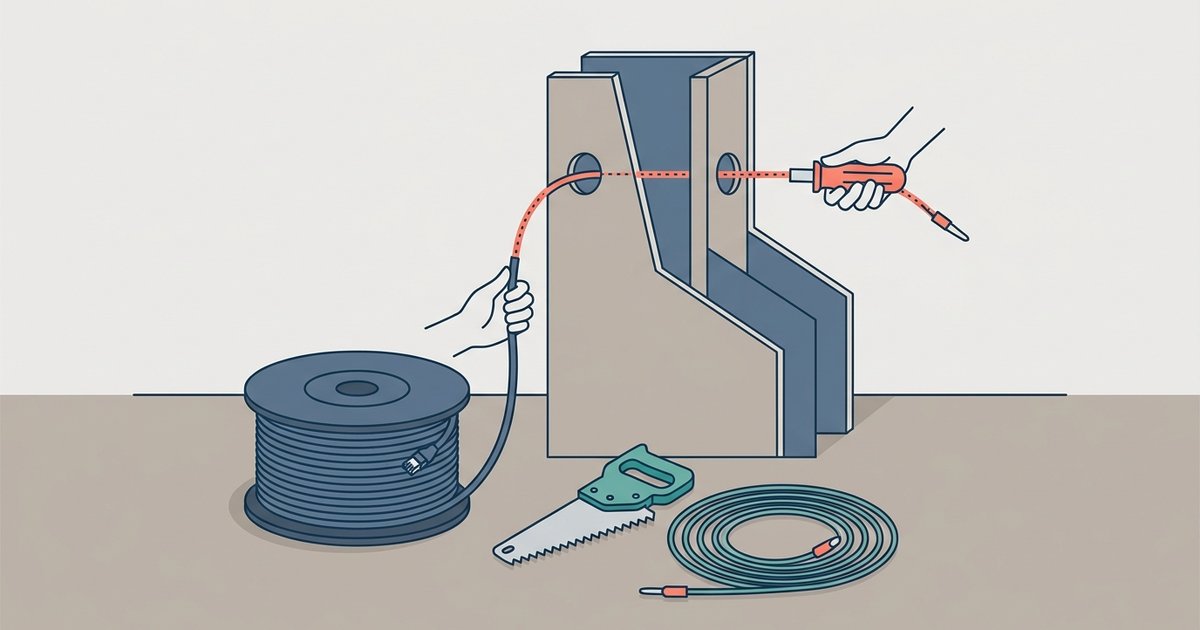
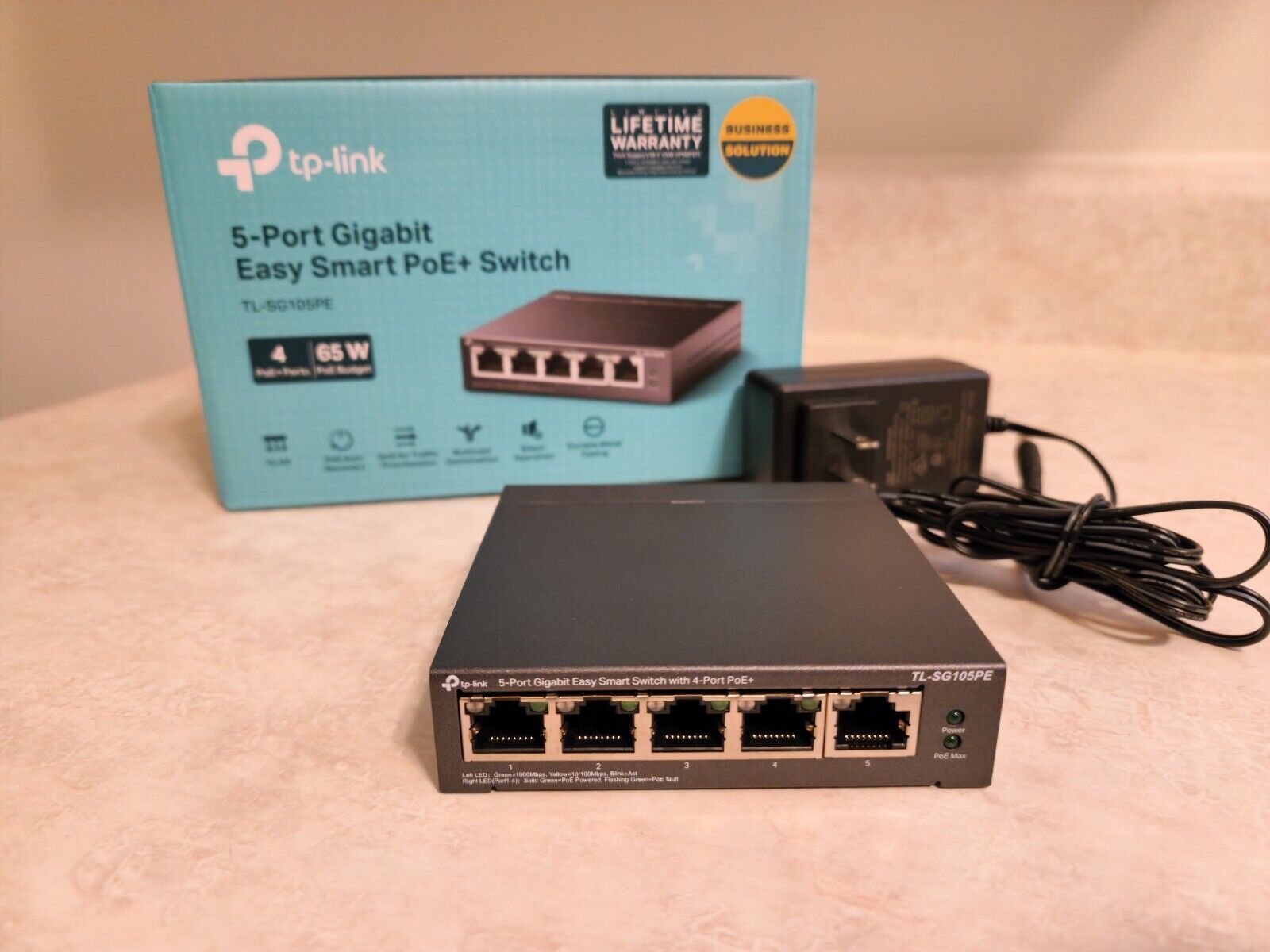
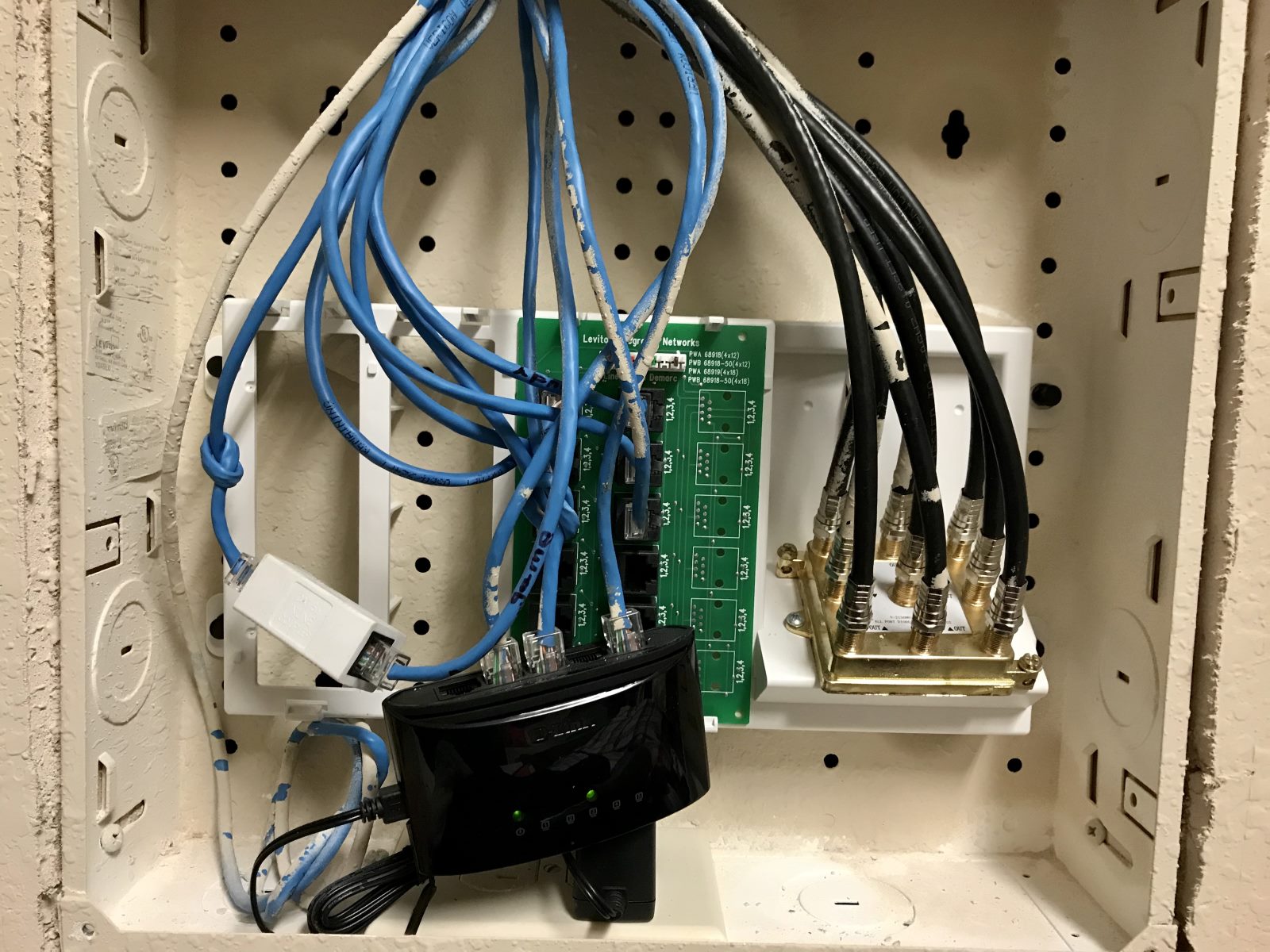
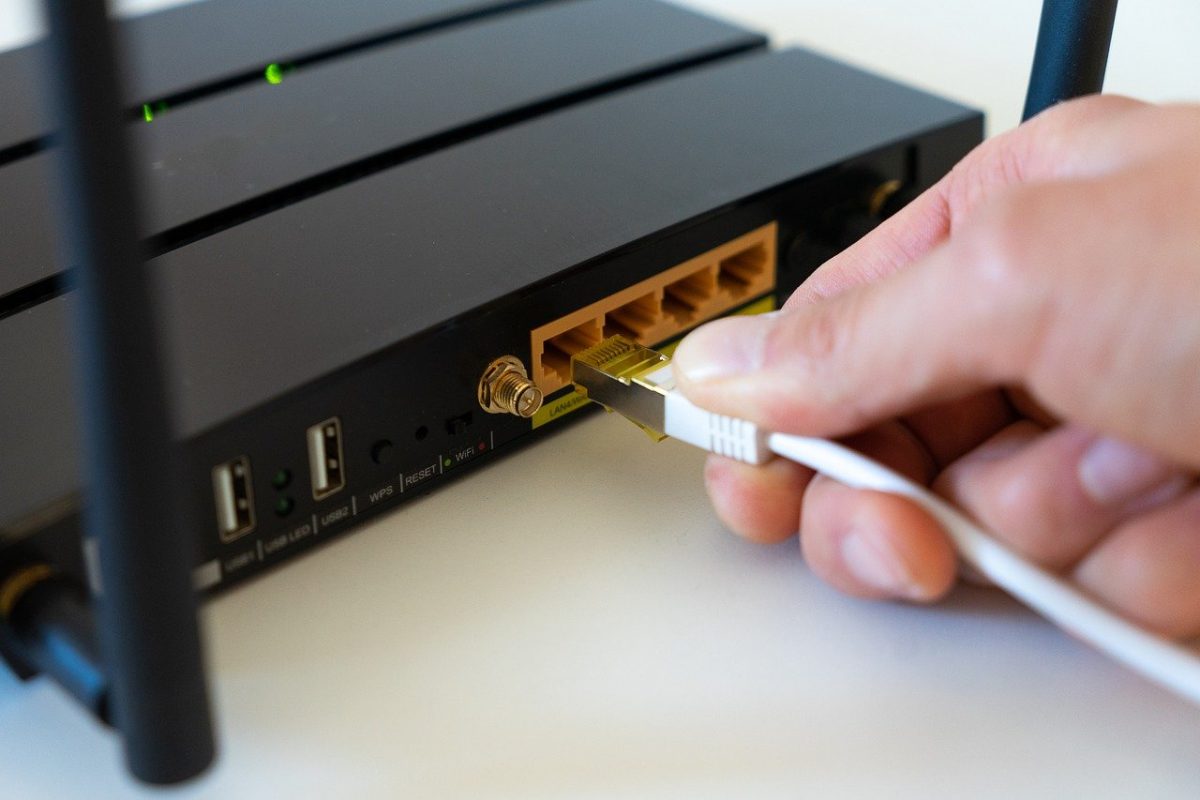
The problems covered here fall into three main themes. First, there is the challenge of getting a stable wired connection when your router is not conveniently located, this includes finding existing Ethernet ports in your walls, running cable through finished spaces, and understanding what an electrician will charge for that work. Second, there is the theme of improving wireless coverage, with a focus on long-range antennas and how to choose one that actually fits your home’s layout. Third, there is a set of articles about network switches: how to set up a common TP-Link model, whether the port you plug into matters, and why a switch might work with one router but not another. These switch articles help you troubleshoot rather than guess.
Several articles also address the safety and legality of your choices. For example, the piece on running Ethernet through walls explains when hiring an electrician is the responsible route, rather than attempting risky DIY cabling. Similarly, the article about finding an Ethernet port in your house helps you locate existing infrastructure without cutting into walls blindly. And the guide to using Wi‑Fi on a Samsung Smart TV walks you through the official, supported setup process, no workarounds or hidden tricks. Together, these pages help you make informed decisions, avoid costly mistakes, and keep your home network both functional and compliant.