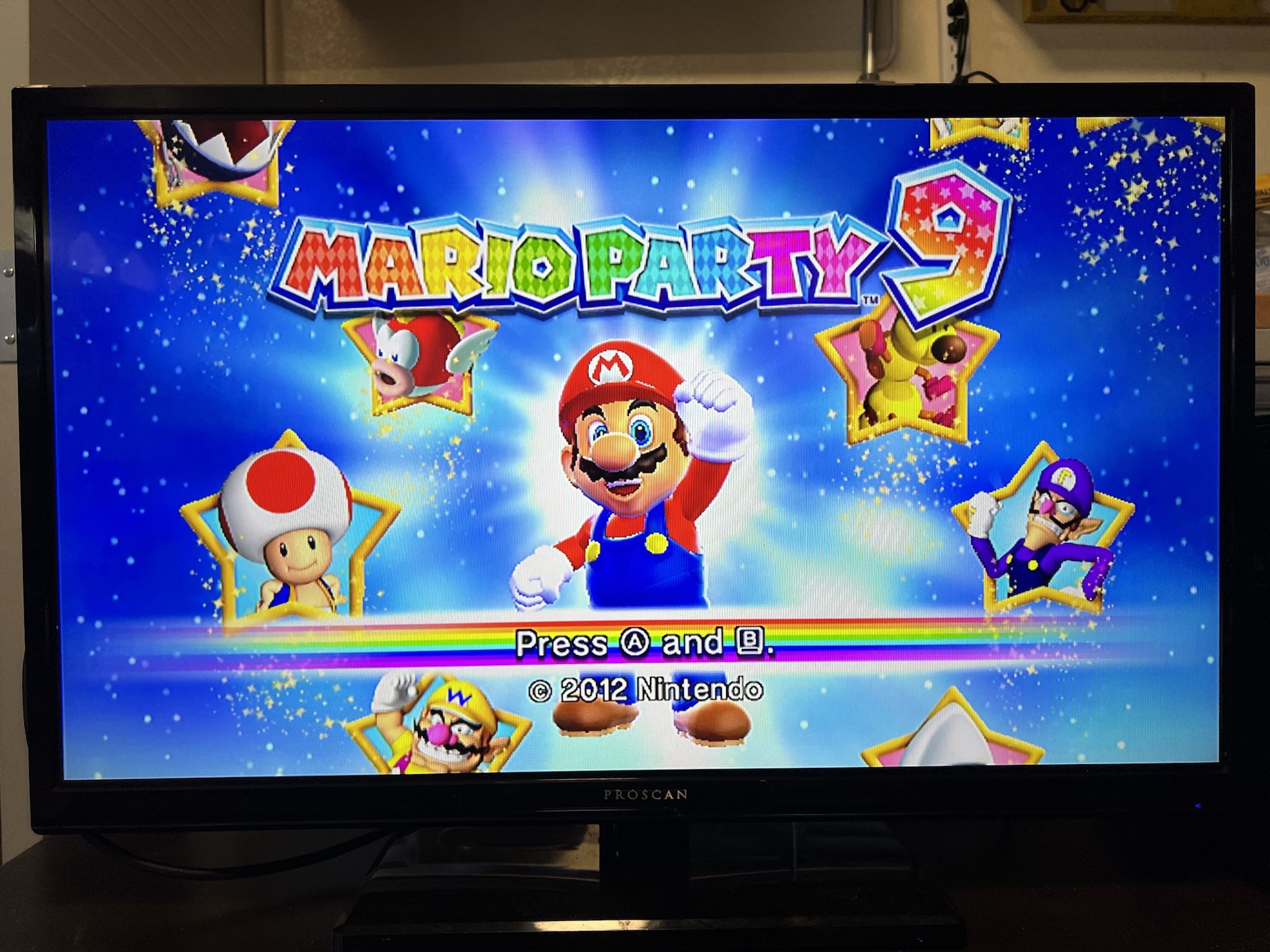
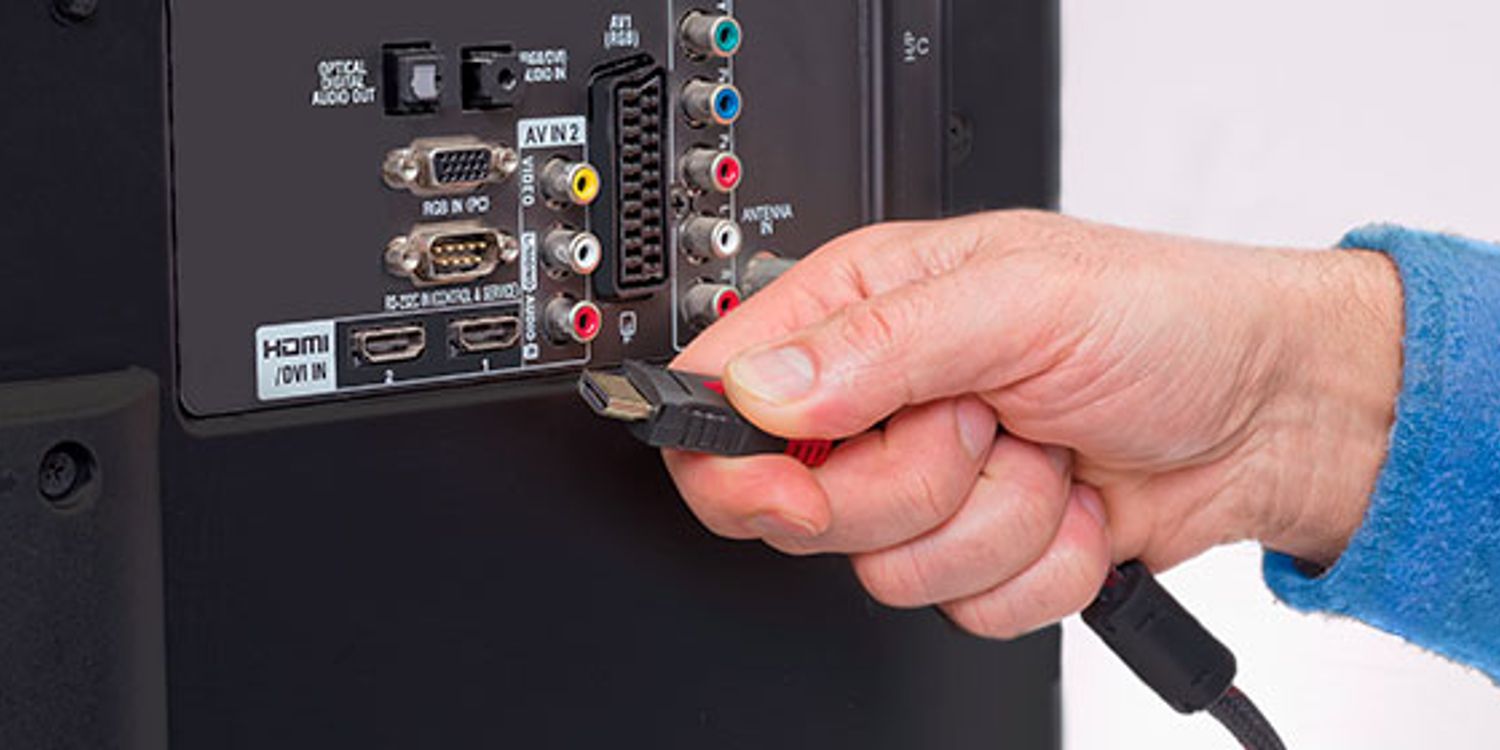
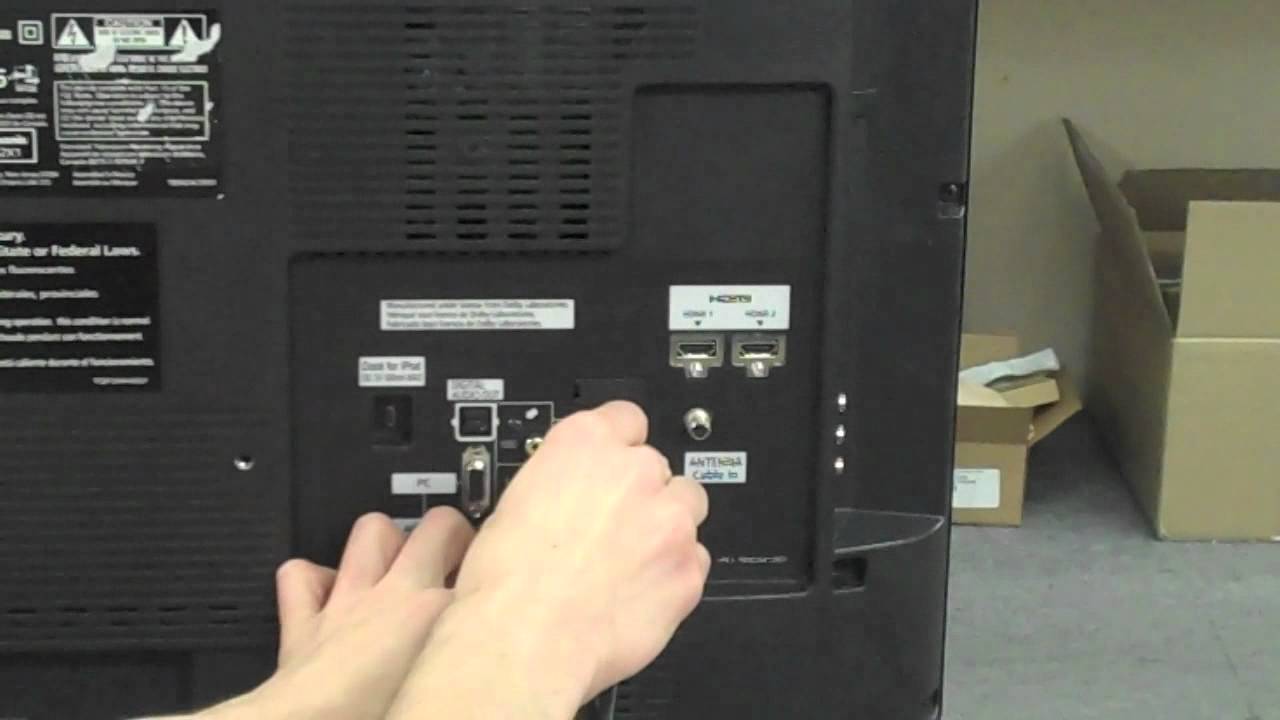
To hook a Nintendo 64 to a smart TV, you need an AV-to-HDMI converter because modern smart TVs lack the analog RCA inputs the console uses, the same challenge you...
The most reliable way to connect your laptop to TCL Smart TV is by using an HDMI cable, which delivers both high-definition video and audio through a single connection. For...
To connect Fire Stick to Samsung Smart TV, plug the Fire TV Stick directly into an available HDMI IN port on your Samsung TV, then press the Source or Input...
To connect a DVD player to your Vizio Smart TV, you have two main options: using an HDMI cable for the best picture and sound, or using RCA cables for...
To connect your old camcorder to a smart TV, you need to identify your camcorder's output port, get the right cable, and then switch the TV to the correct input....
How To Play Video Files On Smart TV To play video files on smart TV, the most reliable method is connecting a USB drive formatted in FAT32 or exFAT directly...
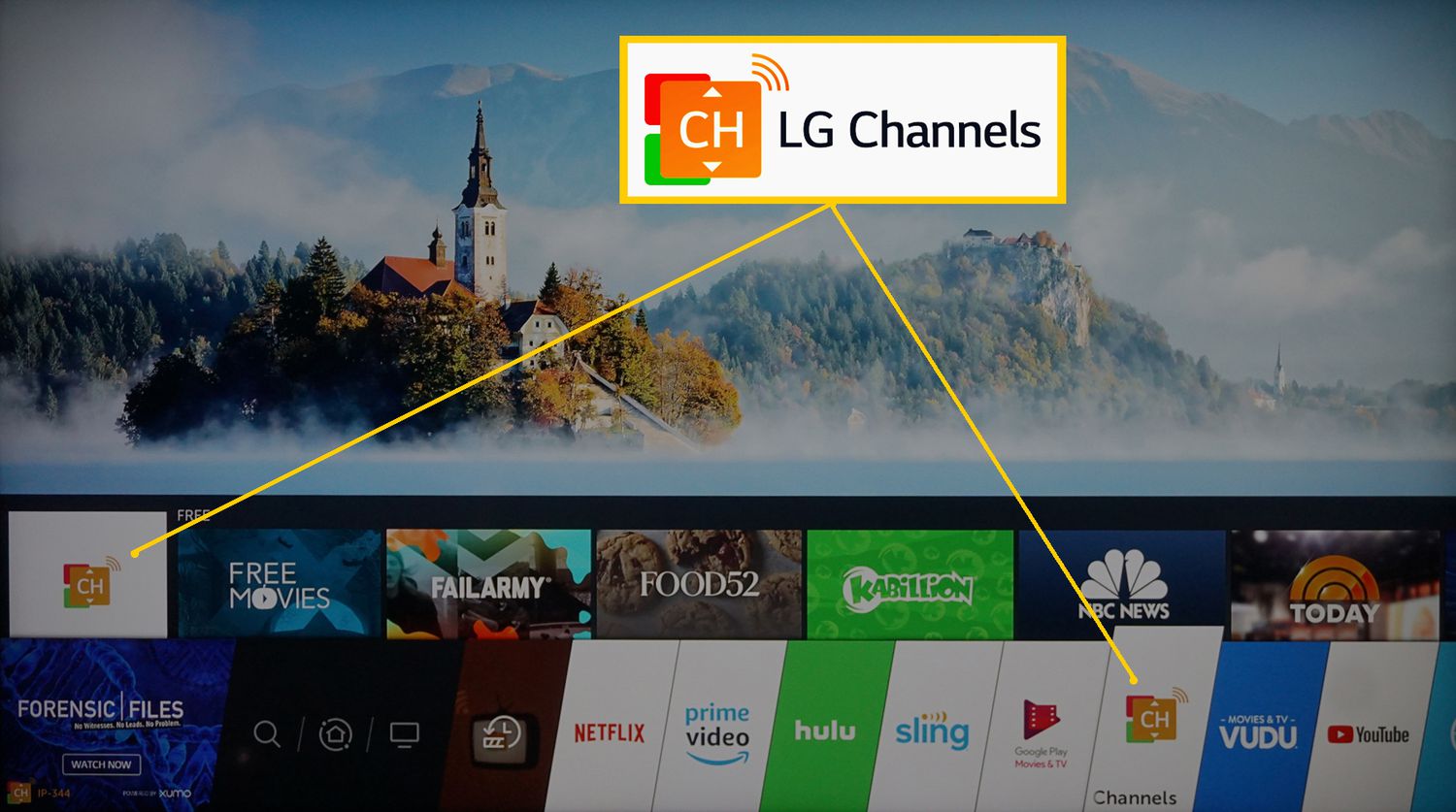
Before you begin: what channels are on LG Smart TV by signal source What channels are on LG Smart TV depends on your signal source: over-the-air channels appear after a...
To watch Roku on an LG Smart TV, you must connect a physical Roku streaming device to your TV’s HDMI port, because the Roku Channel app is not available directly...
You can set up a smart TV without internet by selecting “Skip,” “Set Up Later,” or “Skip Wi-Fi Setup” when prompted during the initial power-on sequence, then connecting an antenna,...
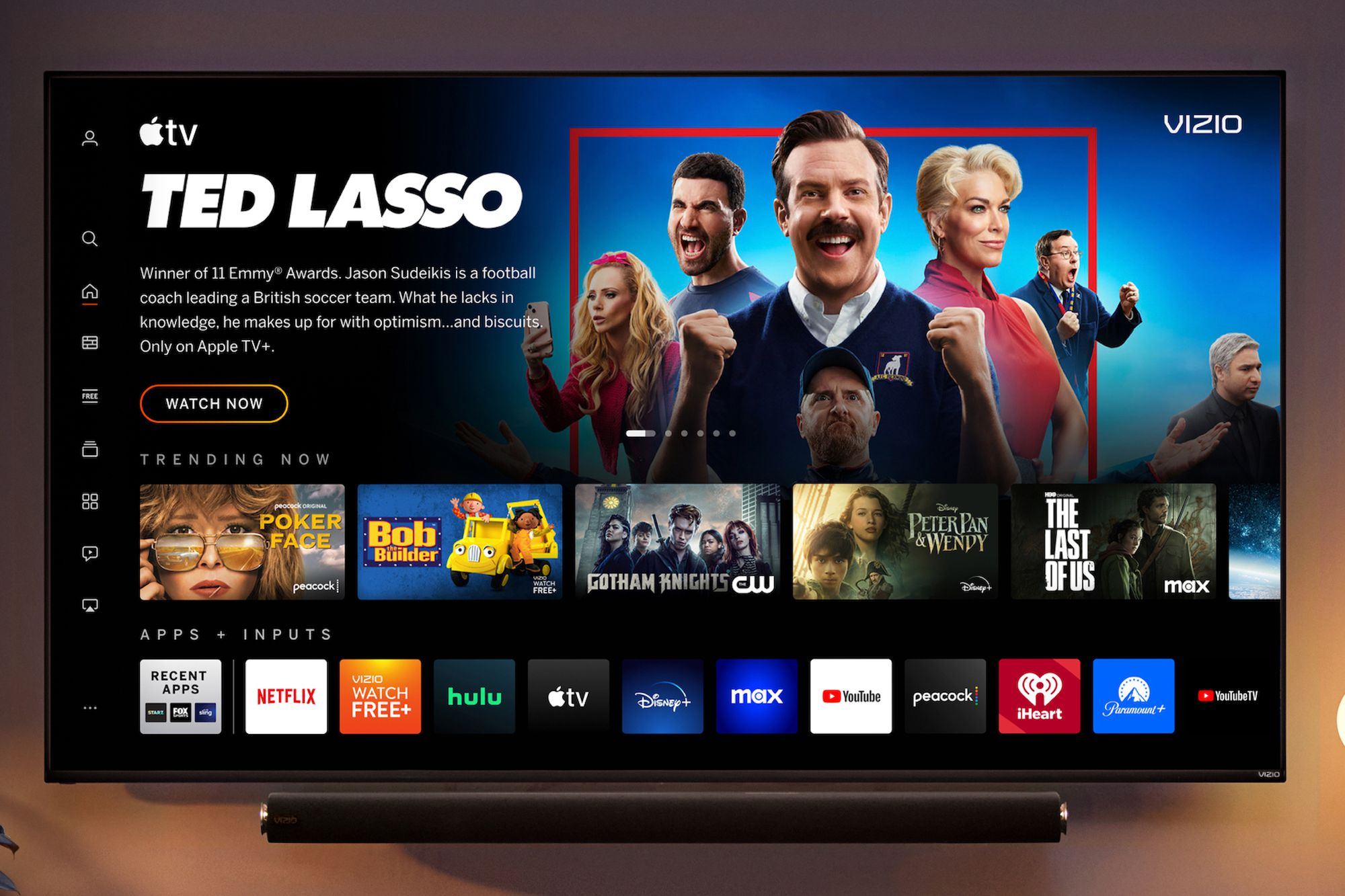
Update my Vizio smart TV and connect external devices To keep your system running smoothly, you should regularly update your Vizio smart TV to access the latest features and connect...
This website uses cookies so that we can provide you with the best user experience possible. Cookie information is stored in your browser and performs functions such as recognising you when you return to our website and helping our team to understand which sections of the website you find most interesting and useful.
Strictly Necessary Cookies
Strictly Necessary Cookie should be enabled at all times so that we can save your preferences for cookie settings.
If you disable this cookie, we will not be able to save your preferences. This means that every time you visit this website you will need to enable or disable cookies again.