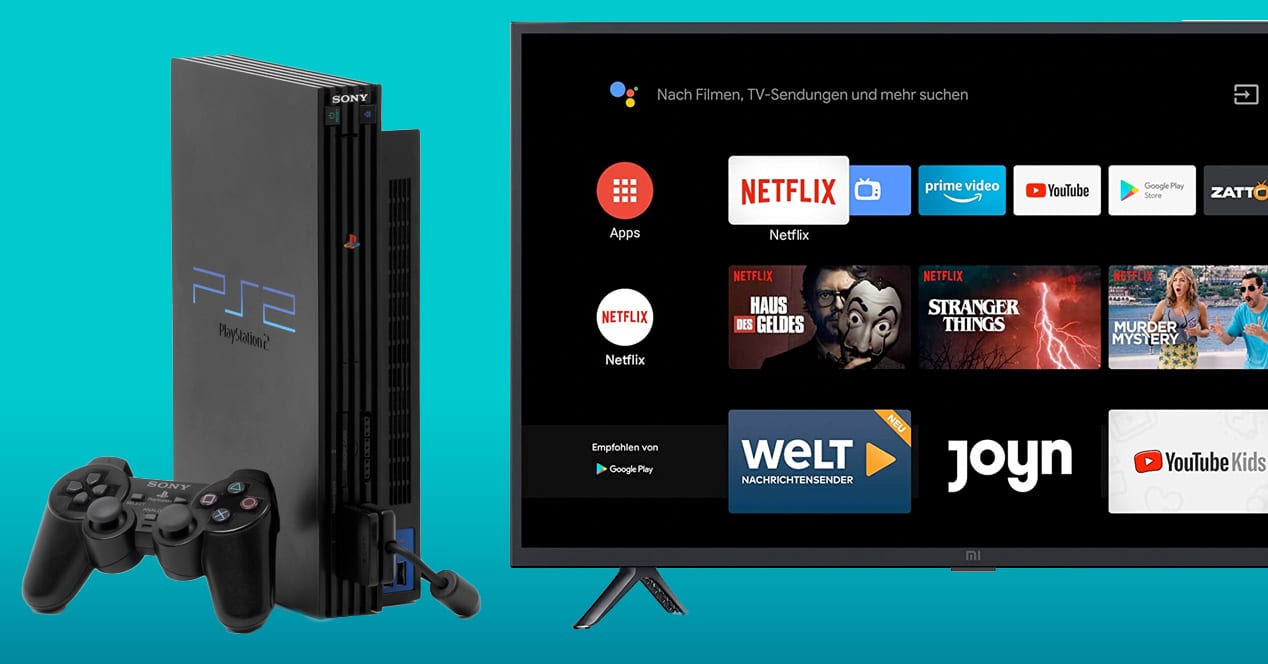
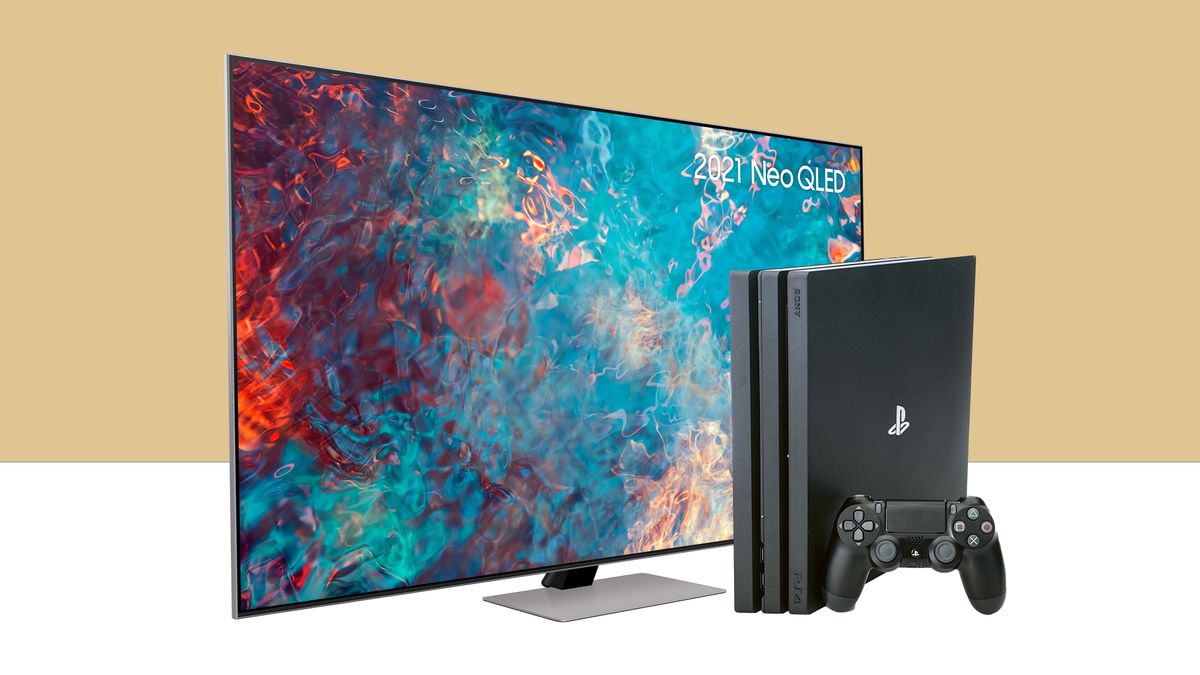
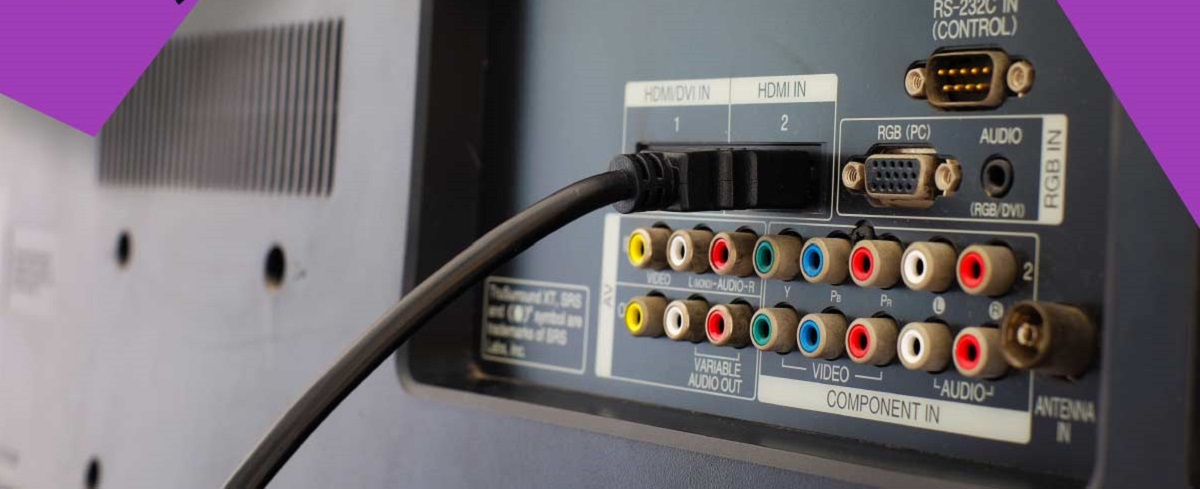
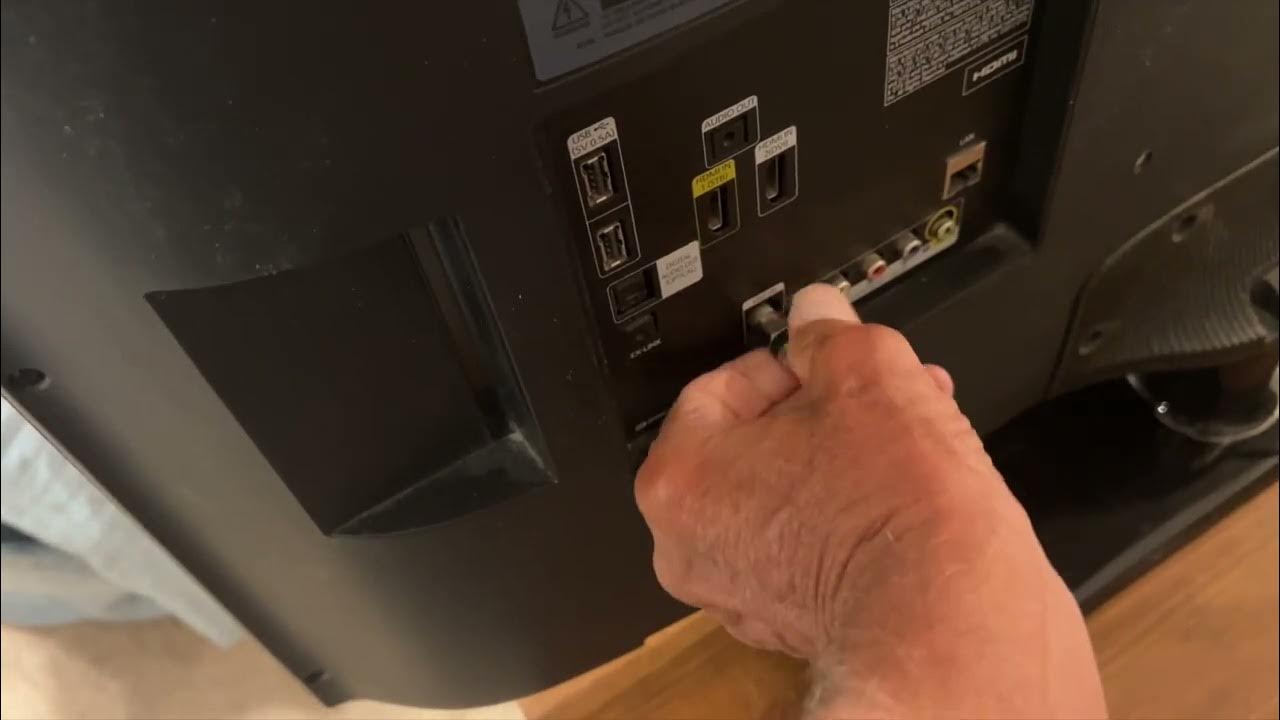
To hook up a PS2 to a smart TV, you'll connect the console's AV MULTI OUT port to your TV using either the original composite cable (yellow, red, white) or...
To screen mirror to Vizio smart TV, you need to wirelessly send your phone, tablet, or computer display to the television using built-in features like AirPlay or Google Cast. If...
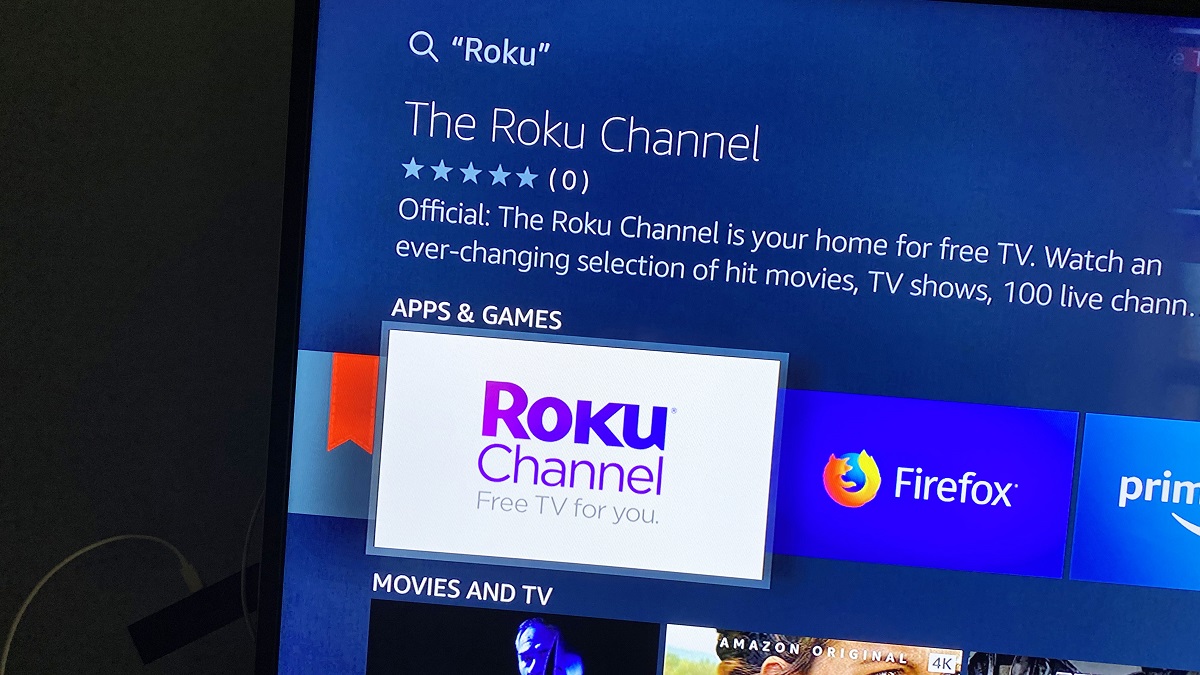
To watch Roku on a Samsung smart TV, you have two distinct options. You can connect a physical Roku streaming device via HDMI to get the full Roku operating system,...
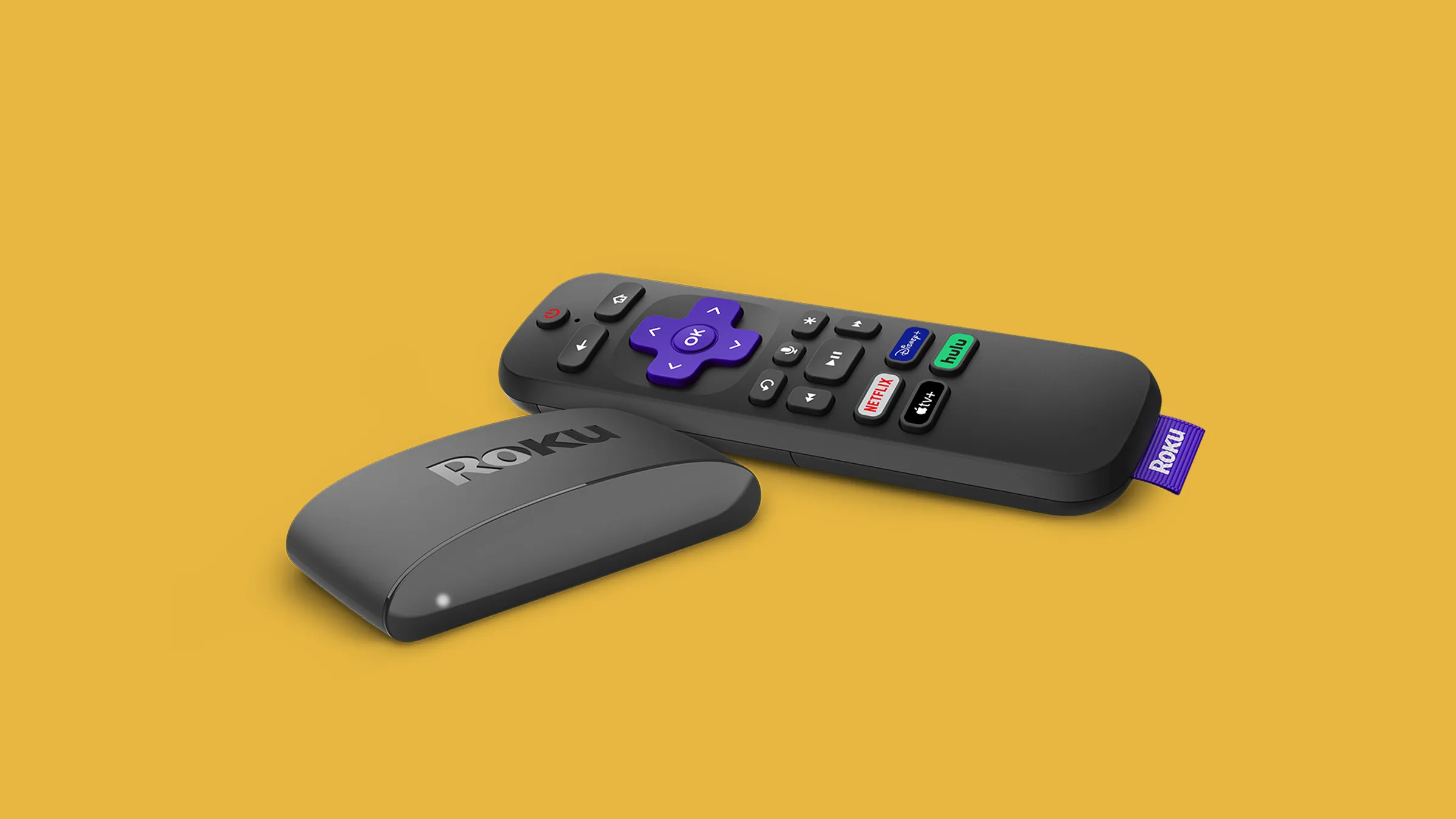
To use Roku on a non smart TV, you need a Roku streaming device, an available HDMI port on your television, and a stable Wi-Fi internet connection. Once connected, your...
To play Quiplash on your smart TV, you need to display the game on your television screen while using your phone or tablet as a controller. Since a standalone 'Quiplash'...
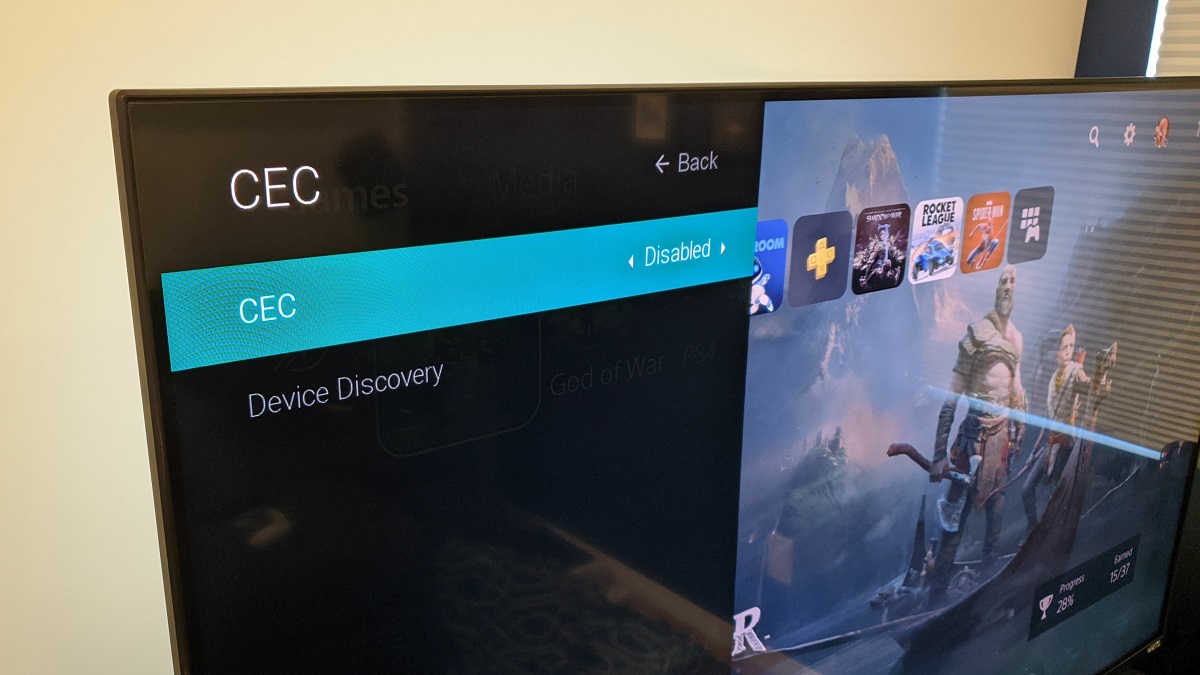
Your smart TV turns on by itself because of a setting called HDMI-CEC, which lets connected devices send power commands to your television. This is the most common cause of...
Yes, you can browse the internet on a Vizio smart TV, but not with Internet Explorer. That browser is discontinued and was never available as an app on Vizio TVs,...
To get back to regular TV from smart TV, press the Input or Source button on your remote. This immediately switches your screen from the smart hub or a streaming...
To hook up a VCR to a smart TV, you need an RCA-to-HDMI converter because modern smart TVs almost never include the analog composite inputs that older VCRs use. The...
This website uses cookies so that we can provide you with the best user experience possible. Cookie information is stored in your browser and performs functions such as recognising you when you return to our website and helping our team to understand which sections of the website you find most interesting and useful.
Strictly Necessary Cookies
Strictly Necessary Cookie should be enabled at all times so that we can save your preferences for cookie settings.
If you disable this cookie, we will not be able to save your preferences. This means that every time you visit this website you will need to enable or disable cookies again.