This tag collects articles about resetting, unlocking, and troubleshooting a wide range of consumer electronics, from phones and laptops to smart locks, streaming devices, and game consoles. It is written for everyday owners who have legitimate access to their own devices, whether you are selling an old phone, helping a family member recover a forgotten password, or simply trying to clear a glitchy Wi-Fi extender. The content assumes you are the rightful user or have the owner’s permission, and it focuses on practical, step-by-step recovery rather than workarounds.

The articles fall into three clear themes. First, there are guides for reclaiming access to a device you own but cannot get into, such as resetting a Samsung Chromebook without a password, removing a school administrator from a managed Chromebook, or unlocking an Android phone after a factory reset. Second, there are setup and transfer guides, like connecting a Chromecast to a new Wi-Fi network, changing accounts on a Roku TV, or clearing Bluetooth memory on a car stereo. Third, some pieces address security and responsible ownership from a safety angle, for example, resetting found AirPods to return them, removing an activation lock on an Apple Watch with the previous owner’s cooperation, or recycling electronics responsibly. Other topics include factory resetting a PlayStation 4, a Dell laptop, or a Kwikset Halo lock, as well as troubleshooting why a console turned off by itself or why a Roku TV has no sound. In every case, the goal is to help you restore, transfer, or secure your own gear, not to bypass protections on devices you do not own.
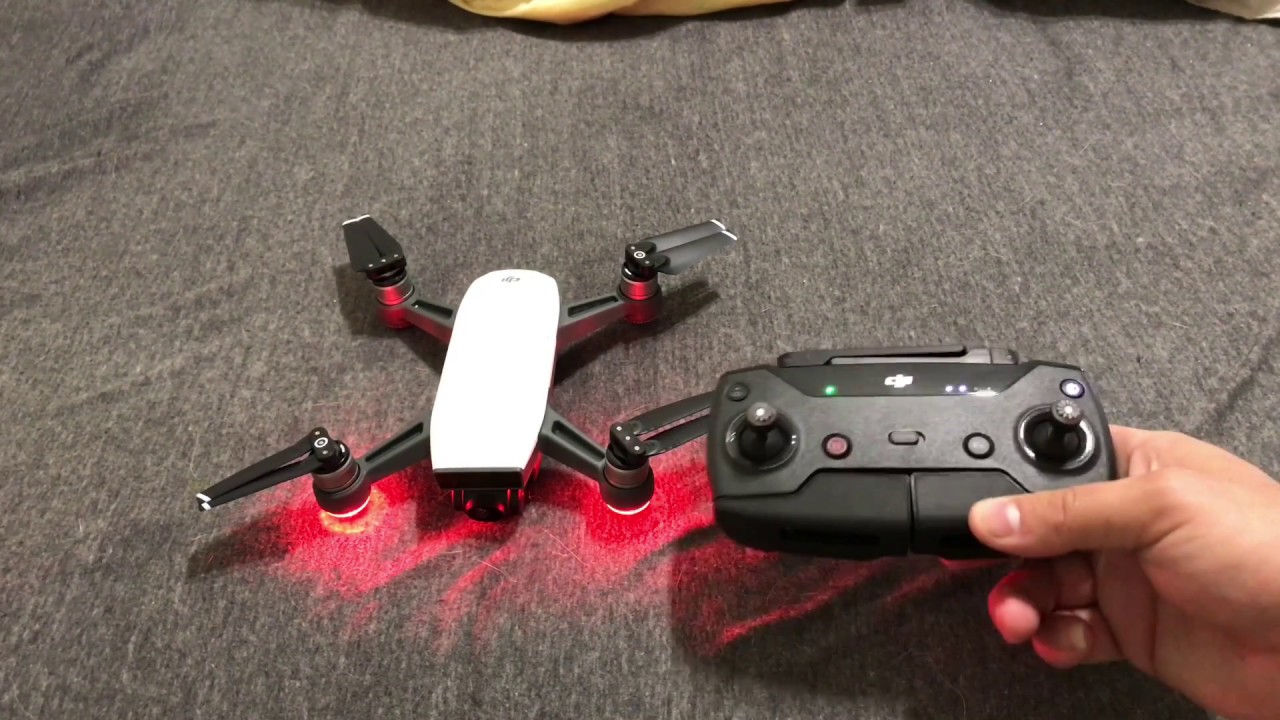
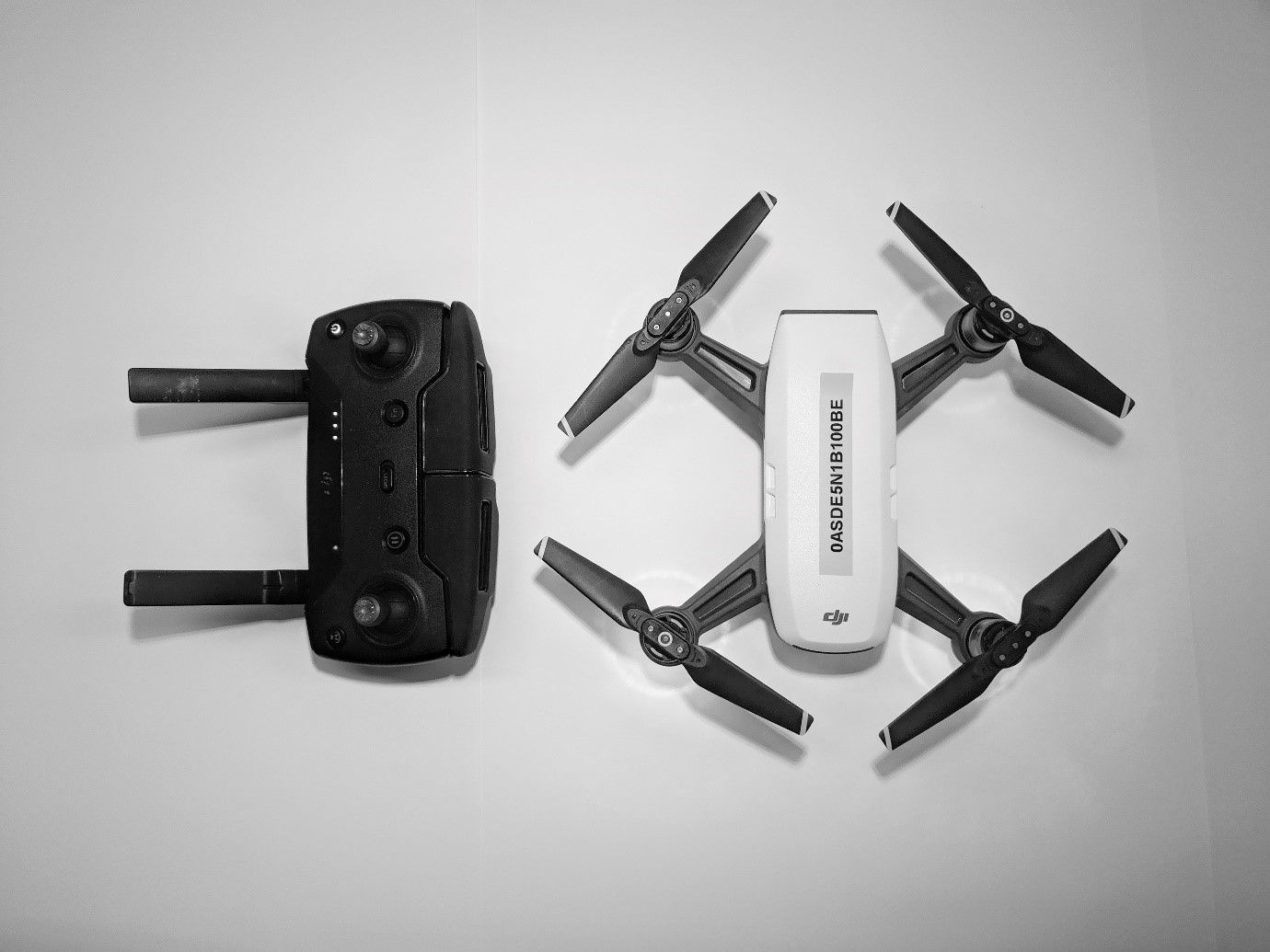
How To Pair A Drone With Controller

To pair a drone with a controller, you need to re-establish the wireless link between the two devices, which is usually a straightforward process that varies by brand and model....

How To Pair Drone With Remote Controller

To pair a drone with a remote controller, you must initiate a re-linking process that connects the two devices wirelessly. This guide explains how to pair drone with remote controller...

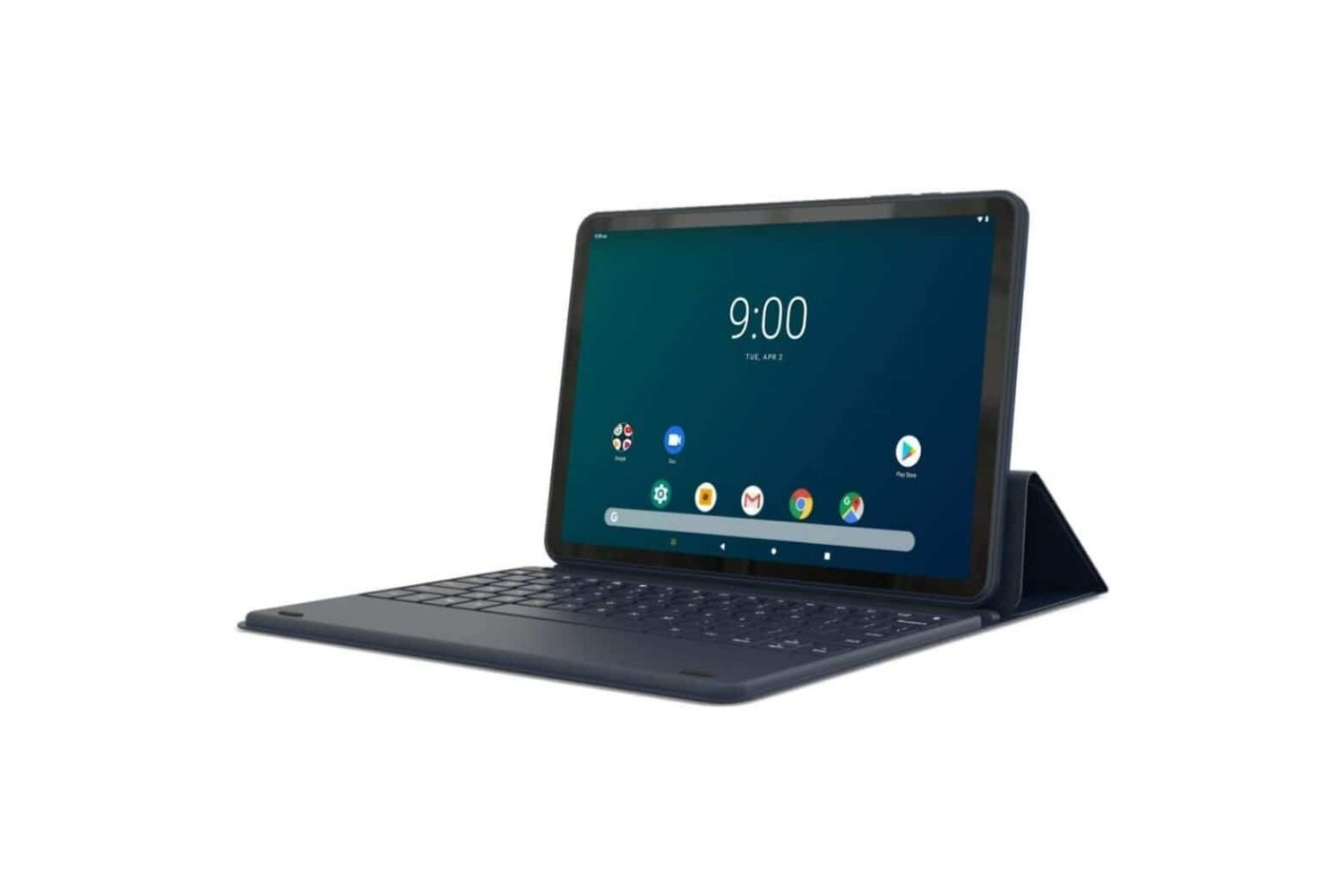
How To Unlock Onn Tablet Forgot Password

If you've forgotten your password, PIN, or pattern, the fastest way to unlock your Onn tablet is to use Google's Find My Device service to remotely erase it, which removes...

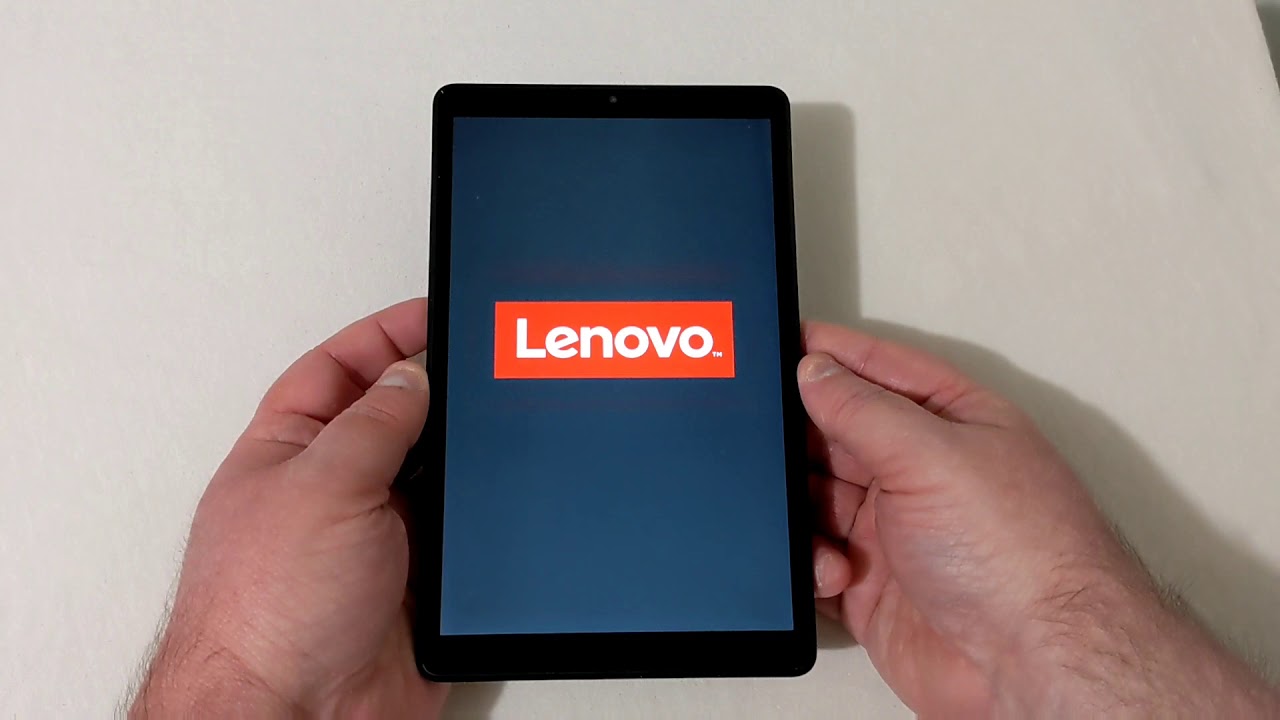
How To Reset Lenovo Tablet Without Password

If you’re locked out because you forgot your PIN, pattern, or password, the working way to reset Lenovo tablet without password is to force a factory reset through recovery mode...

How To Reset Android Tablet With Computer

Before you reset your Android tablet with computer: Critical preparatory steps To reset android tablet with computer, you need a reliable method that works even when the device is locked...

How To Reset Amazon Kid Tablet

To reset an Amazon Kid Tablet, you can use the Settings menu if the tablet is working, or recovery mode if it is frozen or you are locked out. A...

How To Unlock A Samsung Tablet

To unlock a Samsung tablet, simply wake the screen and enter your existing PIN, pattern, or password. If you’re locked out because you forgot it, your next best options are...

How To Factory Reset Kids Fire Tablet

To factory reset a Kids Fire Tablet, you will erase all content, settings, and downloaded apps, returning the device to its original out-of-the-box state. This process also deregisters the tablet...