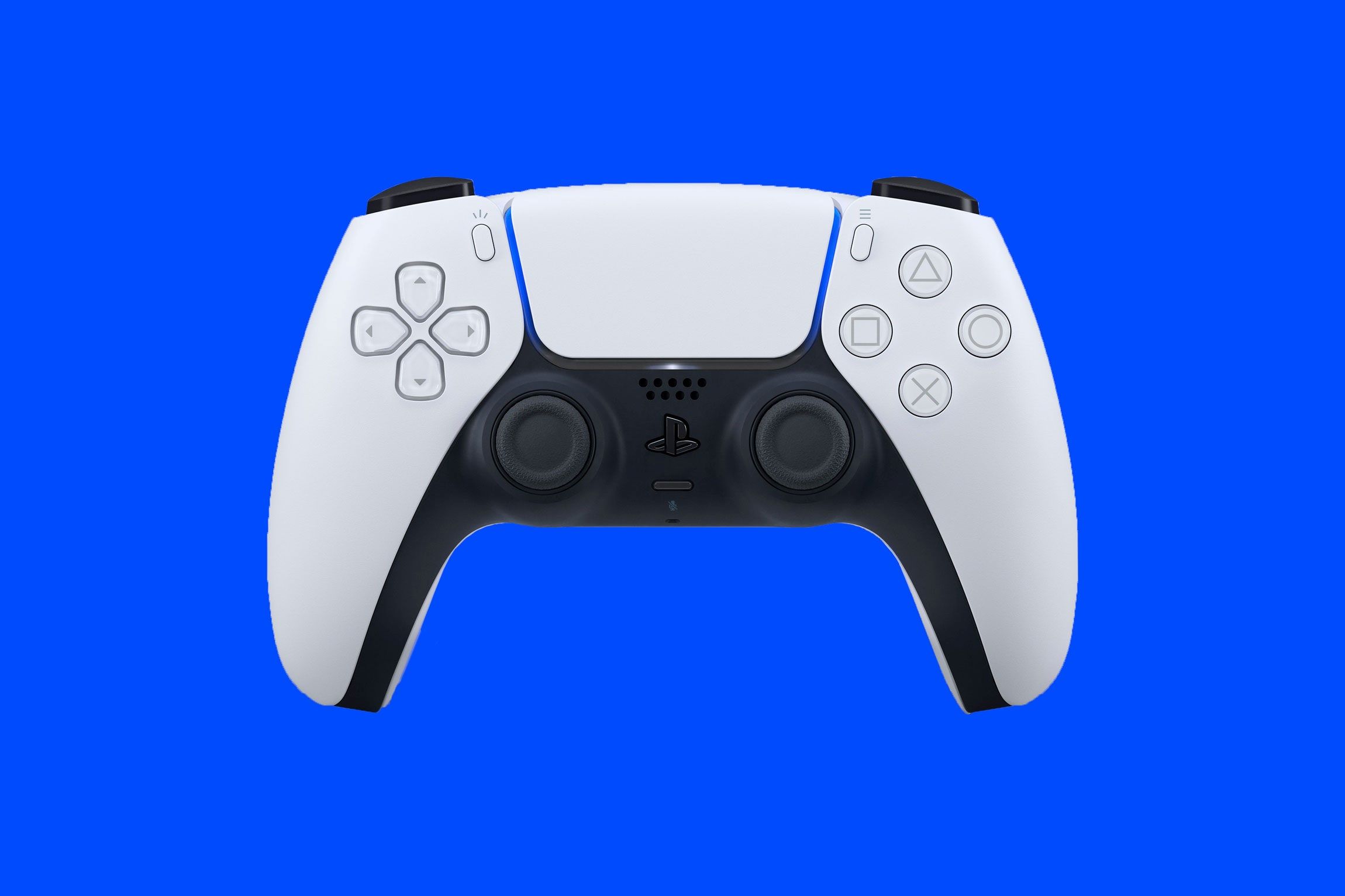
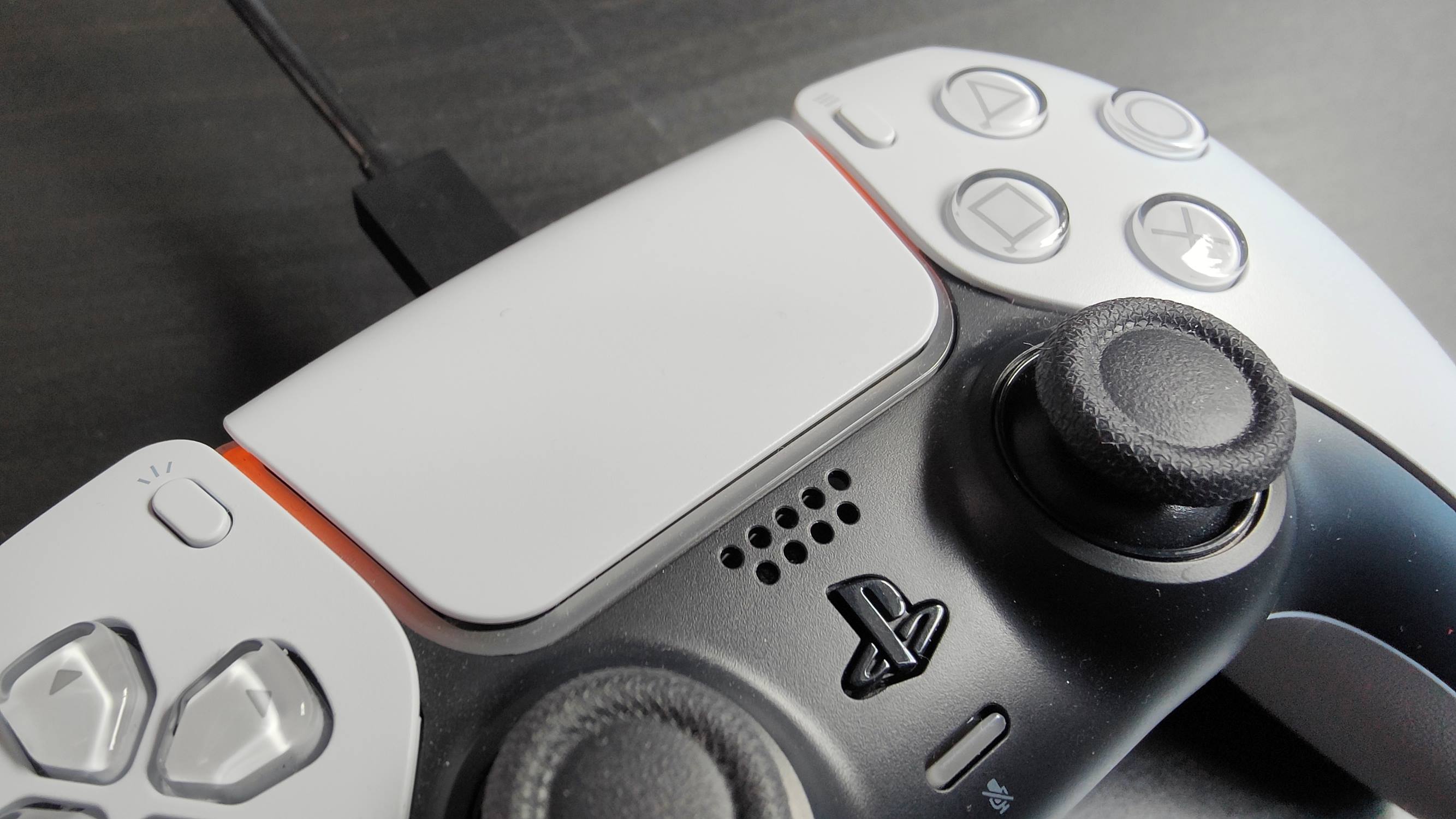
The DualSense tag collects our guides for Sony’s PlayStation 5 controller, aimed at everyday owners who want to get the most out of the hardware without digging through manuals or forums. Whether you have just unboxed a new pad or are troubleshooting an older one, these articles are written for a general audience, no deep technical background is required. The content focuses on practical, day-to-day operations, from the initial setup to routine maintenance.

The articles cluster around a few clear themes. First, connection and pairing: you will find straightforward steps for going wireless with Bluetooth, linking a second pad for local multiplayer, or switching a controller between a PS5 and a PC. Second, power and charging: several pieces cover how long a charge lasts, how to tell when the battery is full, and the correct way to charge the internal cell. Third, troubleshooting and adjustments: this includes the well-known “drift” issue, with guides on how to correct a wandering analog stick, as well as how to turn the console on properly and manage audio output so game sound doesn’t leak into a Discord call.

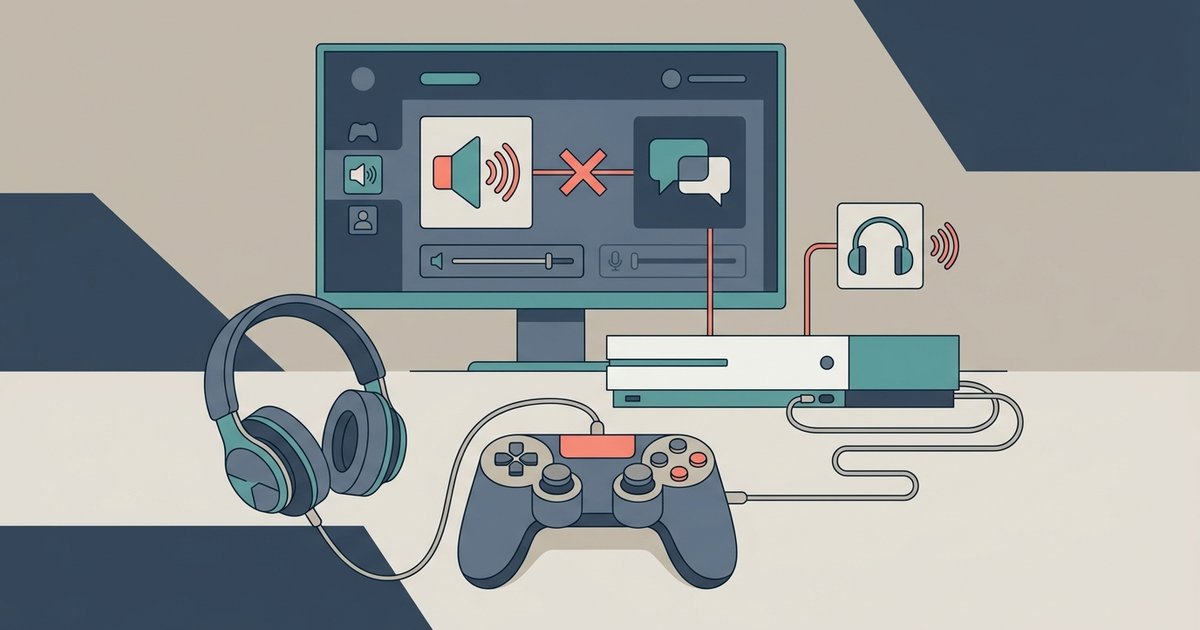
Beyond the basics, the tag also addresses cost and compatibility questions. You can read about the current price of a replacement controller, and there is a practical look at using an Xbox pad on a PS5, explaining what works and what does not. Importantly, the article about adapters frames input lag as a performance and fairness consideration, not a workaround. Likewise, the guide on stopping game audio in Discord is about configuring your own settings for a better chat experience, not about bypassing any system. Overall, these pages help you operate, maintain, and understand your DualSense safely and legally.
How Much Is A PS5 Controller

A standard new PlayStation 5 DualSense controller retails for $74.99. If you are looking for a special color or a limited edition, you can expect to pay $84.99 or more,...

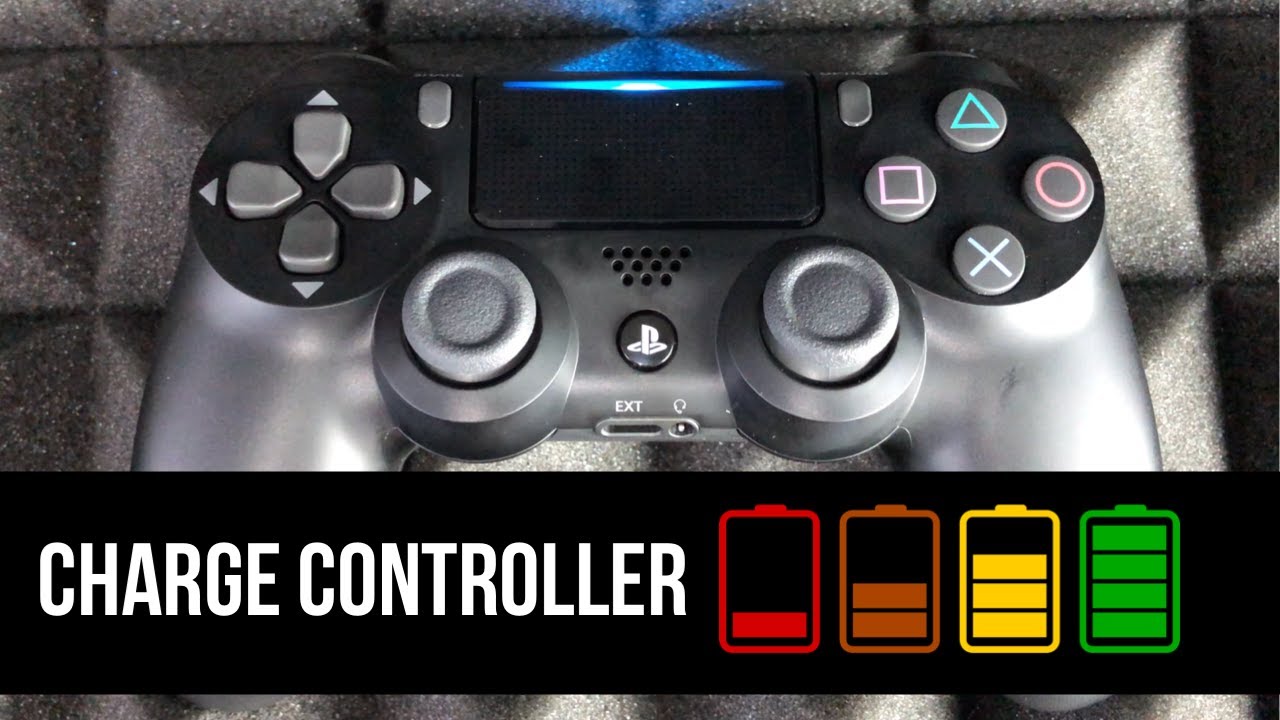
How To Know If PS5 Controller Is Charging

To know if your PS5 controller is charging, look for the PS5 controller charging light: a slow, pulsing orange light bar on the controller itself. This orange pulse confirms active...

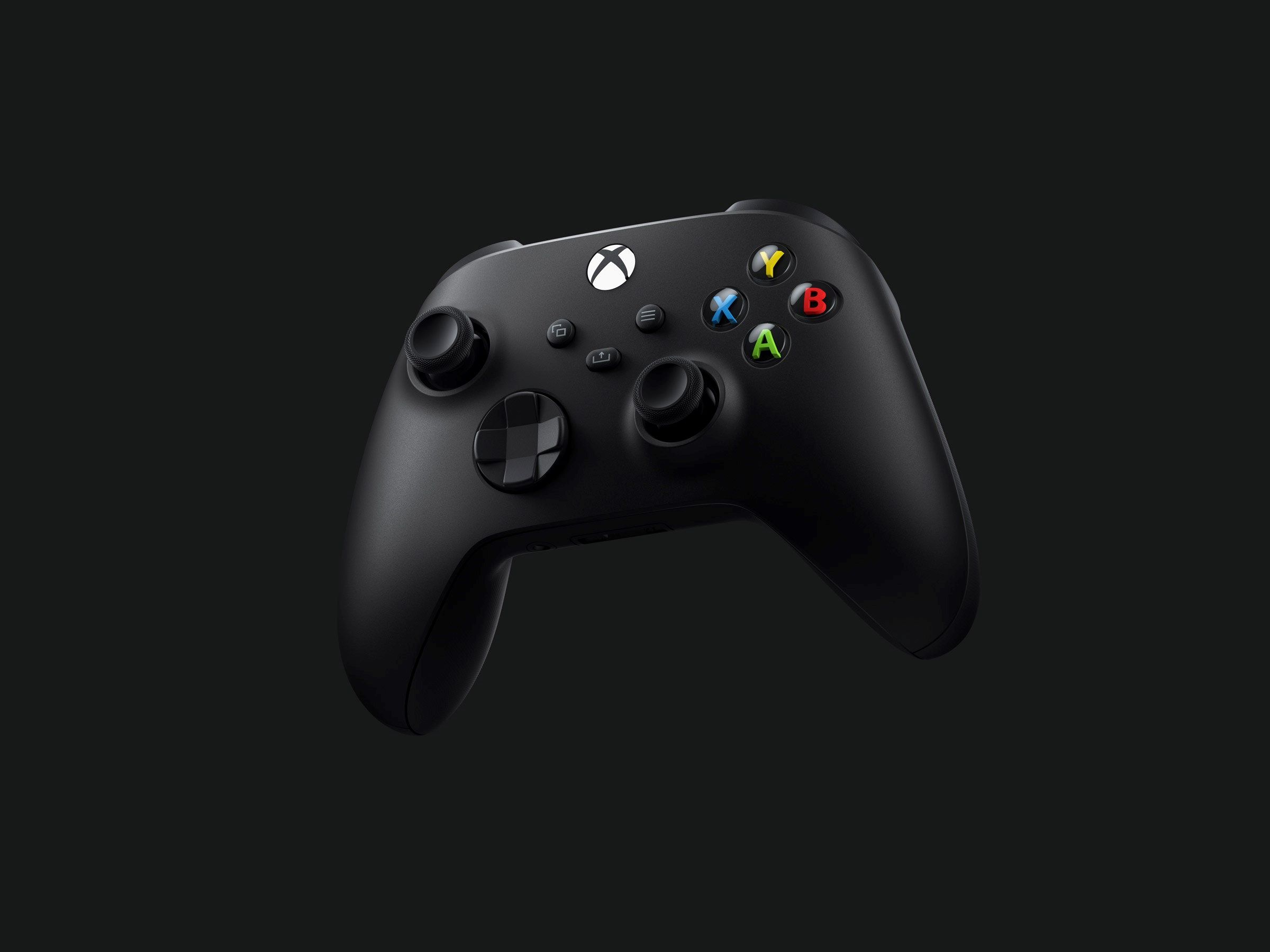
How To Use Xbox Controller On PS5

You can use an Xbox controller on PS5, but only by using a third-party USB adapter, because Sony blocks direct Bluetooth or USB connections for PS5 games. To use Xbox...

How To Put PS5 Controller In Pairing Mode

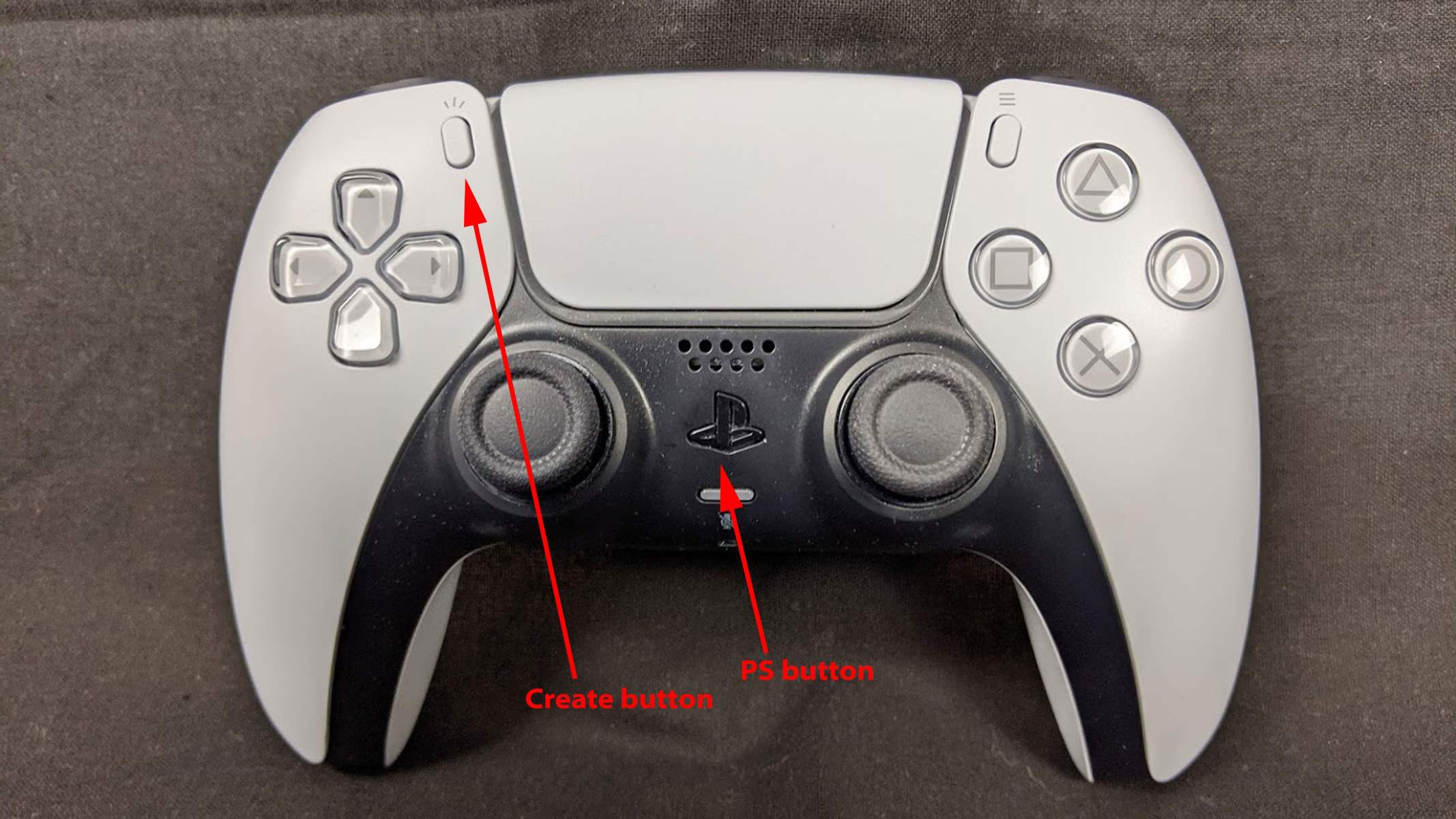
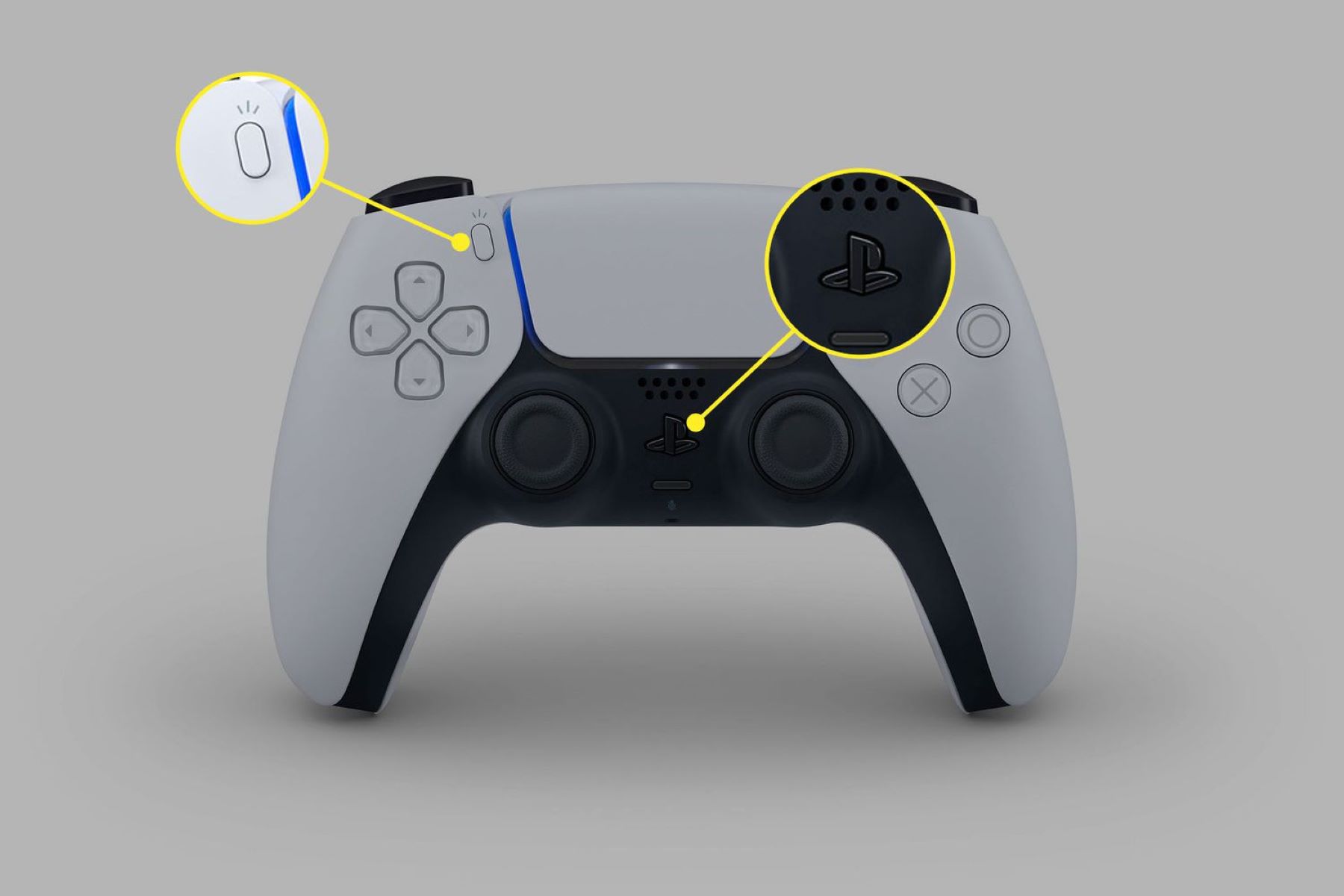
To put a PS5 controller in pairing mode, first make sure the controller is off and disconnected from any USB cable. Then, simultaneously press and hold the Create button (to...

How To Pair New PS5 Controller

To pair a new PS5 controller, you must connect it to your console with the USB cable included with the system. This wired connection is the mandatory first-time setup process...

How To Connect A Second PS5 Controller

To connect a second PS5 controller, you need to pair it with your console either wirelessly or via USB. The quickest method for most users is the wireless Bluetooth pairing...

How To Fix Playstation Controller Drift

To fix PlayStation controller drift, start with the quickest solutions: reset the controller, clean the thumbsticks, or update the software. These methods resolve most drift issues caused by dirt, debris,...

How To Turn On Playstation 5

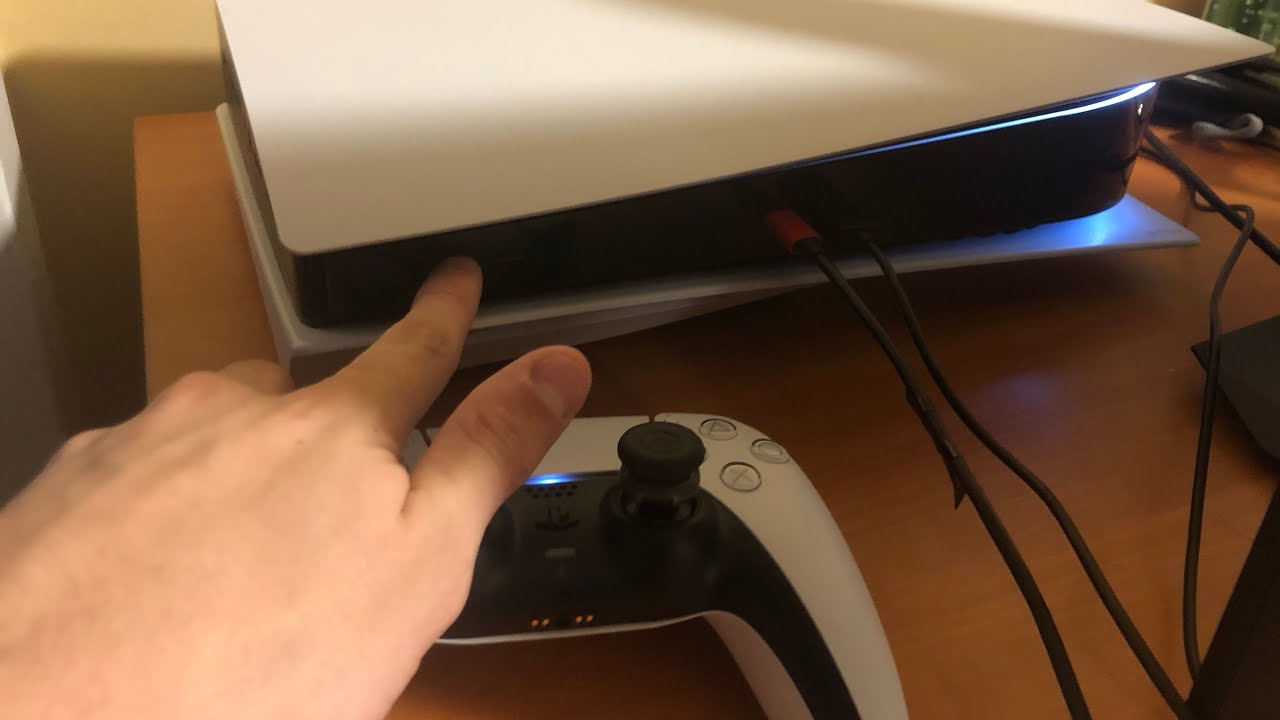
To turn on your PlayStation 5, press the power button on the console itself or press the PlayStation (PS) button on a paired DualSense wireless controller. Before you can power...

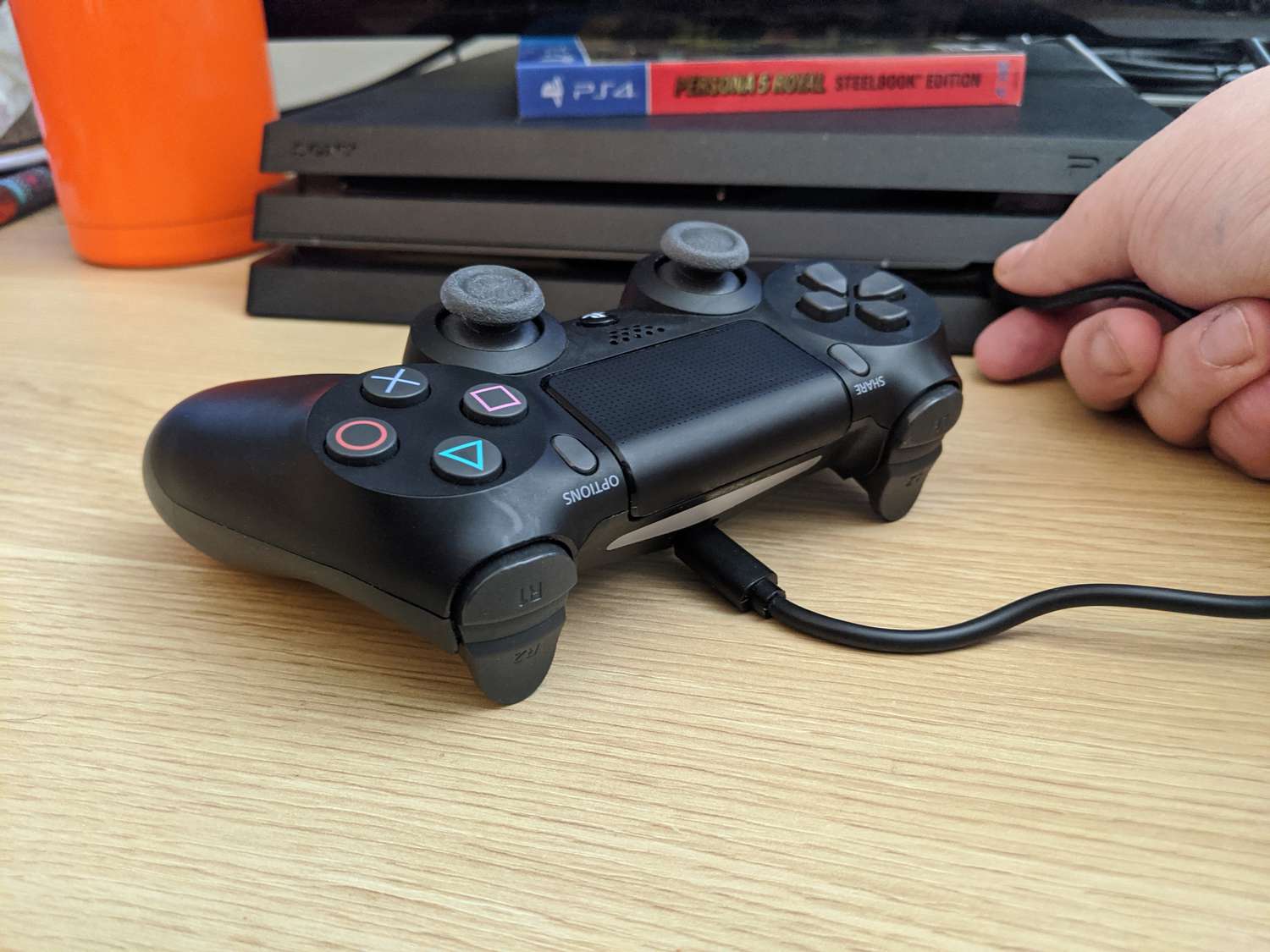
How To Charge Playstation Controller

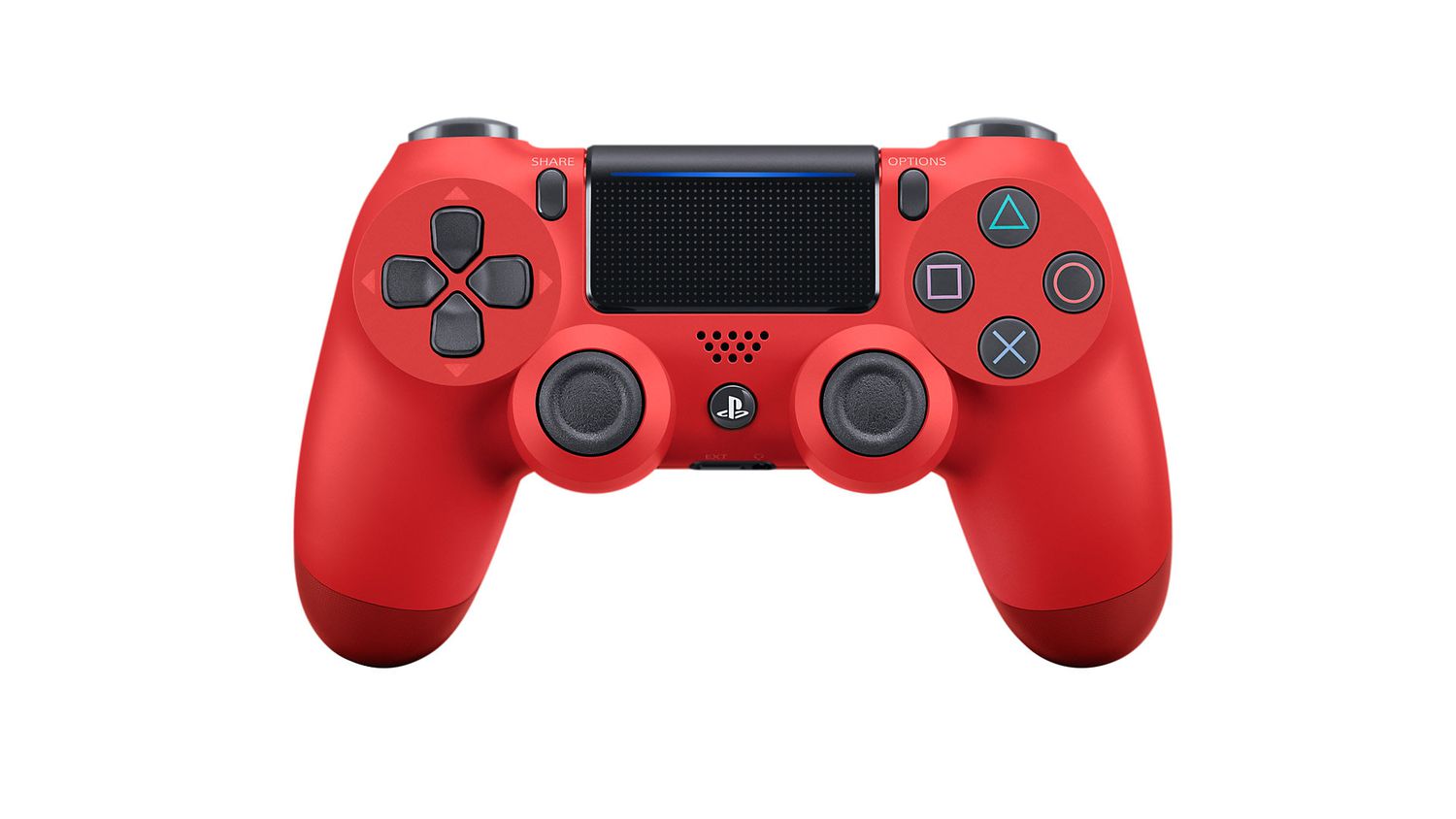
To charge a PlayStation controller, connect it to your PlayStation console (PS5 or PS4) using the included USB cable. The method is identical for both systems, but the cable type...