Our guides for Sony’s PlayStation 5 controller, aimed at everyday owners who want to get the most out of the hardware without digging through manuals or forums. Whether you have just unboxed a new pad or are troubleshooting an older one, these articles are written for a general audience, no deep technical background is required. The content focuses on practical, day-to-day operations, from the initial setup to routine maintenance.
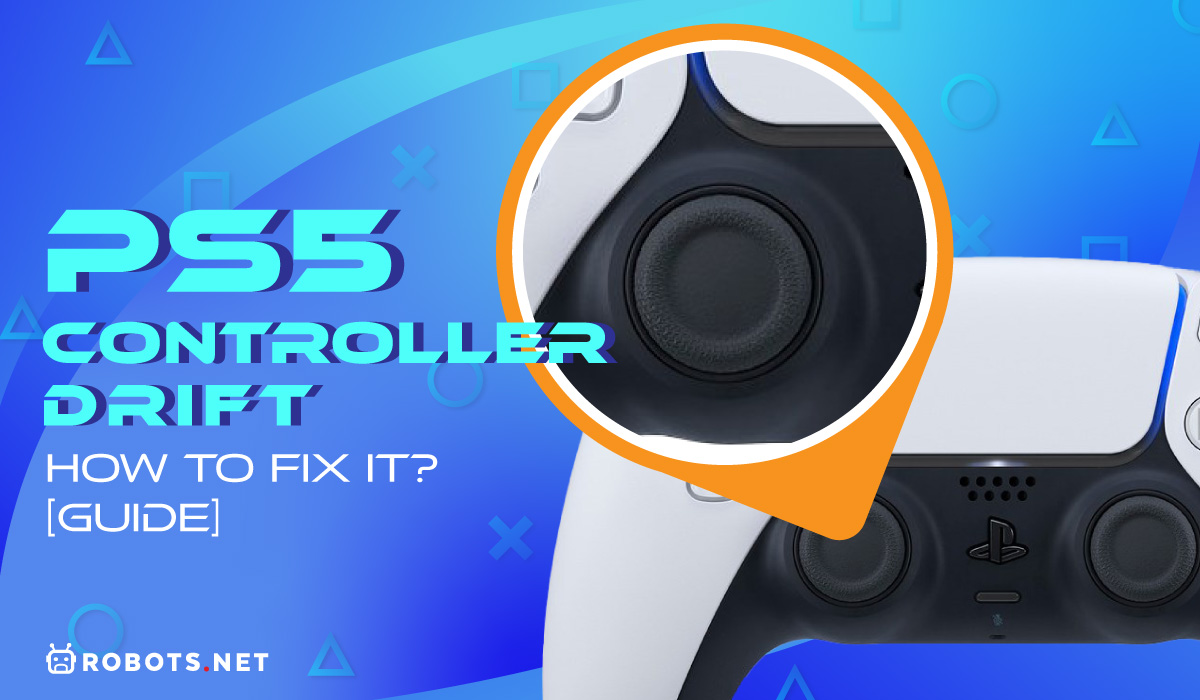
The articles cluster around a few clear themes. First, connection and pairing: you will find straightforward steps for going wireless with Bluetooth, linking a second pad for local multiplayer, or switching a controller between a PS5 and a PC. Second, power and charging: several pieces cover how long a charge lasts, how to tell when the battery is full, and the correct way to charge the internal cell. Third, troubleshooting and adjustments: this includes the well-known “drift” issue, with guides on how to correct a wandering analog stick, as well as how to turn the console on properly and manage audio output so game sound doesn’t leak into a Discord call.
Beyond the basics, the tag also addresses cost and compatibility questions. You can read about the current price of a replacement controller, and there is a practical look at using an Xbox pad on a PS5, explaining what works and what does not. Importantly, the article about adapters frames input lag as a performance and fairness consideration, not a workaround. Likewise, the guide on stopping game audio in Discord is about configuring your own settings for a better chat experience, not about bypassing any system. Overall, these pages help you operate, maintain, and understand your DualSense safely and legally.