Welcome to the Do Not Disturb tag, your practical resource for taming the constant buzz, beep, and pop-up interruptions that plague modern gadgets. This collection is written for everyday users, parents, fitness enthusiasts, and home streamers, who want to regain control over their devices without wading through dense manuals. The articles here focus on two core themes: restoring silent or private modes when they fail, and deciphering the cryptic icons and alerts that appear on your screens.
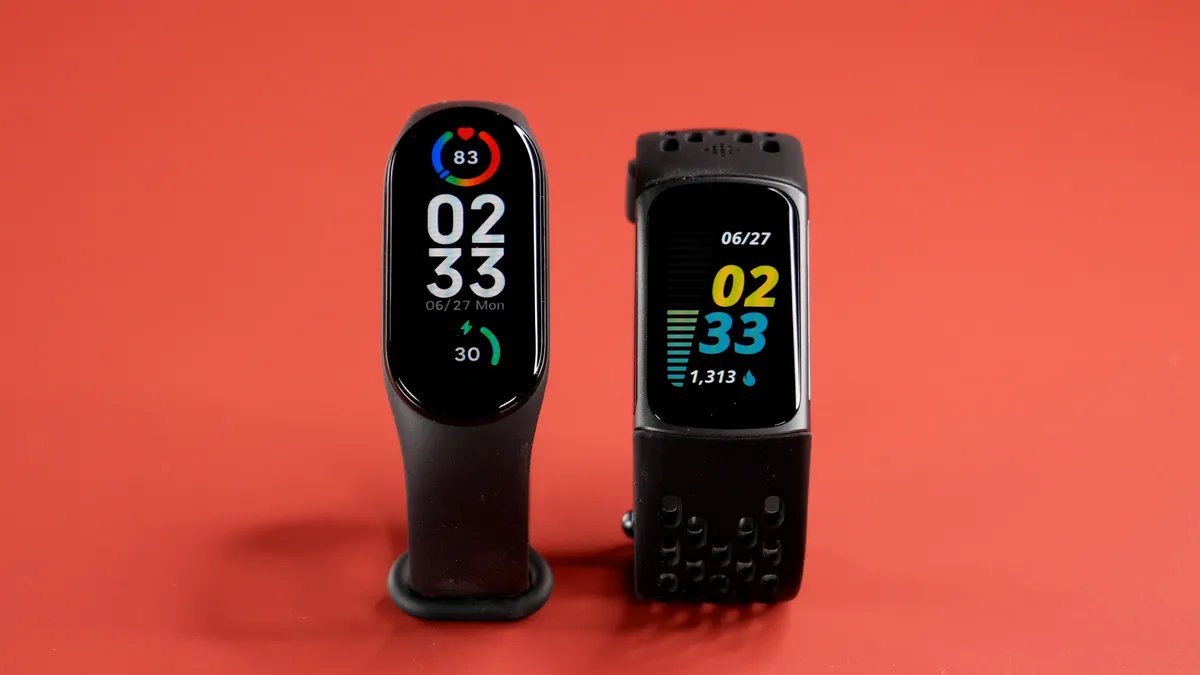
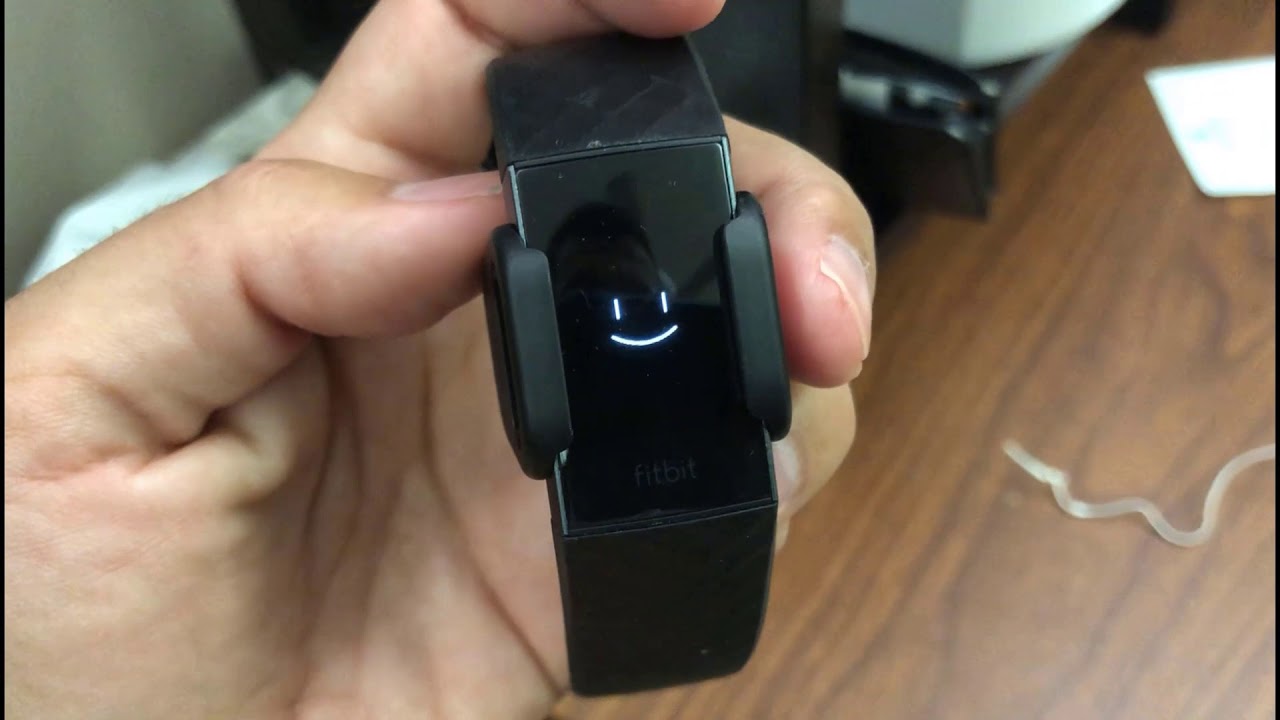
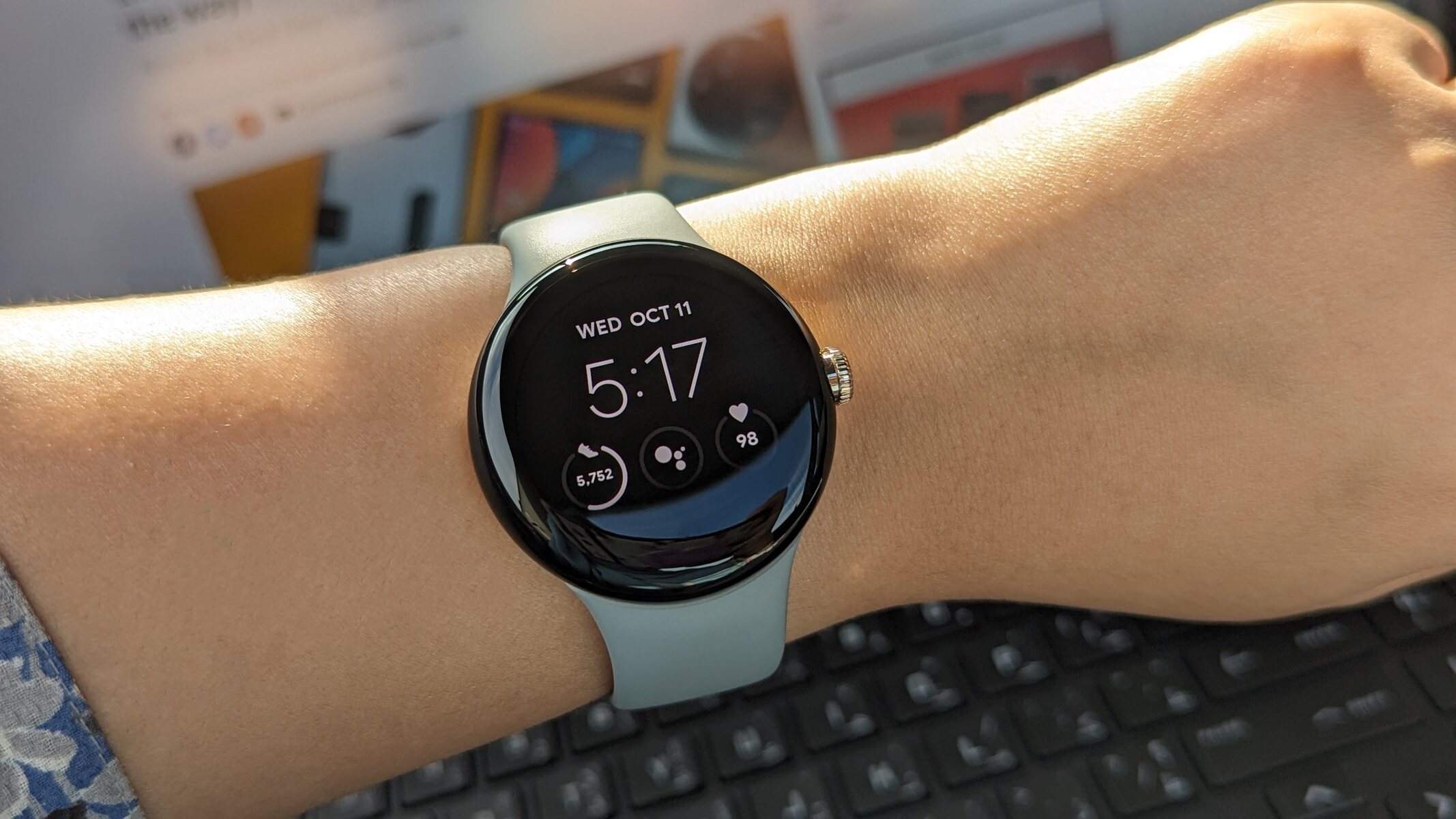
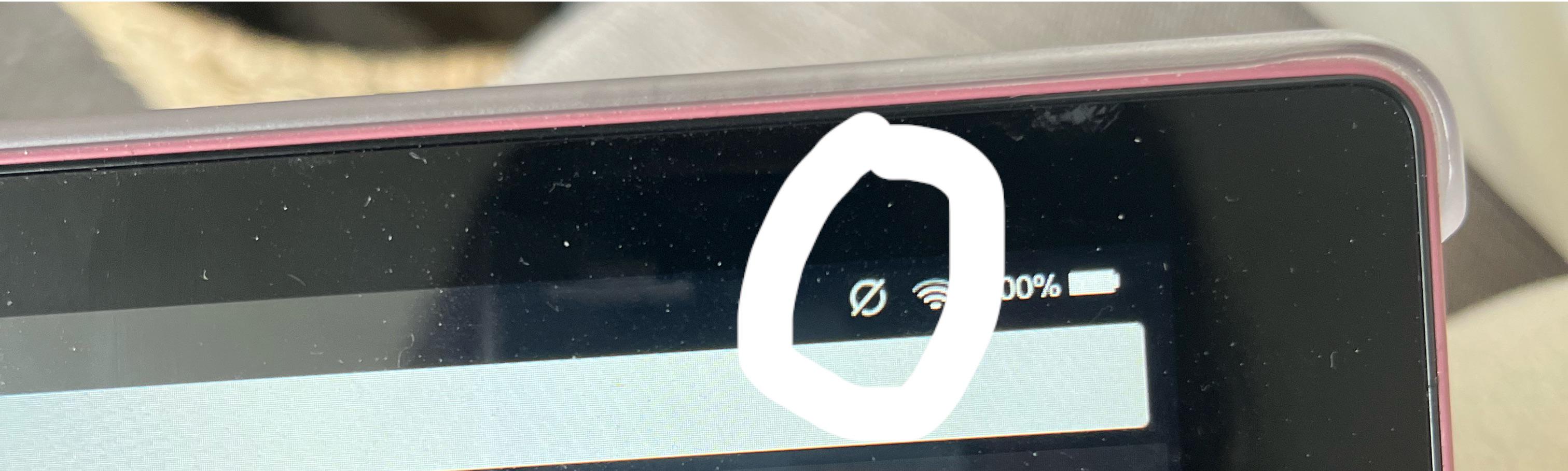
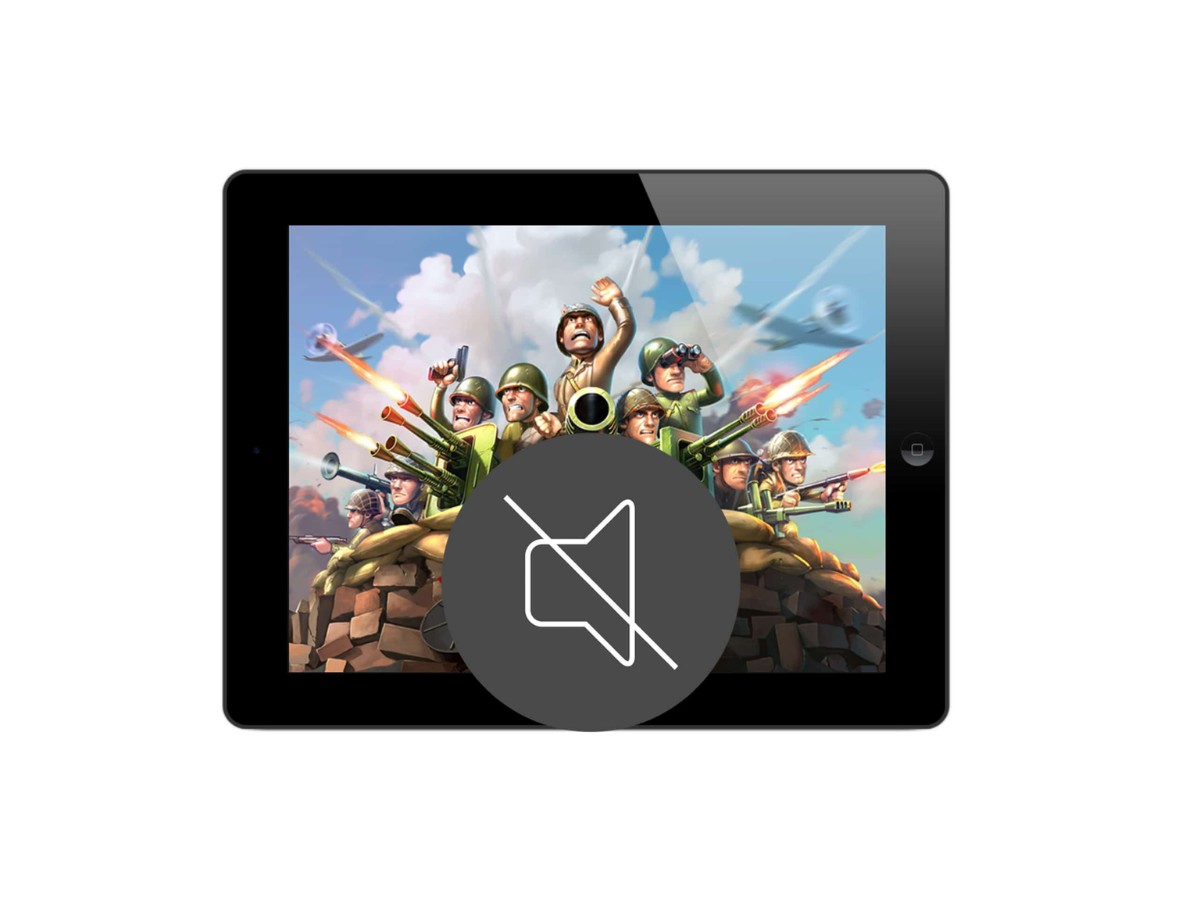
For those dealing with a suddenly noisy tablet, the guides walk you through the common culprits behind a missing sound icon or a stuck notification shade. You’ll find clear, step-by-step help for reinstating the mute function on your Fire tablet or re-enabling the audio that vanished after a system update. Similarly, if your Fitbit has gone quiet, no vibration for calls, texts, or app alerts, the troubleshooting pieces help you check your device’s settings, sync status, and notification permissions, so you can get that gentle tap on the wrist back without missing a beat.
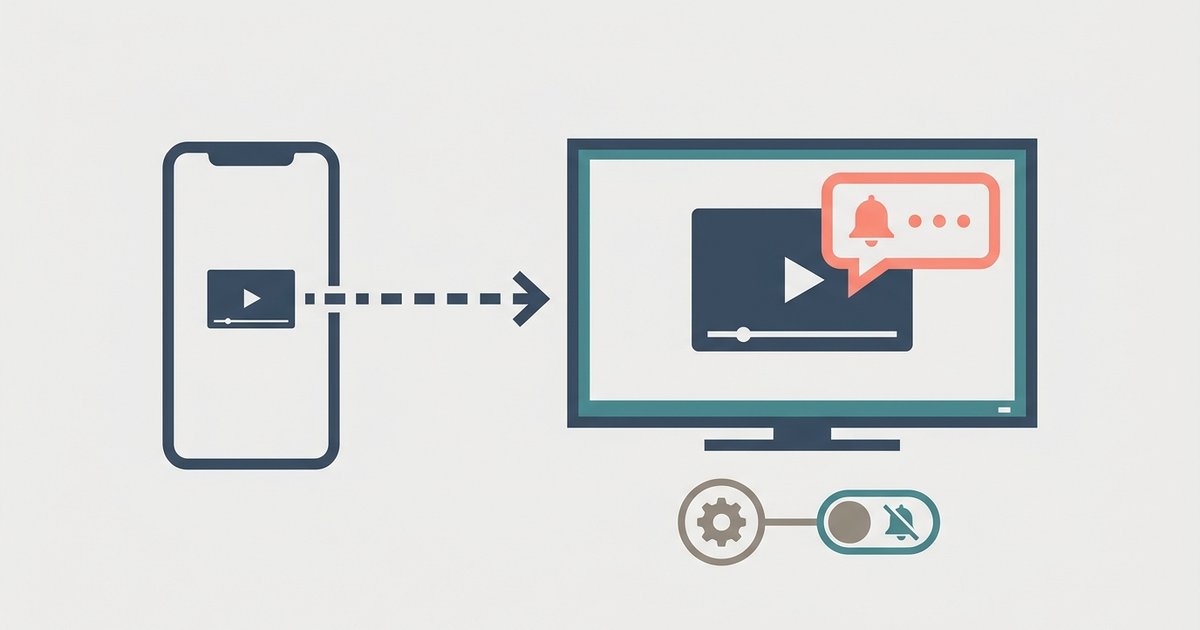
Beyond fixing what’s broken, several articles take a smarter, safer angle on managing interruptions. Instead of showing you how to block ads or bypass restrictions, they explain the meaning behind each icon on your Fitbit (so you know what a silent mode actually does) and, crucially, how to stop notifications from leaking onto your TV during screen mirroring. That last one is especially useful for protecting your privacy in a living room setting, it’s about keeping your messages and alerts off the big screen, not about hacking or cheating the system. Together, these pieces help you take back control, one quiet setting at a time.