This tag collects articles about connecting gaming consoles, laptops, and other HDMI devices to screens and capture setups, practical know-how for streamers, home theater tinkerers, and anyone trying to get one device’s picture onto another display. The material is aimed at everyday users who want to solve a cable or lag problem without buying expensive gear or diving into complex software.
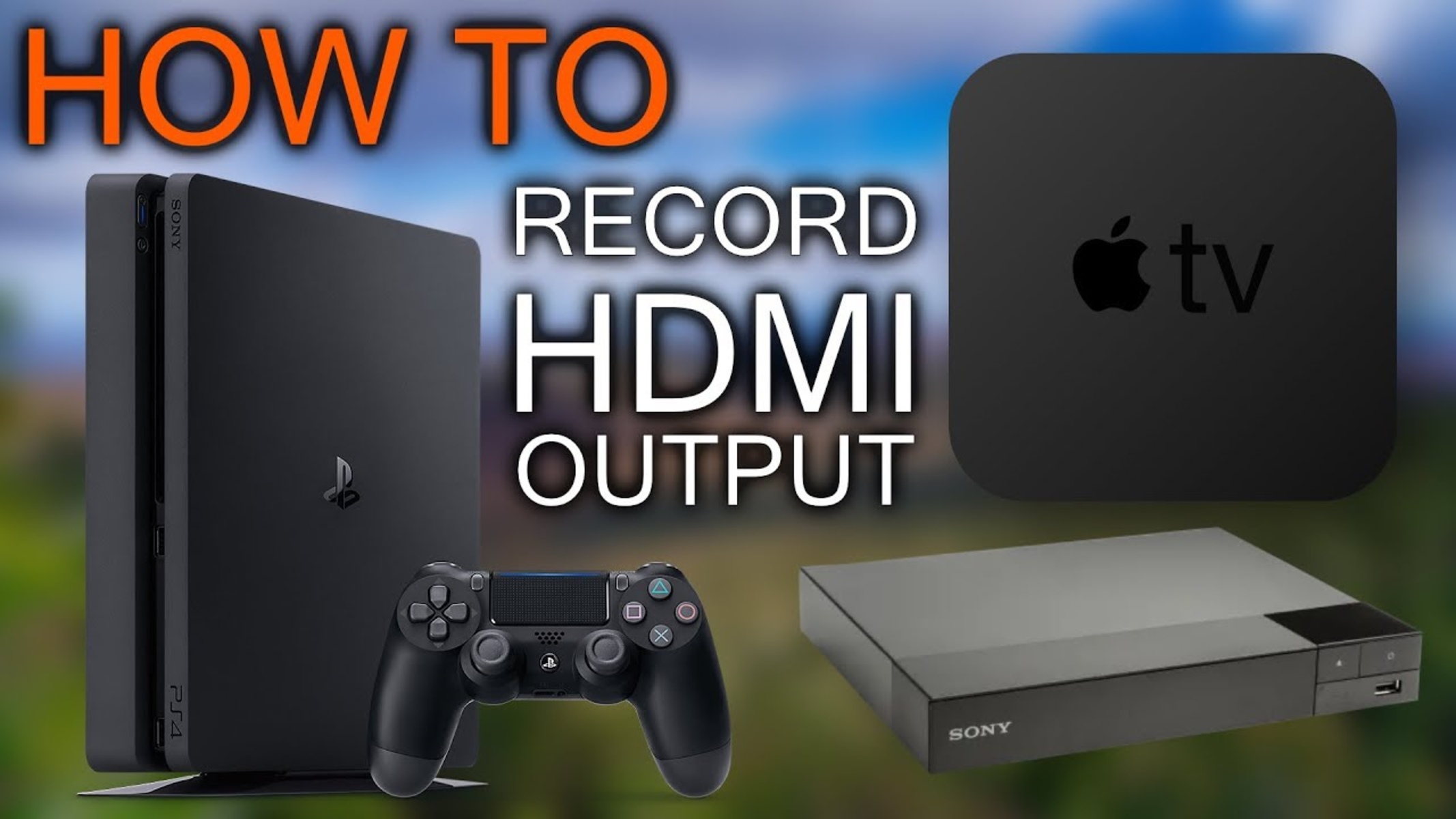
The articles fall into two clear themes. First, direct connection guides: they walk through hooking an Xbox, PS3, or second laptop to a PC or laptop screen using HDMI, including when you can skip a capture card entirely. Second, recording and latency issues: one piece explains how to record from an HDMI output, while another looks at why capture cards introduce delay during gaming, helping readers decide if a card is even worth it for their setup.
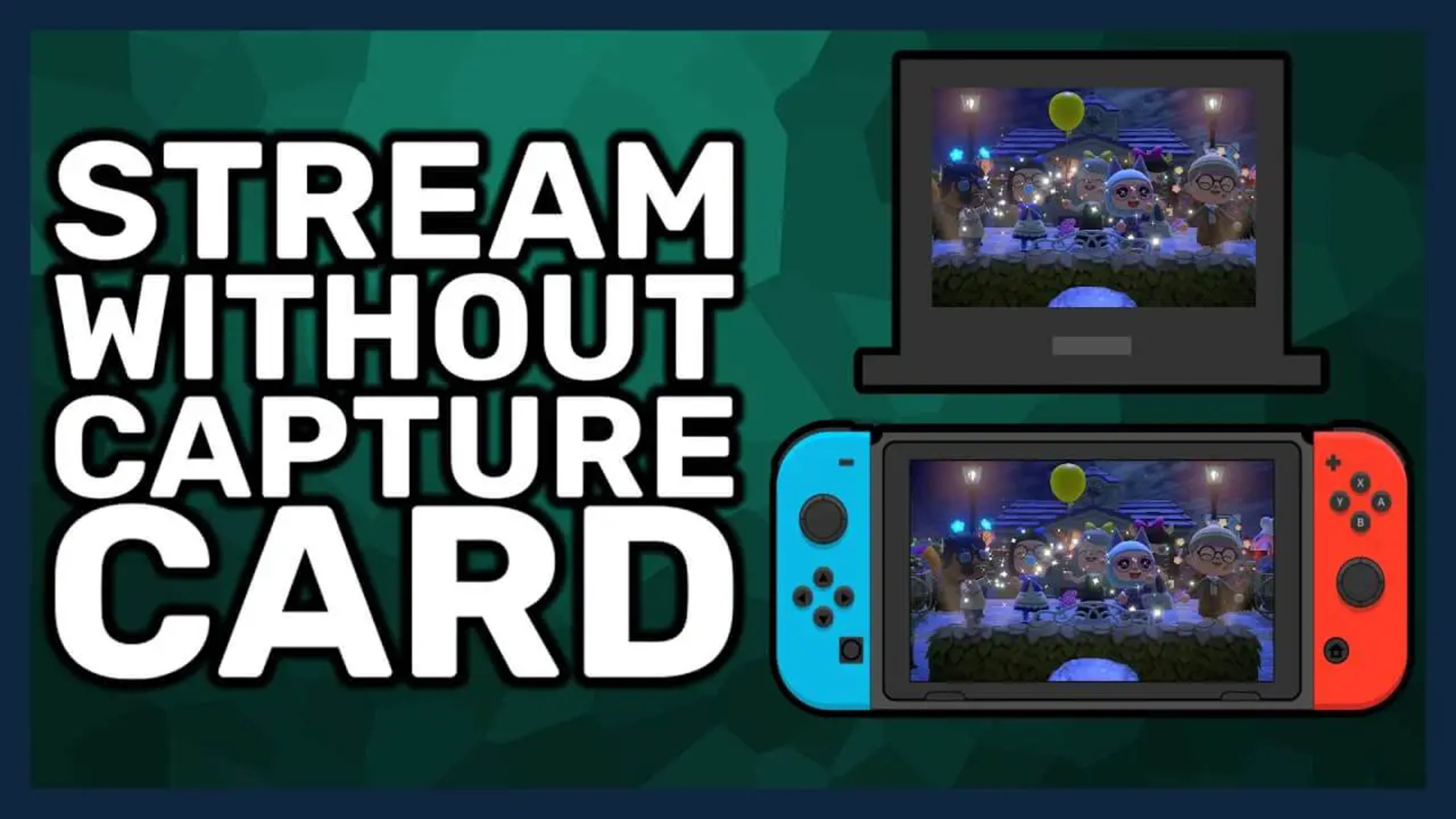
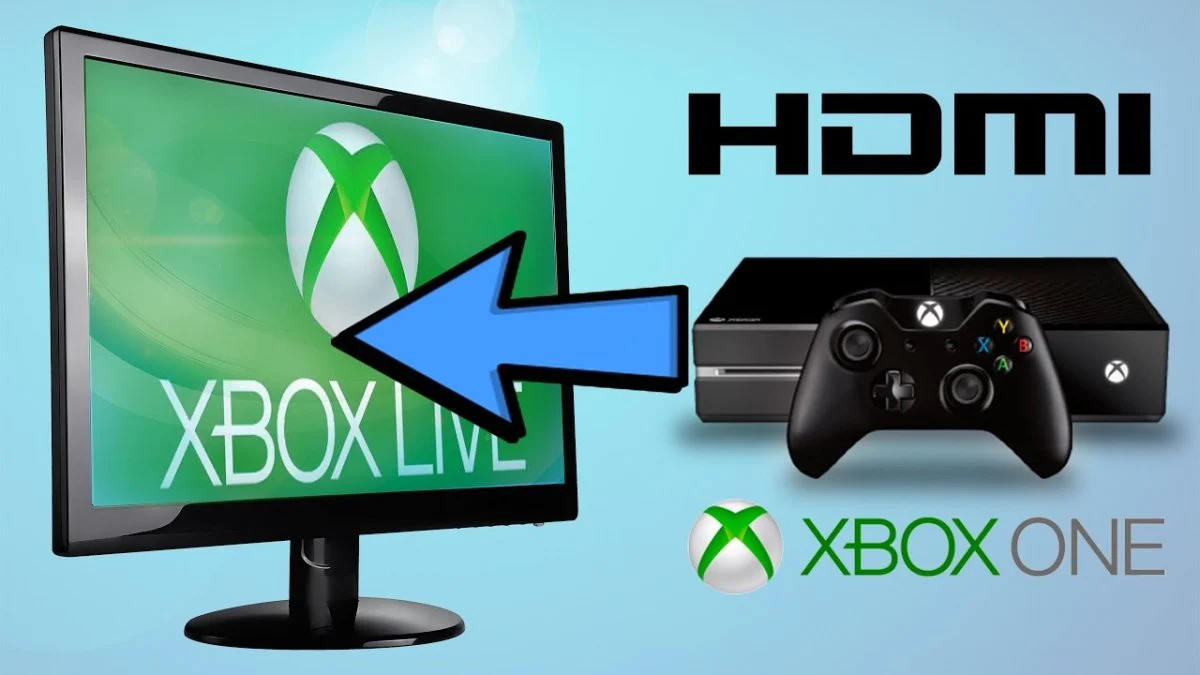
Several entries focus on legal and safe alternatives rather than risky workarounds. For instance, “Can I Use A Laptop Screen As A Monitor Without A Capture Card” explains legitimate display-sharing options, and “How To Stream Switch Without Capture Card On PC” covers software-based streaming that respects the console’s normal output. Other titles, like “How To Connect Xbox 360 To Laptop With HDMI” and “How To Connect 2 Laptops Together With HDMI,” give straightforward, non-invasive wiring solutions. The overall goal is to help readers get their devices talking to each other, clearly, safely, and with minimal extra hardware.