If the Apple TV HDR format is greyed out, your HDMI cable, TV's HDMI port, or the port's capabilities can't support that specific format. You must check your physical hardware...
The overlay brightness slider is a temporary per-session adjustment only, not a permanent setting. To make brightness changes stick, you must adjust HDR/SDR luminance in the main Video and Audio...
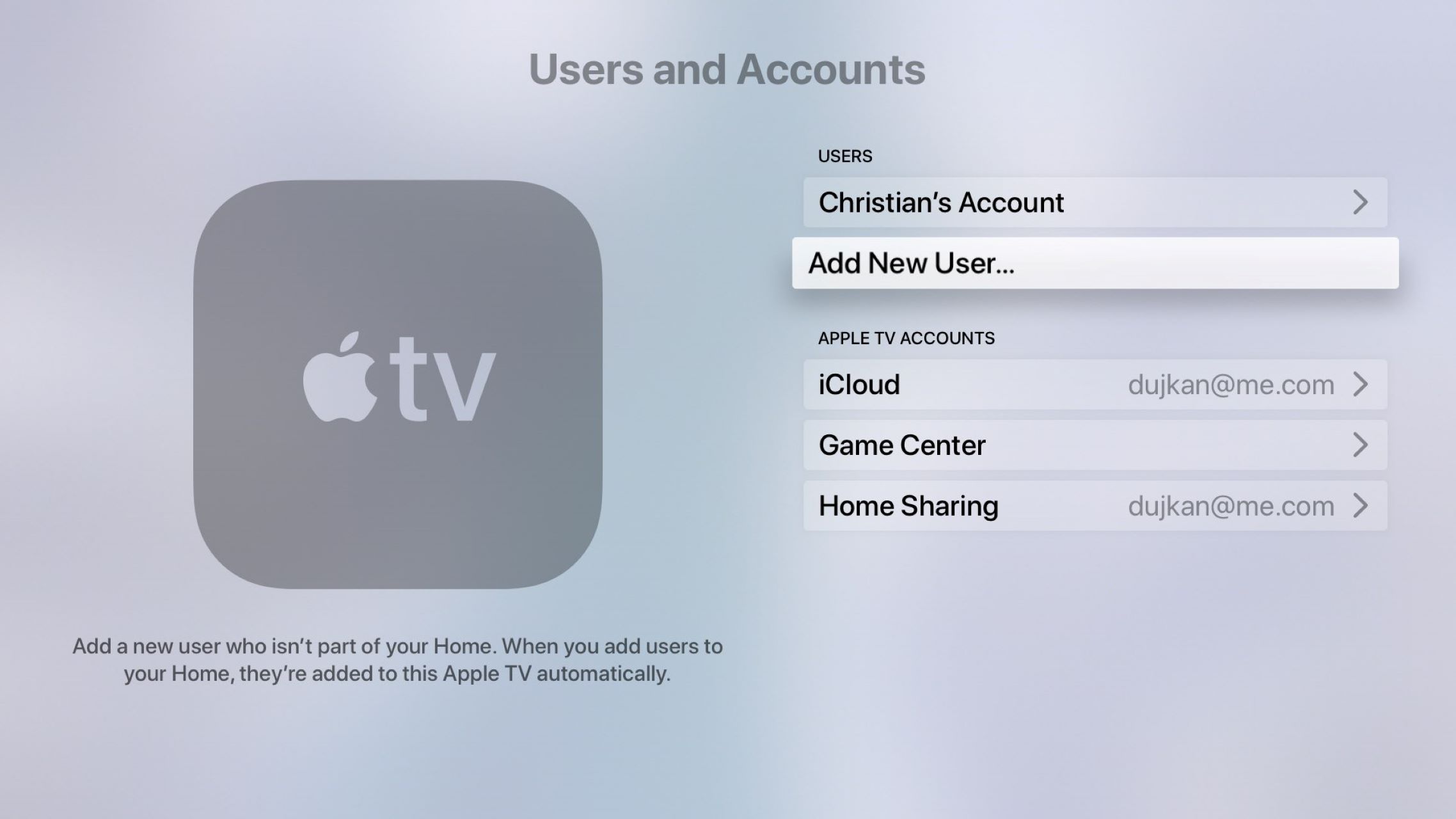
To add users to the Apple TV app, you create individual profiles so each household member gets their own Up Next queue, watch history, and personalized recommendations. This guide covers...
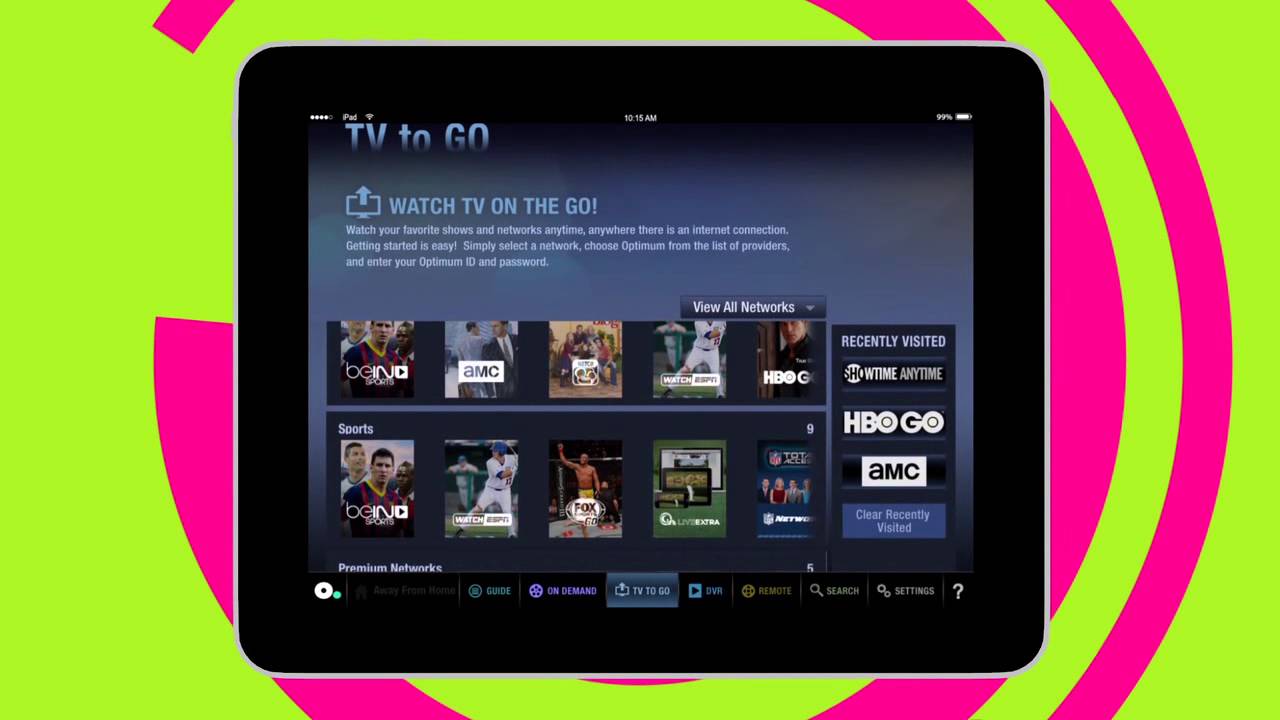
To stream Optimum on a smart TV, you have two direct options: use the Optimum TV app on an Apple TV or connect the dedicated Optimum Stream device to your...
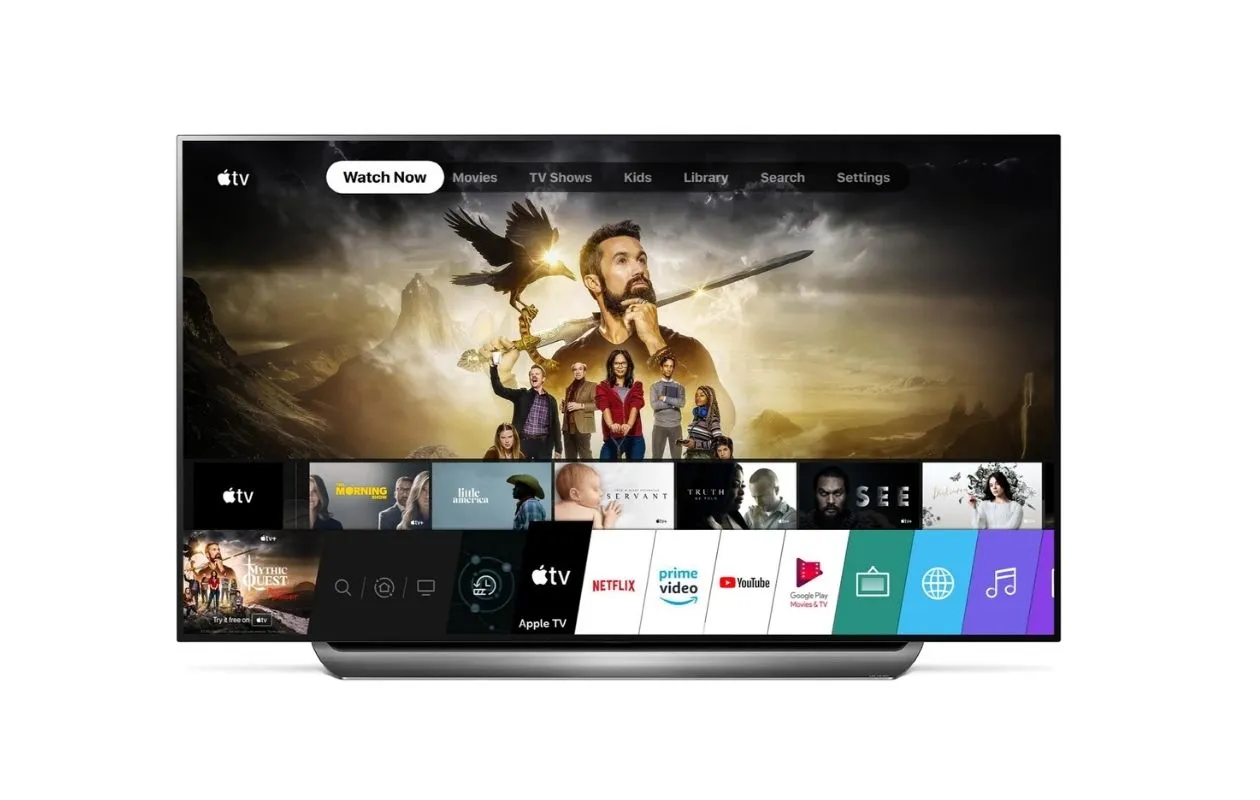
To add the Apple TV app to your LG Smart TV, open the LG Content Store from your TV's home screen, search for "Apple TV," and install the app directly....
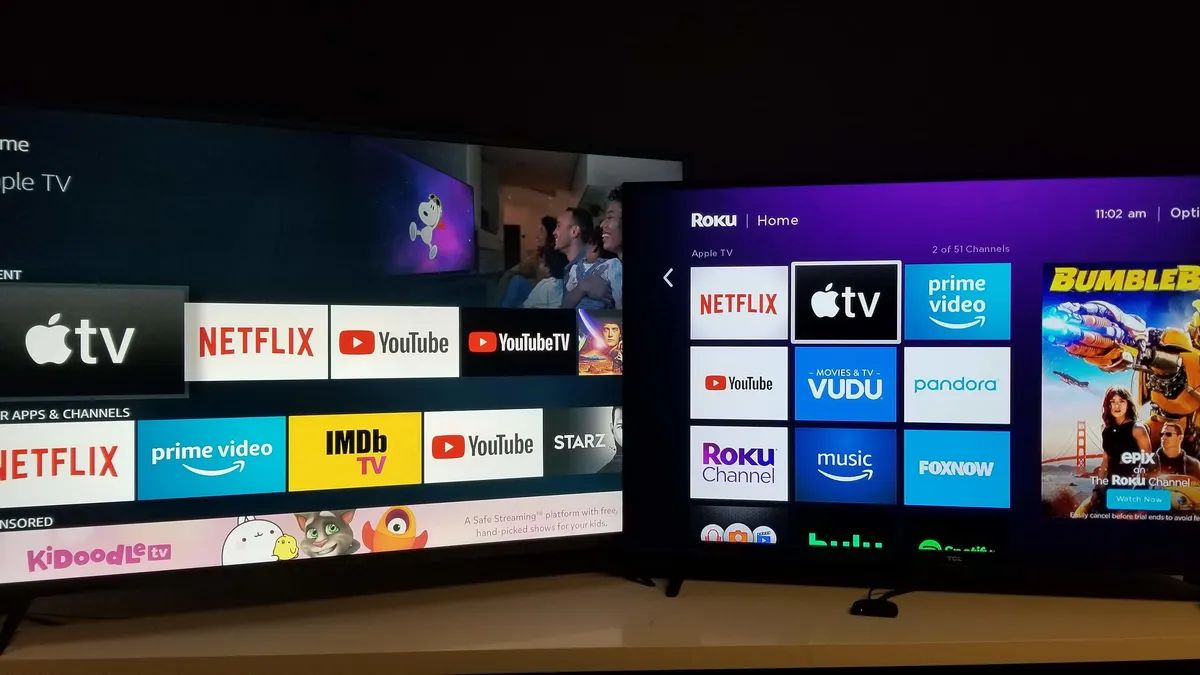
To get NFHS Network on a smart TV, you will almost certainly need a dedicated streaming device like a Roku, Amazon Fire TV, or Apple TV, as most smart TVs...
To get cowboy channel on your smart TV, you need the Cowboy Channel+ app, which costs $9.99 per month. The app works best on Roku, Fire TV, and Apple TV,...
To project laptop screen to wall without projector, you will connect your laptop to a wall-mounted TV or large monitor using one of three practical paths: a wired HDMI connection,...
To download videos on iPhone, you can use Safari's built-in download feature to save videos directly from websites to the Files app. This method works for many sites and requires...
To turn up brightness on Apple TV, you don’t need to dig through a settings menu, the brightness slider lives in Control Center, which you can open while watching anything....
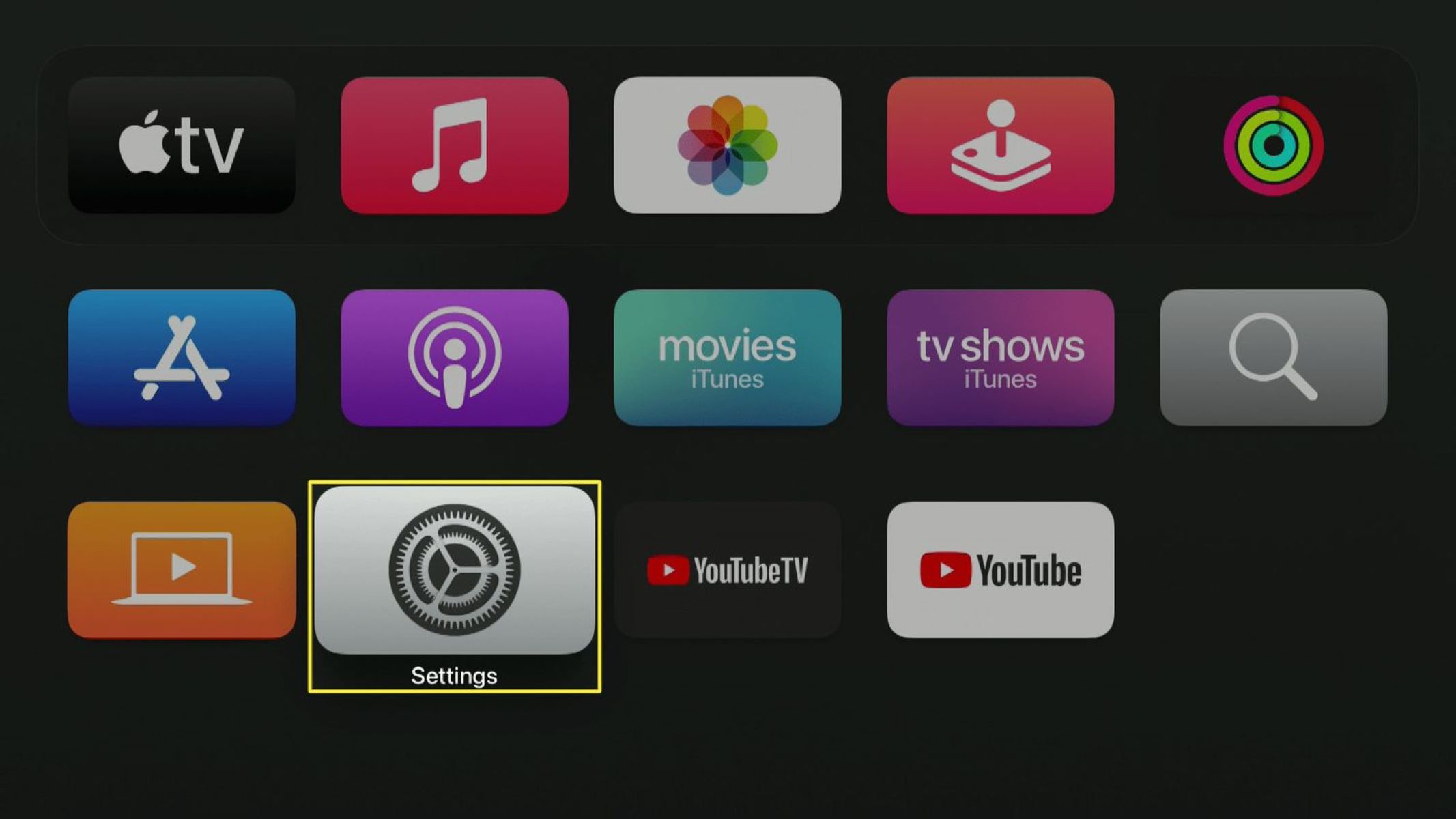
To log out of Apple TV, go to Settings, then Users and Accounts, and select your account. For the primary user, choose Remove User from Apple TV; for additional accounts,...
This website uses cookies so that we can provide you with the best user experience possible. Cookie information is stored in your browser and performs functions such as recognising you when you return to our website and helping our team to understand which sections of the website you find most interesting and useful.
Strictly Necessary Cookies
Strictly Necessary Cookie should be enabled at all times so that we can save your preferences for cookie settings.
If you disable this cookie, we will not be able to save your preferences. This means that every time you visit this website you will need to enable or disable cookies again.