This tag collects practical, step-by-step guides for people who use Android phones, tablets, or even PCs running Android apps. It is written for everyday users who want to get more out of their devices, whether that means managing their music, organizing downloaded files, or making their navigation apps more personal. The articles assume you are comfortable following instructions but do not require deep technical knowledge.

The guides fall into a few clear themes. One is media and entertainment: you’ll see straightforward walkthroughs for saving videos from YouTube, Instagram, and Twitter, as well as for downloading music from services like Apple Music and Amazon Music. Another theme is device customization and control, articles explain how to change your GPS location, set a song as a ringtone, or add extra voices to Waze. A third theme covers account security and parental controls, such as moving Google Authenticator to a new phone, recovering a secret key, or removing Family Link restrictions. Throughout, the tone treats these as legitimate troubleshooting tasks, for example, the Pokémon Go and emulator pieces focus on playing games on a PC or improving your experience, not on breaking rules.

Many articles also address safety and legal alternatives. Instead of promoting piracy, they show how to download content from official sources or how to use offline maps and music legally. Others help you clean up your downloads folder or turn off subtitles on streaming services. In short, this tag is a toolbox for making Android work the way you want, with an emphasis on doing so responsibly and within the bounds of each app’s rules.
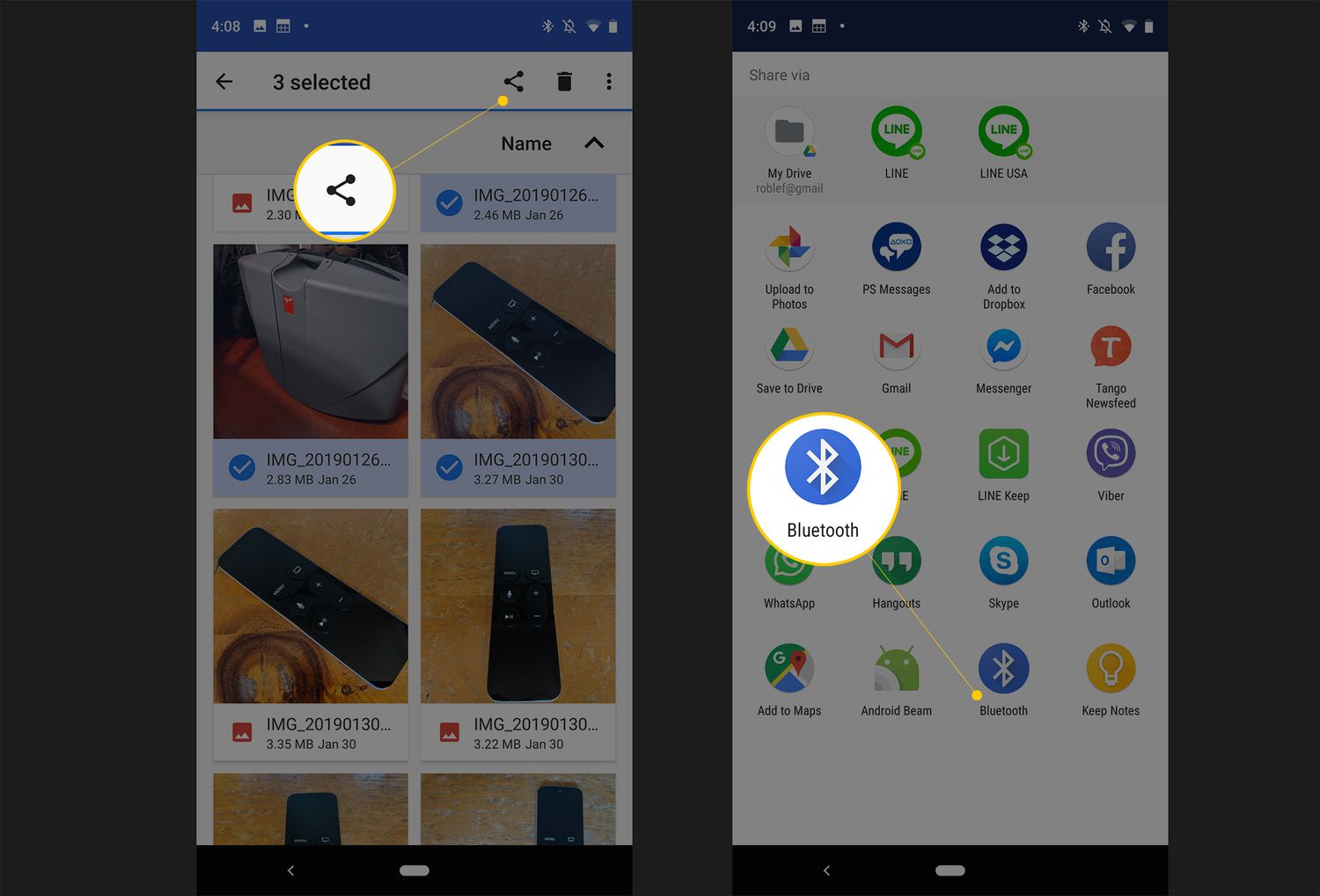
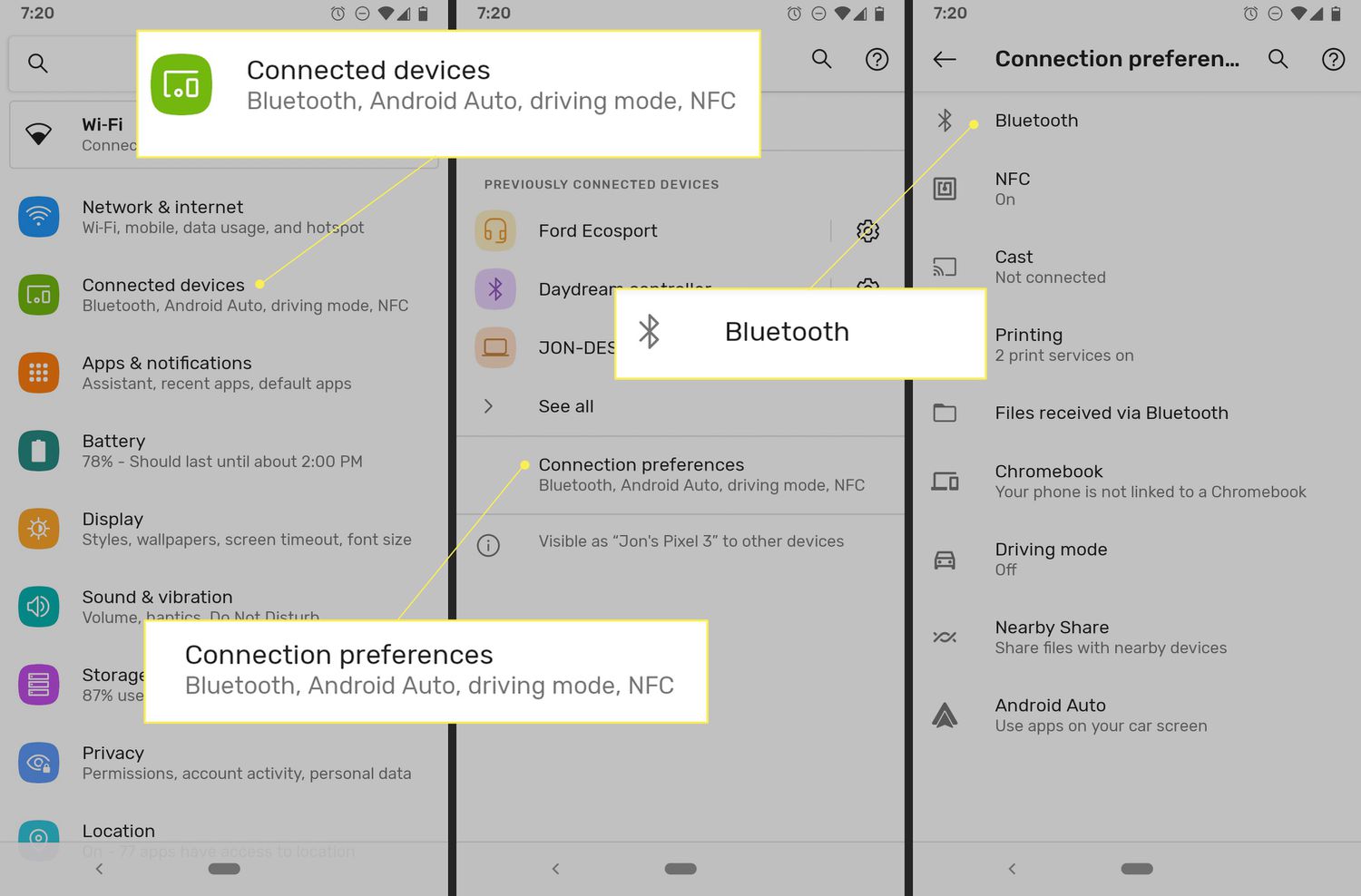
How Do You Change Your Bluetooth Name

To change your Bluetooth name, you edit the identifier your device broadcasts to nearby gadgets, making it simpler to spot in pairing lists. The exact steps depend on whether you're...

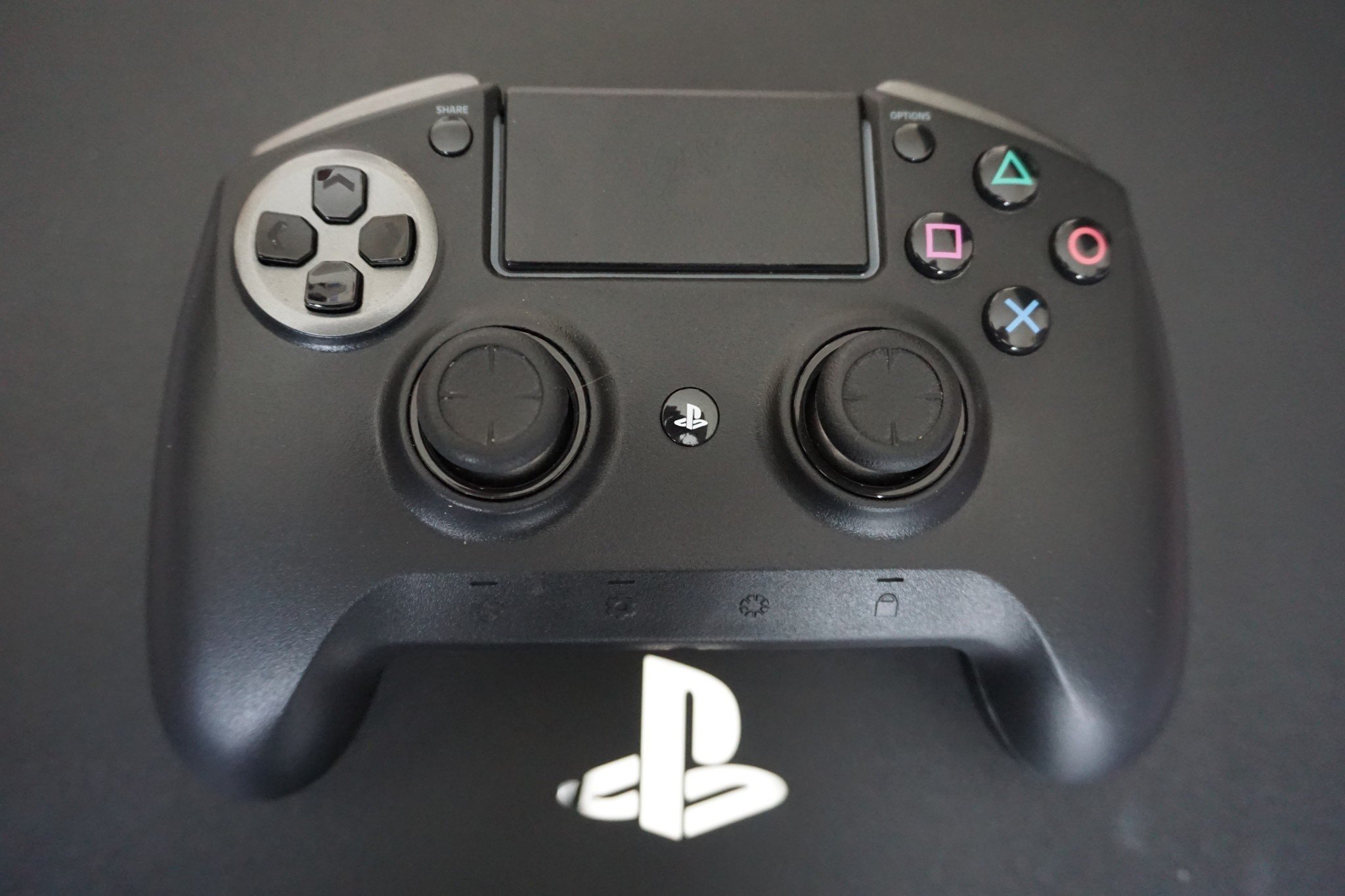
How To Connect Ps4 Controller Bluetooth

To connect PS4 controller Bluetooth to any phone, PC, Mac, or tablet, start by turning the controller off. If the light bar is on, press and hold the PS button...

How To Set Spotify Song As Alarm

To set a Spotify song as an alarm on an Android phone, use the built-in Google Clock or Samsung Clock app. On an iPhone, you must download a third-party app...

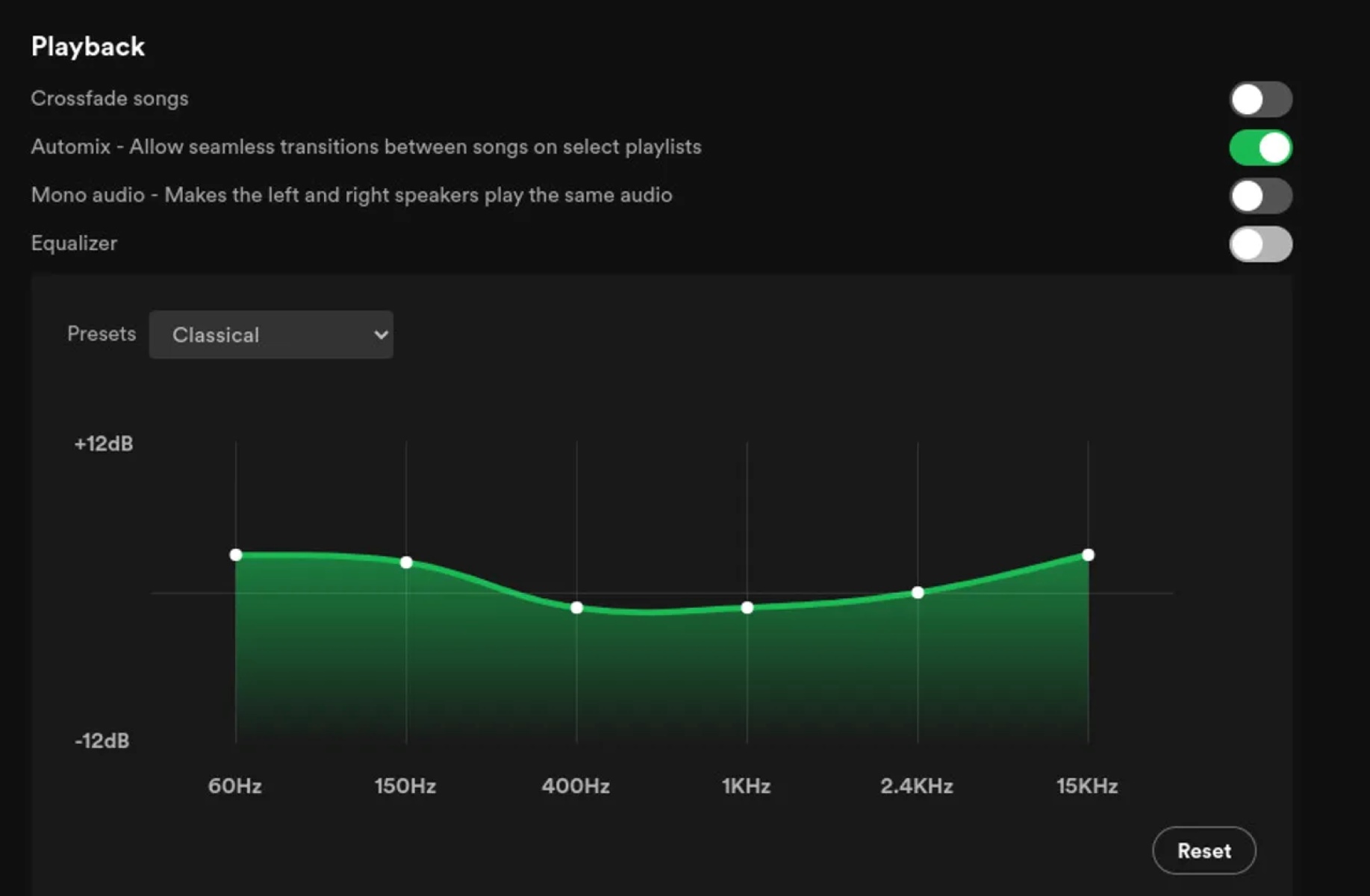
How To Change Bass On Spotify

To change bass on Spotify, you use the built-in equalizer, which is the primary tool for adjusting low-end frequencies. However, the equalizer's location varies by device, and it will not...

Where Are Spotify Downloads Stored

Where are Spotify downloads stored? On Windows and Mac, they are stored in an encrypted cache folder that you can see in Spotify Settings, but the files are not playable...

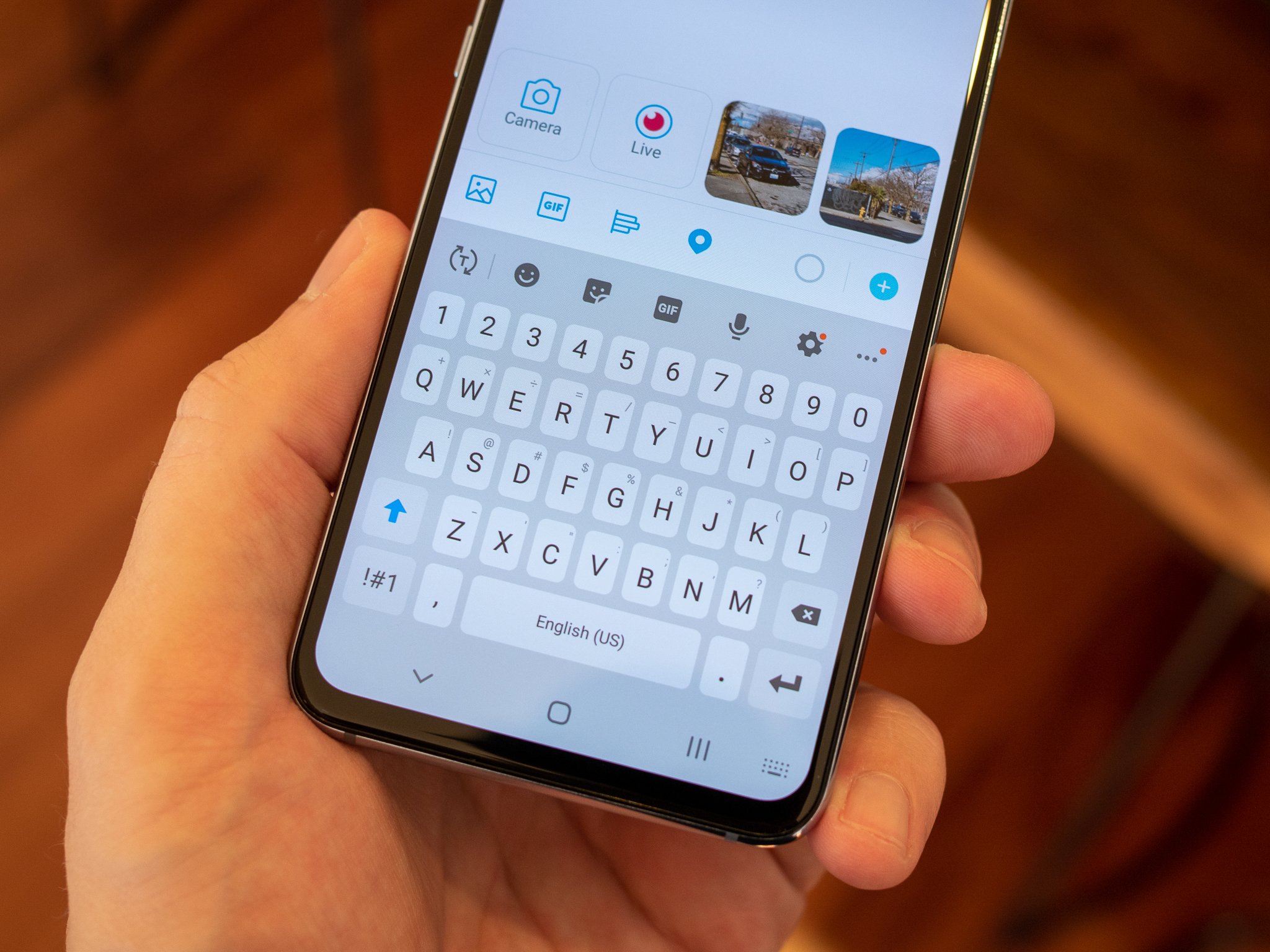
How Do I Make My Keyboard Bigger

The fastest way to make my keyboard bigger is to adjust its height in a third-party keyboard app like Gboard or SwiftKey on your phone, or to resize the on-screen...

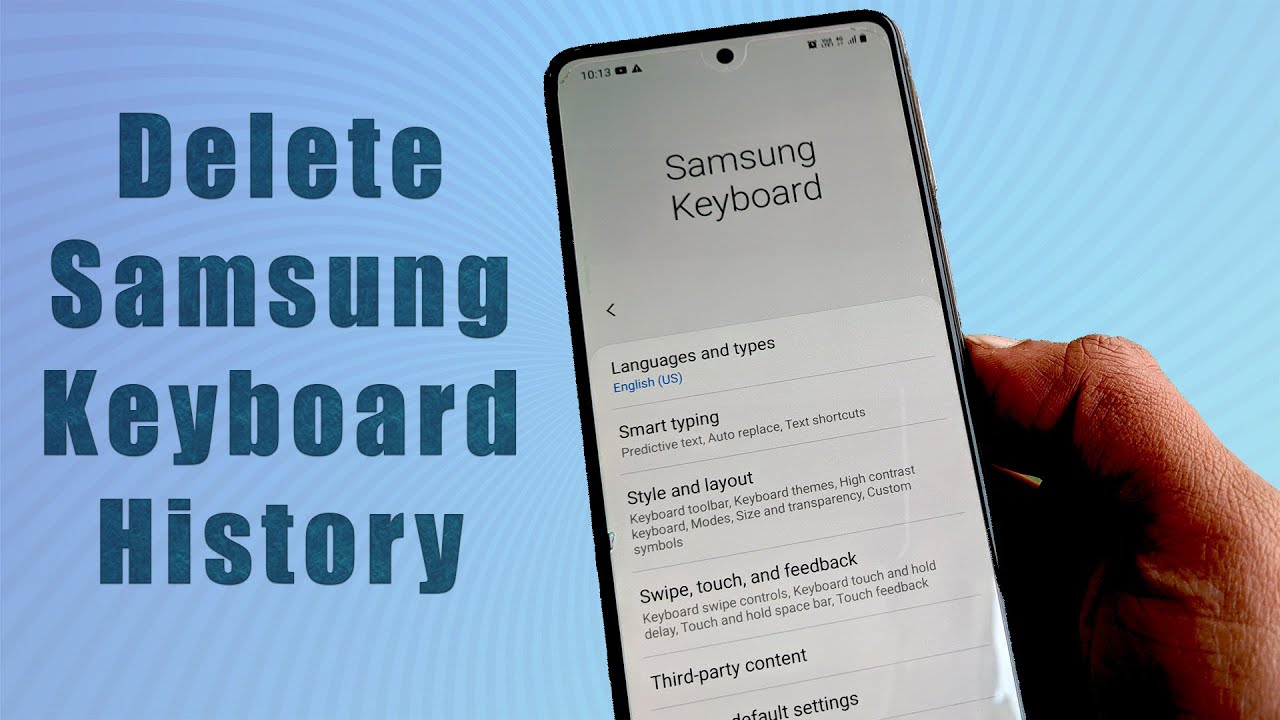
How To Clear Keyboard History

To clear keyboard history, you need to reset the dictionary or personalized data that your device's keyboard has learned from your typing. This removes saved words, shortcuts, and predictive text...

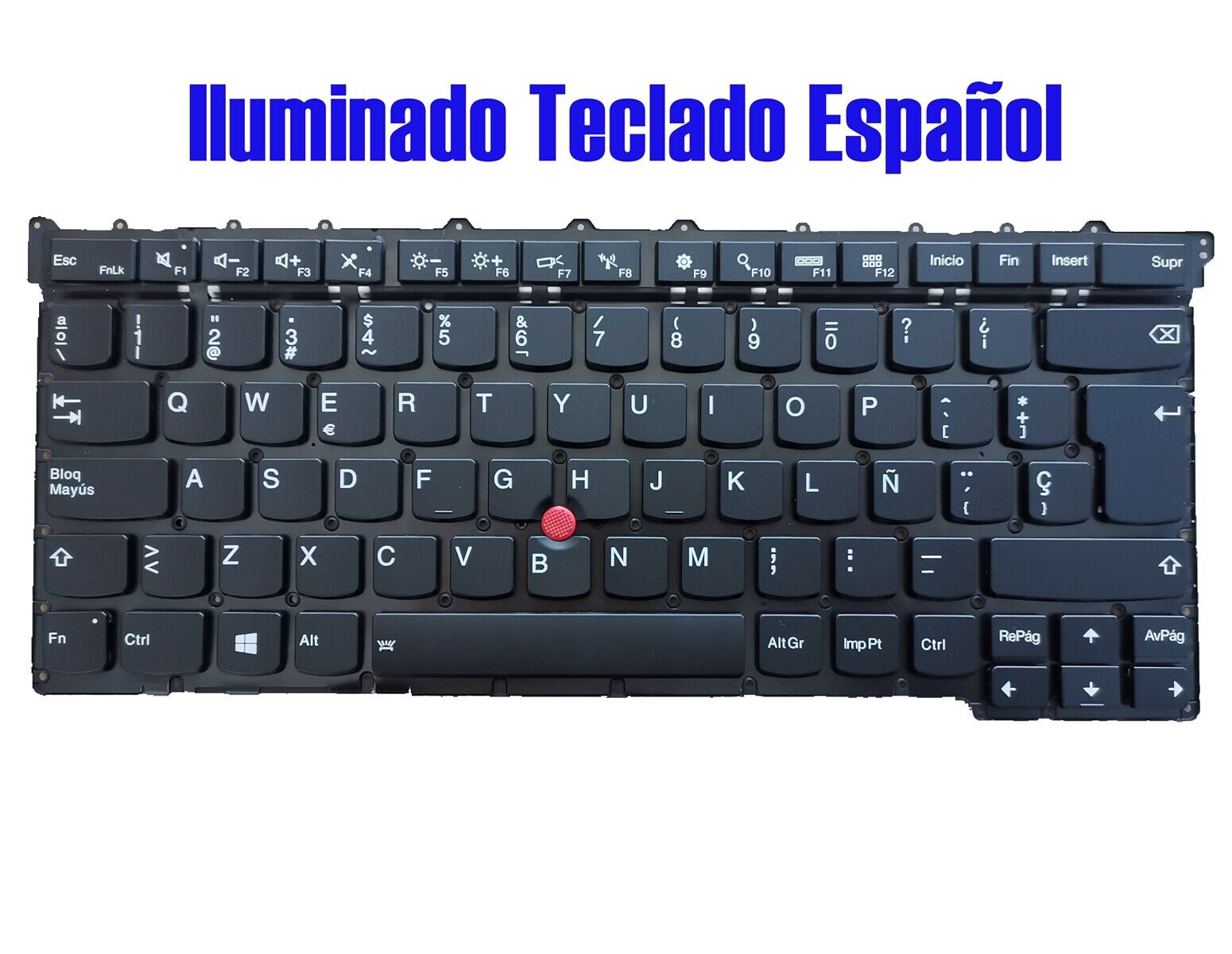
How To Get Spanish Keyboard

To get a Spanish keyboard, you don’t need to buy new hardware, you can change the keyboard layout in your device’s settings in a few minutes. This software-based approach works...

How To Setup Chromecast Without Remote

To setup Chromecast without remote, the only reliable method is to use the Google Home app on a compatible smartphone or tablet. This app replaces the physical remote entirely, guiding...