This tag collects practical, step-by-step guides for people who use Android phones, tablets, or even PCs running Android apps. It is written for everyday users who want to get more out of their devices, whether that means managing their music, organizing downloaded files, or making their navigation apps more personal. The articles assume you are comfortable following instructions but do not require deep technical knowledge.

The guides fall into a few clear themes. One is media and entertainment: you’ll see straightforward walkthroughs for saving videos from YouTube, Instagram, and Twitter, as well as for downloading music from services like Apple Music and Amazon Music. Another theme is device customization and control, articles explain how to change your GPS location, set a song as a ringtone, or add extra voices to Waze. A third theme covers account security and parental controls, such as moving Google Authenticator to a new phone, recovering a secret key, or removing Family Link restrictions. Throughout, the tone treats these as legitimate troubleshooting tasks, for example, the Pokémon Go and emulator pieces focus on playing games on a PC or improving your experience, not on breaking rules.

Many articles also address safety and legal alternatives. Instead of promoting piracy, they show how to download content from official sources or how to use offline maps and music legally. Others help you clean up your downloads folder or turn off subtitles on streaming services. In short, this tag is a toolbox for making Android work the way you want, with an emphasis on doing so responsibly and within the bounds of each app’s rules.
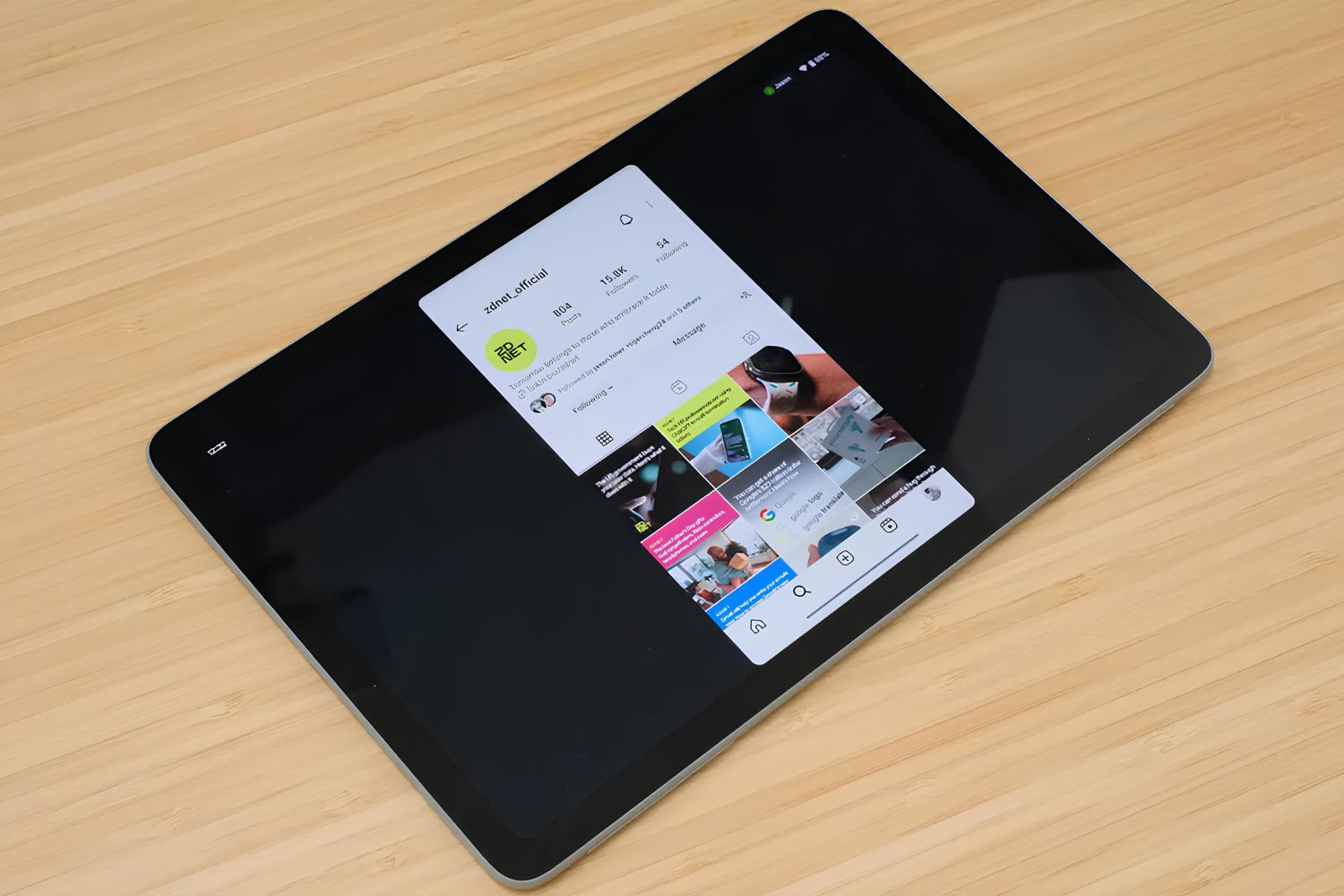
What Is The Task Switcher On Fire Tablet

The Fire Tablet task switcher is a built-in feature that lets you view and manage all your recently opened applications in one place. It is your central hub for jumping...

What Tablets Are Compatible With DJI Fly App

Several tablets are compatible with the DJI Fly app, including Apple iPads and select Android models from Samsung and Amazon. The most reliable choices are officially supported devices that have...

How To Make Digital Photo Album

To make a digital photo album, start by selecting your photos and grouping them into an album using a free tool like Google Photos or Apple Photos. The exact steps...

How To Unlock Onn Tablet Forgot Password

If you've forgotten your password, PIN, or pattern, the fastest way to unlock your Onn tablet is to use Google's Find My Device service to remotely erase it, which removes...

How To Increase Ram On A Tablet

To increase RAM on a tablet, you cannot physically install more memory, tablets are sealed devices, but you can free up existing RAM and, on select Android models, enable virtual...

How To Read RFID Tags With Android

Yes, you can read RFID tags with Android, but only if they are High-Frequency (HF) tags operating at 13.56 MHz, like MIFARE, NTAG, ICODE, or FeliCa, and your phone has...

How To Find Tablet Phone Number

To find your tablet's phone number, check the device settings under About Phone or SIM Status if your tablet has cellular capabilities. If you're wondering about your phone number on...

How To Use Hotspot On Amazon Fire Tablet

To connect Fire tablet to hotspot, you need to join an existing Wi‑Fi hotspot created by a smartphone or dedicated hotspot device, because most Amazon Fire tablets are Wi‑Fi‑only devices...

How To Download Roblox On Fire Tablet

To download Roblox on Fire Tablet, you need to sideload the Android APK file because the game isn’t listed in the Amazon Appstore. This means you’ll enable a security setting,...