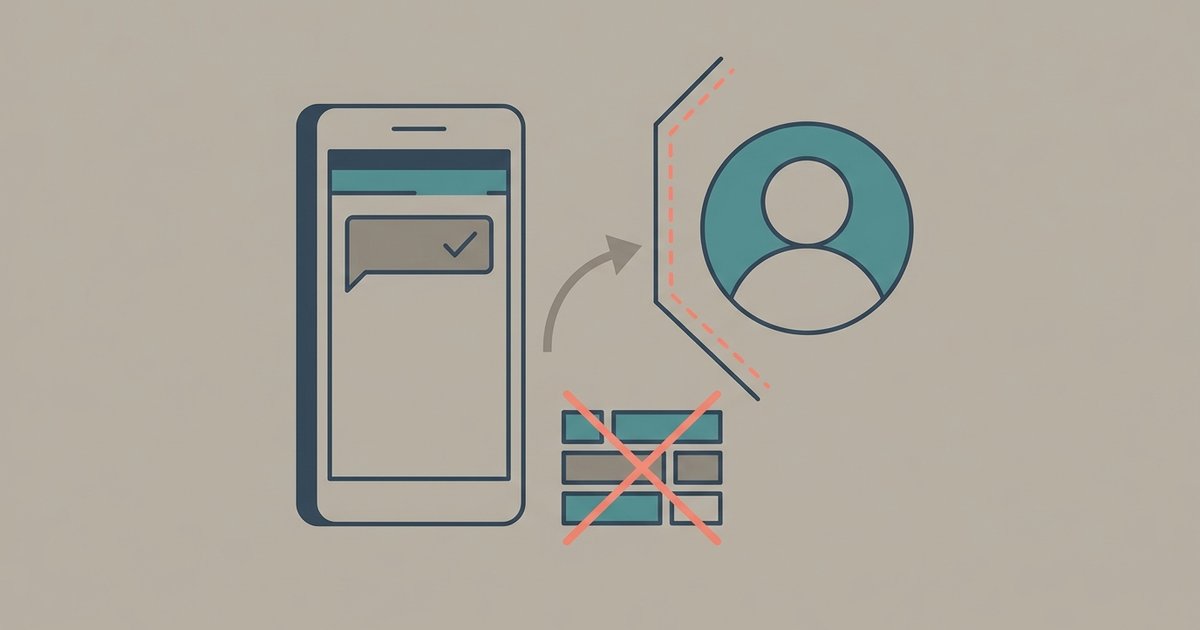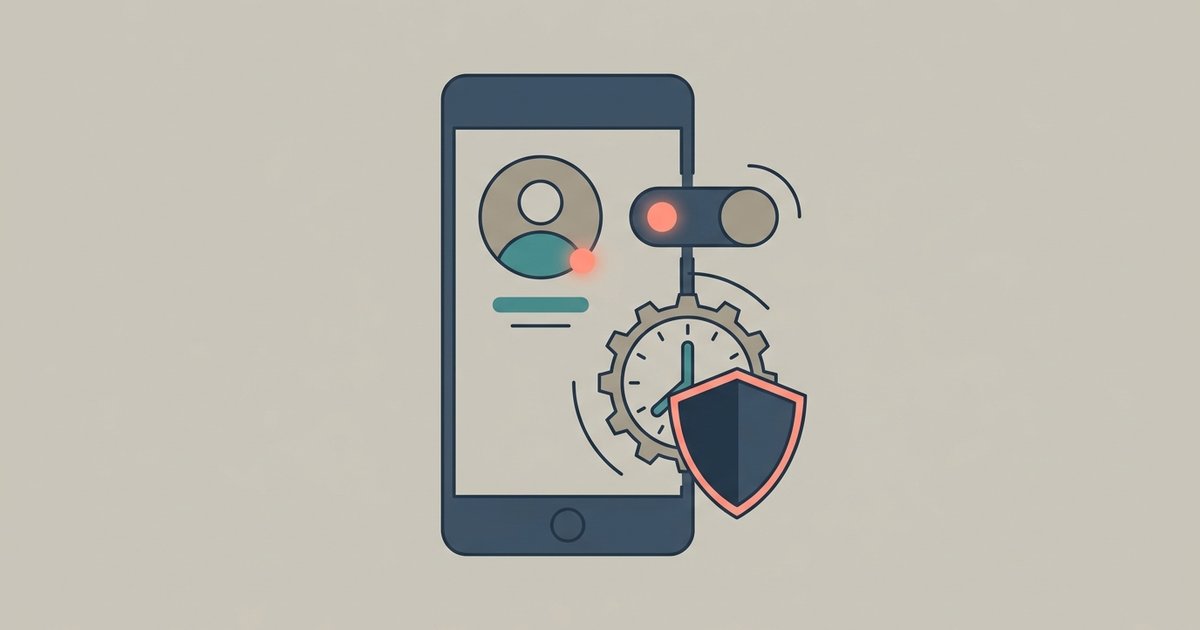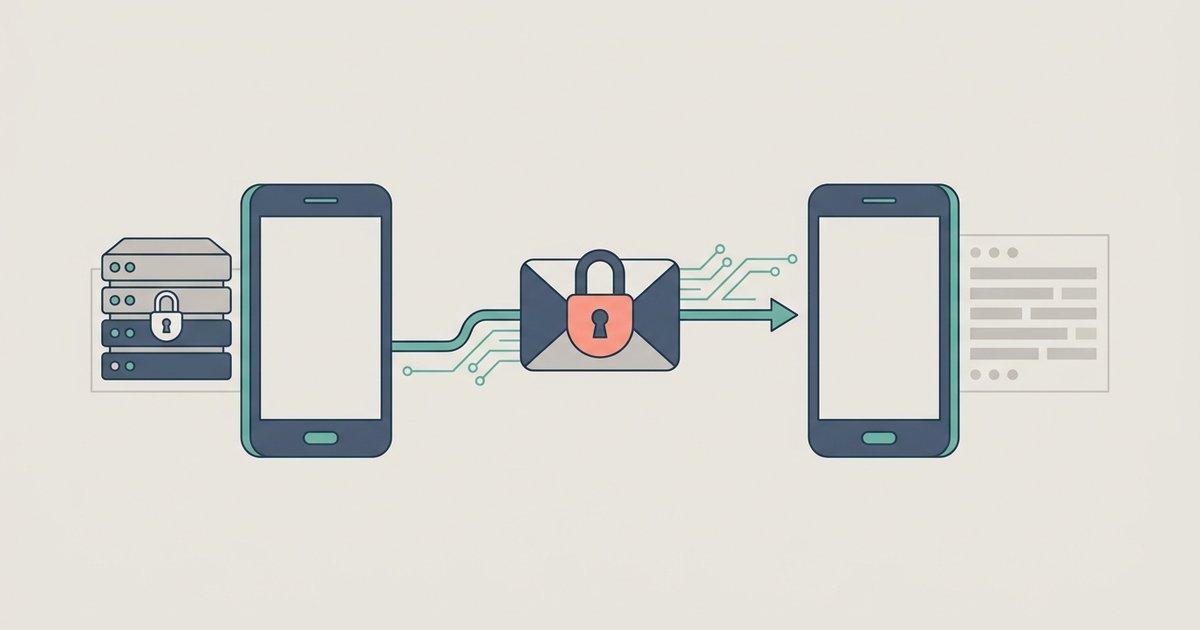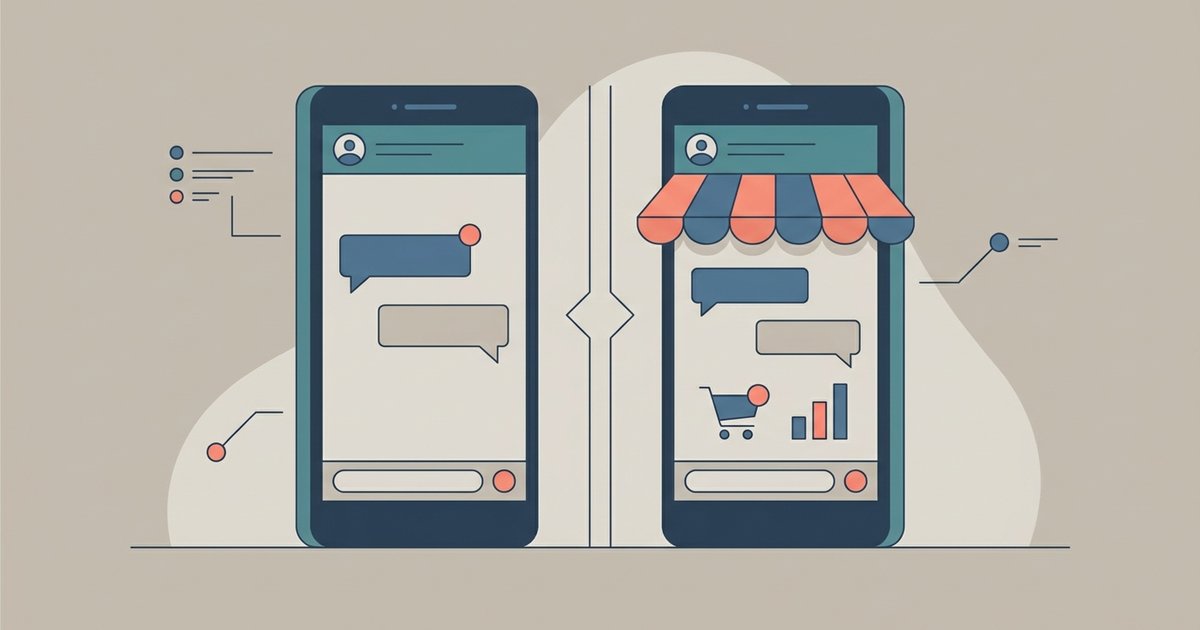
You cannot use WhatsApp with no phone number at all. A number is required to create the account, and at the moment you register it has to be able to receive an SMS or a voice call. Every guide that promises otherwise is either describing a workaround that still involves a number, or describing something that will get the account banned.
What you can do is separate two things people tend to confuse: needing a SIM card in the device you are holding, and needing a phone number on the account. There are supported answers for a landline, for a second number on one handset, and for a second phone that shares your existing account. Those cover most of the reasons anyone goes looking for this.
What WhatsApp actually requires
WhatsApp's registration troubleshooting is direct about it. You need a phone number that can receive SMS or phone calls for verification, but once activated, WhatsApp can be used on a device without a physical SIM card. The number also has to be a supported type. WhatsApp lists these as unsupported and unable to be registered:
- VoIP numbers
- Landlines
- Toll-free numbers
- Paid premium numbers
- Universal access numbers
- Shared cost numbers
- Personal numbers
Prepaid lines need enough balance to receive an SMS or call. If you are abroad, roaming has to be on so international SMS or calls can reach you. Call blockers and task killers have to be off.
Verifying by phone call instead of SMS
If the SMS never arrives, WhatsApp can read the code to you instead. On the registration screen, tap Voice Call and answer the call, and an automated message reads out a unique code that you type in. Android also offers a missed-call method, where WhatsApp places a call that shows up as a missed or rejected call and completes registration automatically, which requires granting permission to manage calls and read your call log.
The call option only appears after the SMS timer runs out. WhatsApp says there is no way to speed that wait up, and guessing at codes locks you out for a period.
There is one more path, but only if you set it up in advance. If you added an email address to your WhatsApp settings during your original registration or when you turned on two-step verification, you can choose Email under the options for how to verify when you are logging back in to an existing account. It does not help with a brand new registration.
Registering a landline on the WhatsApp Business app
This is the one genuine route for a number that cannot receive a text. Landlines can be registered on the WhatsApp Business app, where the code arrives as a call to the landline rather than as an SMS. The Business app's own requirement is that you can register a mobile phone or a landline number that you own, and that you can receive calls on it.
- Install the WhatsApp Business app and open it.
- Choose your country from the list so the country code fills in, then enter the number without a leading zero.
- Tap Done, then tap Call me to request the code by phone call.
- Answer the call and enter the six-digit code the automated voice reads out.
Two limits are worth knowing before you try. Landline extension numbers cannot complete registration, so you need a direct line without an extension. And this is the Business app, not WhatsApp Messenger, which means a business profile rather than a personal account.
Using an eSIM for a second number
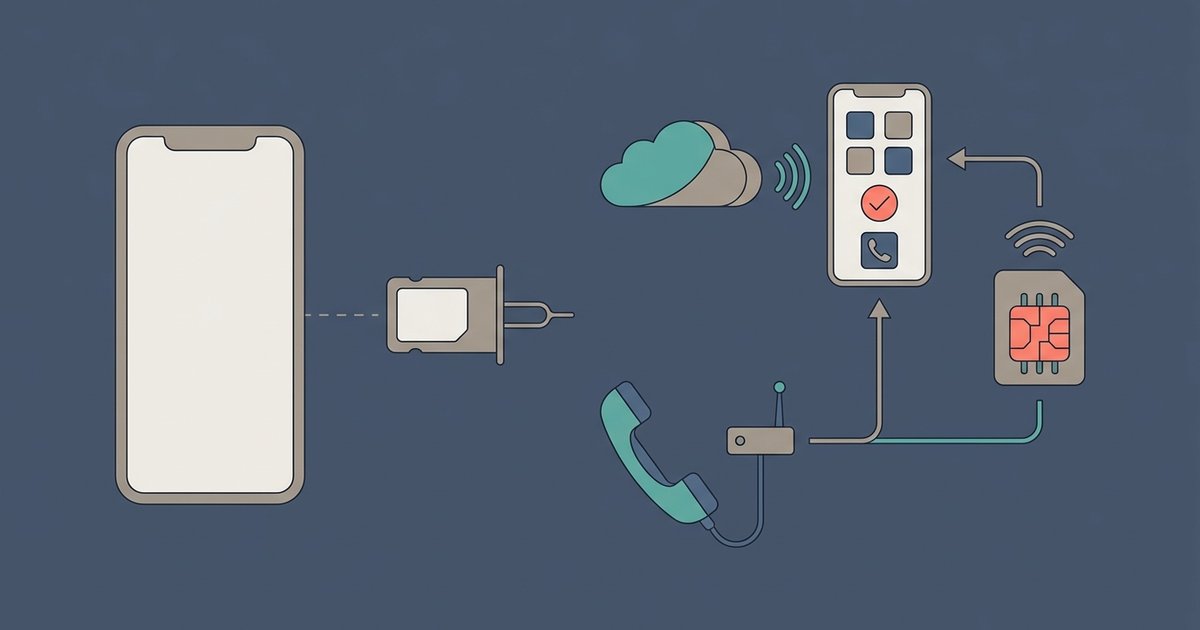
If the goal is a second WhatsApp account on one handset, an eSIM is the clean answer, because it gives you a real second line without a second phone. Apple's documentation puts eSIM support on iPhone XS and later with a carrier that supports it, and notes that supported models can have two eSIMs active at once. Many Android handsets offer the same thing under their dual SIM settings.
Once the second line is active and can receive an SMS or call, it registers with WhatsApp like any other number. On phones that support two WhatsApp accounts in the app, you can then switch between them; otherwise the WhatsApp Business app is a common way to run a second number alongside a personal one on the same device.
A second phone without a second number
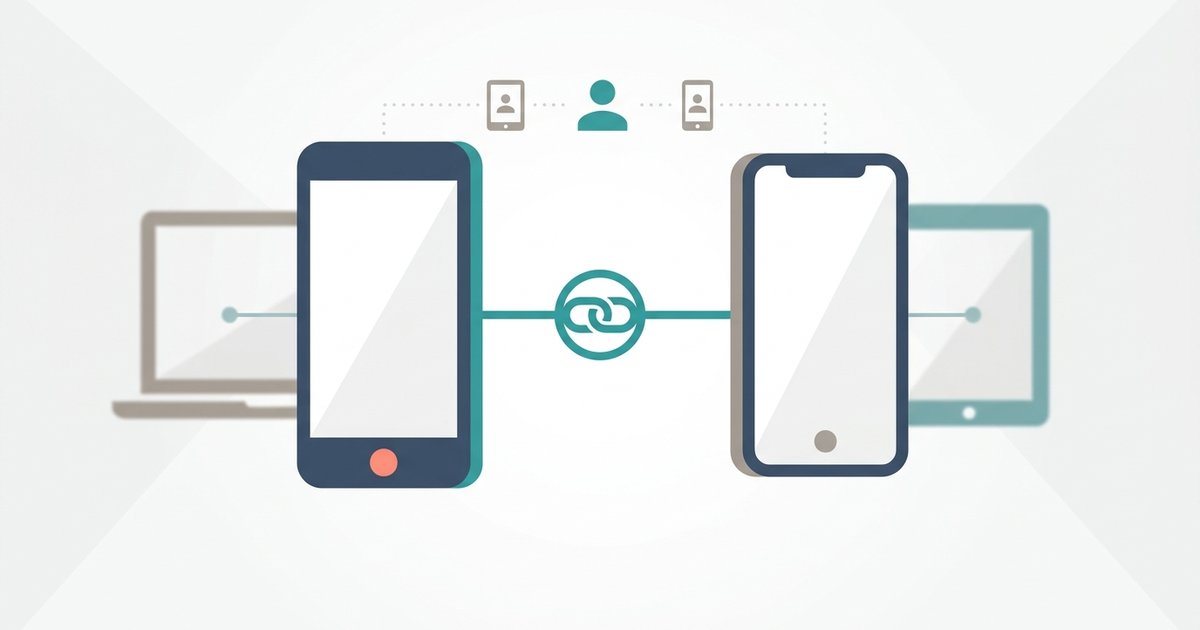
Often the real question is not "how do I get another number" but "how do I read my messages on this other phone." That does not need a number at all. WhatsApp supports linking up to four devices to your primary phone, and a phone can be one of them, as a companion device.
On the second phone, install WhatsApp, tap Agree and continue, and choose Link to existing account (on Android) or Link as Companion Device (on iPhone) from the menu rather than entering a number. It shows a QR code. On your primary phone, open Linked devices and scan it. The second phone shows your existing chats with no new registration, no SIM requirement on that handset, and no second number.
The catch is that you have to open WhatsApp on the primary phone at least every 14 days or the companions are logged out.
Devices that have no SIM slot at all
Wi-Fi-only tablets and computers work through the same linked-device mechanism, so a SIM in the device is irrelevant. Windows, Mac, WhatsApp Web, iPad and wearables can never act as the primary device on an account, though: they are companions to a phone that holds the registration.
The single exception WhatsApp documents is an Android tablet, which can be a primary device if you register the account from the tablet itself. That still requires a working phone number to receive the verification code. It removes the need for a phone, not the need for a number.
What to avoid
Temporary or disposable online numbers are the usual suggestion in forums, and they often fail: many are VoIP numbers, which WhatsApp may not accept, and some that work could be shared, meaning someone else might re-register your number and take the account. If you lose access to the number, you also lose the ability to recover the account, because verification is the only proof of ownership WhatsApp has.
Modified WhatsApp clients that claim to skip verification are worse. WhatsApp bans accounts that connect through unofficial apps, and those clients have full access to every message on the device.
If you are choosing between these options, work backwards from the goal. A second device on your existing account means companion linking. A separate identity for work means an eSIM or a second physical line. A business reachable on its landline means the Business app. And if the goal was an account with no number attached to it anywhere, that option does not exist and no workaround creates it.