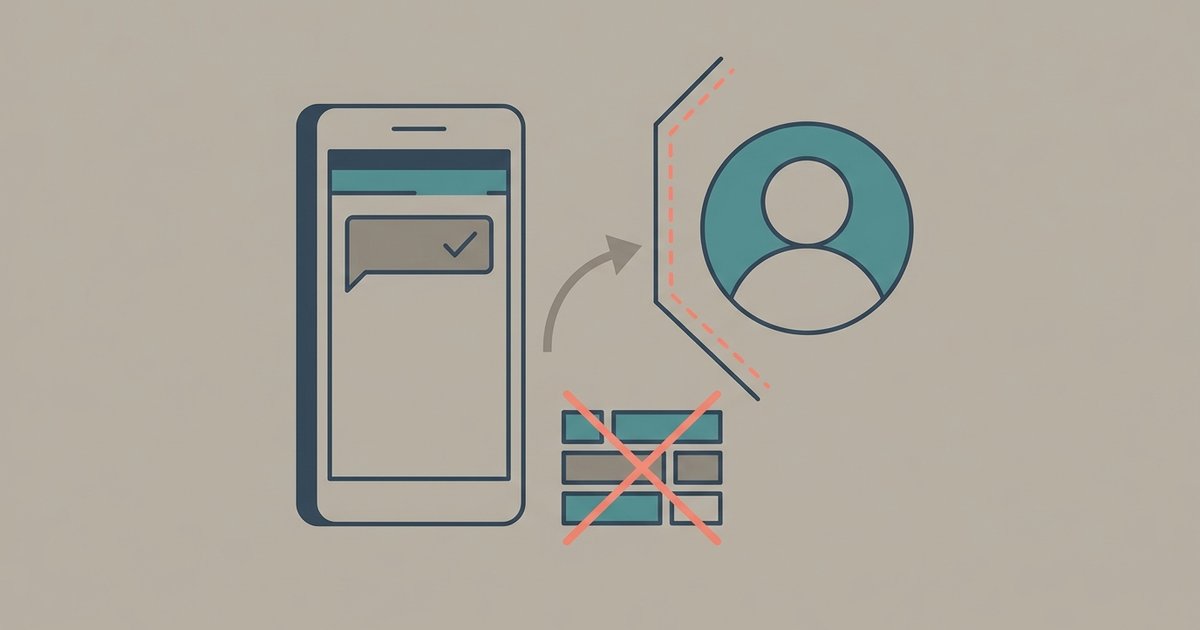
WhatsApp will not tell you if someone has blocked you, and it deliberately makes the signs hard to read. When a contact blocks you, your messages stop at one gray check mark, your calls do not go through, and their last seen, profile photo updates and statuses disappear from your view. Every one of those signs also has an innocent explanation, which is exactly how WhatsApp intends it.
So the honest answer is that you can collect clues, but you cannot confirm a block from inside the app. Here is what each clue means and what else could be causing it.
WhatsApp's own list of signs
WhatsApp's help center lists the indicators you may see if a contact has blocked you:
- You cannot see their last seen or online status in the chat window.
- You do not see updates to their profile photo.
- You cannot see their status updates.
- Messages you send show one gray check mark (sent) and never get a second one (delivered).
- Calls you try to place do not go through.
- If you are a group admin, you cannot add them to a group.
WhatsApp adds a caveat directly under that list: if you see all of these for one contact, it could mean they are blocking you, but it may also be due to other reasons. It states plainly that it cannot tell you whether someone has blocked you or who has done it, and that it cannot remove a block on your behalf. That ambiguity is a privacy protection for the person doing the blocking, and it is not going to change because someone asks support.
What else each sign can mean
Taken one at a time, none of the signs points to a block with any confidence.
No last seen or online. Anyone can hide their last seen and online status with a privacy setting, and many people do. There is also a reciprocal rule: if you have hidden your own last seen, you cannot see anyone else's either. WhatsApp also lists simpler reasons, such as never having chatted with the person or not being saved as a contact, and temporary connection problems.
No profile photo, or an old one. Profile photos have their own privacy setting. A contact can limit theirs to their contacts, exclude specific people, or show it to nobody. If they changed that setting, you would see the same thing as if they had blocked you.
No status updates. Status updates are shared only with a chosen audience, and they are never visible to everyone. A person may simply not have posted, or may have left you out of their status audience without blocking you.
One gray check mark. This is the sign people put the most weight on, and it is still ambiguous. One gray check means your message was sent but not delivered. WhatsApp says the second check mark will not appear when the recipient's phone is off and the message has not reached any of their linked devices. A phone that is dead, lost, out of signal, or sitting in a drawer produces exactly this pattern, sometimes for days.
Missing blue check marks are a different question. Two gray checks mean the message was delivered but not read, or that the person has turned read receipts off. That is not a block, because a blocked message never reaches the delivered stage.
Calls not connecting. A call can fail because the other phone is offline, because of a poor connection on either end, or because the person has chosen to silence calls from unknown numbers. On its own, a failed call means very little.
Cannot add them to a group. WhatsApp includes this sign in its list, but group privacy settings also control who is allowed to add someone to a group. A contact who restricts group adds can stop you from adding them without having blocked you.
Check the message info screen
You can see exactly where a message stands instead of squinting at check marks. Open the chat, tap and hold a message you sent, then tap the info icon; on some versions you tap More options and then Info. The message info screen shows when the message was delivered and when it was read or played.
If there is no delivery time at all, the message has not reached the recipient's phone or any of their linked devices. That is consistent with a block, but also with a phone that is off. If there is a delivery time but no read time, the message arrived and the person has either not opened it or has read receipts switched off. Either way, a delivered message rules out a block at the moment it was delivered.
WhatsApp's read receipts guidance lists other reasons check marks can be missing too: connection problems on either side, the first message you ever send someone sometimes not returning a read receipt, and incorrect date and time settings on either phone.
Reading the signs together
The clues become more meaningful in combination and over time. If a contact you chat with regularly suddenly shows no last seen, no profile photo, and one gray check on every message for several days, while their phone is plainly in use (you see them posting elsewhere, or a mutual friend is hearing from them), a block is the most likely explanation. Even then it is an inference, not a fact. The same combination is what you would see if they lost their phone, stopped using WhatsApp, or went somewhere without a connection.
A single sign on its own is weak evidence. Hidden last seen is common. So is a person who has not posted a status in months.
What not to do
You will find advice online to message the person from another number, create a group to test whether you can add them, or install an app that claims to detect blocks. None of these is a good idea.
- Apps that claim to detect blocks. WhatsApp does not notify you if someone has blocked you, so an outside app has no reliable source to read from. Many ask for access to your notifications or your account, which is a security risk in its own right.
- Contacting the person from a different number. If they did block you, they have made a clear choice. Getting around it can come across as harassment, and it can get you reported and blocked again.
- Asking WhatsApp support. Support cannot confirm a block and cannot lift one. The block belongs to the other person's account.
If you are the one who was blocked
Nothing on your side can undo a block. It stays in place until the other person removes it. If the relationship matters, reaching out through another channel you already share, once and politely, is a reasonable step. If it is a business or service that seems to have blocked you, use their official contact route instead.
If you are trying to work out whether a contact blocked you or simply went quiet, give it time before drawing conclusions. A phone that comes back online delivers all of the waiting messages at once, and your one gray check turns into two. If several days pass, the person is clearly active elsewhere, and every sign on WhatsApp's list lines up, you have your likely answer, and the most useful thing you can do with it is leave the chat alone.
\nRelated reading: WhatsApp Guide: Web, Backups, Media and Privacy and WhatsApp Disappearing Messages and View Once Explained.