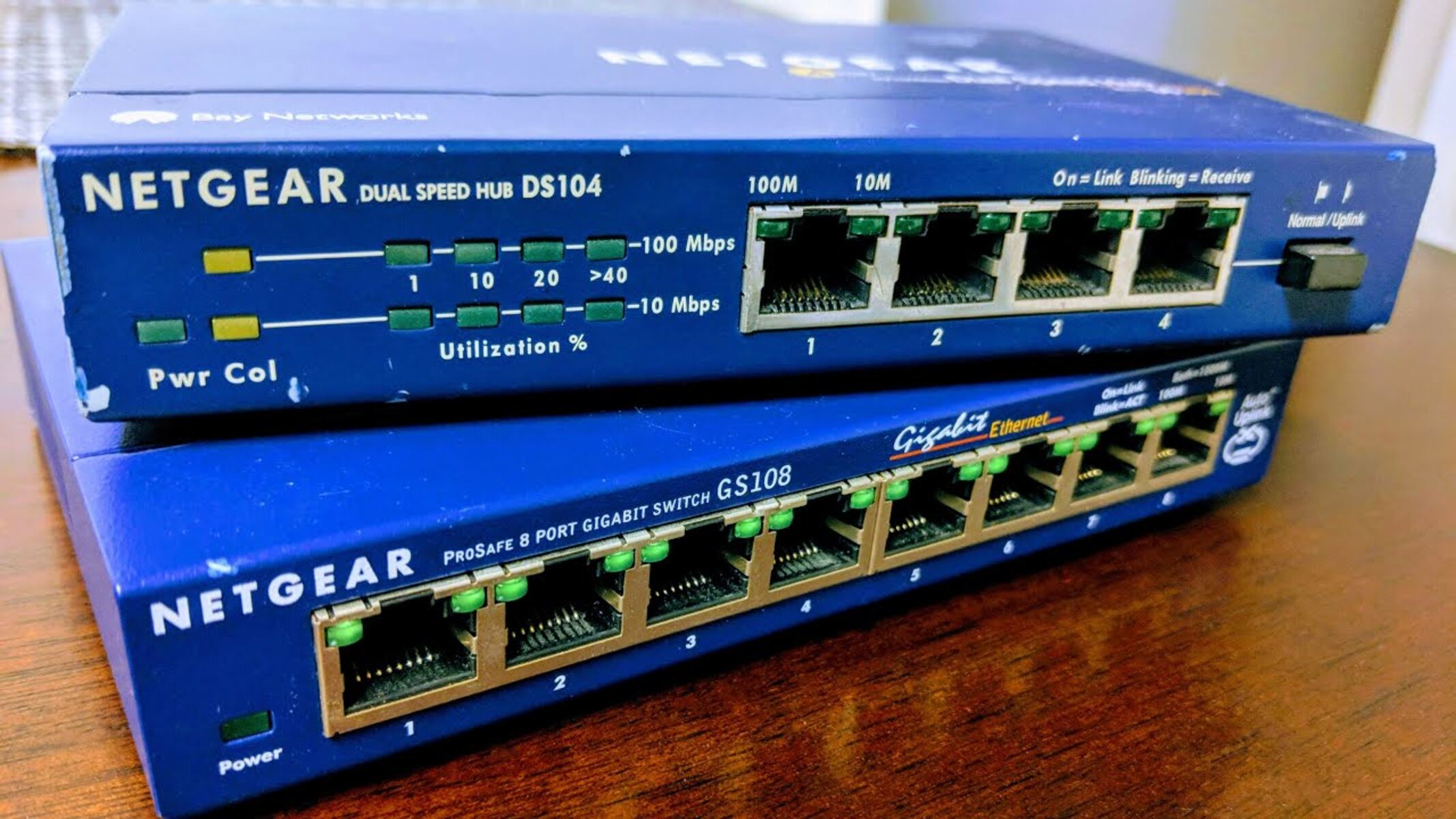
Most home and small-office network switches draw between 3 and 60 watts, while large Power over Ethernet (PoE) switches under full load can consume hundreds of watts. The critical distinction is that a switch's wattage rating typically covers its internal electronics plus the power it can deliver to PoE-connected devices, so your actual electricity draw is often lower than the maximum rating. To estimate your cost, you need the switch's typical power consumption in watts, not just its PoE budget.
Typical network switch wattage at a glance
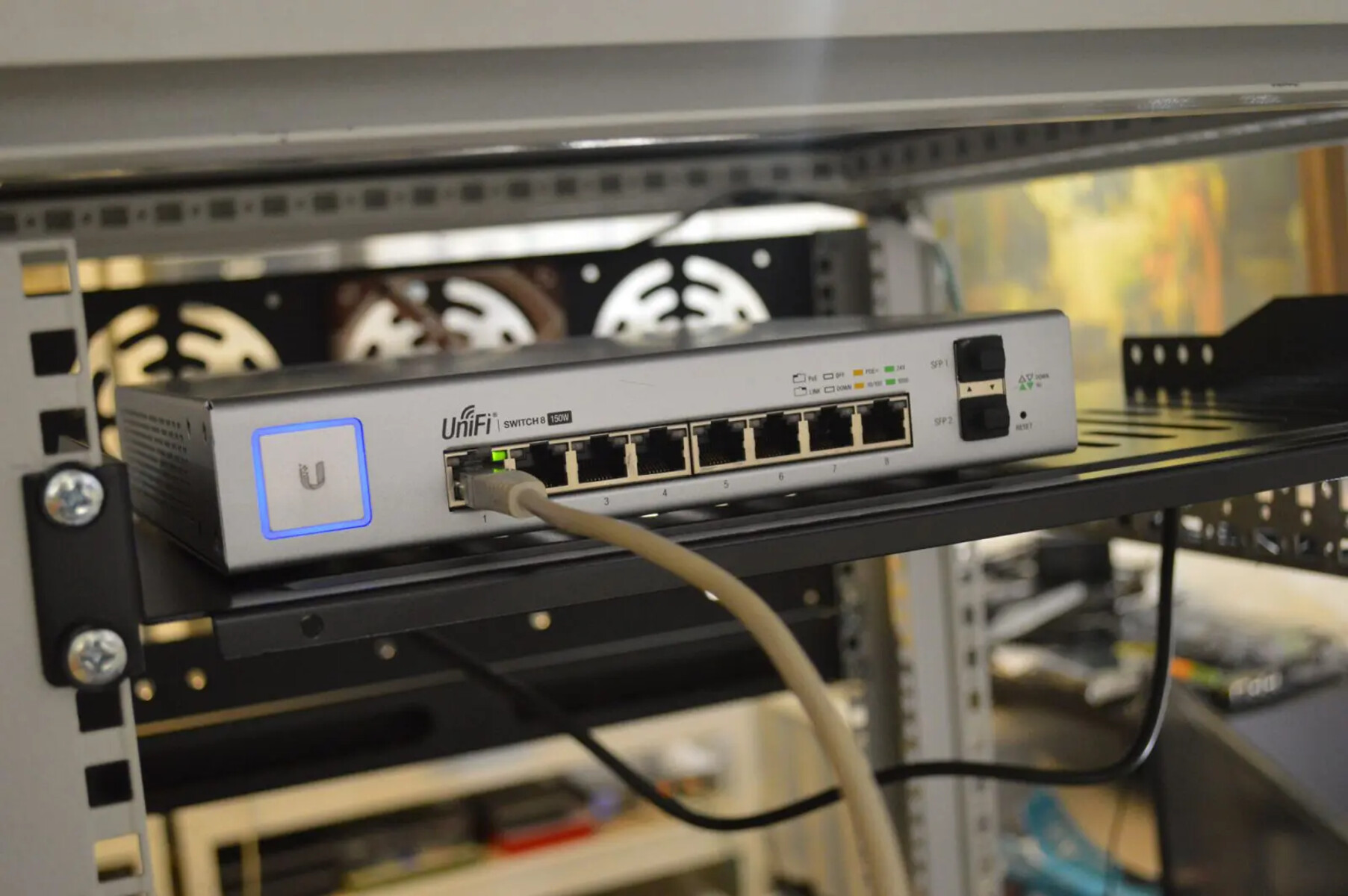
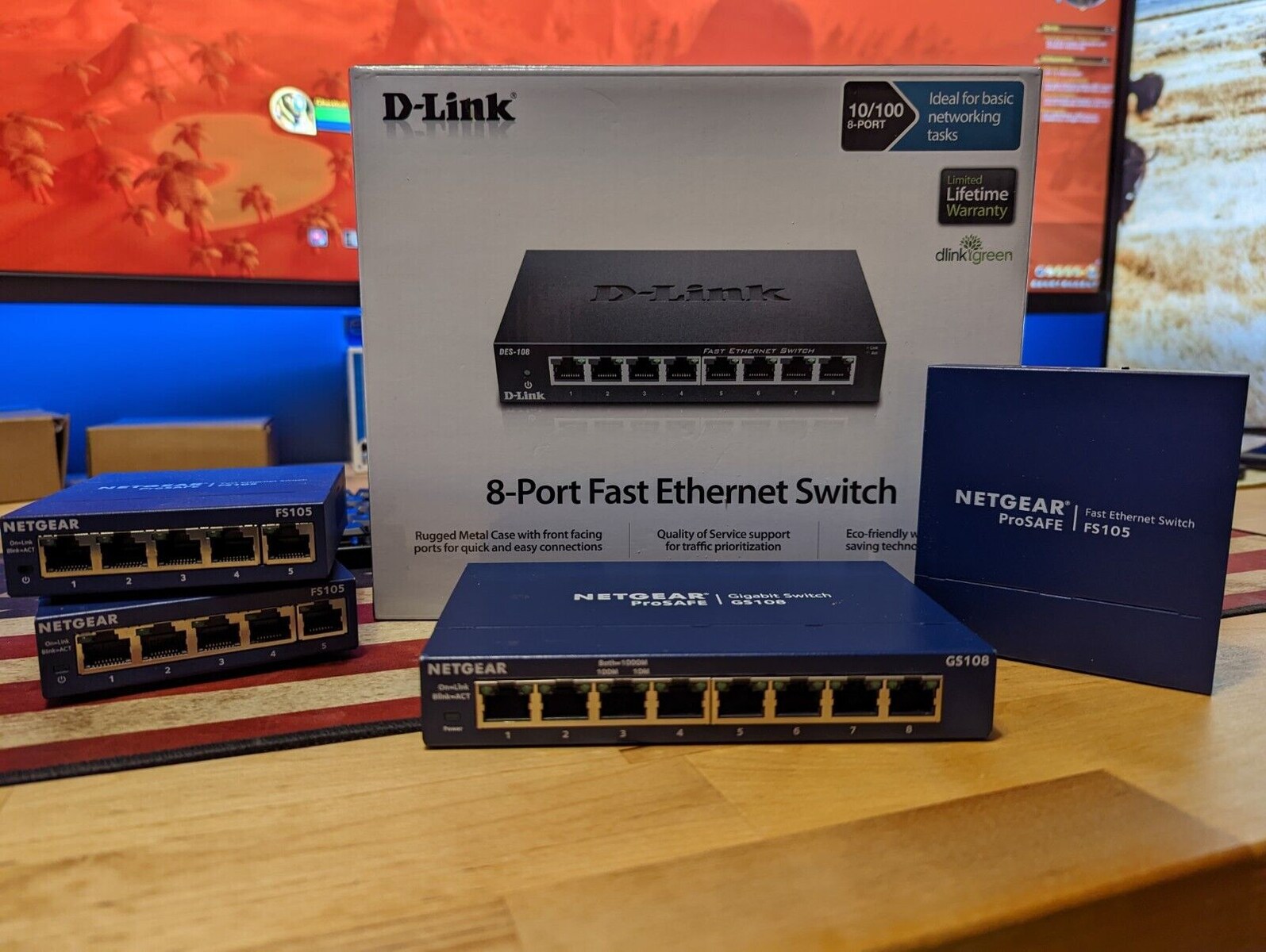
For a standard 5- to 8-port unmanaged switch used at home, expect 3 to 15 watts. A 24-port managed Gigabit switch typically runs 20 to 60 watts, depending on features and traffic. PoE switches that power IP cameras or wireless access points range from 60 watts to over 250 watts when many ports are delivering full power. The key number for your electricity bill is the typical power draw, not the maximum PoE budget, because most PoE deployments use only a fraction of the available power budget.
Key factors that determine power consumption
Several verified factors control how many watts your switch actually draws. The number of ports is the most obvious: every active port requires a small amount of power for its transceivers and switching logic. Data rate matters too, 10GbE ports consume roughly 2-3 times more power than 1GbE ports at the same traffic level. Traffic load is another variable: a switch processing near line-rate traffic draws more power than one sitting mostly idle, though the difference is often only 10-20% for non-PoE models. Managed switches use 5-15 extra watts compared to unmanaged equivalents because of the management processor and additional memory.
How to find the exact wattage for your switch
To get the precise figure for your model, consult the official datasheet or system specifications from the manufacturer. Look for two numbers: typical power consumption (measured with average traffic and no PoE load) and maximum power consumption (with full PoE load and worst-case traffic). For example, a Cisco Nexus 9396Y datasheet lists a typical draw of 120W and a maximum of 450W, but the 450W figure includes the PoE budget. If you are calculating electricity cost, use the typical value and add a 20% margin for future devices and aging components. This margin accounts for the fact that power supplies become less efficient over time and that you might add PoE devices later.
Energy-efficient features to look for
Many managed switches also offer port power management, letting you disable unused ports or set a maximum power limit per PoE port. These features are worth seeking out because they directly reduce your electricity bill without affecting performance during active use. When comparing models, check whether the switch supports EEE on all ports or only a subset, some budget switches only implement it on the uplink ports. For PoE switches, look for per-port power limits and scheduling, which let you power down cameras or phones overnight.
\nRelated reading: How Can I Tell If I Have A Bad Network Switch?, How To Add A Virtual Network Switch In VirtualBox, and Internet Speed Drops Significantly When Hooked To Network Switch.