To prevent iPhone hotspot from turning off, keep the Personal Hotspot settings screen open in the foreground on your iPhone. This is the most reliable way to maintain the broadcast signal even when no devices are actively using the connection.
Why your iPhone hotspot turns off
Your iPhone hotspot is designed to automatically disconnect when no devices are actively using it. This is a battery-saving feature that stops broadcasting the Wi-Fi signal after a period of inactivity. While this conserves power, it creates frustration when you need a persistent connection for intermittent use, such as checking emails or monitoring remote devices throughout the day.
Keep the Personal Hotspot screen open to prevent iPhone hotspot from turning off
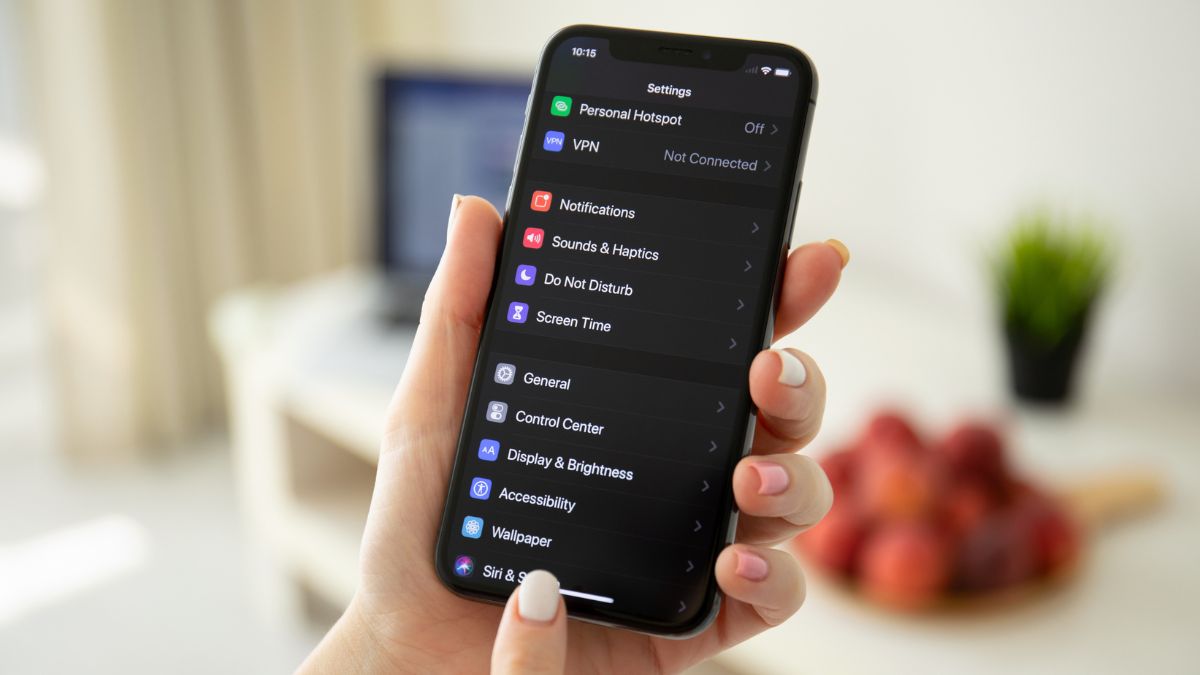
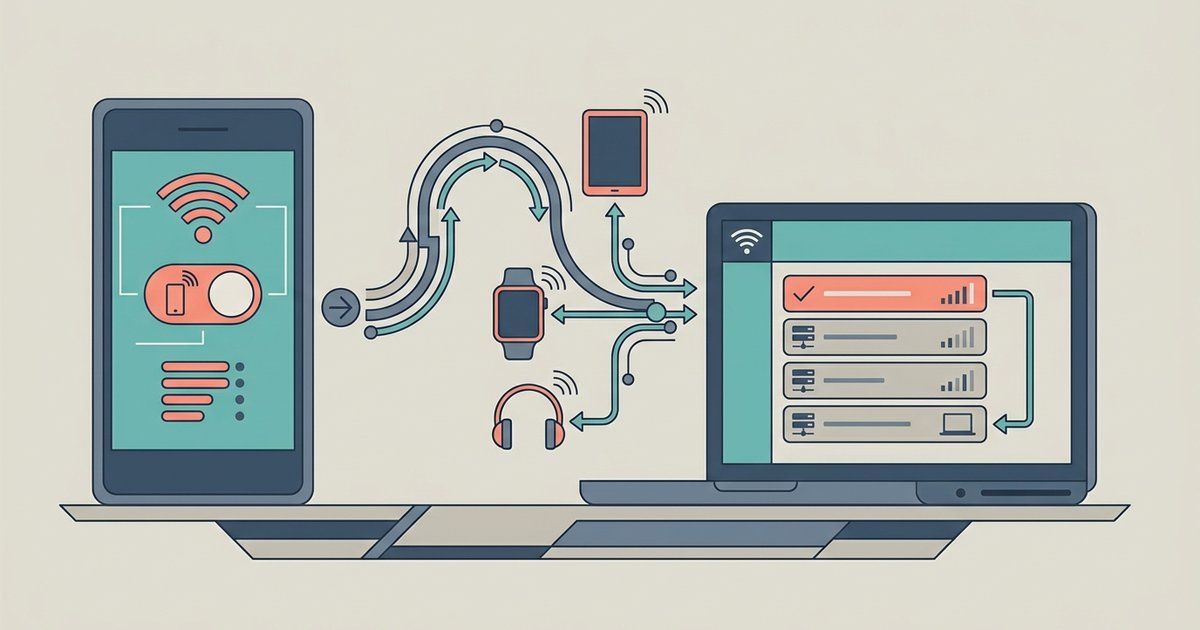
The simplest and most effective method is to navigate to Settings > Personal Hotspot and leave that screen open on your iPhone. When this screen is in the foreground, your iPhone maintains the hotspot broadcast, preventing the automatic timeout. This works because the device treats the open settings screen as active usage. If you are using a phone hotspot for tasks that require a constant signal, this is your best option for keeping the connection alive.
Use a USB cable for a more stable connection
Connecting your device to the iPhone via a USB cable provides a more reliable connection that is less prone to inactivity timeouts than Wi-Fi. When you connect your mobile hotspot to a PC with USB, the wired connection keeps the data link active and stable. This method also charges your iPhone while sharing the connection, reducing the chance of a low-battery shutdown. For the best results, use the USB cable that came with your iPhone or a certified third-party cable.
Keep your iPhone plugged in to avoid low-battery shutdowns
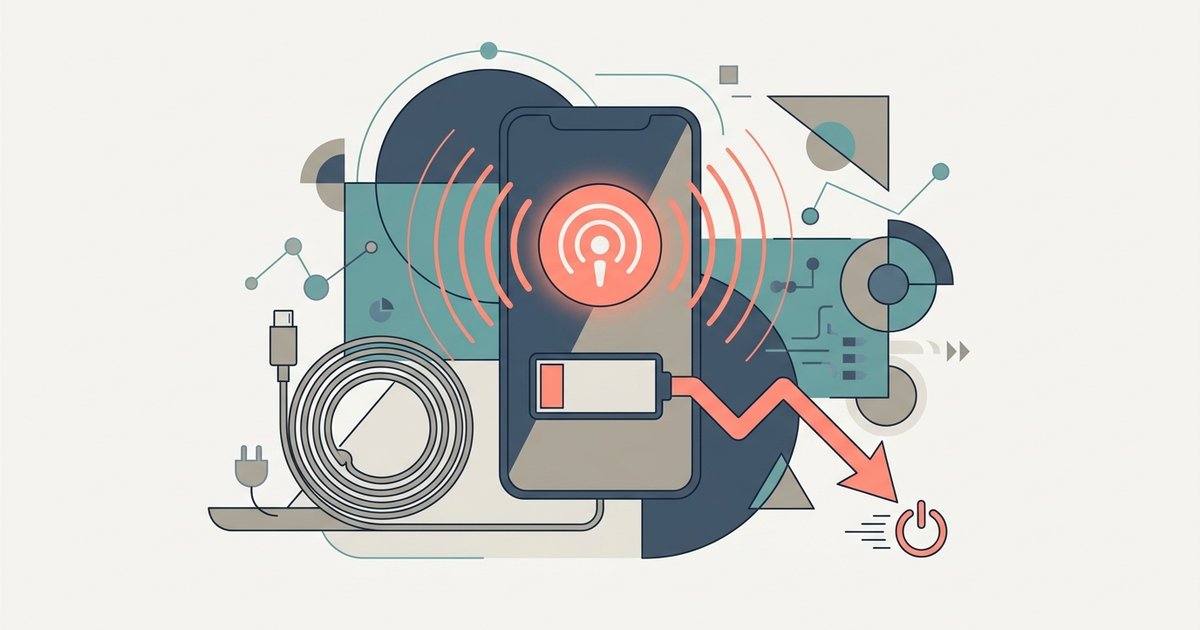
While plugging your iPhone into a power source does not prevent inactivity timeouts, it stops the hotspot from turning off due to a critically low battery. When your iPhone’s battery drops below a certain level, the device automatically disables the hotspot to preserve power for essential functions. If you need to maintain a connection for extended periods, connect your iPhone to a wall outlet or a portable charger. This is especially important when keeping your personal hotspot always on for long work sessions or streaming.
Troubleshoot other hotspot disconnection issues
If your hotspot still disconnects unexpectedly, check the following:
- Ensure Cellular Data is on. Go to Settings > Cellular (or Mobile Data) and verify that the Cellular Data toggle is enabled. Personal Hotspot requires an active cellular data connection to function.
- Update your iPhone to the latest iOS version and install any available carrier settings updates. Go to Settings > General > Software Update for iOS updates. Carrier settings updates are delivered automatically when available, but you can check by going to Settings > General > About and waiting a few seconds for an update prompt if one exists.
- Verify that your carrier plan supports hotspotting. If the Personal Hotspot option is dimmed or unavailable in Settings, contact your wireless carrier to confirm that your plan includes tethering or hotspot capabilities. Some carriers require a specific plan or may have restrictions on the number of devices that can connect simultaneously.