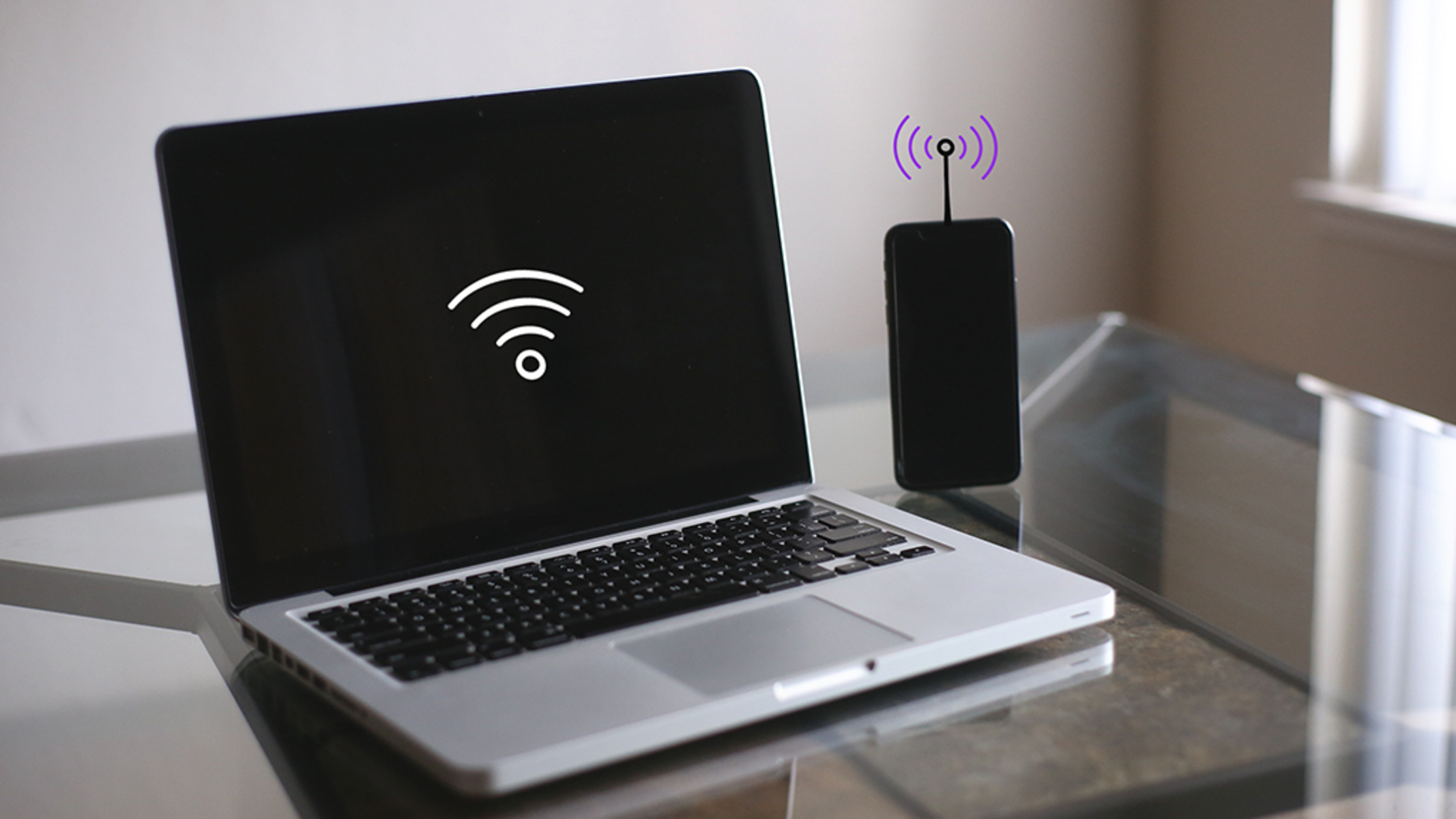
Yes, hotspot broadcasting drains the battery significantly faster—often 2 to 3 times the drain of regular screen-off data use—because the phone must simultaneously maintain a cellular data connection and run the Wi-Fi radio as a mini access point. You can safely keep the phone plugged in during extended sessions, but only if you disable battery optimization features that stop charging at 80% and use a low-wattage charger to avoid overheating.
Why phone hotspot battery drain is higher
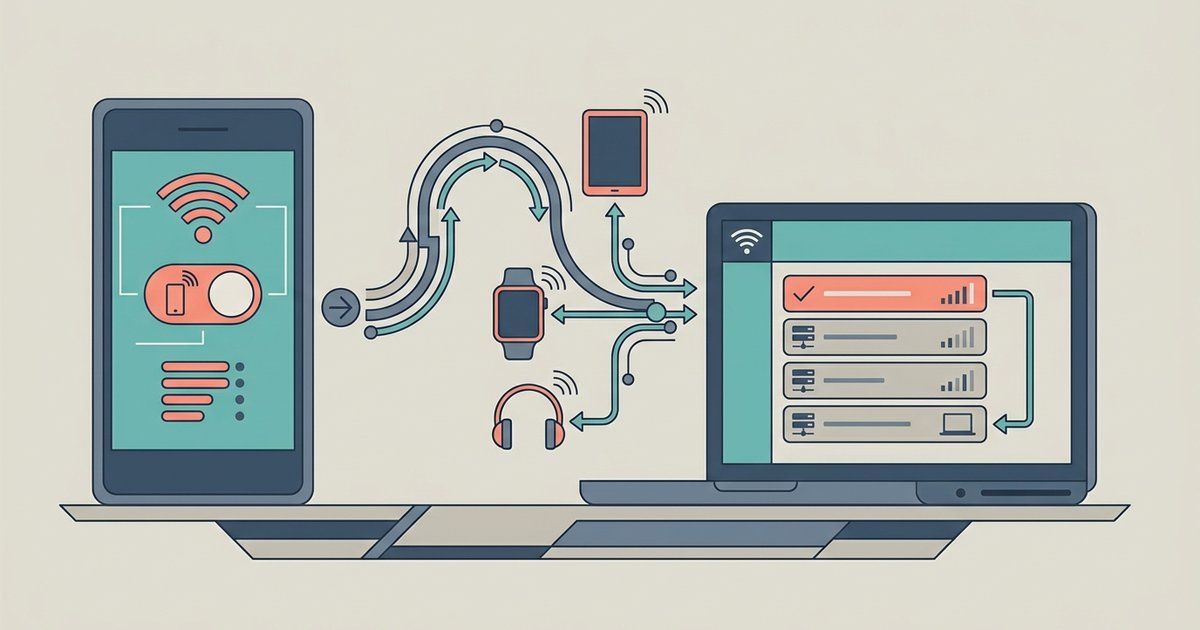
At the milliwatt level, screen-off cellular use for a task like streaming a podcast consumes roughly 400-700 mW, depending on signal strength. Screen-off Wi-Fi client use drops to 200-400 mW. In that state your phone is merely receiving data from a router, so the Wi-Fi chip stays in a low-power receive state. Hotspot broadcasting forces the Wi-Fi chip into an active access-point mode that transmits discovery frames every 100 milliseconds, even when no client is sending data. This signaling alone adds 300-500 mW. When you add the cellular uplink for the tethered device's traffic, total draw jumps to 1,200-1,800 mW. The non-linear jump occurs because the phone's power management cannot idle either radio when the hotspot is active. Both must remain in high-power states to handle unpredictable client requests. If you want to connect hotspot to tablet for remote work, expect the phone's battery to deplete roughly 15-20% per hour, versus 5-7% per hour for screen-off cellular streaming, and you can budget your session using the typical data usage from a tablet hotspot per hour.
Why screen-off data use is not the same as hotspotting
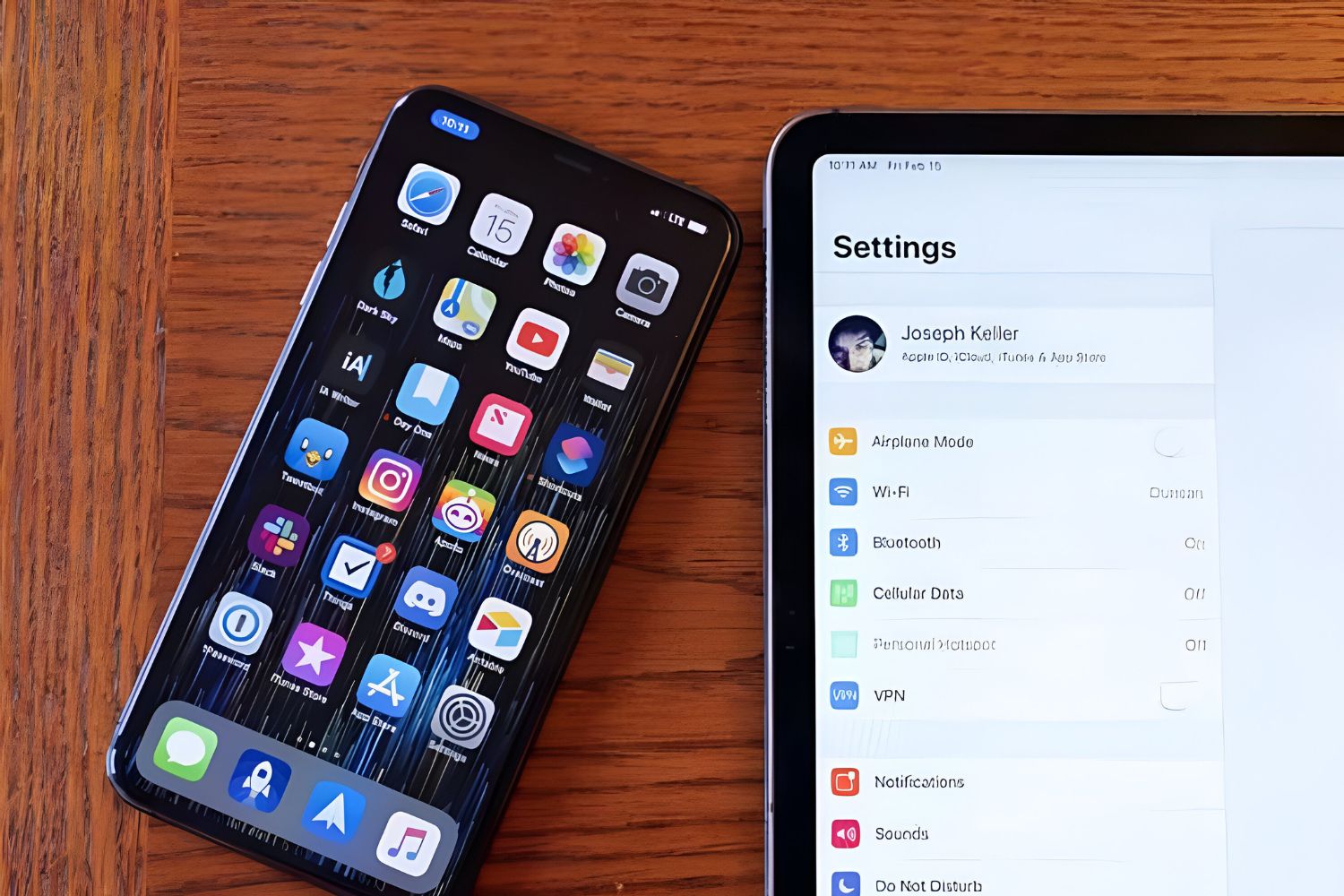
A common misconception is that turning off the screen makes hotspotting nearly as efficient as regular data use. In reality, the screen is a minor factor. The Wi-Fi chipset's power state is the dominant variable. When your phone acts as a client on a home network, the Wi-Fi radio spends most of its time in a deep sleep, waking briefly to check for packets. In hotspot mode, the chip enters a high-power signaling mode that broadcasts the network name, handles authentication, and relays packets between the cellular modem and the tethered device. This dual-radio load prevents the phone from entering the low-power states that define normal client-mode consumption. For example, linking iPad to iPhone hotspot forces the iPhone's Wi-Fi chip to stay awake continuously, but using a phone hotspot with a laptop or tablet still follows the same power-hungry principles. Streaming the same video directly to the iPhone's screen would let the Wi-Fi radio sleep between data bursts. The result is that hotspotting drains 2-3 times more power than screen-off cellular use, even if the screen never lights up.
Charging safely during long hotspot sessions
The real risk during long hotspot sessions isn't the battery drain itself. It's the heat generated by fast-charging while the phone is already hot from running both radios. Plugging into a 20W or 30W charger while hotspotting can push internal temperatures above 45°C, accelerating lithium-ion degradation and, in extreme cases, triggering thermal shutdown. The safe approach is to use a low-wattage charger, 5W or 10W, which trickle-charges the battery at roughly the same rate the hotspot drains it, keeping the phone cool. You must also disable battery optimization features like "Optimized Battery Charging" on iPhones or charging limit features on Android, which intentionally stop charging at 80% to prolong lifespan. If you leave those enabled, the phone may halt charging mid-session while the hotspot continues draining. This micro-cycling generates extra heat. For tasks like preventing iPhone hotspot from turning off during a workday, plugging into a 5W charger with optimization disabled is one method that keeps the battery safe. Similarly, if you need to connect a tablet to the internet via hotspot for hours, a low-wattage charger is essential to avoid overheating that occurs when high drain and fast charge happen simultaneously.
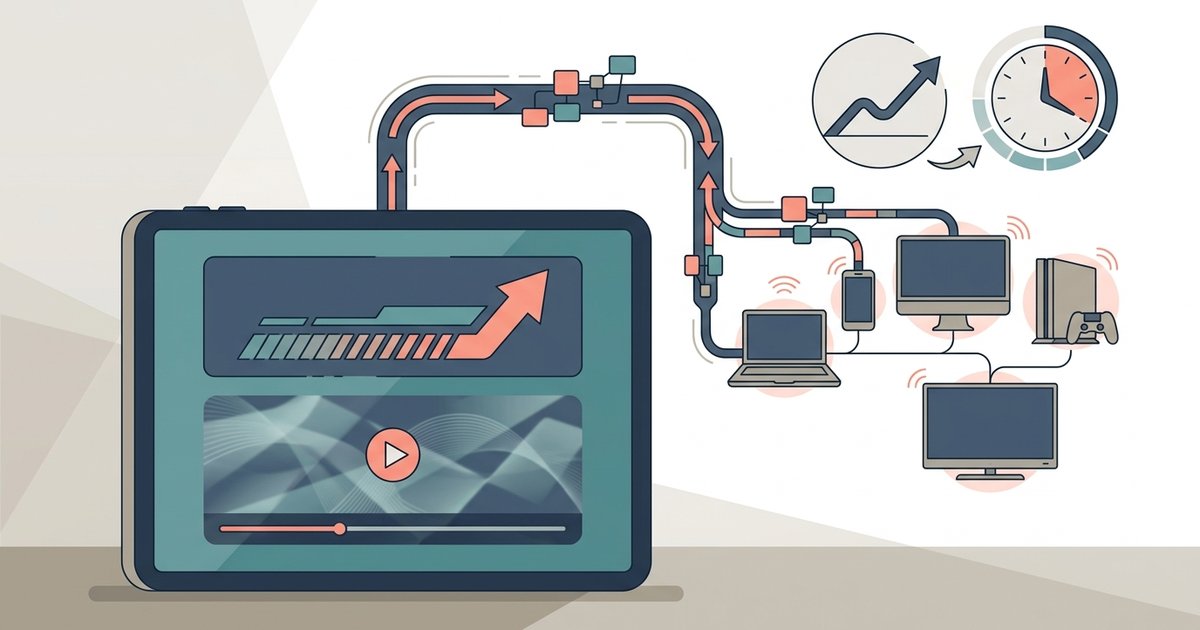
The difference isn't subtle: a phone streaming music with the screen off might draw around 400-600 milliwatts from the cellular radio, but switching on the hotspot immediately pushes that to 1,200-1,800 milliwatts, and the drain scales with the number of connected clients.