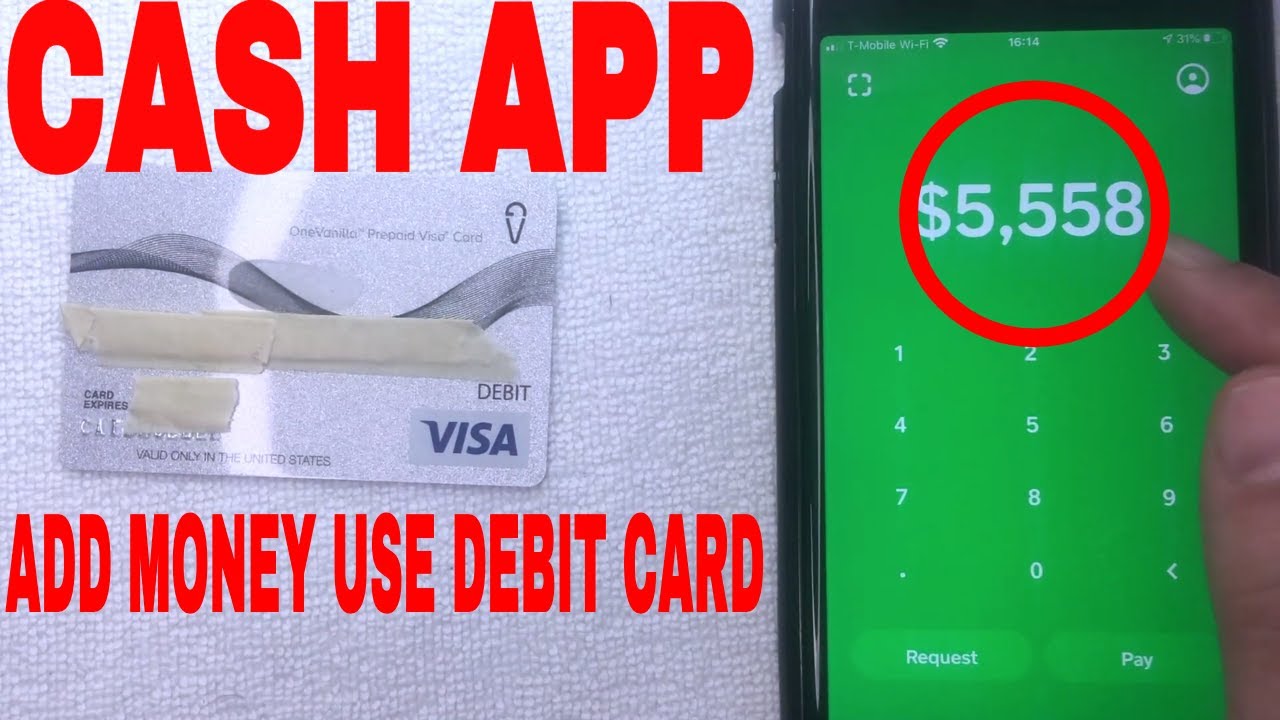
To add money to Cash App without a debit card, you can deposit physical paper money at a participating retailer or link a bank account to transfer funds directly. These methods let you fund your Cash App balance for payments and transfers without ever needing a debit card.
How to add money to Cash App without debit card: deposit paper money
Cash App offers an official "Paper Money" deposit feature that lets you add physical cash at thousands of retail locations. This is the only way to convert physical currency into your Cash App balance without a debit card.
To find a store near you:
- Tap the Money tab on your Cash App home screen.
- Tap your Cash Balance.
- Select "Deposit Paper Money."
- Use the map to find a location near you or the search bar to enter an address.
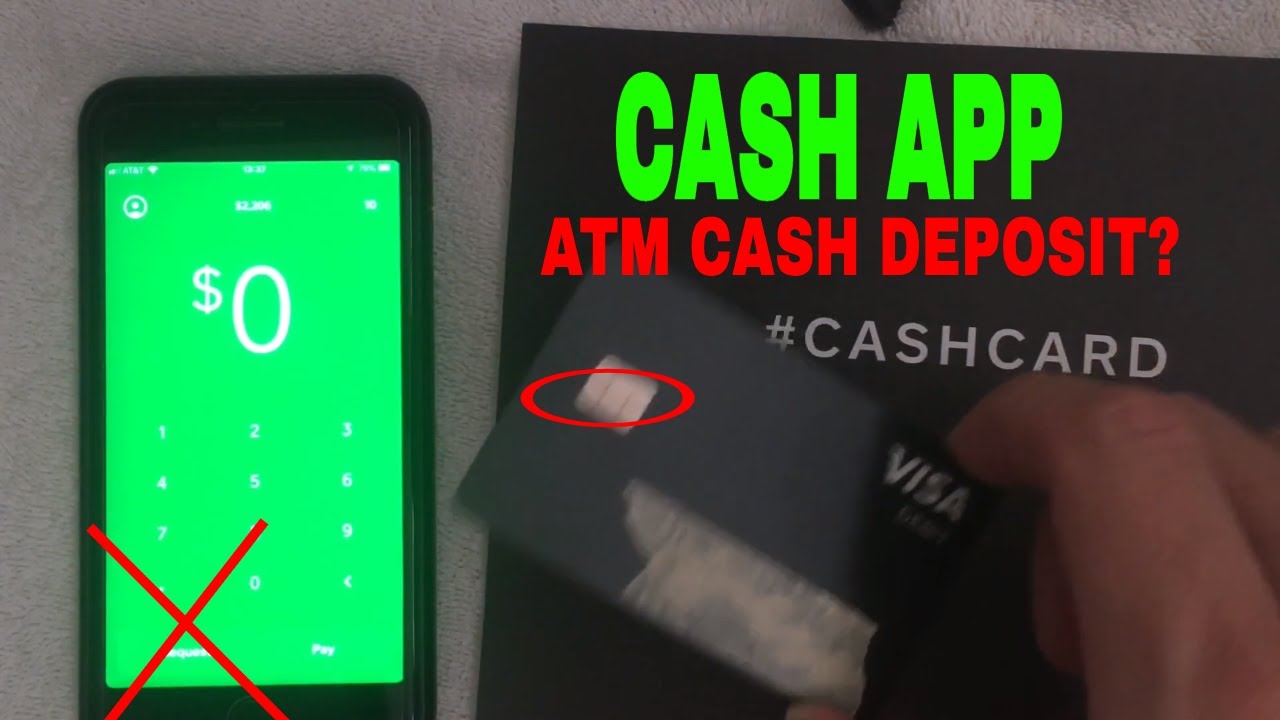
At the store, tell the cashier you want to load funds to your Cash App. You may need to show the cashier instructions by tapping the "?" on your map in the app. The cashier will either swipe your Cash App Card or scan a barcode within your Cash App. Hand the cashier the money you'd like to deposit, and the funds will automatically be added to your Cash App balance. It is recommended to keep a copy of your receipt from the cashier.
There is a flat-rate $1 processing fee on each paper money deposit, which is automatically collected from the deposited funds. You can deposit a minimum of $5 per transaction, though some retailers have a minimum deposit of $20 for deposits made by swiping your card. You cannot exceed $500 per deposit. You can deposit up to $5,000 per rolling 7 days and up to $10,000 per month (calculated on a rolling 30-day period). Note that security limits are often set by the participating retailer, which can interfere with your ability to deposit up to the Cash App limit. Paper Money deposits are for verified customers only.
Link a bank account to transfer funds
You can link a bank account directly to Cash App to transfer funds into your Cash App balance. This method bypasses the need for a debit card entirely. If you want to add cash to Cash App from a bank account, simply link your bank within the app's Banking tab and initiate a transfer. Standard transfer times apply, so funds may take a few business days to arrive in your Cash App balance.
Set up direct deposit for paychecks
Setting up direct deposit lets you receive paychecks, tax returns, and more directly into your Cash App balance. To set up direct deposit, you may first need to order and activate a Cash App Card. If you don't see your direct deposit account details after ordering, you may need to wait until your physical Cash Card arrives and activate it.
To find your account and routing numbers:
- Tap your balance.
- Use the options to copy your account and routing numbers and provide them to your employer or depositor.
To create a direct deposit form in-app:
- Tap "Direct Deposit."
- Select "Create a pre-filled form."
- Fill out your employer information, the amount you would like to be deposited from each paycheck, and provide your signature.
- Confirm your email and complete the form.
Cash App makes direct deposits available as soon as they are received, potentially up to two days earlier than many banks. Your first direct deposit may take longer to become available depending on your employer. You can receive up to $25,000 per direct deposit and up to $50,000 in a 24-hour period via direct deposit.
Receive money from friends and family
You can use the request feature to get funds from other Cash App users directly into your balance. Tap the Balance tab, click the Request button, enter the amount, and send the request. Once the other user sends the money, it appears in your Cash App balance without needing a debit card. This is the simplest method when someone you know sends you money.
Use a linked credit card
While you can't add funds to your Cash App balance from a credit card, you can use one as a direct payment method for sending money. This distinction is important: a credit card can be used to send payments through the Cash App transaction process, but it won't increase your Cash App balance. If you encounter the Cash App add cash failure issue when trying to use a credit card, this is why, the app only allows balance additions from bank accounts, debit cards, or paper money deposits. Some users attempt the Cash App glitch method to bypass this, but official support only covers the methods described above for adding to your balance.