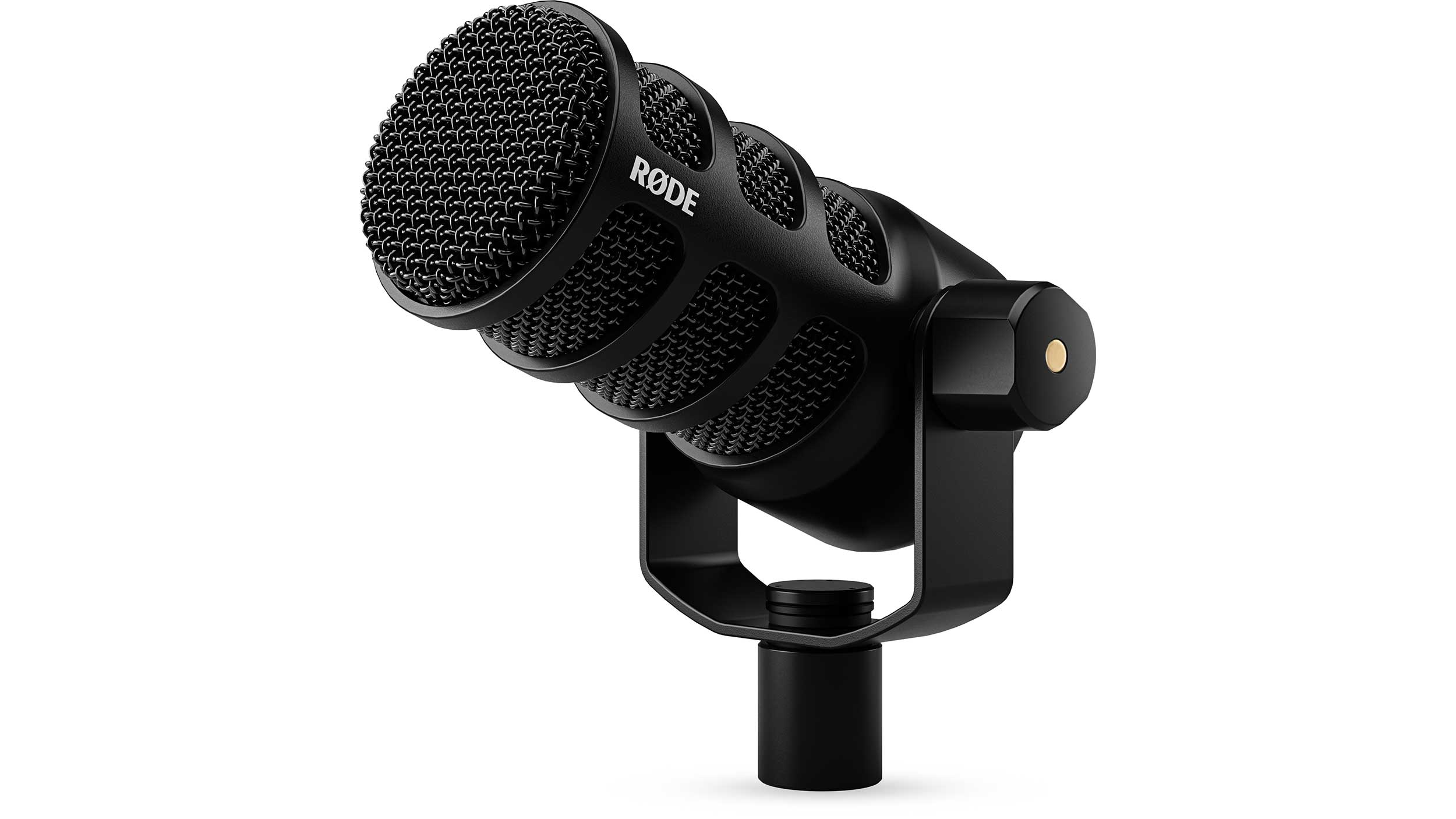
Is a USB to xlr microphone conversion really possible? The direct answer is no: you cannot turn a standard USB microphone into an XLR microphone. This isn't a matter of finding the right adapter or cable, it's a fundamental incompatibility between digital and analog audio signals that makes the conversion impractical and essentially nonexistent.
Is a USB to xlr microphone conversion really possible?
No, a USB to xlr microphone conversion is not possible with any cable, adapter, or software. The reason is simple: your USB microphone outputs a digital signal, while an XLR input expects an analog one. These are two entirely different languages in the audio world, and no passive or active adapter can translate between them without a complex and inefficient digital-to-analog converter that, in practice, is not manufactured for this purpose. So, if you were hoping to plug your existing USB mic into a mixer or audio interface via XLR, you can stop looking for a cable, it doesn't exist.
Why your USB microphone can't become an xlr microphone
To understand why this conversion is impossible, you need to know what's inside your USB microphone. Unlike XLR microphones, which output a raw analog signal, USB microphones contain a built-in analog-to-digital (A/D) converter. This tiny chip takes the analog sound captured by the microphone capsule and transforms it into digital data (1s and 0s) that your computer can understand. Additionally, USB mics have a built-in preamp and function as their own audio interface, meaning they are designed to connect directly to a computer via USB.
An XLR input, on the other hand, is designed to receive a low-level analog signal from a microphone. To convert your USB microphone's digital output back into an analog signal for an XLR connection, you would need a digital-to-analog (D/A) converter. While D/A converters exist in audio interfaces and DACs, they are designed to convert digital audio from a computer or player into an analog signal for speakers or headphones, not to convert a USB microphone's proprietary digital output into an analog mic signal. Standalone USB-to-XLR D/A converters are not commonly available because the process is inefficient, would introduce unnecessary latency, and would essentially require building a second microphone's worth of electronics into a cable. In short, the physics and engineering of the two microphone types are fundamentally incompatible.
Your real goal: achieving xlr flexibility and audio quality
It's worth pausing to ask why you want to make this conversion in the first place. If your goal is better audio quality, more flexibility in your recording setup, or the ability to connect to professional audio equipment like mixers and interfaces, then you're on the right track, but for the wrong reason. The desire for XLR connectivity is valid: XLR microphones offer superior audio fidelity, better noise rejection through balanced connections, and the ability to upgrade individual components of your signal chain. You also gain the flexibility to use your microphone with a wide range of audio equipment, from studio interfaces to live sound consoles. These are real benefits, and they're worth pursuing. The problem is that you can't get these benefits by modifying your existing USB microphone. Instead, you need to build your setup around a true XLR microphone.
Solution 1: get a dedicated xlr microphone and audio interface
The most straightforward and practical solution to achieve XLR flexibility and audio quality is to purchase a dedicated XLR microphone and an audio interface. This is the professional-standard approach used by podcasters, musicians, and broadcasters worldwide. Here's what you'll need:
- An XLR microphone: This is a microphone with a three-pin XLR output that produces a raw analog signal. Dynamic microphones like the Shure SM58 or condenser mics like the Audio-Technica AT2020 are excellent starting points.
- An audio interface: This device acts as the bridge between your XLR microphone and your computer. It contains a preamp to boost the mic's signal to a usable level and an A/D converter to send digital audio to your computer via USB, Thunderbolt, or FireWire. Popular options include the Focusrite Scarlett series, PreSonus AudioBox, and Universal Audio Volt series.
- An XLR cable: A balanced XLR cable connects your microphone to your audio interface. It carries the analog signal with noise-rejecting properties thanks to its balanced design.
This setup gives you exactly what you were hoping to achieve with the conversion: superior audio quality, control over gain levels, and the ability to use your microphone with any professional audio equipment. Plus, you can upgrade your microphone or interface independently in the future, providing a clear path for growth. This is the real way to "convert" to XLR, by investing in the proper tools.
A note on 'xlr to USB' vs. 'USB to xlr' adapters
A common point of confusion in the audio world is the difference between "XLR to USB" and "USB to XLR" adapters. You might have seen products like the Shure MVX2U or the Blue Icicle and wondered if they could help you convert your USB microphone to XLR. They cannot. These devices work in the opposite direction: they take an analog XLR microphone signal and convert it to a digital USB signal for your computer. For example, the Shure MVX2U is an XLR-to-USB audio interface that provides up to +60dB of gain and 48V phantom power, allowing you to connect a professional XLR microphone to your computer via USB-C. The Blue Icicle does the same, offering 48V phantom power for condenser mics. These are invaluable tools if you want to use an XLR mic with your laptop, but they are completely useless for connecting a USB microphone to an XLR input. Understanding this distinction will save you from wasting money on the wrong gear. If you own a USB microphone and want to use it with a mixer, there is no adapter that will make that work, you need to invest in an XLR microphone and an audio interface instead.
\nRelated reading: How To Record With A USB Microphone In Reaper, How To Activate A BM 800 Condenser Microphone On Your Computer, and Where to Find GIFs Online: GIFDB, GIFimage, GIPHY and Tenor Compared.