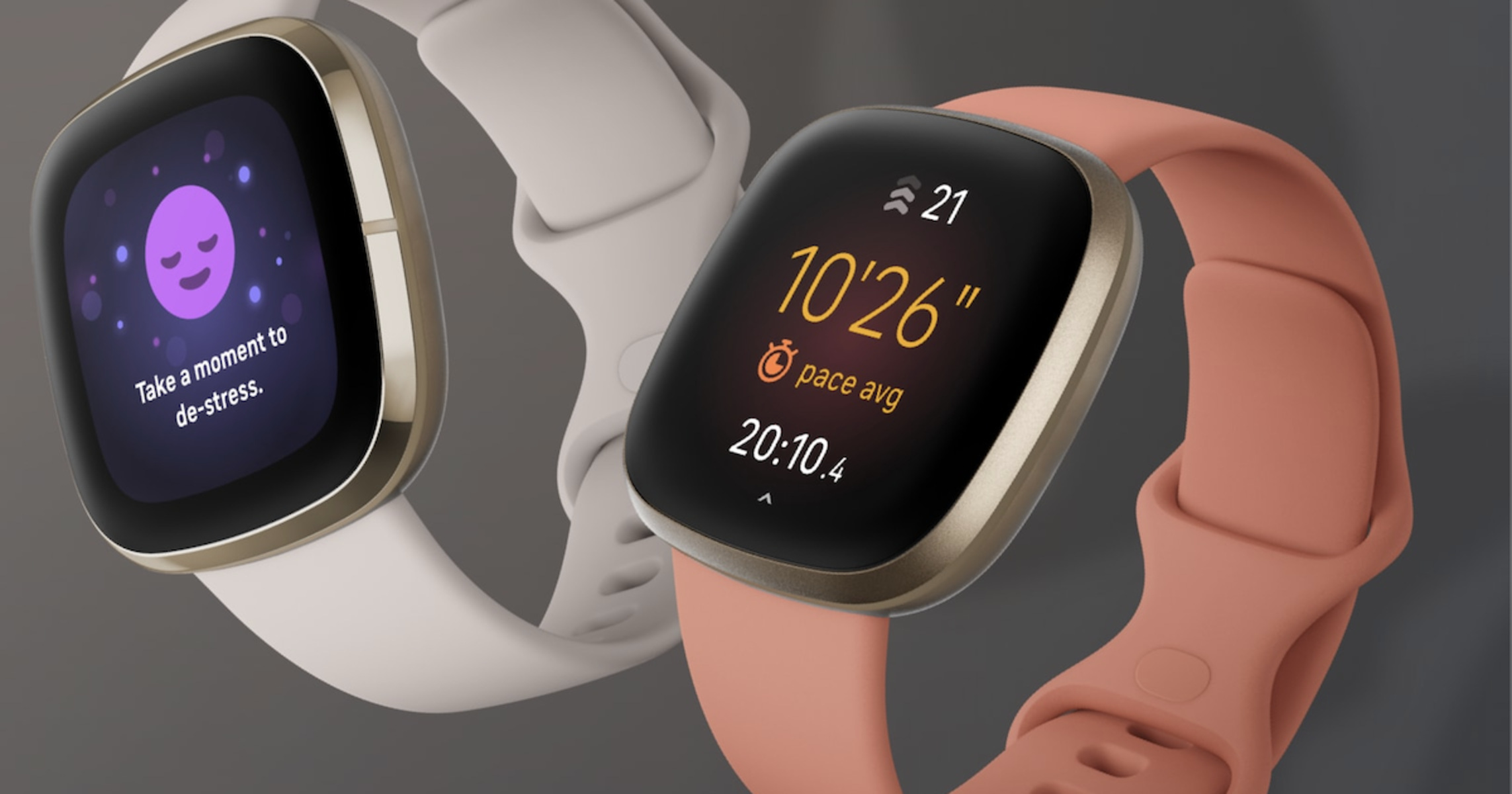
Pace on Fitbit is the number of minutes it takes you to cover one mile or one kilometer, and it is the most direct measure of your speed during a run or walk. Understanding your pace on Fitbit helps you control your effort, hit specific race goals, and track improvements in your fitness over time.
What does pace on Fitbit mean?
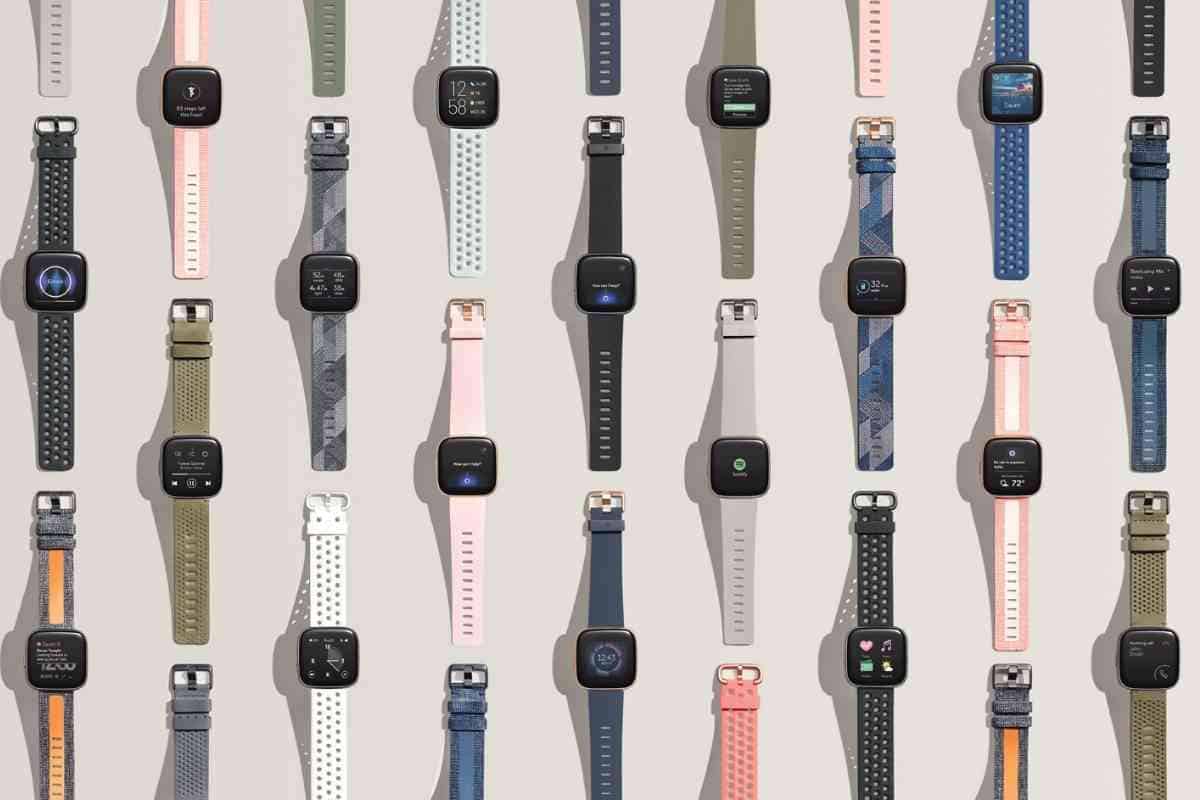
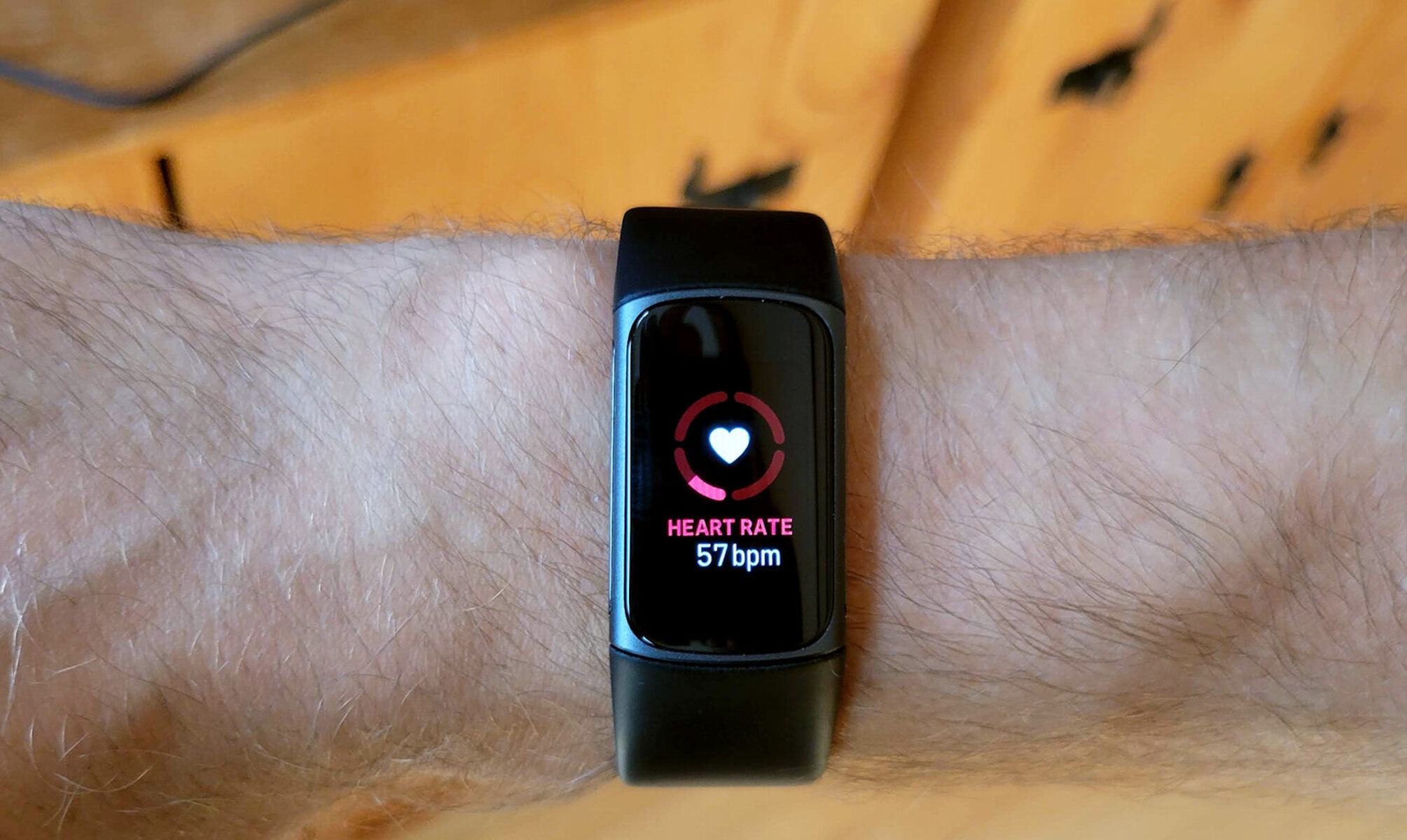
Pace is a speed metric expressed as minutes per mile (min/mi) or minutes per kilometer (min/km). Unlike speed, which tells you how far you travel in an hour, pace tells you how long it takes to travel a fixed distance. Fitbit displays your pace in real time so you can see if you are on track for a target time, and it records your average pace after each workout to help you compare performance day to day. If you lose sight of your split times mid-run, the icons on your Fitbit can help you quickly confirm which data field is your current pace.
How Fitbit measures pace
Fitbit uses three GPS methods to track pace, and the method depends on your specific device. Knowing which type your device uses ensures you get the most accurate data during outdoor workouts.
Built-in GPS
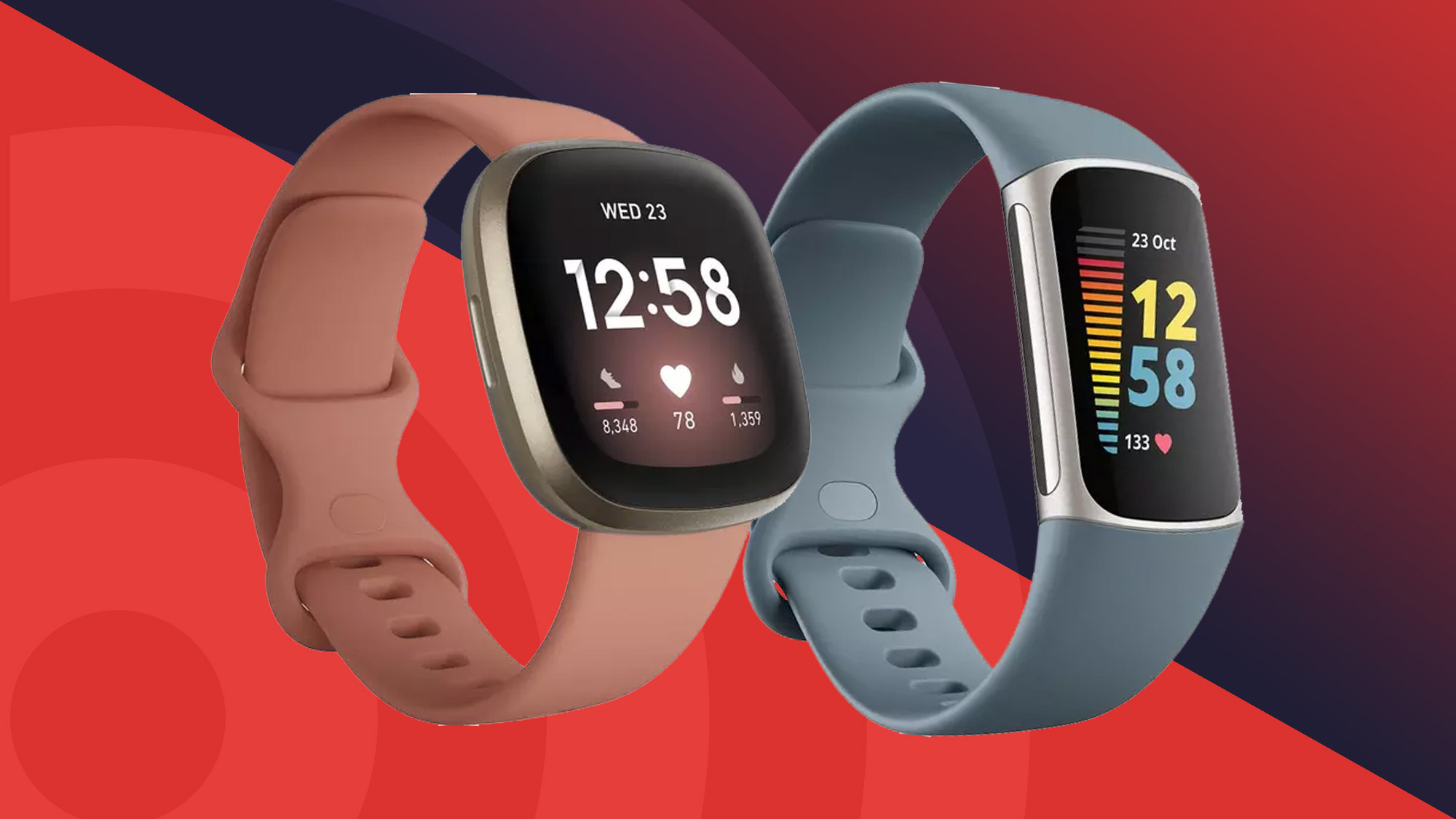
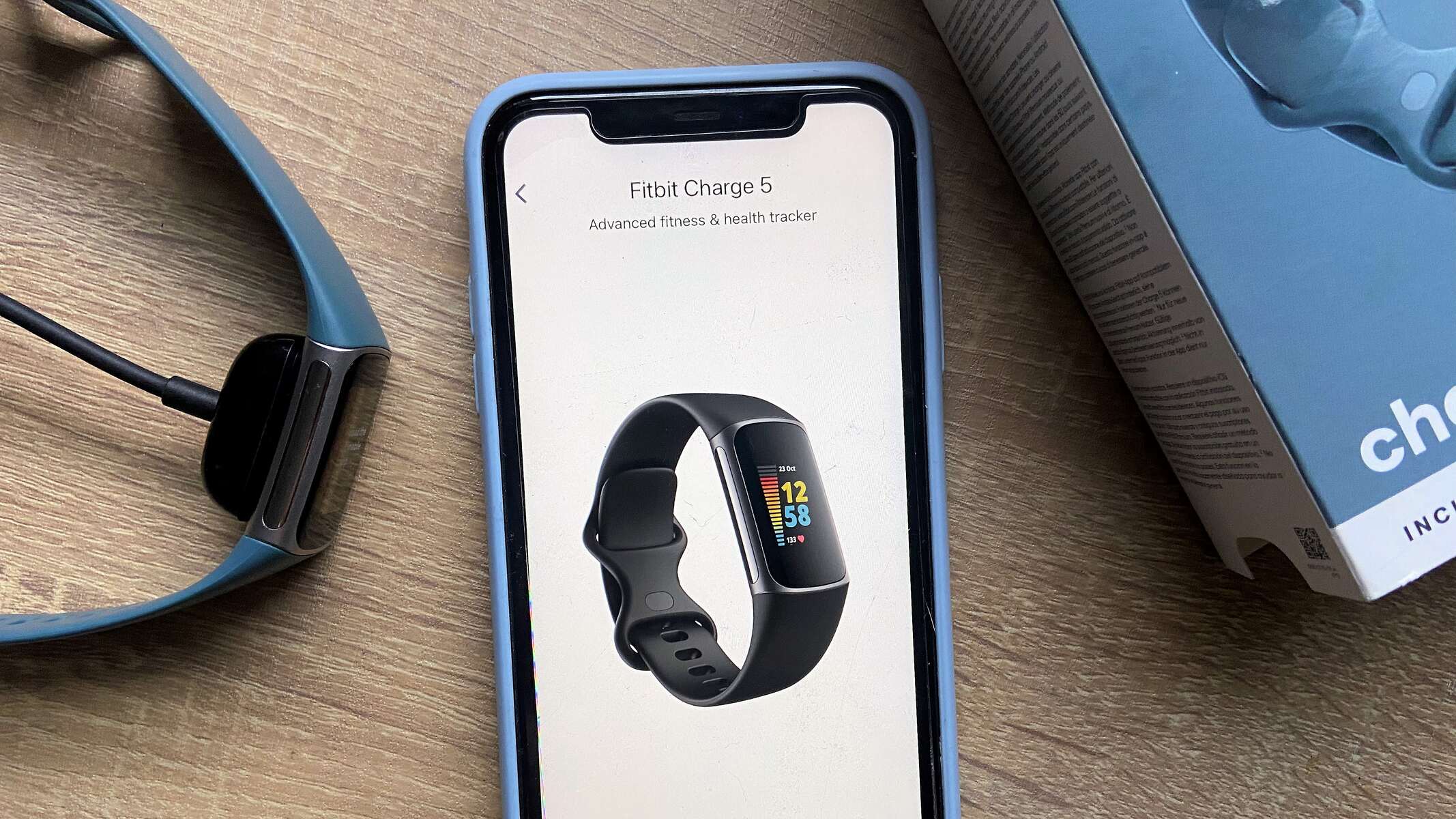
Devices with built-in GPS, such as the Versa 4, Sense 2, Charge 4, Charge 5, and Charge 6, can track real-time pace and distance without needing a phone. This means you can leave your phone at home and still get precise pace data directly from your wrist.
Connected GPS
Connected GPS utilizes your smartphone's GPS sensors, requiring the phone to be carried during the workout for pace and distance tracking. This method is used on older or entry-level Fitbit models that lack an internal GPS chip. You must have your phone with you, and the Fitbit app must be open for the connection to work.
Dynamic GPS
Some Fitbit models, like the Charge 5 and 6, feature "Dynamic GPS," which automatically selects between built-in GPS and your phone's GPS for the best signal. This hybrid approach helps maintain accuracy in areas where one signal might be weak, such as near tall buildings or dense tree cover.
Real-time pace, average pace, and split pace explained
Fitbit displays three distinct pace metrics during and after your workouts, each serving a different purpose for improving performance.
Real-time pace is the pace you are running at that exact second. It updates constantly as you move, allowing you to adjust your effort on the fly. If you see you are slowing down, you can push harder to stay in your target zone.
Average pace is the total time of your workout divided by the total distance. It smooths out fast and slow sections to give you one overall number. After a run, your average pace tells you whether you met your goal for the entire session.
Split pace breaks your workout into segments, typically every mile or kilometer. By reviewing split pace, you can see where you faded or surged, helping you plan a better pacing strategy for your next race or long run.
Fitbit also groups your pace into pace zones (such as fat burn, cardio, and peak) to show the intensity of your effort. Running in a higher pace zone means you are working harder, which is useful for interval training or tempo runs.
How to set target pace ranges on your Fitbit
Setting a target pace range lets you receive real-time alerts when you go too fast or too slow during a workout. This feature is available in the Exercise app on your Fitbit device.
- Open the Exercise app on your Fitbit device.
- Select the workout type you want to set a pace target for (for example, Run or Walk).
- Choose "Target Pace" and then select the pace range you want to maintain.
- Start your workout. Your Fitbit will vibrate or beep if your pace falls outside the range you set.
Using target pace ranges is especially helpful for tempo runs, where you want to hold a steady effort, or for race-day pacing to avoid starting too fast.
Tips for accurate pace tracking and battery life
Getting reliable pace data from your Fitbit requires a few simple setup steps. Proper Fitbit setup and syncing ensures your device is calibrated correctly before you head out.
Start by selecting the correct wrist setting. Ensuring the correct wrist (dominant or non-dominant) is selected in the Fitbit app settings improves the accuracy of step counting and distance. If you wear your device on your non-dominant wrist but have it set to dominant, your pace calculations may be off.
For optimal built-in GPS performance, ensure your device is at least 80% charged and wait up to 30 seconds for a stable GPS connection outdoors before starting your exercise. Starting before the GPS locks on can result in missing distance and inaccurate pace for the first part of your workout.
Be aware that continuous use of built-in GPS can significantly reduce battery life, with some devices experiencing a drop to approximately 12 hours. If you are planning a long run or hike, charge your device fully beforehand and consider using connected GPS (if available) to save battery on your Fitbit, though this requires carrying your phone.
Finally, sync your Fitbit regularly. Syncing updates your pace zones and calibration data, and it ensures your workout history is saved for later analysis.