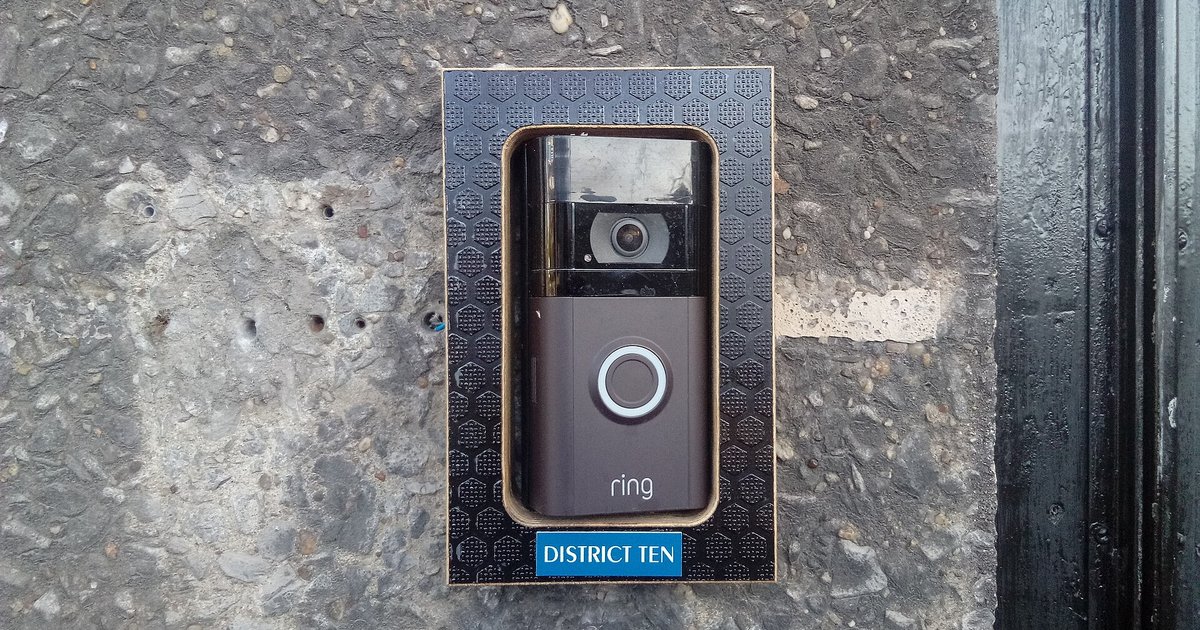
Your Ring doorbell isn't ringing the mechanical chime most likely because the Pro Power Kit (or bypass cable) is not installed correctly at the chime box, or the in-app setting for your mechanical chime is not enabled. Without both, the power circuit cannot trigger the physical hammer to strike the bell.
Check the ring doorbell chime type setting
Open the Ring app, tap the menu (☰), then "Devices," select your doorbell, tap "Device Settings," and then "In-home Chime Settings." You must explicitly select "Mechanical" as your "Chime Type" here. That setting sends a different electrical signal that will not energize the solenoid in a mechanical bell. You must explicitly select "Mechanical Chime" here. If the app shows "No Chime" or "Digital," the indoor chime will remain silent. The doorbell button press will still trigger the Ring’s own speaker and your phone alerts. To understand the underlying power flow, it helps to know how a Ring Video Doorbell is powered. It draws DC voltage from the transformer through the existing wiring. The mechanical chime requires an AC pulse to fire the hammer. The app setting tells the doorbell’s internal relay to output that pulse. If you are troubleshooting battery concerns, check a separate article on how to tell when a Ring doorbell is fully charged. A low battery can also cause the relay to skip the chime pulse. Once you change the setting to "Mechanical," test the doorbell button. The chime should sound within two seconds.
Verify the pro power kit installation
The Pro Power Kit, a small black module with two wires, must be wired in parallel across the chime terminals. These are typically labeled "Front" and "Trans." This module regulates the power draw so the doorbell does not steal enough current to prevent the solenoid from firing. If the kit is missing, loose, or attached to the wrong terminals, the solenoid will receive a weak or pulsed DC signal. It needs an AC pulse to strike the bell. Open your chime box and confirm each wire from the kit is snug under a screw terminal. A common mistake is leaving the kit dangling or connecting it to only one terminal. If you are considering a different brand, the process to install a Blink Video Doorbell uses a similar bypass module. The Ring Pro Power Kit is specific to Ring’s voltage requirements. That change does not affect the hardware wiring at the chime box. After tightening the connections, close the box and test again.
When your existing chime is incompatible
Even with the correct app setting and a properly installed Pro Power Kit, some mechanical chimes will never ring. The transformer does not supply enough voltage or current. Ring doorbells require a transformer rated at least 16 volts AC and 30 volt-amperes (VA). If your transformer outputs 12V or 8V, or if it is a low-power 5VA unit, the solenoid cannot build enough magnetic force to strike the bell. Measure the transformer’s output with a multimeter at the chime terminals while the doorbell is idle. A reading below 16V means you must replace the transformer. Additionally, proprietary intercom systems use a different signaling protocol and will never work with a standard mechanical chime setting. In those cases, the only solution is to disable the mechanical chime in the app and rely on the Ring device’s internal speaker and phone alerts. No other video doorbell brand automatically bypasses a proprietary intercom system to ring your existing mechanical chime without additional hardware. If you suspect incompatibility, verify the brand and model of your chime against Ring’s compatibility list online. Before troubleshooting further, confirm you correctly replace your existing wired doorbell with ring video doorbell to avoid basic wiring mistakes that mimic deeper incompatibility. No app setting or wiring trick can override a fundamentally mismatched system.