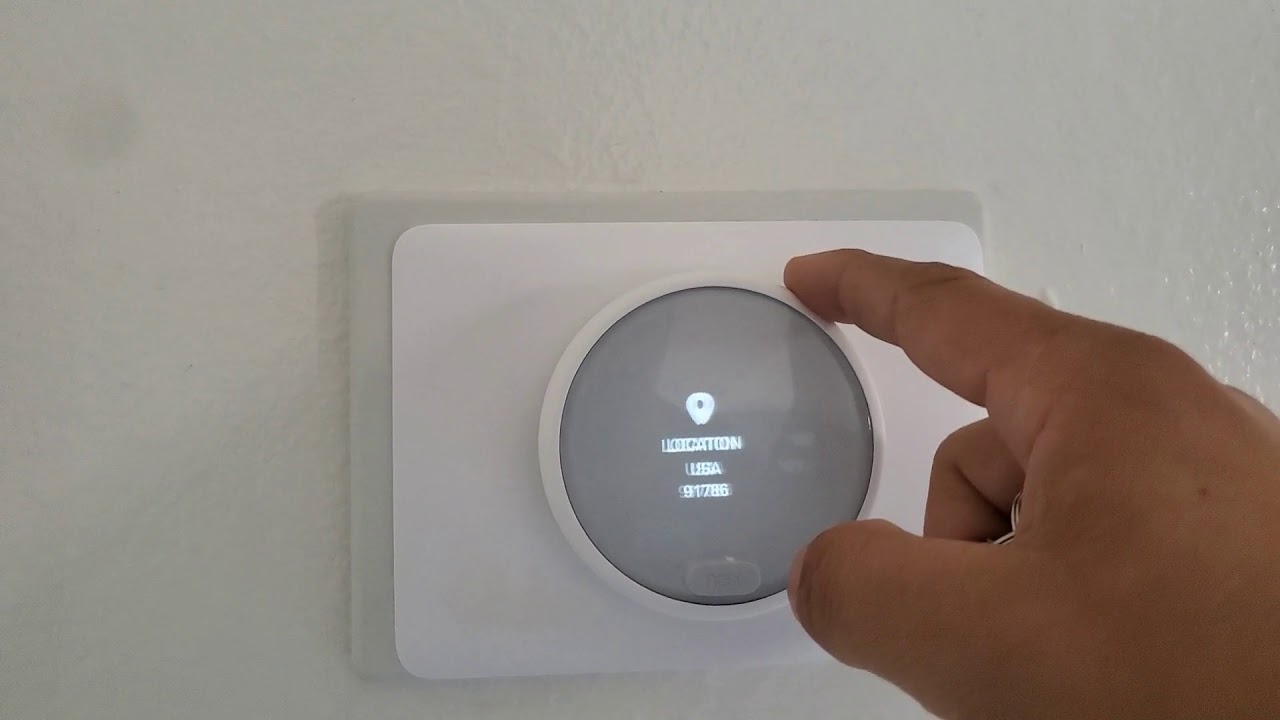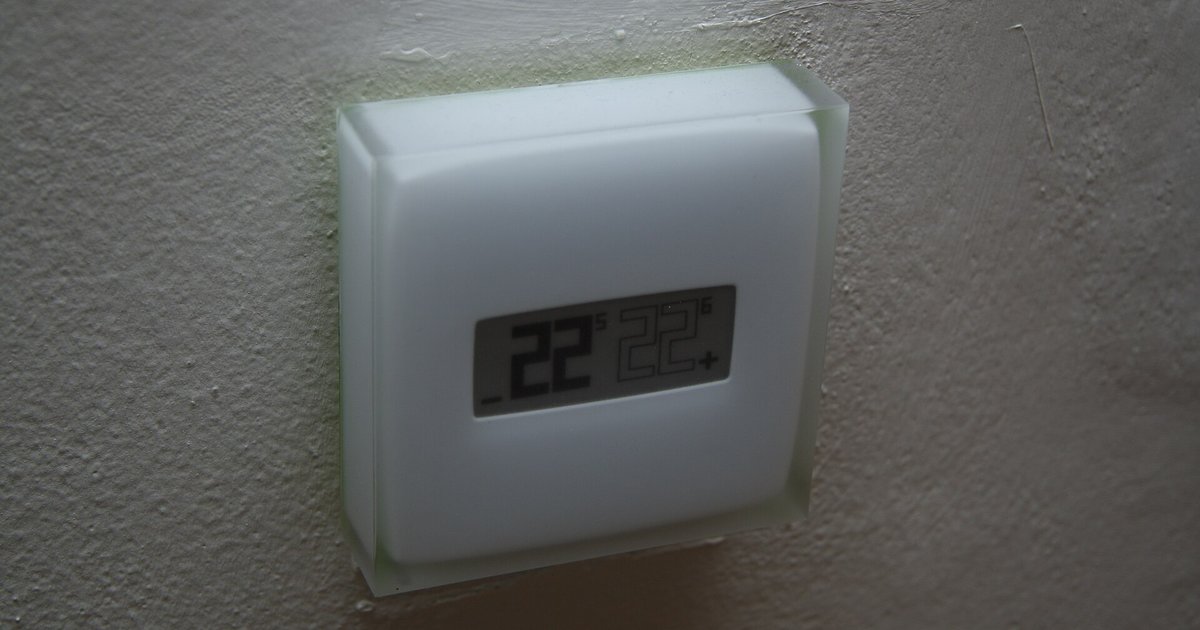
The blank screen is likely caused by a tripped safety float switch on your HVAC drain pan or a door panel switch on the air handler, not the thermostat batteries. Check your air handler for a blinking error light or a wet pan, and verify the blower compartment door is fully closed.
Fix the thermostat blank screen immediately
Go to your air handler right now and pull the access panel off.
Reset the float switch first
Most modern HVAC systems include a condensate float switch mounted in the drain pan under the indoor air handler. When the drain line clogs, water rises in the pan, lifting the float and breaking the 24-volt control circuit that powers the thermostat. New batteries will not restore the display if the thermostat relies on that low-voltage transformer to run the screen and Wi-Fi module, though some models with internal rechargeable batteries may need USB charging instead. To locate the switch, open the air handler access panel and look for a small plastic cylinder or rectangular device with two wires exiting it. If the pan is wet, clear the drain line and manually press the float down to reset it. Some switches have a small reset button; others reset automatically once the water drains.
Close the air handler door completely
Push the blower compartment door firmly until you hear a distinct click. The blower compartment door on many air handlers contains a spring-loaded safety switch that cuts all 24V power when the door is opened or improperly closed. If the door is slightly ajar, the switch remains open, and your thermostat sees zero voltage from the transformer. Even fresh batteries may not light the screen if the thermostat’s internal circuitry requires the external power source to boot, though some models with internal rechargeable batteries may need USB charging instead. Confirm the door is fully seated, listen for a click from the switch. If the door is closed but the display stays dark, inspect the switch plunger for debris or corrosion that might prevent it from depressing fully.
Fix the battery contacts and force a reboot
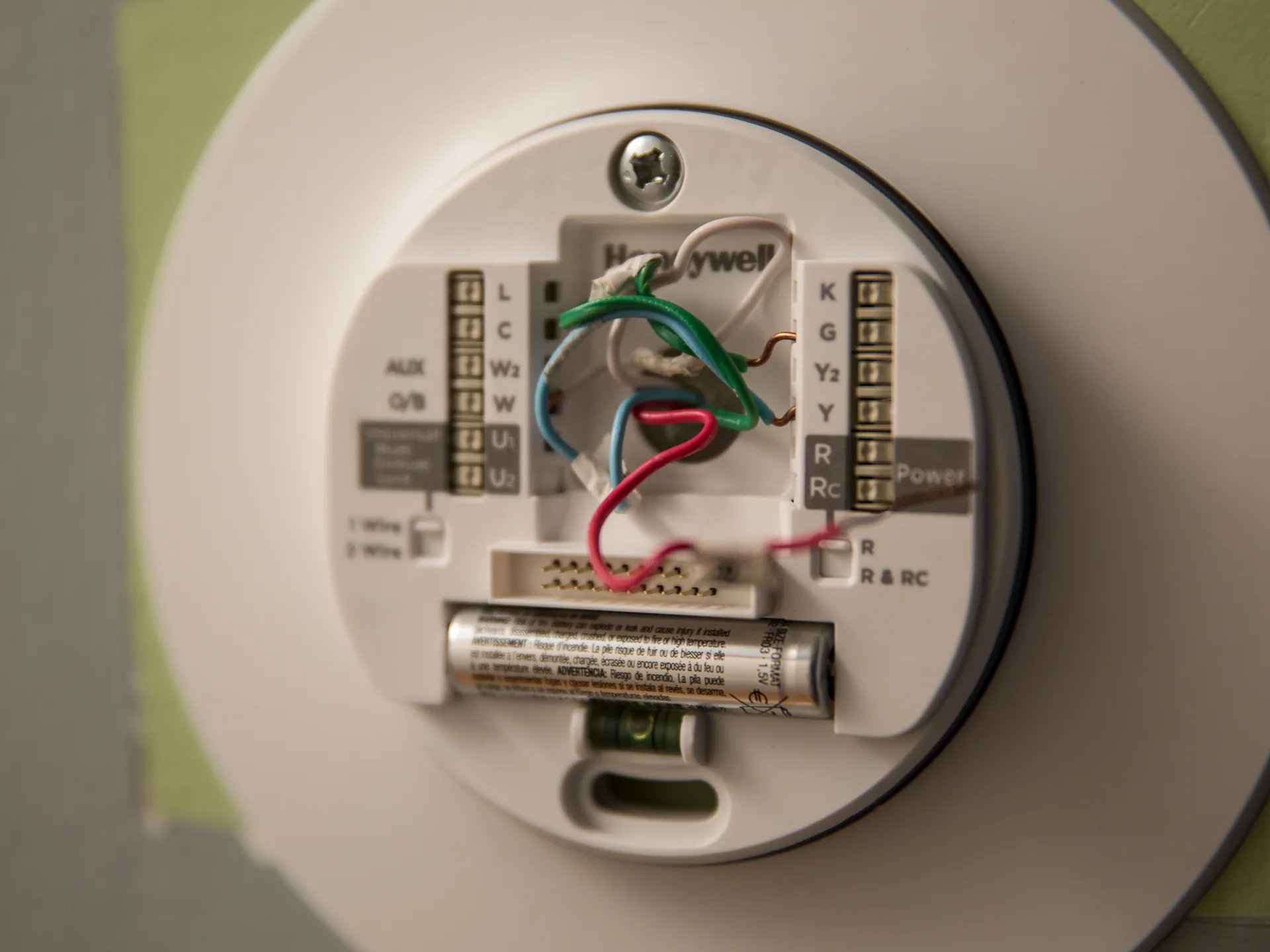
Open the battery compartment and bend the metal contact tabs upward with a small flathead screwdriver. A surprisingly common cause of a blank screen after battery replacement is bent or misaligned metal contact tabs inside the battery compartment. If the positive or negative tab is pushed down or sideways, the battery terminals cannot make electrical contact. Carefully use a small screwdriver to lift the tabs back into their original position. Additionally, some smart thermostats require a hard reset after battery replacement to reinitialize the processor. To perform this, remove the batteries, press and hold the thermostat’s physical power button (if present) for ten seconds, then reinstall the batteries. This procedure is distinct from the steps needed to reset a smart thermostat to factory defaults, which would wipe your schedule and settings.
Test the thermostat and replace it if dead
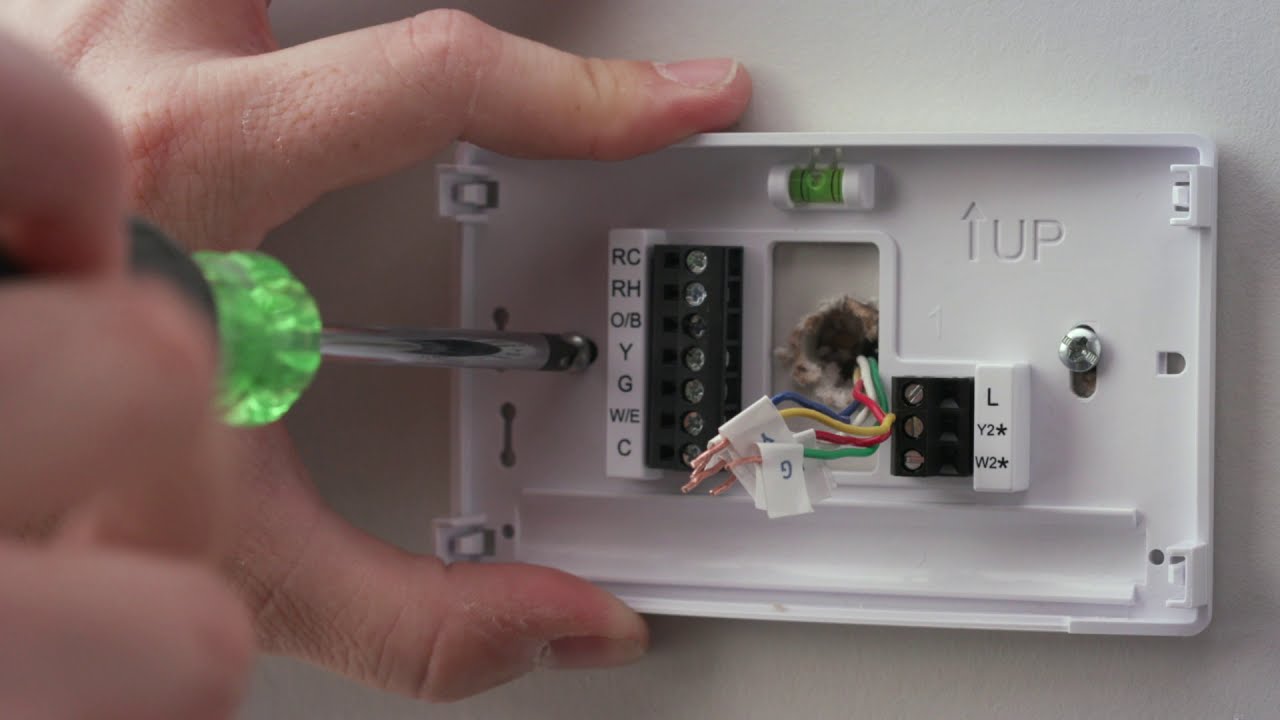
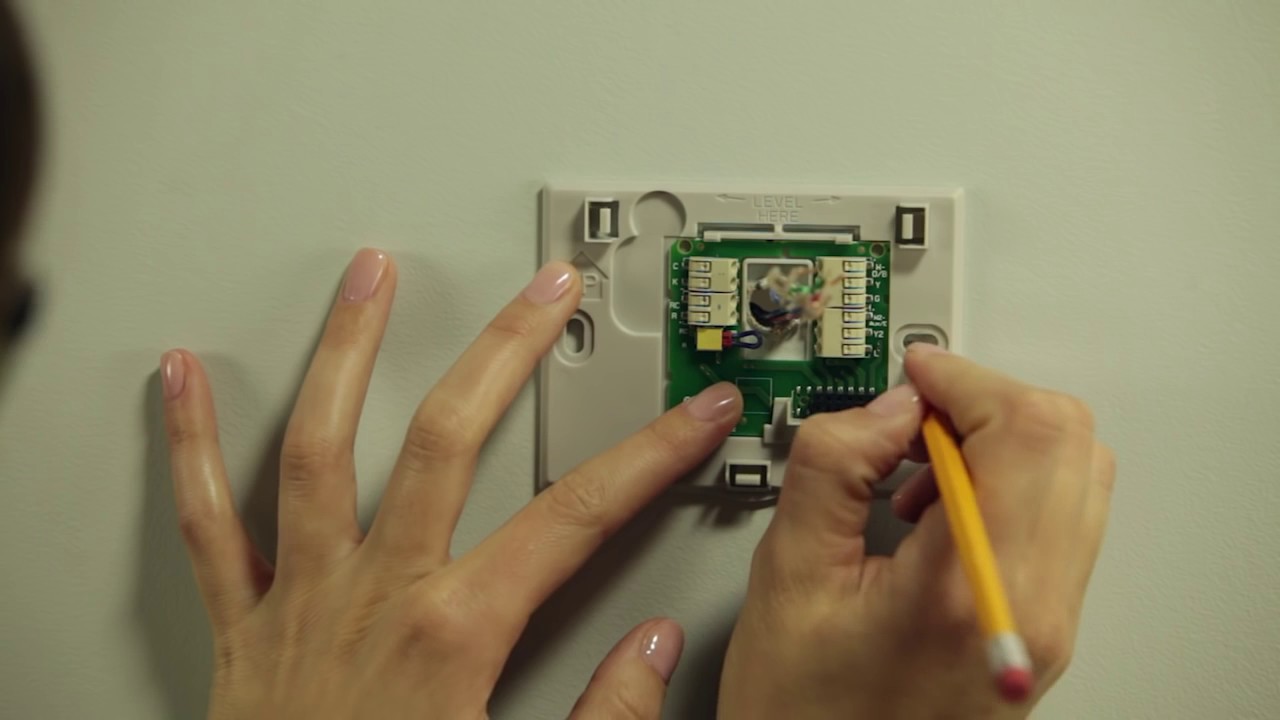
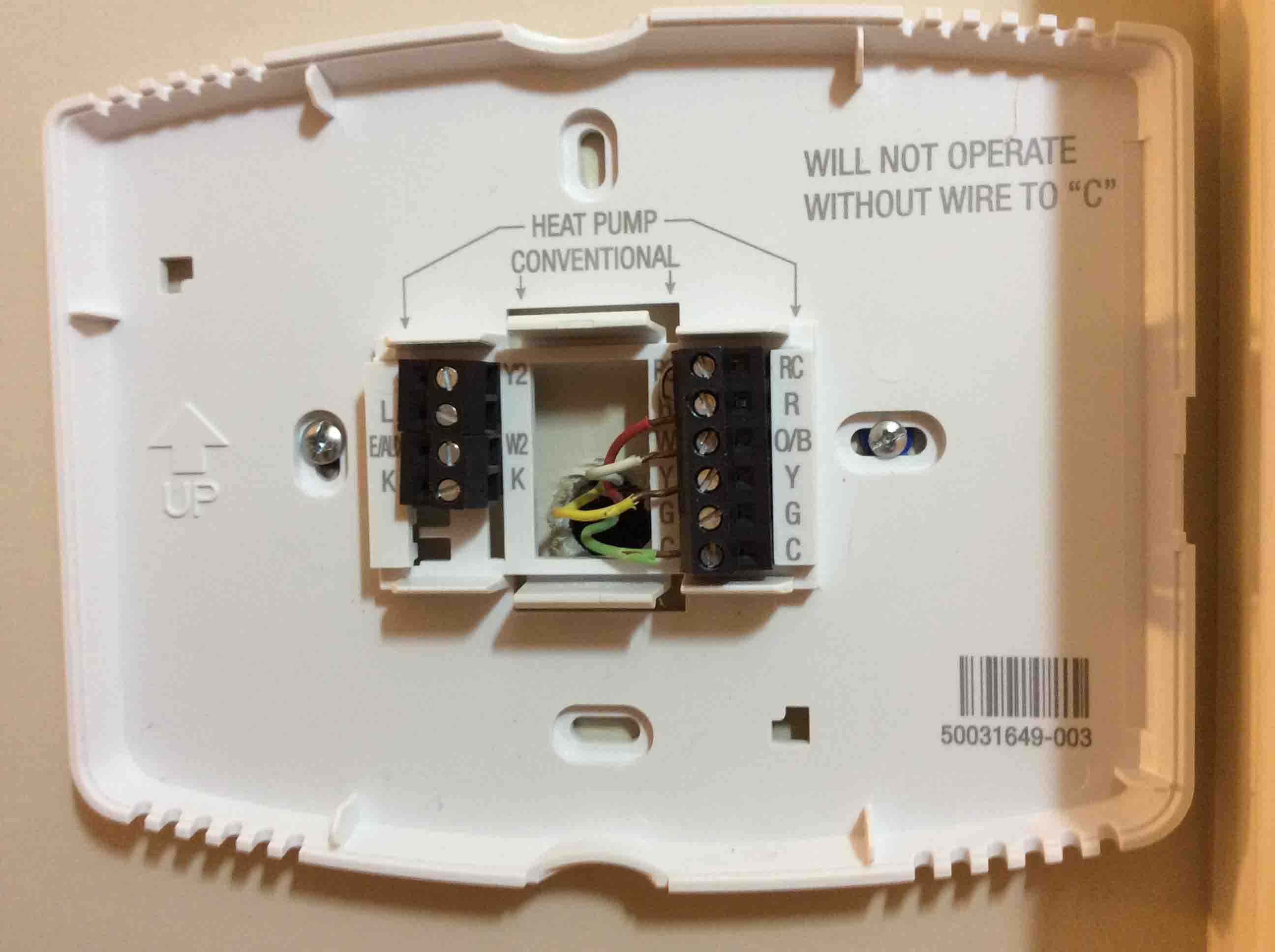
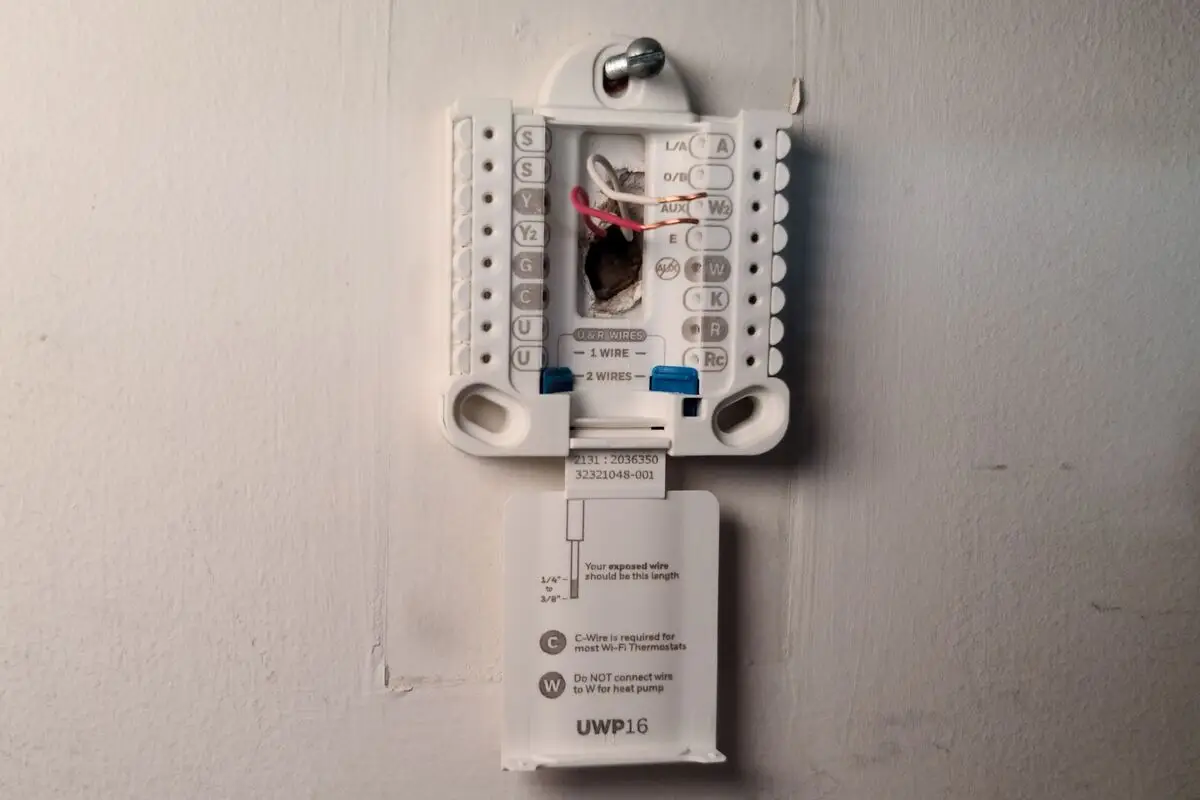
Pull the thermostat off its wall plate and measure voltage between the C and R terminals with a multimeter. If the float switch is clear, the air handler door is secure, and the battery contacts are sound, the thermostat itself may be defective. To confirm, remove the thermostat from its wall plate and use a multimeter to test for 24V AC between the C (common) and R (power) terminals. If you measure 24-28V, the transformer is working and the thermostat’s internal electronics have likely failed. Common failures include a blown internal fuse (often in the thermostat’s base) or a permanently damaged LCD screen. If your thermostat is a smart model, you can attempt to connect it to your Wi-Fi network using the app, but a dead screen will prevent any pairing. If you need to replace the unit, you might consult a guide on how to install honeywell smart thermostat. For Trane models, note that instructions to change the battery on a trane xl824 smart thermostat involve sliding the display off the base and inserting three AAA cells in a specific orientation, but if the display remains blank after that, the thermostat likely requires professional replacement.