This tag collects our practical guides to smart thermostats, written for homeowners and renters who want to install, configure, or troubleshoot their own devices without calling a professional. The articles assume no prior wiring or networking experience, and they focus on clear, step-by-step instructions for common tasks. Whether you are dealing with a Honeywell, Sensi, Trane, Amazon, or Vivint unit, the content here is meant to get you from a confusing error message or an unresponsive screen back to a working, comfortable home.
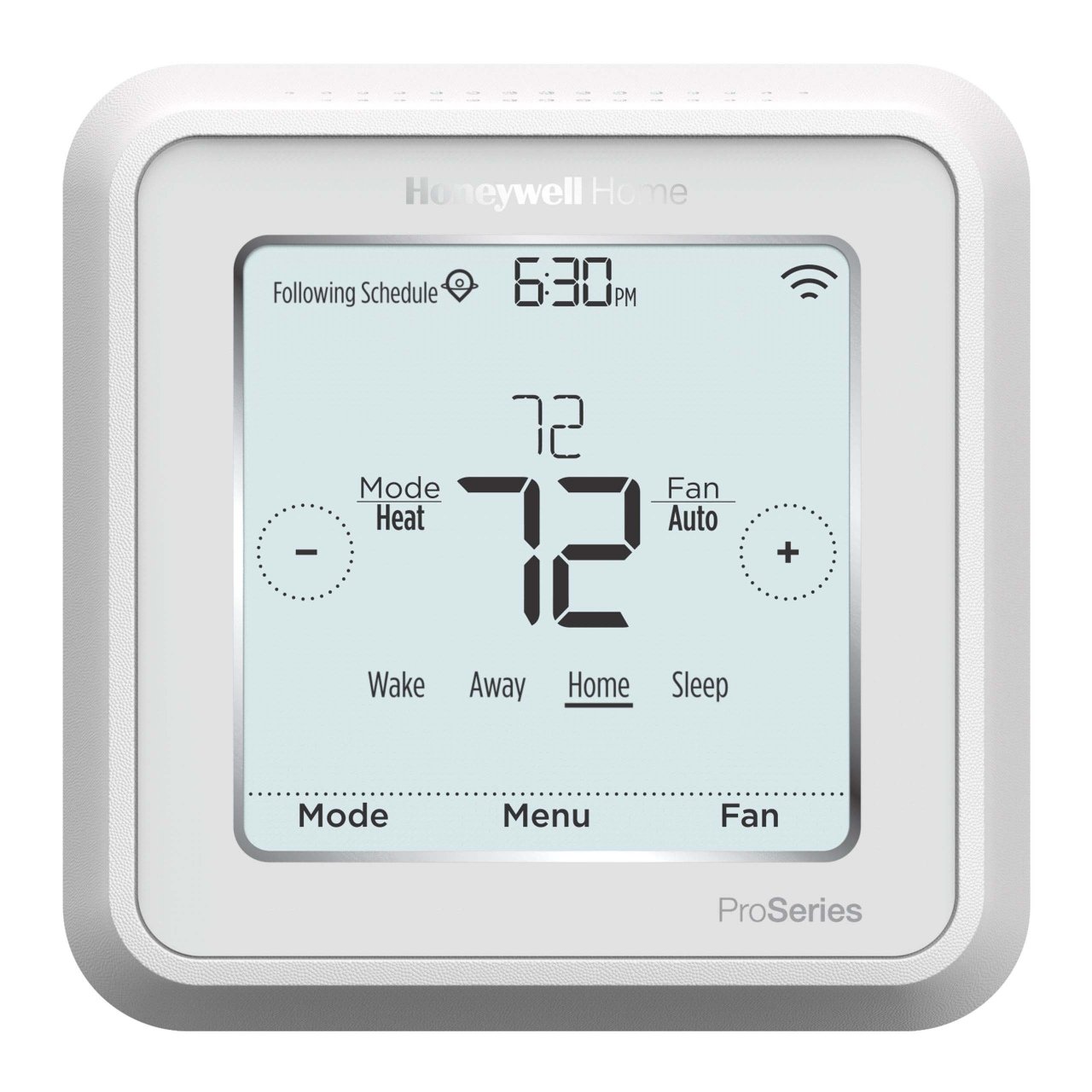
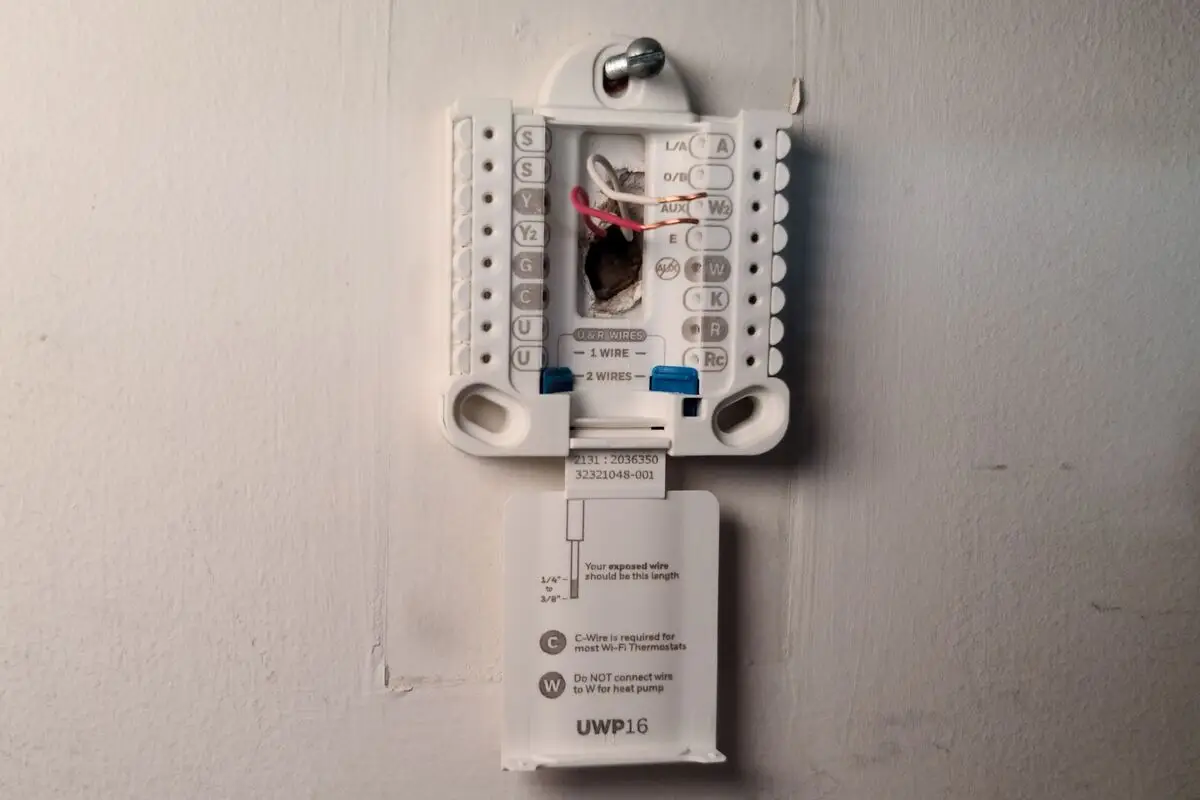
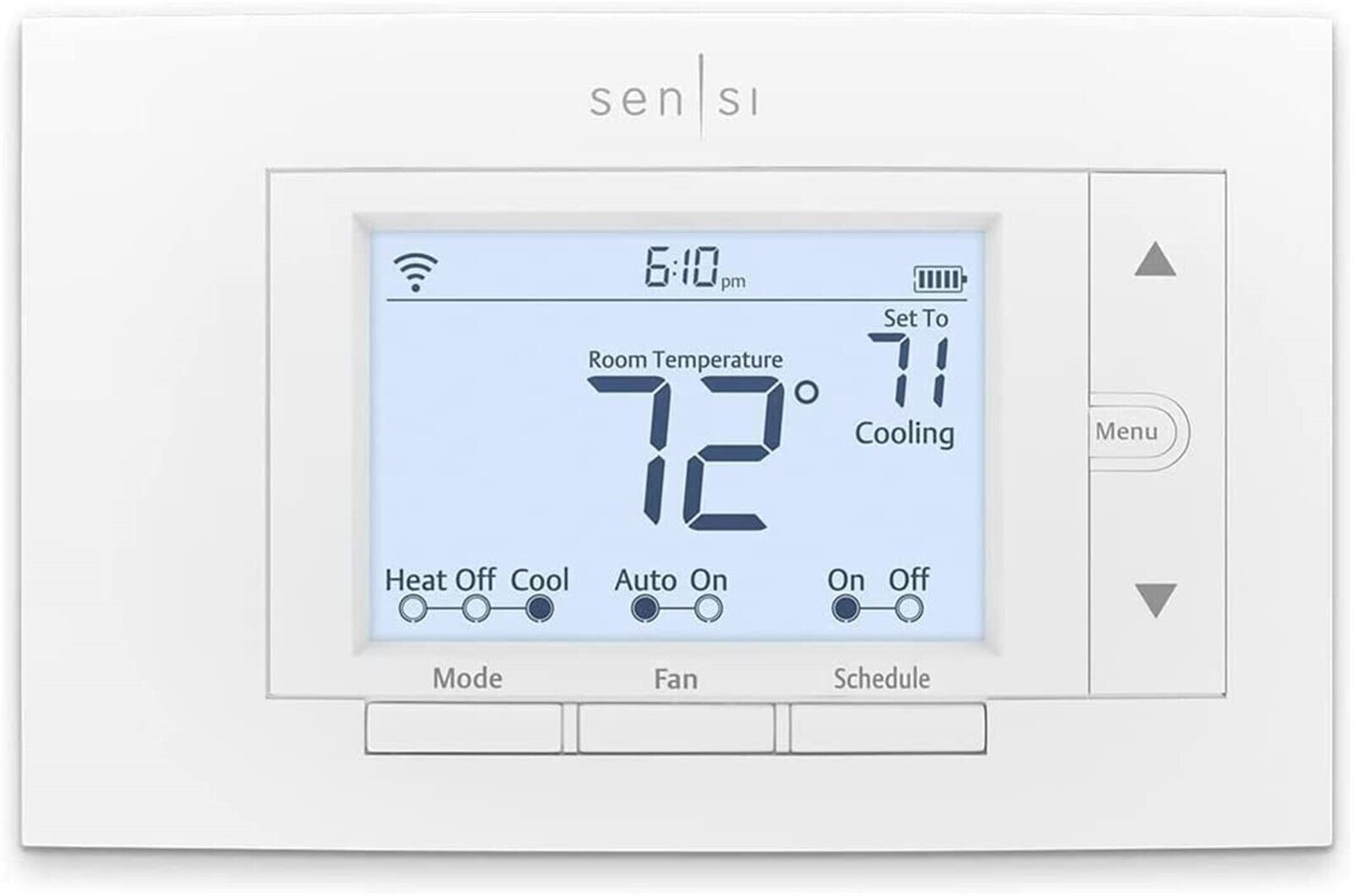
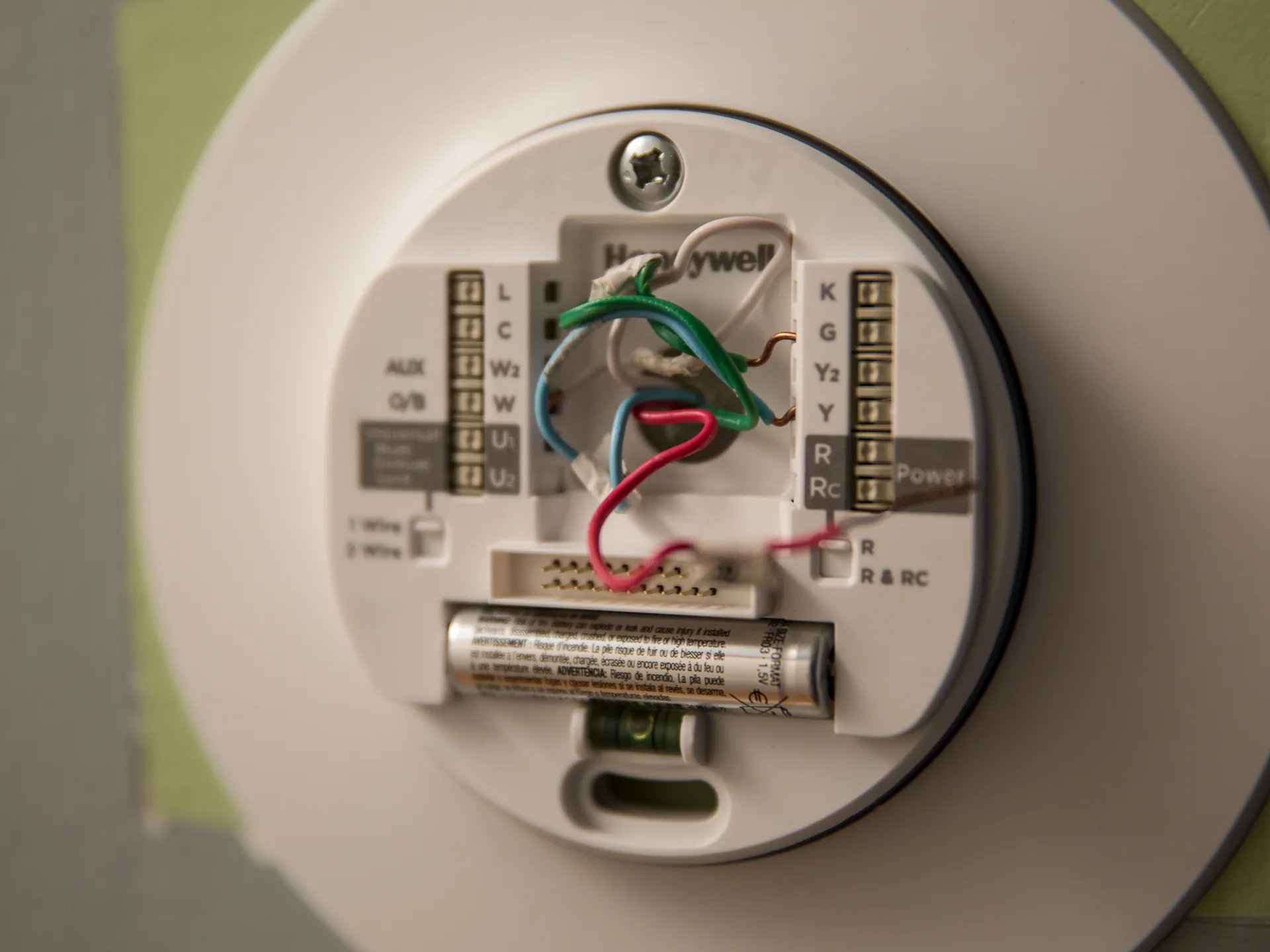
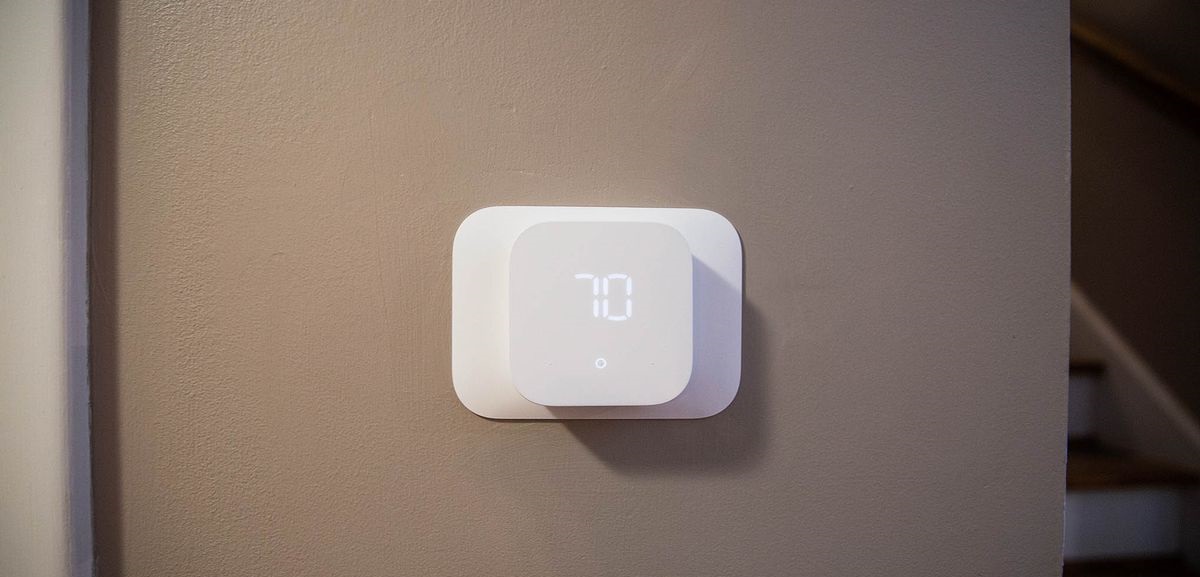
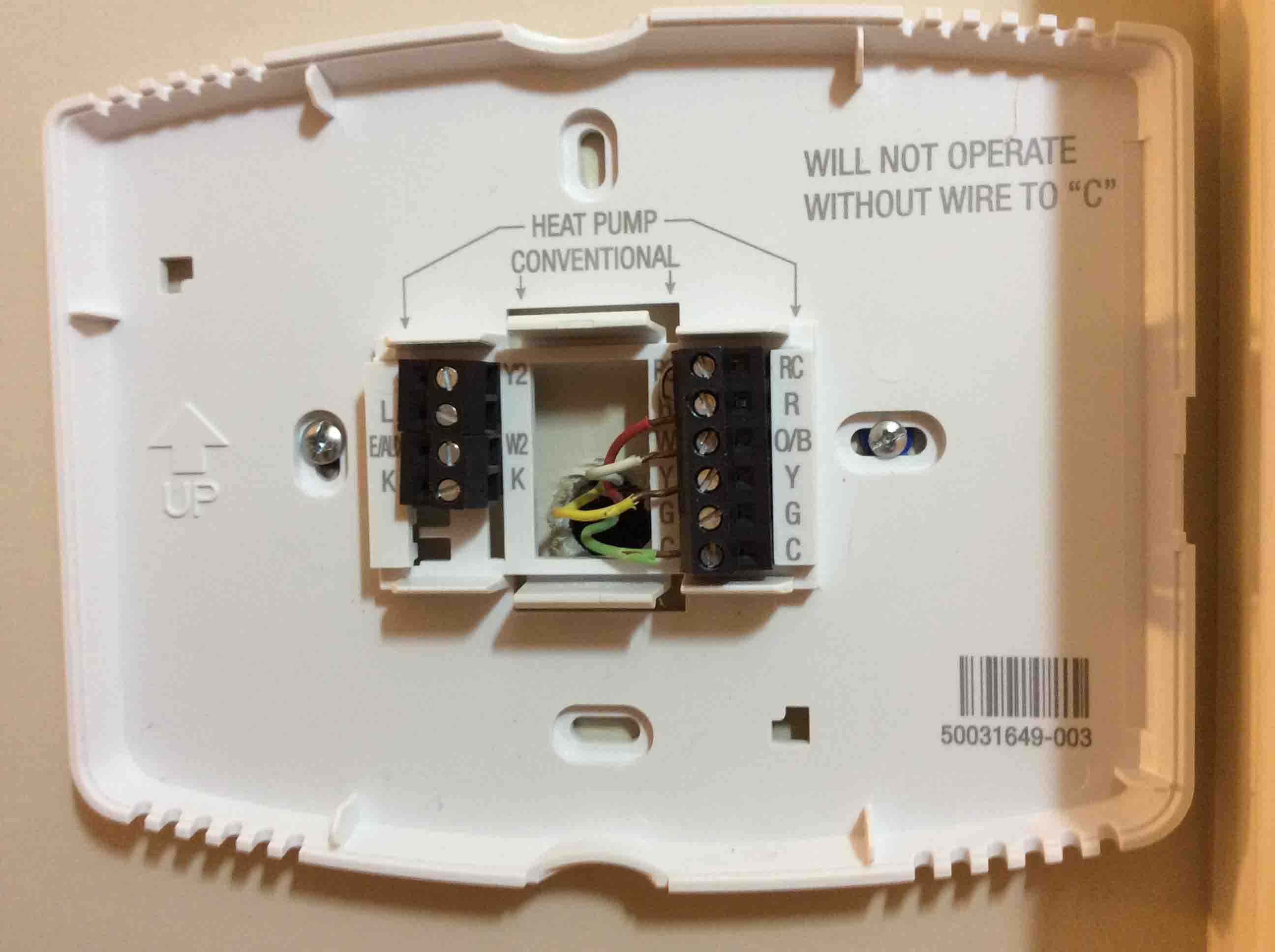
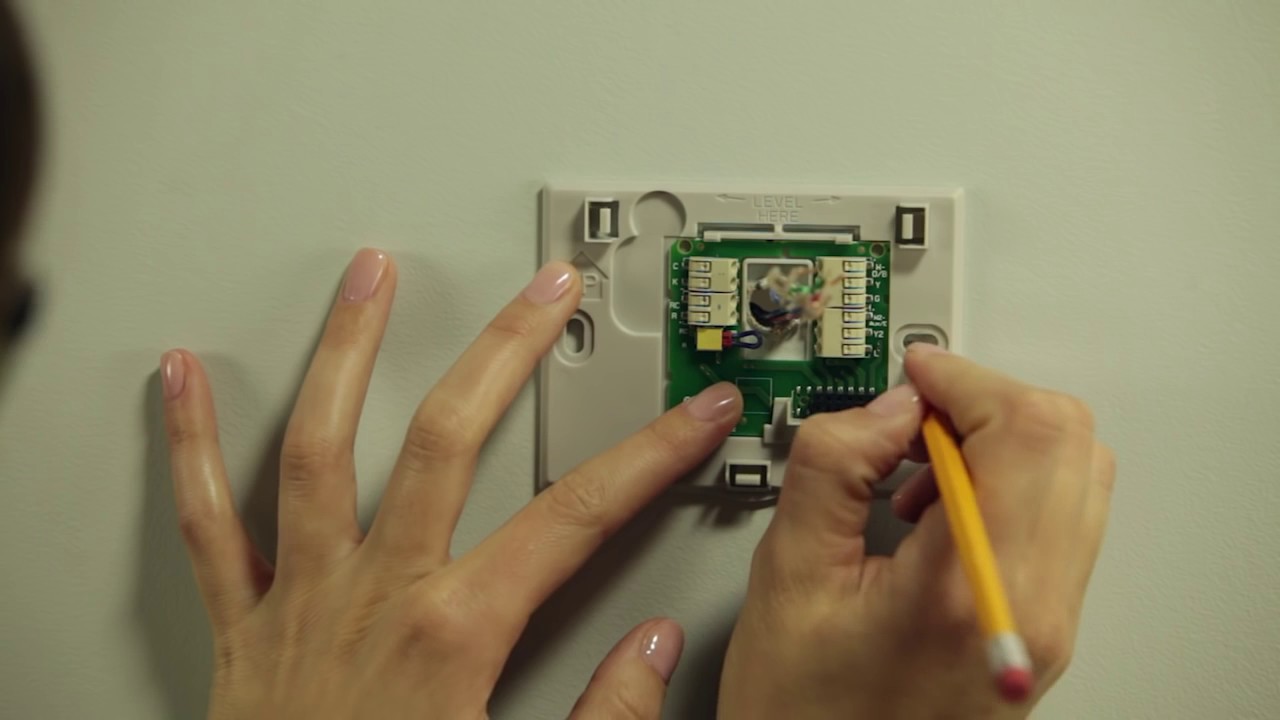
The articles fall into three main themes. First, installation and wiring: you will find guides on how to install Honeywell, Sensi, and Amazon smart thermostats, how to wire a Honeywell model, and how many wires you actually need for a typical setup. Second, configuration and daily use: these cover programming the Honeywell T6 Pro, setting the time on a Honeywell, using an Amazon Echo with your thermostat, and connecting or reconnecting the device to a new Wi-Fi network after a reset. Third, troubleshooting and maintenance: topics include why thermostats have batteries, how to change the battery on a Trane XL824, what to do when the screen stays blank after a battery swap, and how to fix a “No Power to Rc Wire” error. A few articles also address safety and security angles, such as resetting a Vivint thermostat or reprogramming a system after a reset, so you can manage your device without exposing your home network or bypassing any built-in protections.