The term "SIM card number meaning" can refer to three distinct identifiers printed on or stored inside your SIM card: the ICCID, the IMSI, and the MSISDN. To immediately clear up the most common confusion, the long number printed directly on the physical SIM card is the ICCID, not your personal phone number. If you need to unlock the card itself, you'll want the finding your SIM card pin instead.
The ICCID: your SIM card's unique serial number
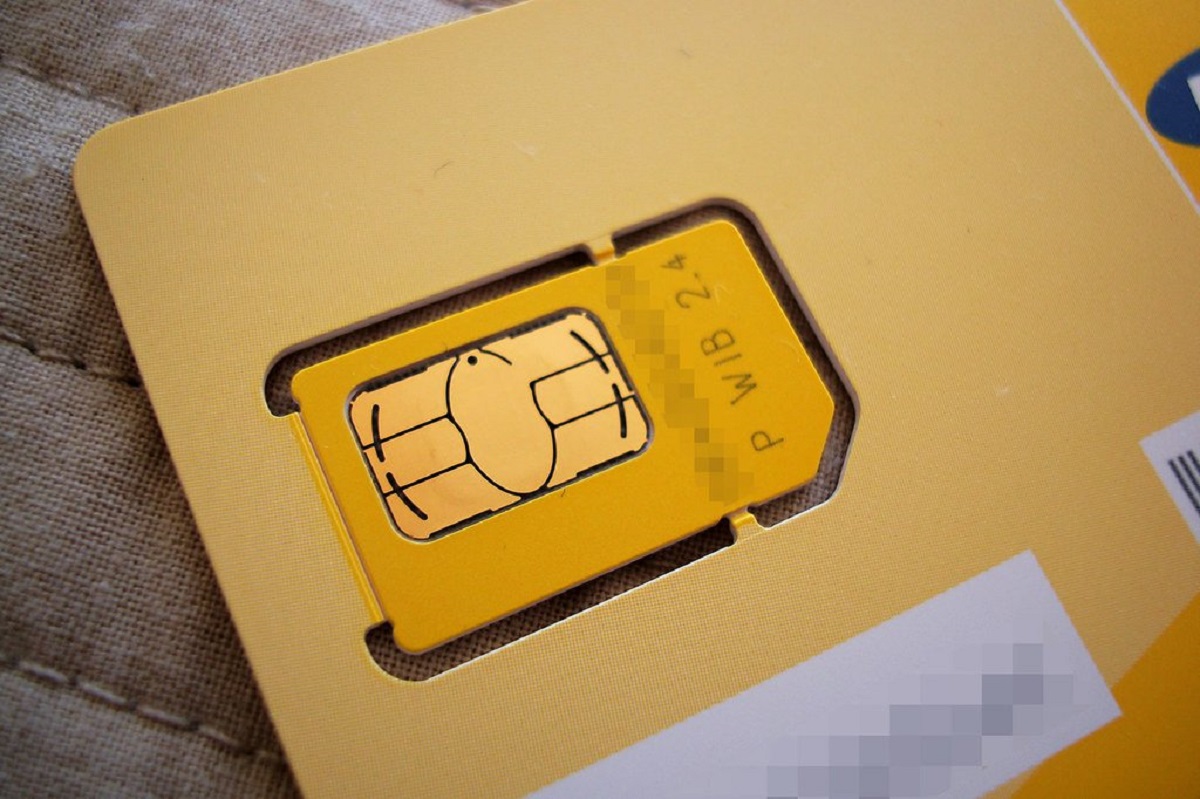
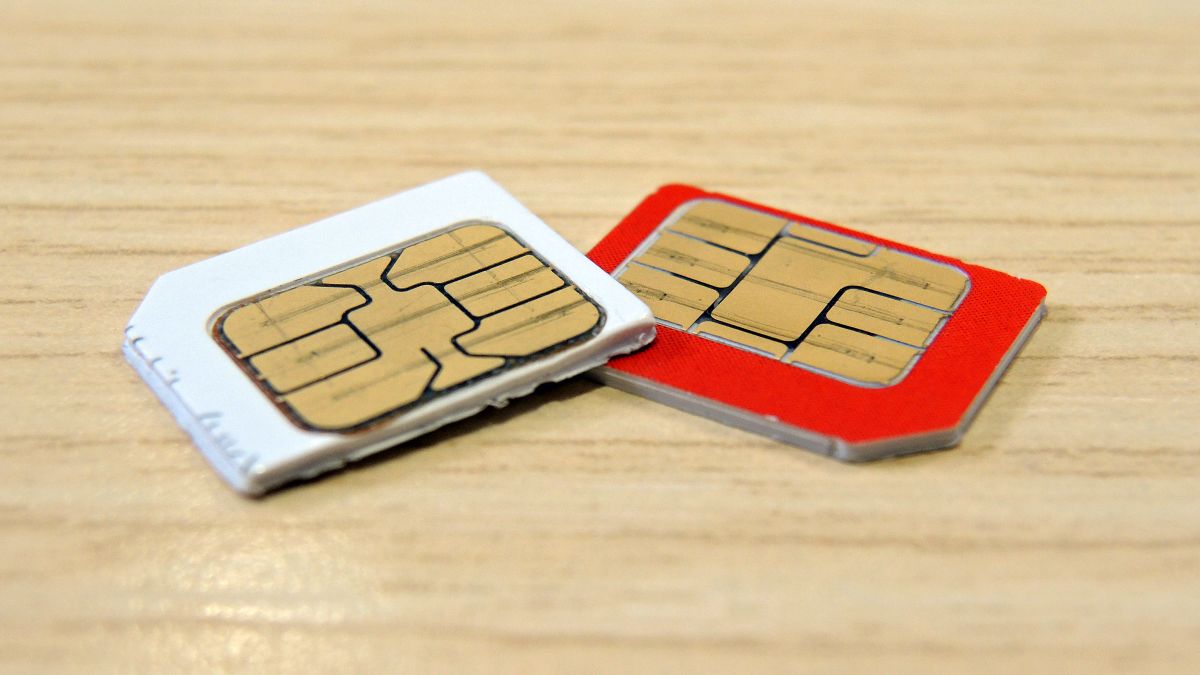
The Integrated Circuit Card Identifier (ICCID) is the unique serial number of the physical SIM card itself, typically ranging from 18 to 22 digits. This number is permanently burned into the SIM chip during manufacturing and serves as the card's identity. Carriers use the ICCID to activate service, manage accounts, and block lost or stolen cards. You can find the ICCID printed directly on the physical SIM card and on the SIM card packaging. Understanding this number is essential when activating a new line or reporting a lost card, as it is the carrier's primary reference for your specific piece of hardware.
The IMSI: your subscriber identity on the network
The International Mobile Subscriber Identity (IMSI) is a unique number, usually 15 digits long, that identifies you as a subscriber within the cellular network. Its structure breaks down into three parts: the Mobile Country Code (MCC), the Mobile Network Code (MNC), and the Mobile Subscriber Identification Number (MSIN). The network uses the IMSI to authenticate you, update your location, manage handovers between towers, and enable international roaming. For privacy reasons, the IMSI is typically not visible to end-users; networks often mask it with a Temporary Mobile Subscriber Identity (TMSI) during regular communication. This masking protects your identity from being intercepted over the air.
The MSISDN: your actual phone number
The Mobile Station International Subscriber Directory Number (MSISDN) is the actual phone number that people dial to reach your mobile device. Unlike the ICCID, your phone number is not permanently etched onto the SIM card. Instead, your carrier's database associates your MSISDN with your SIM card's ICCID. This explains why you can keep your phone number when replacing a SIM card: the MSISDN is tied to your mobile account, not the physical SIM. When you swap an old SIM for a new one, the carrier simply updates its database to link your existing phone number to the new ICCID.
SIM card numbers vs. IMEI: a common misconception
A frequent point of confusion is mixing SIM card identifiers with the IMEI. The International Mobile Equipment Identity (IMEI) is a unique 15-digit number that identifies the physical mobile device hardware, the phone itself, not the SIM card or the subscriber. While the ICCID and IMSI identify your SIM and your account, the IMEI identifies the device you are using. This distinction matters when troubleshooting: if you report a lost device, the carrier will ask for the IMEI to block the hardware, whereas reporting a stolen SIM requires the ICCID to deactivate the card.
How to find your SIM card numbers
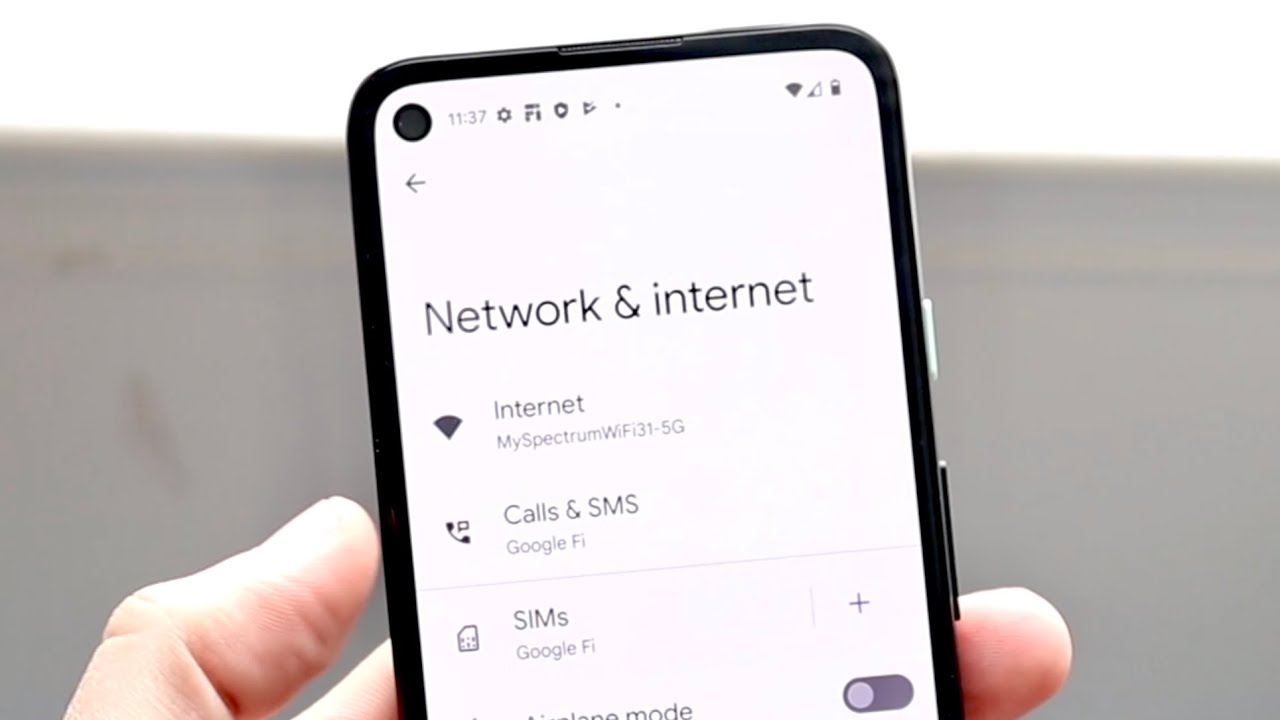
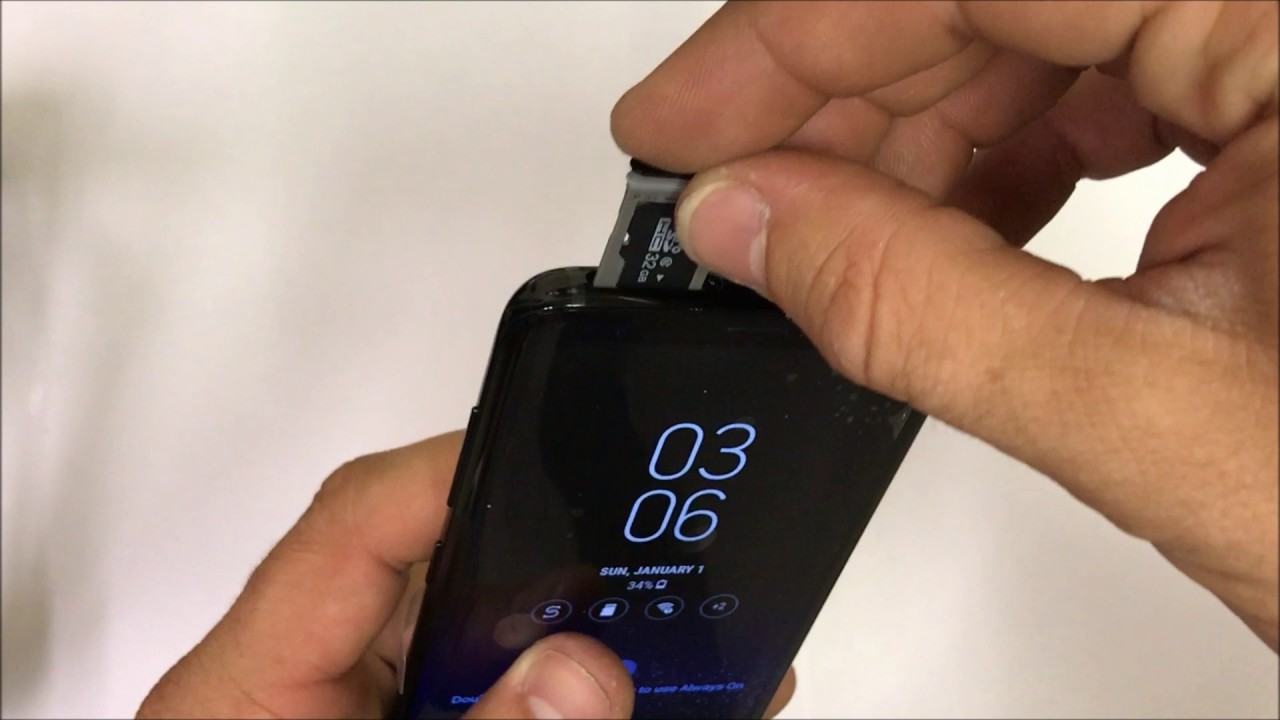
Finding your MSISDN (your phone number) is straightforward on an iPhone: go to Settings > Phone and look for "My Number." The ICCID can be found in your device settings under the SIM or About section, or you can simply remove the SIM tray and read the number printed on the physical card. If you are inserting a SIM card into a new device, you may need the ICCID to complete activation. For those locating the SIM card on Android phones, the ICCID is typically listed under Settings > About Phone > Status or SIM Status. When locating the SIM card slot on iPhone 14, note that U.S. models use eSIM only, so the ICCID is found digitally in Settings. If you are changing your number on a SIM card, remember that the carrier updates the MSISDN in their database; the ICCID on the card itself does not change. Finally, if you are using the SIM card number to track a lost phone, be aware that carriers can use the ICCID to block the card, but tracking the device's location requires the IMEI and carrier cooperation, not the SIM numbers alone.