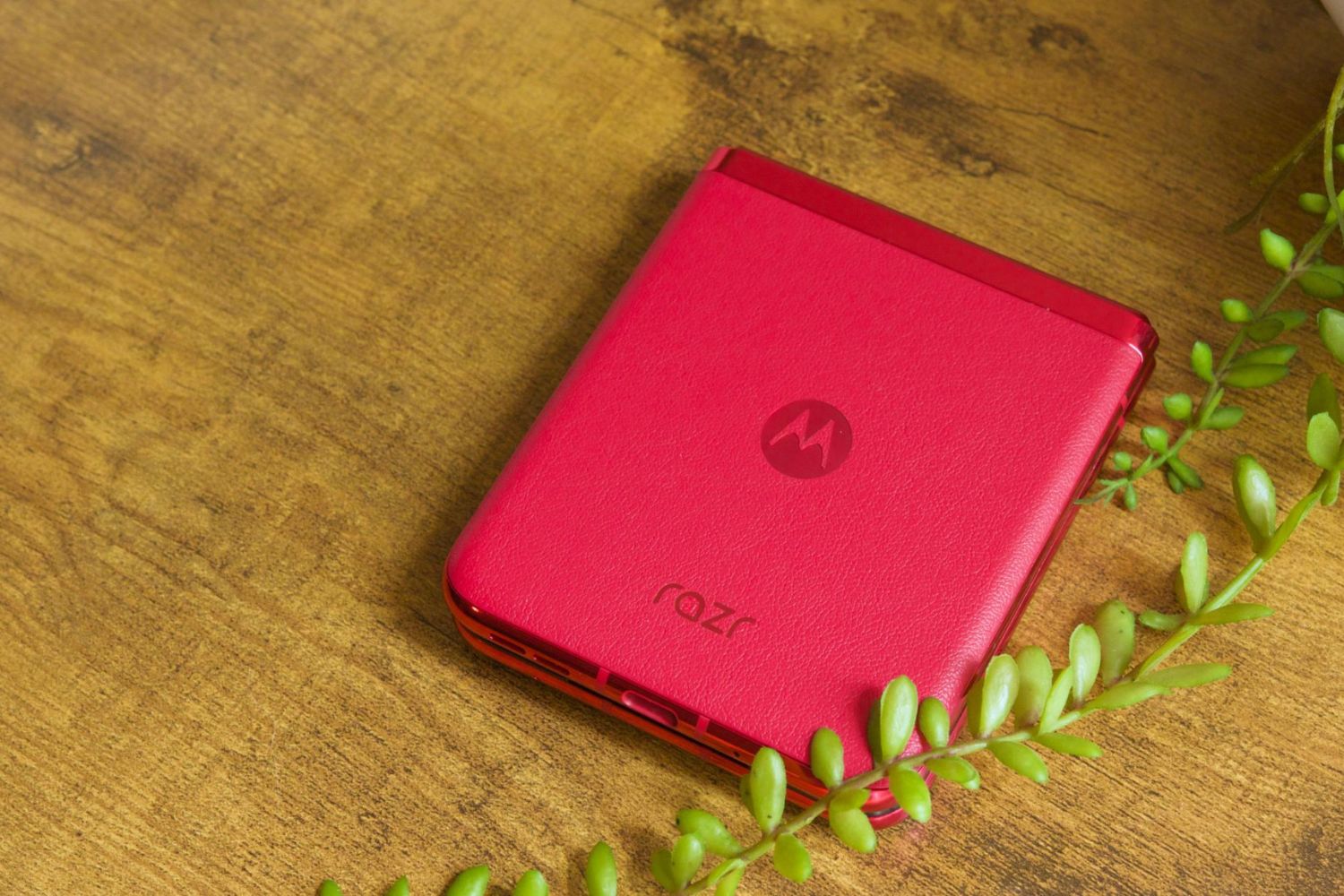
Motorola razr charging issues: quick fixes
If your Motorola Razr won’t charge, charges slowly, or only works when the cable is held at an angle, the cause is almost always a damaged cable, a dirty charging port, or a temporary software glitch. The step-by-step fixes below address the most common Motorola razr charging issues in order of likelihood, from a simple outlet swap to a full factory reset, so you can get back to full power quickly.
Check the charger, cable, and case
Before anything else, make sure the USB plug fits securely into the phone’s charging port; a loose connection is one of the most frequent reasons a phone doesn’t charge. Use the charger that came with the phone or a compatible charger, since third-party or worn-out accessories often deliver inconsistent power. Remove any phone cases that might impede the charger/port connection, thick cases can push the plug out just enough to break contact. Inspect the charger (wire and plug) and the wall outlet for damage or loose parts, and try a different charger or outlet if damage is found. Testing with a known-good charger and a different wall socket isolates whether the problem is the accessory or the phone itself.
Clean the charging port
Dust and lint are silent killers of charging ports. Over time, pocket debris packs into the opening and blocks the connector from seating fully. To clean it safely, power off the device first so you don’t risk shorting anything. Use a bright light to inspect the port, if you see a mat of fluff, gently remove it with a dry, non-metal tool like a soft-bristled brush or a can of compressed air. For stubborn clumps, a non-metal toothpick works well; never use metal, as it can scratch the internal pins. After cleaning, reconnect the charger and test, this single step resolves a surprising number of Motorola razr charging issues.
Wait for a depleted battery to recover
If your Razr has been dead for days, the battery may have dropped below the minimum voltage required to start charging normally. In this state, the phone shows no response at all when you plug it in, no LED, no vibration, no logo. Connect the charger and wait 10-30 minutes without touching the power button; the battery needs time to build up enough reserve to boot. After that window, press and hold the Power button for a few seconds. This is different from a hard reboot, it’s simply giving the battery a head start, and it’s one of the most overlooked fixes for a completely unresponsive device.
Restart your Motorola razr
A quick restart clears temporary software glitches that can interfere with charging detection. Hold the Power button for 7-10 seconds until the screen goes black and the phone vibrates or the logo appears, then release. This forced reboot refreshes the power management system without deleting any data. If the phone was stuck in a state where it wasn’t recognizing the charger, this often restores normal charging behavior immediately. It’s the fastest way to rule out a software hiccup before moving to more invasive steps.
Check TurboPower and battery protection
Your Razr’s fast-charging feature has built-in safeguards that can look like a problem. TurboPower chargers deliberately push more current, which makes the battery heat up, that’s normal. TurboPower charging is rapid when the battery is below 78% and switches to regular speed at 78% or higher to protect cell health; if rapid charging isn’t working below 78%, disconnect and reconnect the charger to renegotiate the power handshake. Also, if the battery reaches 111°F (44°C), the charging rate slows down until it cools, so remove a thick case if the phone feels hot. Finally, battery protection may limit charging to 80% if the phone has been plugged in for three days straight; to fully charge, disconnect and plug it back in. These are all intentional features, not faults.
Update software and boot in safe mode
Software updates often include fixes for charging protocols and power management bugs. Check for system updates in Settings > System > System updates, and install any pending version, this can resolve Motorola razr charging issues that stem from known firmware bugs. If the problem persists, boot into Safe Mode by holding Power and Volume Down during startup (steps vary slightly by model, but generally this combination works). In Safe Mode, third-party apps are disabled. If charging works normally there, a recently installed app is likely the culprit, uninstall suspicious apps one by one until you find the offender. If charging still fails in Safe Mode, the issue is either hardware or core software, leading to the final step.
Reset the device as a last resort
When every other fix has failed, a factory reset can eliminate deep software corruption that blocks charging. Back up all data first, contacts, photos, messages, and app data, because this wipes everything. Then go to Settings > System > Reset > Factory reset (or Erase all data, depending on your software version). Confirm the action and wait for the device to reboot to its out-of-box state. After the reset, set up the phone as new (don’t restore from backup yet) and test charging immediately. If the issue persists even after a clean slate, the problem is almost certainly hardware, a damaged charging port, battery, or charging IC. In that case, contact Motorola support for professional diagnosis or repair, as opening the device yourself may void the warranty. A persistent charging failure after a reset is a strong signal that no software tweak will help.
\nRelated reading: Troubleshooting: Fixing Motorola Razr Power Issues, Why Is My Tablet Charging So Slowly, and Resetting Your Motorola Razr Flip Phone.