To change my phone number, you need to request a new number from your current mobile carrier, it’s an account-level change, not something you do by editing or replacing the SIM card itself, the number on the SIM card is just an identifier tied to your account, not a fixed label you can overwrite. The new number is assigned to your existing SIM or eSIM, and the entire process typically takes a few minutes through your carrier’s app, website, or customer service line, though fees vary by provider.
What 'change my phone number' really means (and what it costs)
When you change my phone number, you’re asking your mobile network operator to re-provision your existing SIM card or eSIM with a different number. This is not a technical hack or a DIY SIM edit, it’s a standard administrative request that only your carrier can fulfill. You’ll need to log into your online account, navigate to a “Change phone number” or “Manage line” section, and follow the prompts to pick a new number. The cost depends on your provider and how you make the request. Verizon offers free number changes through the My Verizon app or website, but charges a $15 fee if you do it via customer service. AT&T charges $36 for postpaid accounts after 30 days of activation, and $25 for prepaid accounts. Other carriers may have similar fees, so check your provider’s policy before you start.
Back up your data before the switch
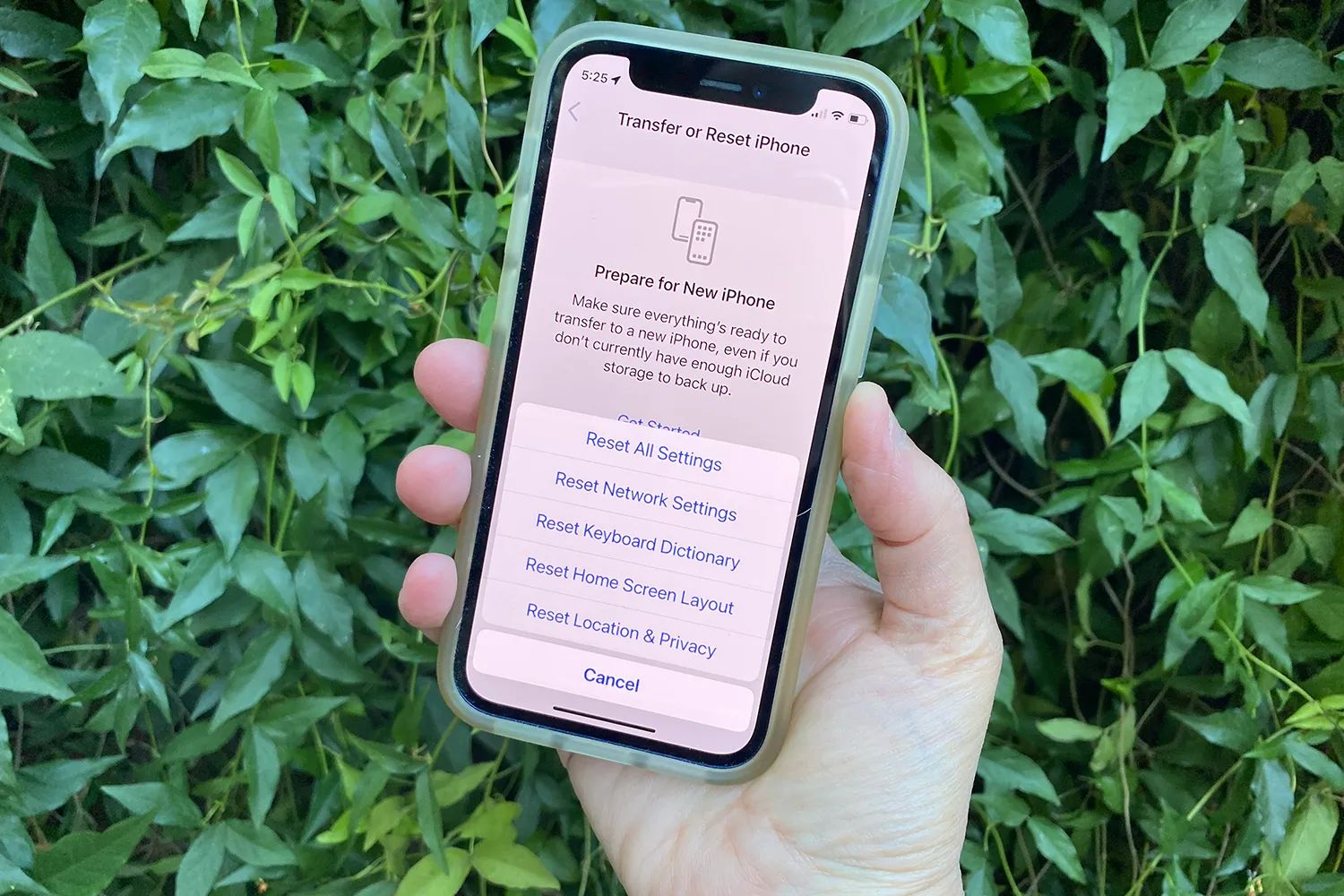
Before you request a new number, back up your contacts, messages, and photos. While changing your number doesn’t erase your phone’s storage, the carrier’s re-provisioning process can occasionally cause unexpected hiccups, and you don’t want to lose anything important. Use your phone’s built-in cloud backup (like iCloud or Google One) or connect to a computer and copy files locally. Verify the backup is complete by opening a few files or checking the backup log. This step takes five minutes and protects your digital life, so don’t skip it.
Use your carrier's app or site to request the change
The fastest way to change my phone number is through your carrier’s self-service tools. For Verizon, open the My Verizon app, tap the “Mobile” tab, then “Device Management,” select the number you want to change, tap “Continue,” choose “Get a new number,” enter a 5-digit ZIP code, select a date for the change, and review/submit. AT&T and most other carriers have similar paths: log into your online account, find the “Manage line” or “Change number” option, and follow the on-screen instructions. If you prefer human help, call customer service, but be aware that some carriers charge extra for agent-assisted changes.
Verify your identity with the carrier
Carriers require identity verification to authorize a number change, protecting your account from unauthorized access. You’ll typically need to provide a government-issued ID (driver’s license or passport), your account PIN, or answer security questions tied to your account. The exact requirements vary by provider, but the process is straightforward: you’ll enter or upload the requested information, and the carrier will cross-check it against your account records. Be accurate and prompt with your details, errors can delay the change by hours or even days.
Activate your new number (no new SIM needed)
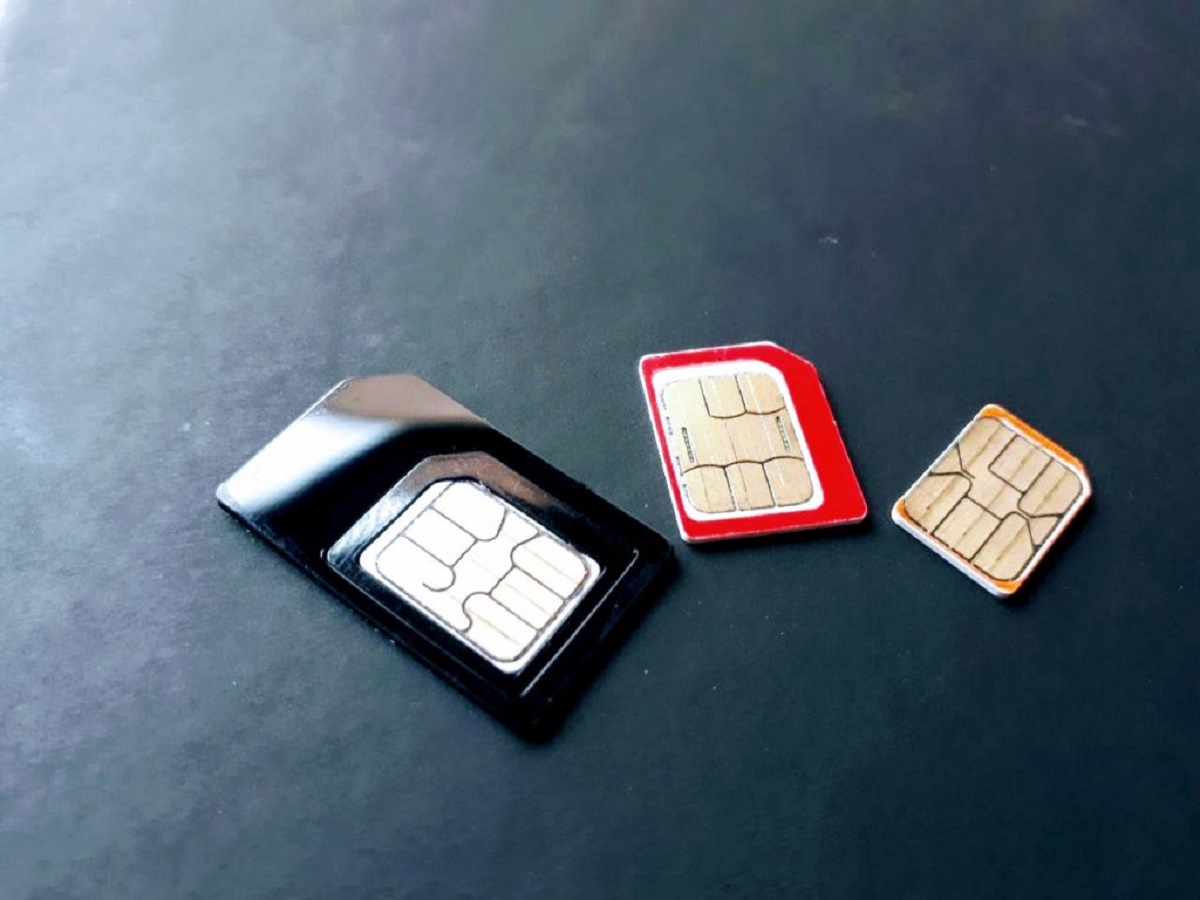
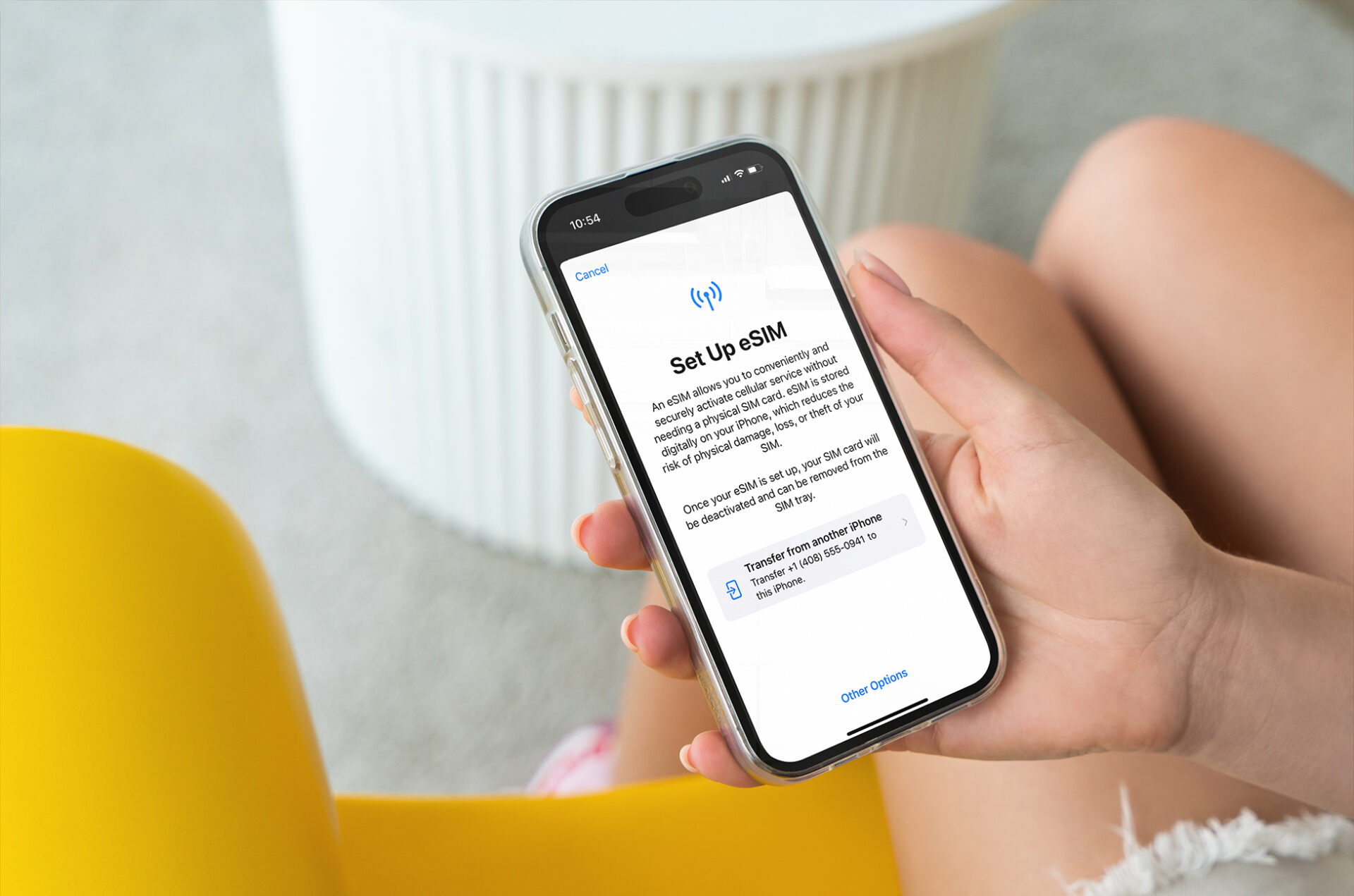
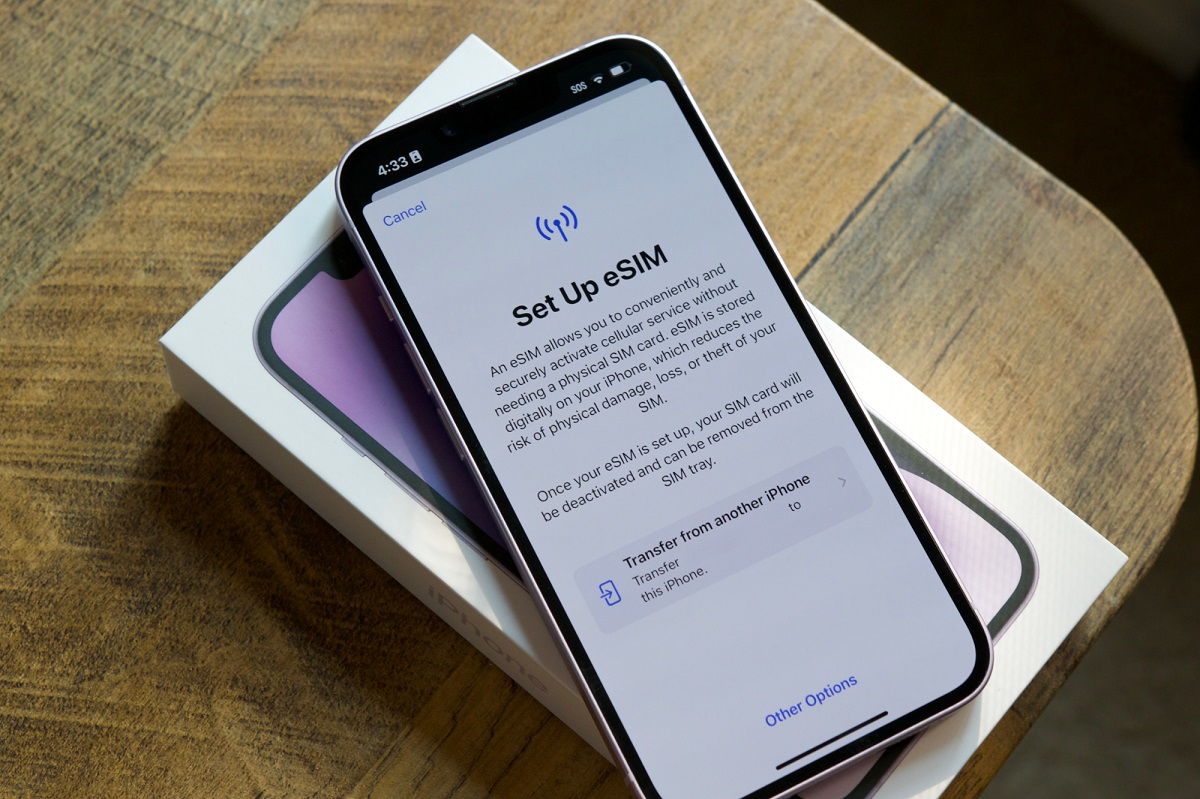
Once the carrier approves your request, the new number is provisioned to your existing SIM card or eSIM, you don’t need to insert a new physical card. Unlike the old days when you had to swap SIMs, modern carriers push the number change over the air. After the change is processed, follow any prompts from your carrier: restart your phone, wait for the network to reconnect, and then test your new number by placing a call, sending a text, and using mobile data. If anything fails, contact your carrier’s support team immediately; they can re-send the activation signal or troubleshoot the issue. In most cases, the entire activation completes within minutes, and you’re back online with your new number, no physical SIM swap required.
For the wider topic, see inserting a SIM card.
More eSIM resources: Browse our eSIM guides and troubleshooting resources for compatibility, setup, travel-data and account-safety advice.
\nRelated reading: Reactivating Your Old SIM Card: A Step-by-Step Guide.