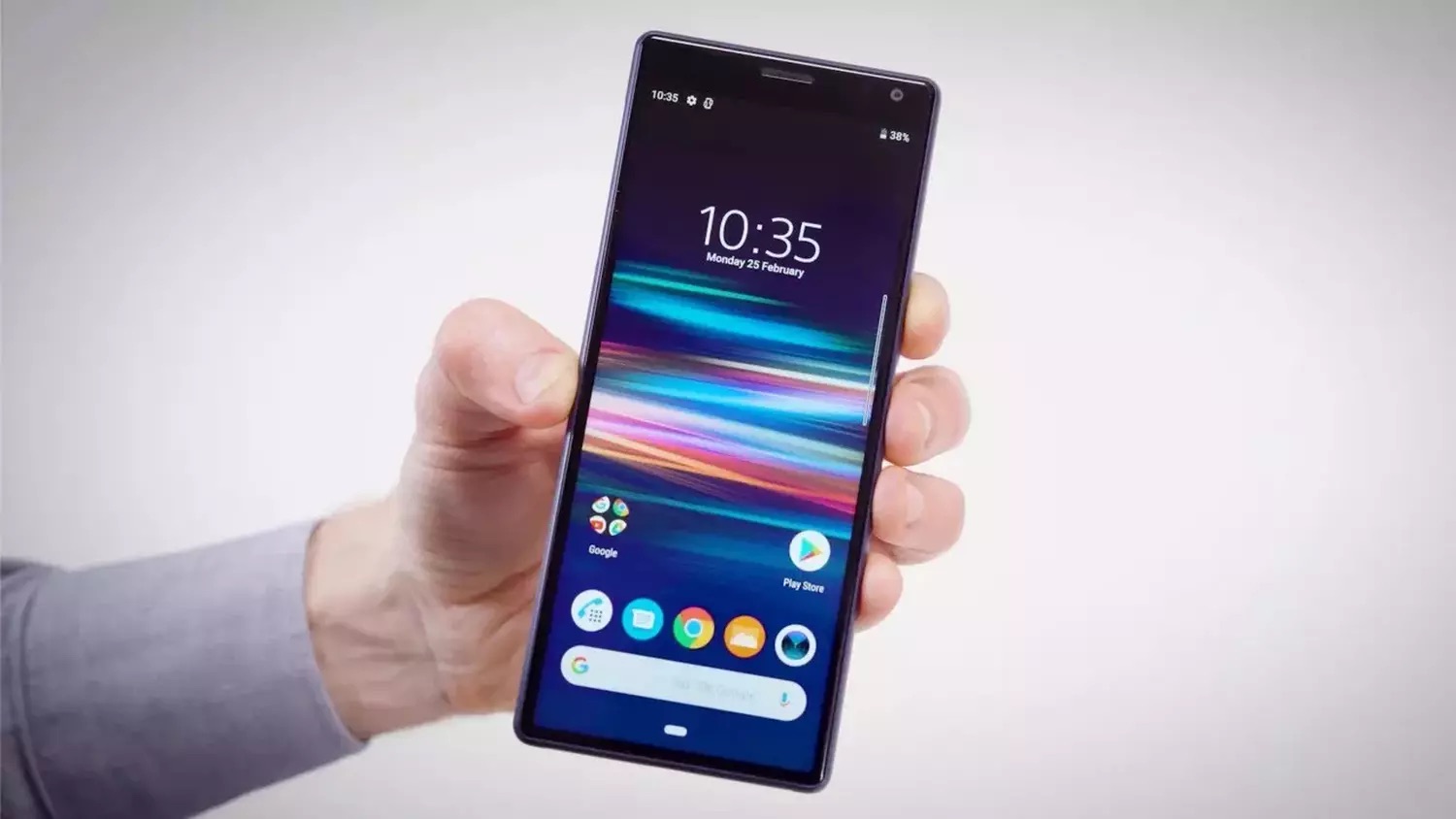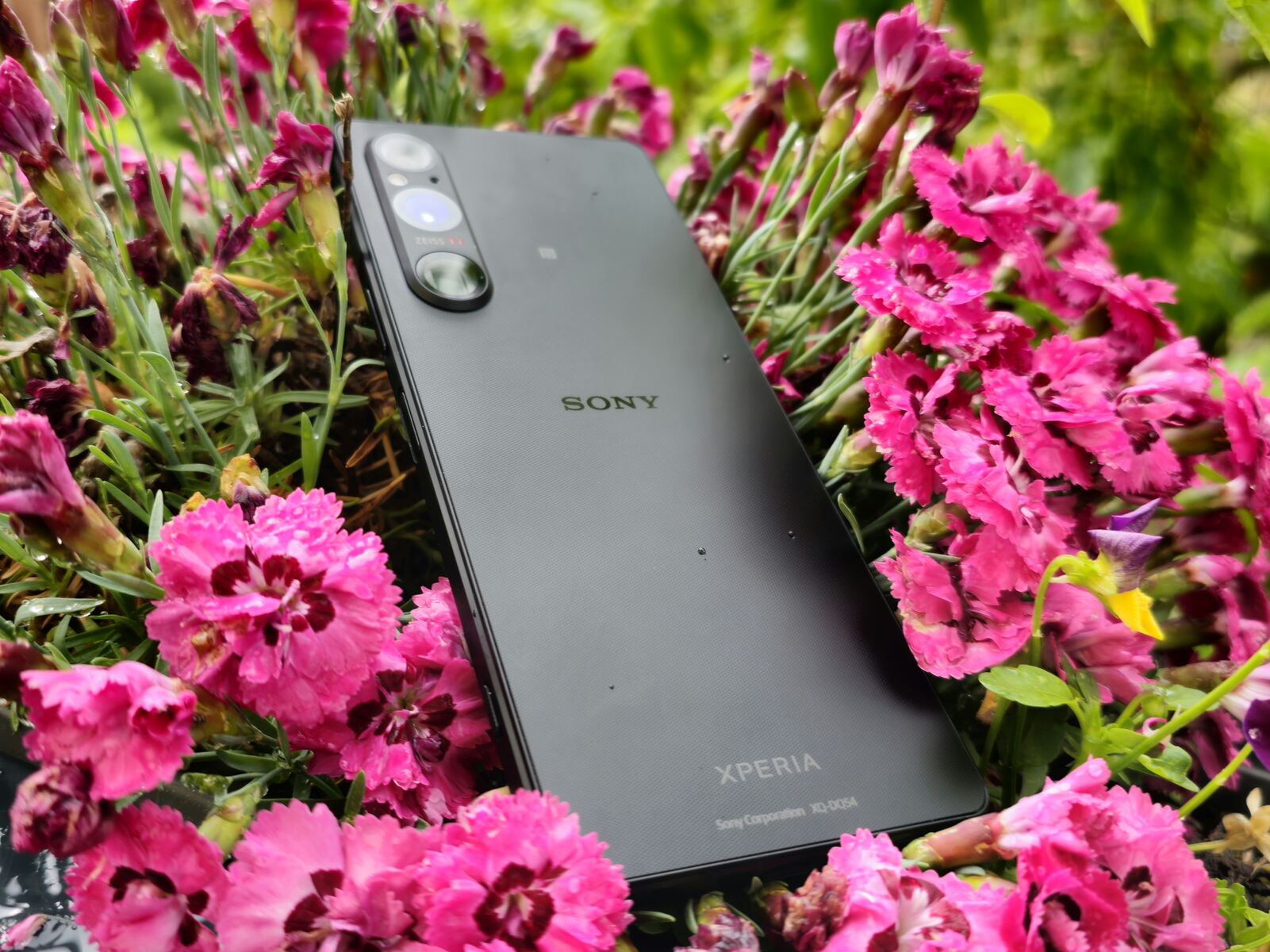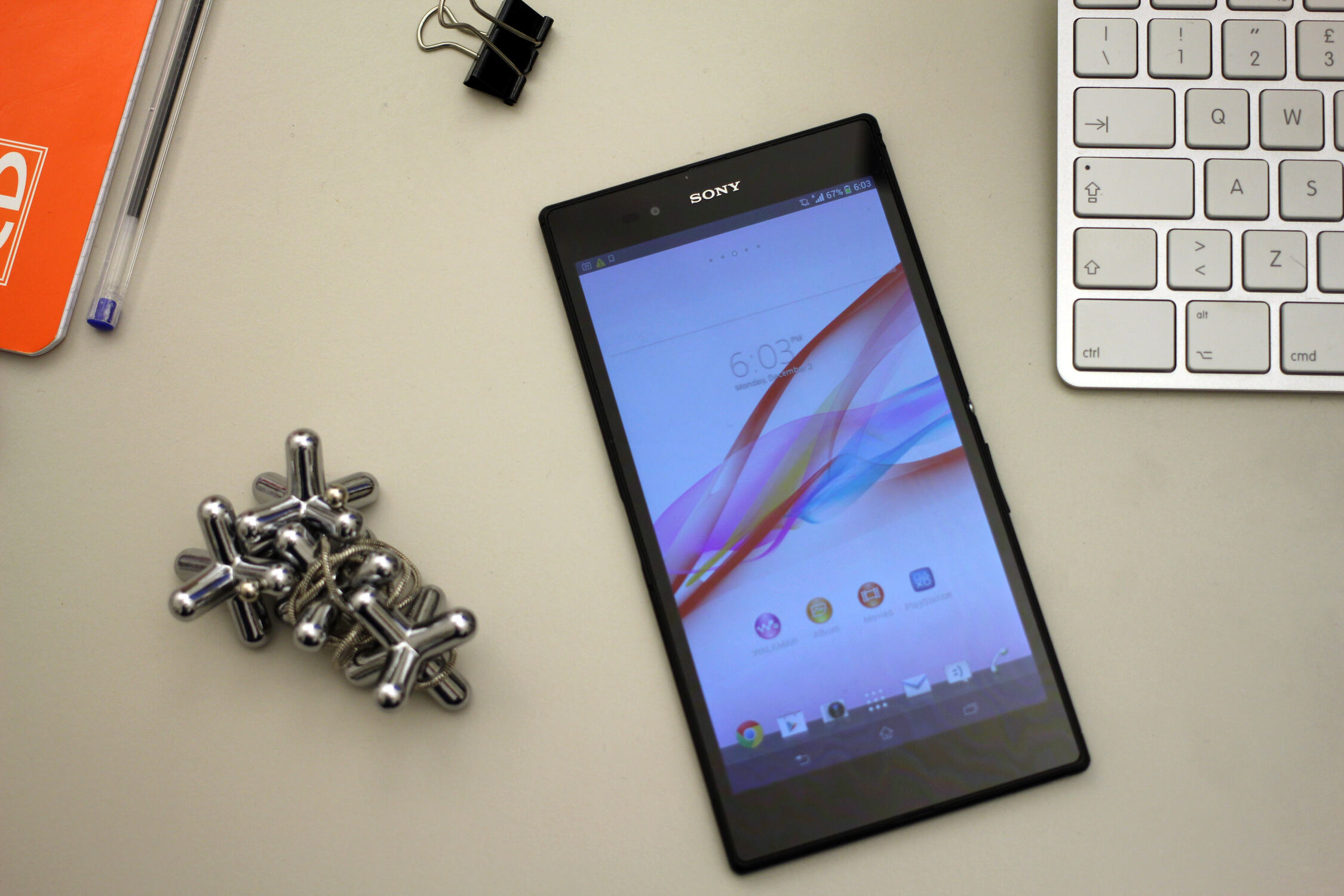
To start identifying genuine Sony Xperia Z Ultra devices, pick up the phone and weigh it, a real unit comes in at exactly 212 grams, and any noticeable deviation suggests a counterfeit. Then inspect the build for premium glass on both front and back with a metal frame, and compare the button placement on the sides against official product images, since fakes often misalign the power, volume, and camera keys.
How to start identifying genuine Sony Xperia Z Ultra devices
Begin with the most immediate physical checks that take under a minute. Place the device on a precise digital scale; the authentic Xperia Z Ultra weighs 212 grams, and a fake typically feels lighter or heavier due to cheaper materials. Run your fingers across the surfaces, genuine units use durable glass panels and a rigid metal frame, while counterfeits often feel plasticky or flex under pressure. Finally, hold the phone next to official images from Sony or a trusted retailer and verify that the button placement matches exactly, including the spacing between the power key, volume rocker, and dedicated camera shutter button.
Check the display and hardware specifications
Turn on the screen and confirm the display size and resolution. The genuine Sony Xperia Z Ultra features a 6.4-inch Full HD (1920 x 1080 pixels) TFT Triluminos display with X-Reality for mobile, which produces vibrant colors and wide viewing angles. A fake often has a lower-resolution panel with washed-out colors or poor contrast, especially when viewed off-angle. Next, verify the internal hardware through the Settings menu or a diagnostic app like CPU-Z. Look for a Qualcomm Snapdragon 800 processor, Adreno 330 GPU, 2GB of RAM, and 16GB of internal storage. If any of these values differ, such as a slower chipset or less RAM, the device is not genuine. The storage should also be expandable via a microSD card slot, which is a standard feature on authentic units.
Test the IP55/IP58 water and dust resistance
The genuine Sony Xperia Z Ultra carries an IP55/IP58 rating, meaning it can withstand submersion in up to 1.5 meters of fresh water for 30 minutes. Before testing, check that all port flaps, covering the microUSB, microSD, and SIM card slots, are fully closed and sealed. On authentic devices, these flaps fit snugly with a rubber gasket that prevents water ingress. Counterfeit units often have loose flaps, missing gaskets, or no sealing mechanism at all, which means water will enter and damage the phone. If you are cautious about wetting the device, inspect the flaps visually: genuine flaps have a distinct rubber lining and a firm click when closed, while fakes may feel flimsy or leave gaps. Do not submerge a device you suspect is fake, as this can permanently ruin it.
Verify the camera and battery capacity
Take sample photos with both the rear and front cameras. The genuine Xperia Z Ultra has an 8-megapixel rear camera with an Exmor RS sensor, which produces sharp, detailed images with accurate colors and good low-light performance. The 2-megapixel front camera is adequate for video calls but not for high-resolution selfies. If the rear camera produces grainy, blurry, or washed-out images, or if the front camera has a much higher megapixel count than 2MP, the device is likely fake. For the battery, check the Settings > Battery menu to see the capacity reading. A genuine unit shows 3050mAh; if the reading is significantly lower (e.g., 2000mAh or less), the battery has been swapped or the phone is counterfeit. You can also use a diagnostic tool like AccuBattery to measure the actual capacity over a few charge cycles, which will reveal any discrepancy from the rated 3050mAh.
Spot a fake Sony Xperia Z Ultra by its software and price
Boot the device and examine the software interface. Genuine Xperia Z Ultra units run a near-stock Android version with Sony’s light customization, including the Xperia Home launcher, Sony’s media apps (Walkman, Album, Movies), and the “Small Apps” multitasking feature. Also check the About Phone section for the model number (C6802, C6806, or C6833 depending on region) and the manufacturing locations of Sony xperia phones, which are typically listed as China, Japan, or Thailand. If the model number is absent or mismatched, it is a fake. Finally, consider the price: if a seller offers a new Xperia Z Ultra for a fraction of the standard retail price, it is almost certainly counterfeit. Stick to authorized retailers or reputable second-hand platforms, and be wary of deals that seem too good to be true. Before purchasing, also check your carrier’s compatibility by identifying if your SIM card is locked, as a genuine device should accept the SIM without issues, while fakes often have SIM tray problems or fail to recognize the network.
\nRelated reading: Complete Guide: Hard Resetting Sony Xperia Phone.