Your bank is on the Zelle network list, but your specific debit card likely lacks the required 'fast funds' capability or is a non-Visa/Mastercard card, which causes an instant rejection. You must use a different card from that bank or enroll directly through your bank's mobile app instead.
Why your Zelle debit card is rejected: the fast funds requirement
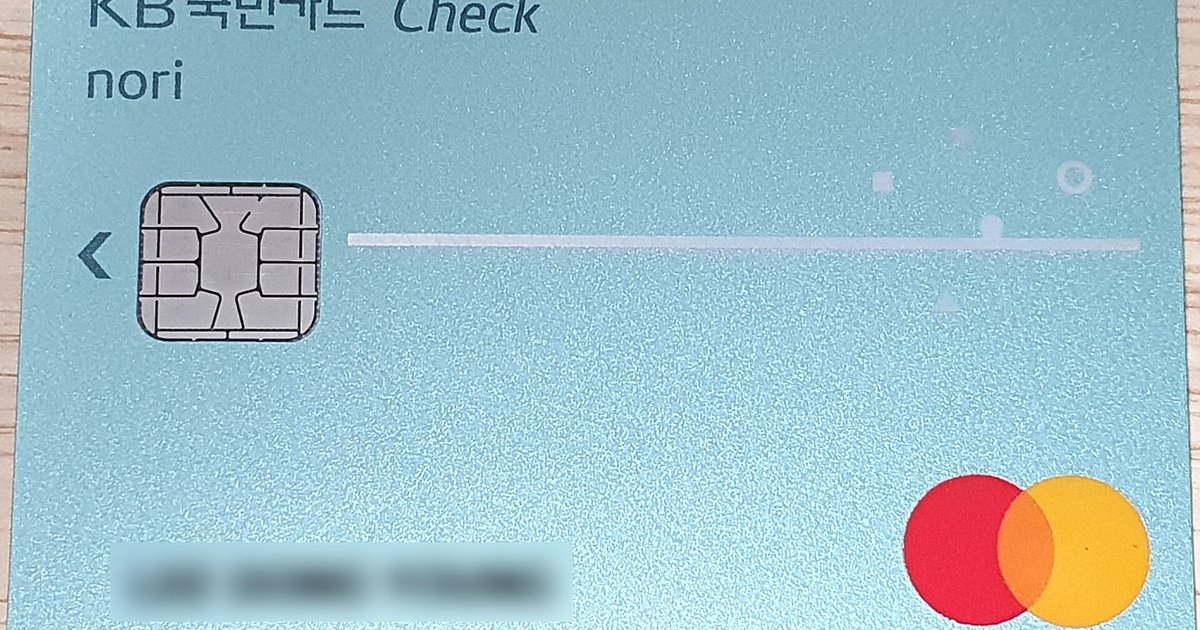
Zelle rejects any debit card that is not a Visa or Mastercard from a U.S. bank, even if the card comes from a bank that is officially partnered with Zelle. Zelle can push money to your account in minutes rather than waiting for a standard ACH transfer that can take one to three business days. When you enter your card number in the Zelle app’s enrollment screen, the system sends a small verification request to the card network. If the card’s issuing bank has not activated the Fast Funds or MoneySend feature on that specific account, the network returns a decline code immediately. You see the error before any funds are moved. This happens regardless of whether your bank is listed among Zelle-compatible banks. You cannot override this check by retrying the same card. The rejection is hard-coded at the network level. A separate guide on my Zelle payment pending review explains how network delays can also cause holds, but the card enrollment rejection is a separate, immediate block.
When the bank supports Zelle but not your card
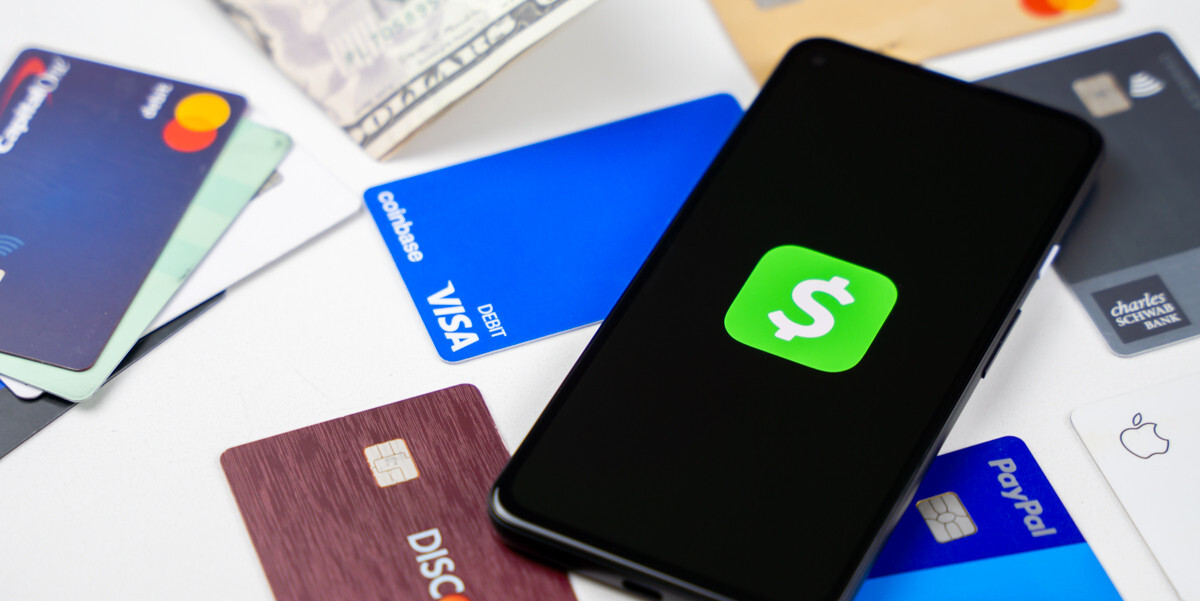
The most common misunderstanding is that every Visa or Mastercard debit card from a partner bank will work in the Zelle app. In reality, many banks only enable Zelle on certain account types, typically standard checking accounts. Business accounts, savings accounts, prepaid cards, and older card designs may not be eligible for Zelle enrollment. If your card shows a network logo other than Visa or Mastercard, it will also be rejected. Zelle’s instant transfer system only works with Visa and Mastercard. Even a valid Visa card from a supported bank can fail if the bank has not updated that card’s profile in the network’s directory. The Zelle app does not explain the specific reason. It simply displays a generic “card not supported” message. To get a Zelle account, you must use a card that passes this network check, and simply having a bank on the list is not enough. If you are wondering whether you can add a credit card to Zelle, the answer is no. Credit cards are not accepted for enrollment or sending, only for receiving refunds in rare cases, and they also fail the Fast Funds test.
Bypassing the card enrollment error
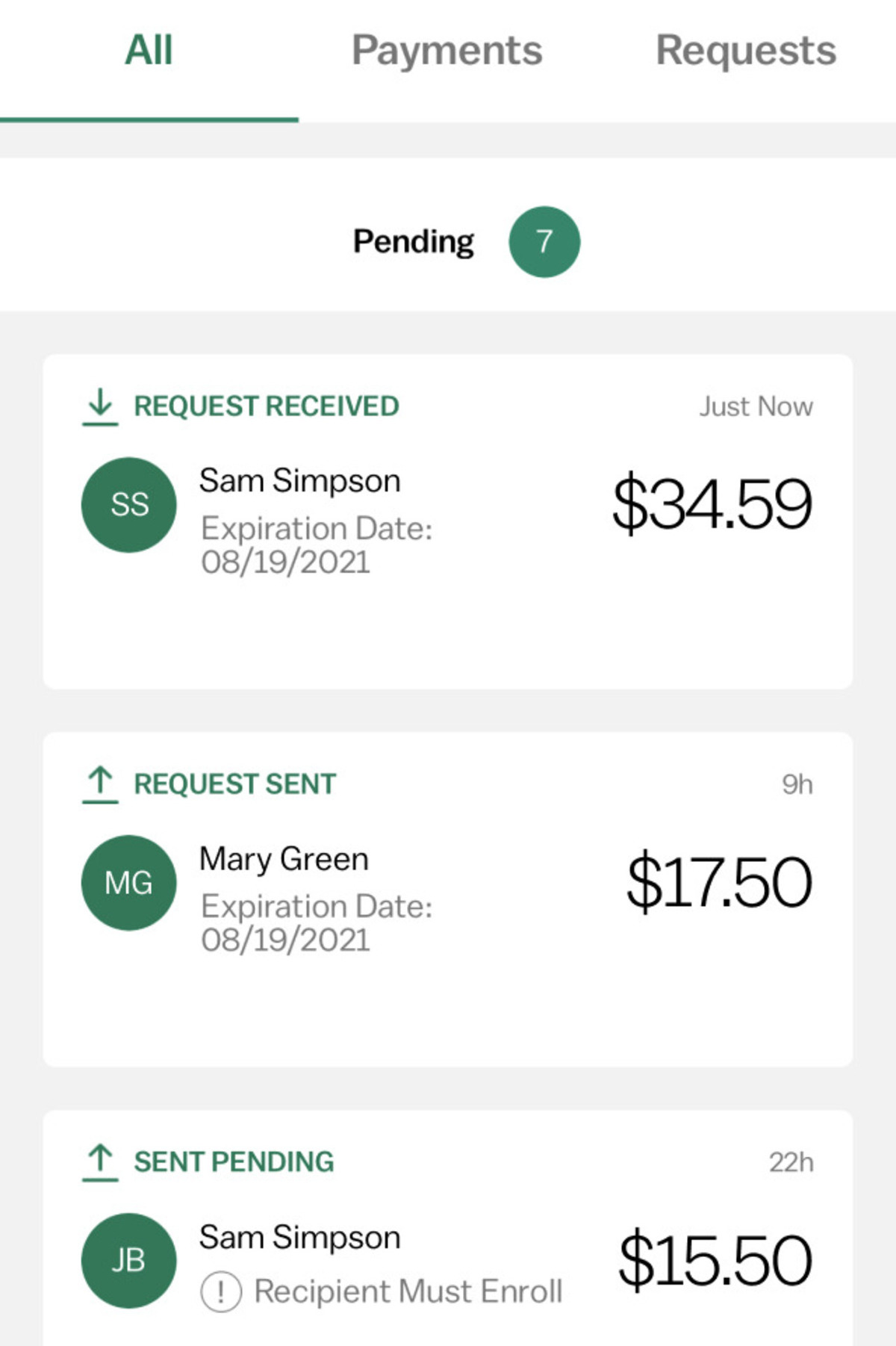
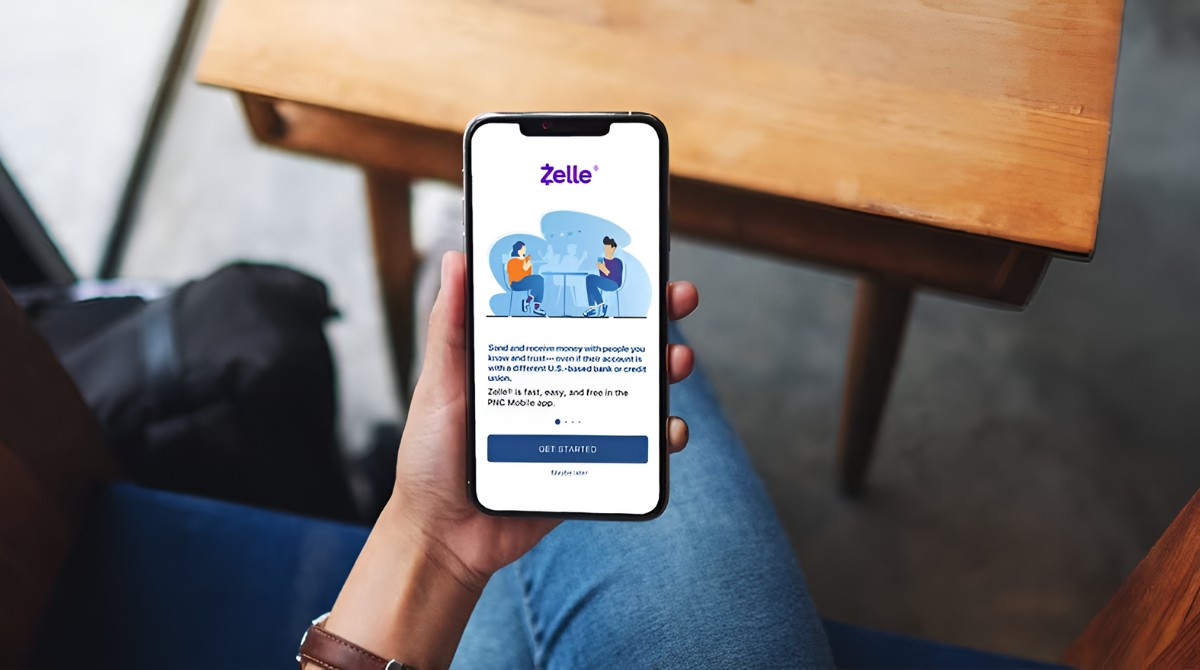
If your debit card is rejected, you can skip the card check entirely by enrolling directly through your bank’s official mobile app instead of the standalone Zelle app. Most Zelle-compatible banks embed Zelle functionality inside their own banking app. That enrollment method links your bank account directly using your online banking credentials, never asking for your debit card number. Open your bank’s app, locate the “Send Money with Zelle” or “Zelle” section in the menu, often under Transfers or Payments, and follow the prompts to register your email or phone number. Once linked, your bank account itself becomes the funding source. Zelle will use the bank’s internal systems to move money, bypassing the Visa Fast Funds or Mastercard MoneySend requirement entirely. This method also avoids the card rejection error and works even if your debit card is a business or savings account card. After enrollment, you can still send money from the Zelle app using that same bank account. The card check applies during enrollment, but enrolling through your bank's app may bypass this requirement. A separate guide on my Zelle payment pending review covers what to do when a transfer is held for fraud review.