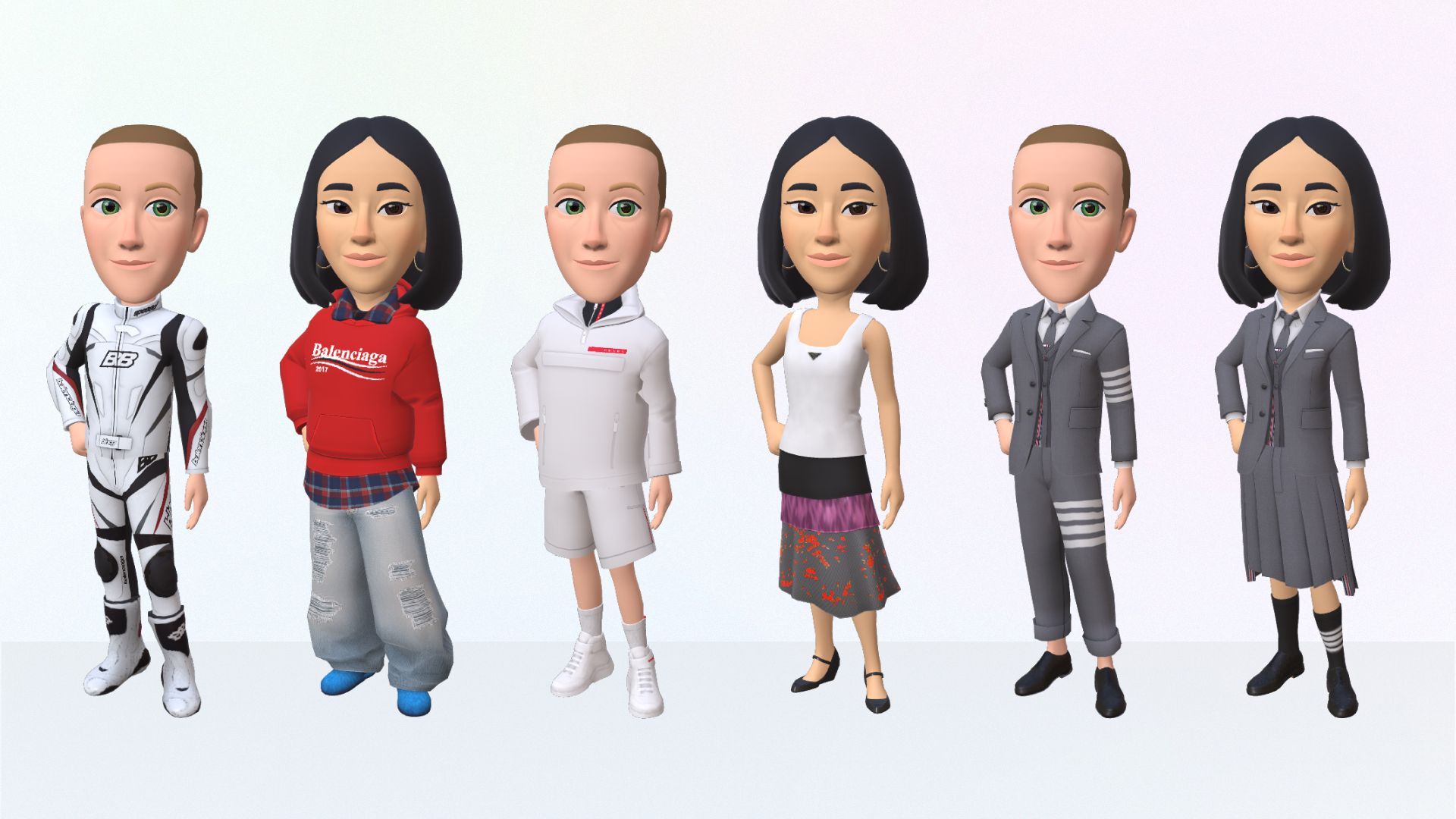
To create an avatar for the metaverse, you build a digital identity that works across platforms like Meta Horizon and Decentraland, each offering distinct tools for designing your 3D self. The two main paths are using Meta’s official apps and headsets for the most integrated experience, or using Decentraland’s browser-based editor for a blockchain-native look. Below is a practical, platform-specific walkthrough to get you from blank slate to fully functional avatar.
How to create an avatar for the metaverse
Your journey starts by choosing where you want your avatar to live, and for most people that means Meta Horizon (the social VR app for Quest headsets) or Decentraland (a browser-based 3D world). Both let you create a custom 3D character, but the process, customization depth, and final look differ significantly. This guide covers both paths step by step, so you can decide which fits your needs and start building your virtual presence today.
Creating your avatar on Meta Horizon and Quest
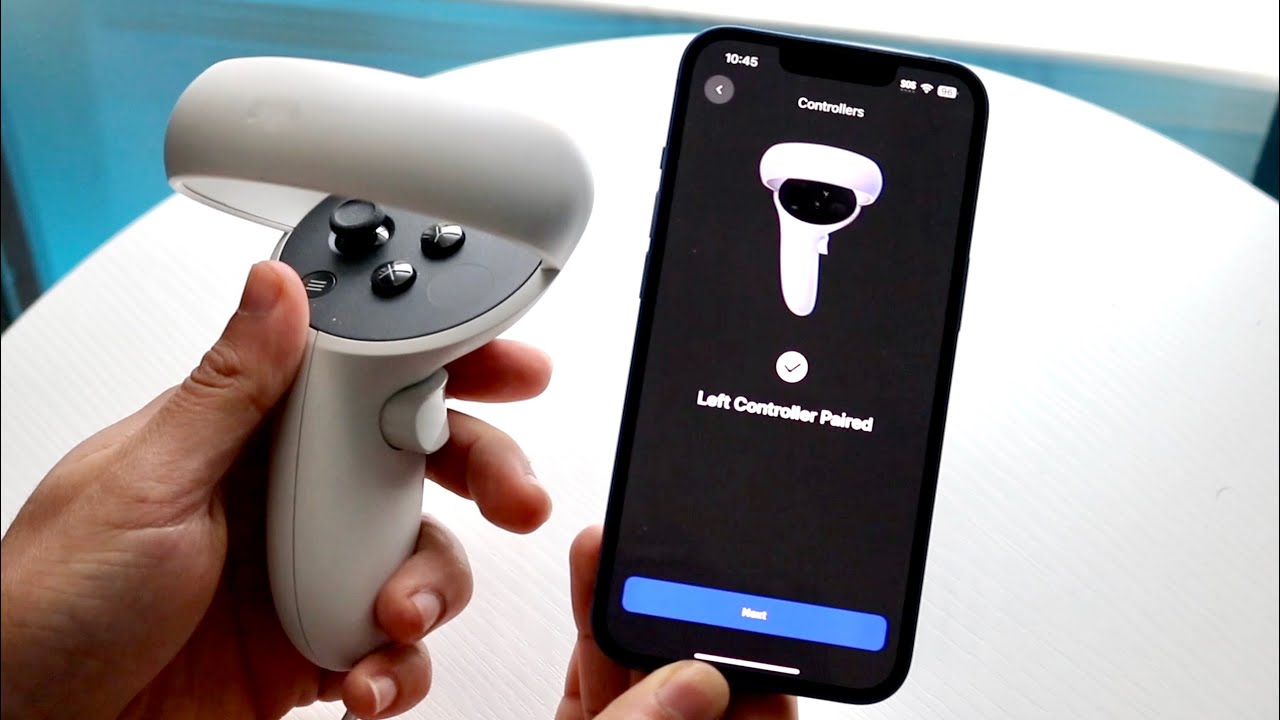
Meta offers two distinct workflows depending on whether you’re using your phone or your headset. The first method is through the Meta Horizon mobile app: open the app, tap your profile picture in the top-right corner, then select “Edit appearance” followed by “Edit avatar.” This opens the full avatar editor, where you can adjust everything from body shape to clothing. The second method is directly inside your Quest headset: press the Meta or Oculus button on your right Touch controller to bring up the universal menu, select your profile photo, then choose “Create Avatar.” This launches the same editor in VR, letting you see your avatar in real-time as you tweak it. For extra convenience, Meta also offers AI-powered styling options in the mobile app, you can take a selfie and the system will suggest matching facial features, skin tone, and hair, or you can build everything manually from scratch.
Customizing your Meta avatar's appearance
Once you’re in the editor, you’ll find deep customization tools that go far beyond simple sliders. Start with the body: adjust height, build, and proportions to match your real-world physique or a stylized version you prefer. Then move to the face, you can fine-tune the shape of your eyes, nose, mouth, and jaw, and even add details like freckles, wrinkles, or facial hair. Hair is next, with dozens of styles and colors, plus the option to adjust hair length and texture. For clothing, Meta offers a mix of free and premium outfits, from casual streetwear to formal wear, and you can layer accessories like hats, glasses, and jewelry. The editor also includes body types, poses, and emotes, so your avatar’s personality shows in how it stands and moves. Best of all, your avatar automatically syncs across Facebook and Instagram, update it once, and it appears the same in all Meta-owned apps, making it a true cross-platform digital identity.
Creating your avatar in Decentraland
Decentraland takes a different approach, focusing on user-generated content and blockchain ownership. From there, select “Backpack” to access the avatar editor. Unlike Meta’s guided system, Decentraland gives you a grid of slots: head, upper body, lower body, footwear, and accessories. You can equip community-made Wearables (clothing and items) and Emotes (dance moves, gestures) that you’ve collected or purchased from the marketplace. For creators, the technical side is important to understand: Decentraland wearables have strict limits, such as a maximum of 1.5K triangles per wearable slot (e.g., hat, upper body) and 500 triangles for smaller accessories like rings or earrings. This ensures performance across the platform, so keep your designs optimized if you plan to mint your own items. The result is a fully customizable avatar that lives on the blockchain, meaning your look is truly yours, no one can take it away or alter it without your permission.
Testing and updating your avatar
After you’ve crafted your avatar, it’s time to take it for a spin. In both Meta and Decentraland, you can move around using the standard controls (thumbsticks on Quest, WASD on desktop), and you should test how your avatar walks, runs, and gestures. Interact with other users by striking up conversations, joining groups, or participating in events, this is where you’ll see if your avatar’s animations and expressions feel right. Pay attention to how others see you: ask a friend to meet you and give feedback on your appearance and movements. As you explore, you’ll likely want to refresh your look, maybe try a new hairstyle, swap out an outfit, or add a new emote. Both platforms make it easy to return to the editor anytime, and you should check for software updates regularly. Keeping your Meta Horizon app or Decentraland client up-to-date ensures you get the latest avatar features, bug fixes, and compatibility improvements. The metaverse evolves fast, and your avatar should evolve with it, so revisit your customization every few weeks to keep your digital self current and expressive.
\nRelated reading: How To Create A Metaverse Account, How To Watch Oculus Quest 2 On Tv, and How To Connect Oculus Quest 2 To PS5.