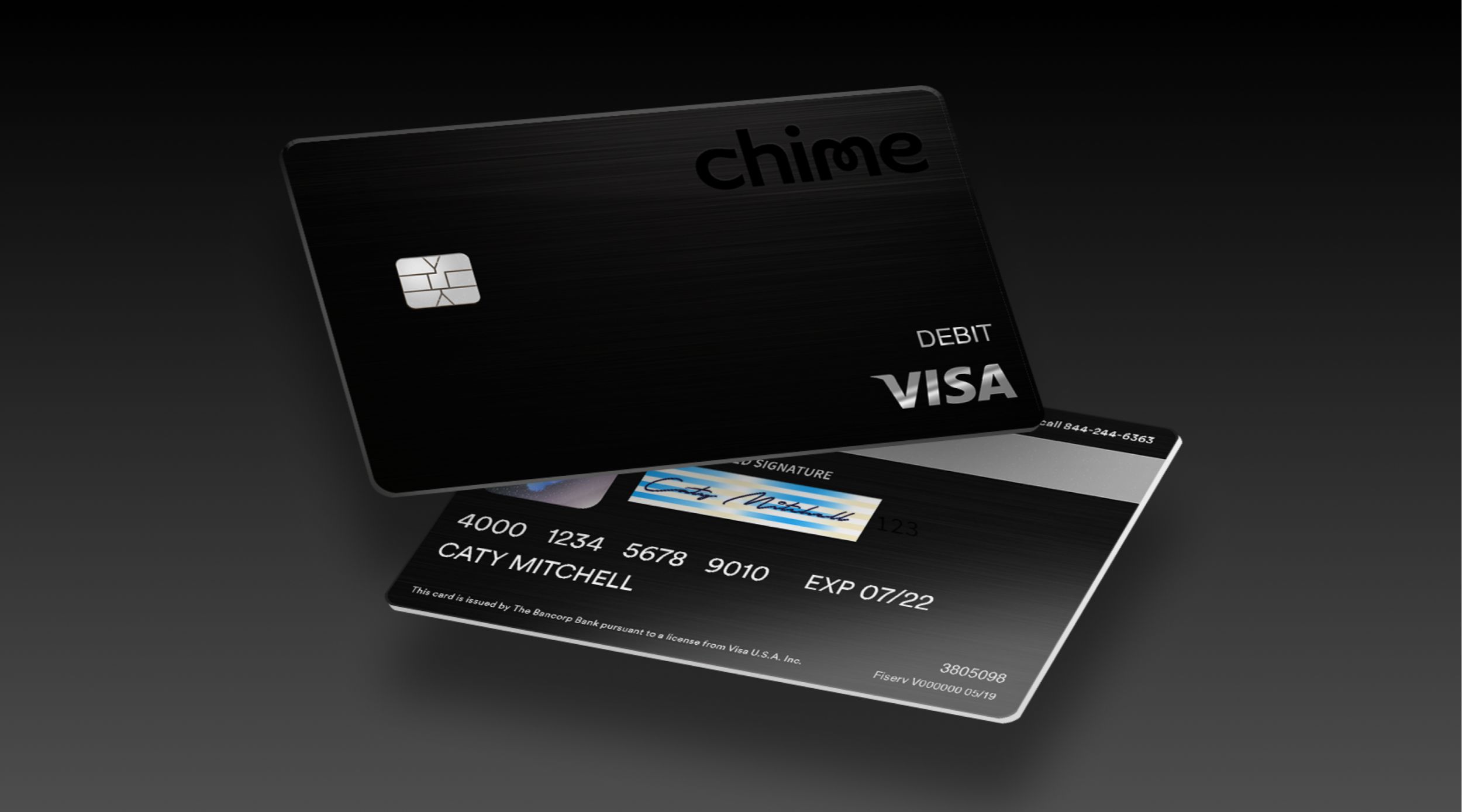
To change your Chime card PIN, use the Chime app or website, or call 1-844-244-6363. You might need a new PIN for security reasons or if you forgot the current one.
How to change your Chime card pin online
Changing your PIN through the Chime app or website is the quickest method. Follow these steps to update your debit or Credit Builder card PIN directly from your account.
- Log in to your Chime account on the mobile app or at chime.com.
- Go to your card settings area.
- Select the option to change your PIN.
- Verify your identity using security questions or two-factor authentication.
- Enter and confirm your new 4-digit PIN.
- Save the changes and test your new PIN at an ATM or store.
Log in and go to card settings
After logging in, navigate to the card settings to find the PIN change option. In the Chime app, navigate to your card settings. On the Chime website, locate the card settings or card management section. This is where you will find the option to change your PIN.
Verify your identity and set a new pin
Before setting a new PIN, you must confirm you are the account holder. Chime may ask for personal information, require you to answer security questions, or send a verification code to your registered phone or email for two-factor authentication. Once verified, choose a secure 4-digit PIN that is easy for you to remember but hard for others to guess. Enter the new PIN in the designated field, then re-enter it to confirm.
Save and test your new pin
After confirming your new PIN, save the changes to apply it. Immediately test the new PIN at an ATM or point-of-sale terminal to ensure it works. If the PIN is accepted, your update is successful. If it does not work, double-check that you entered the correct PIN and that it meets Chime’s requirements. If issues persist, contact Chime support for help.
Change your pin by phone at 1-844-244-6363
If you cannot access the app or website, or prefer to speak with a representative, call Chime customer service at 1-844-244-6363. Support is available 24/7 by phone. Have your card information nearby when you call, as you may be asked to verify your identity. The representative can help you change your PIN over the phone.
Tips for a secure Chime card pin
Keep your PIN safe with these practices: never use obvious numbers like your birth year or sequential digits; do not share your PIN with anyone; if you suspect your PIN is compromised, change it immediately. If you need to temporarily disable your card, use the option to lock your Chime card in the app. Be aware of the daily Chime card withdrawal limit when using ATMs. If you need cash, check the Chime card reload stores for fee-free deposit locations. To move money to another app, you can transfer money from chime to Venmo instantly through the linked debit card feature. If your new PIN does not work after saving, verify you followed all steps correctly and contact customer service if needed.