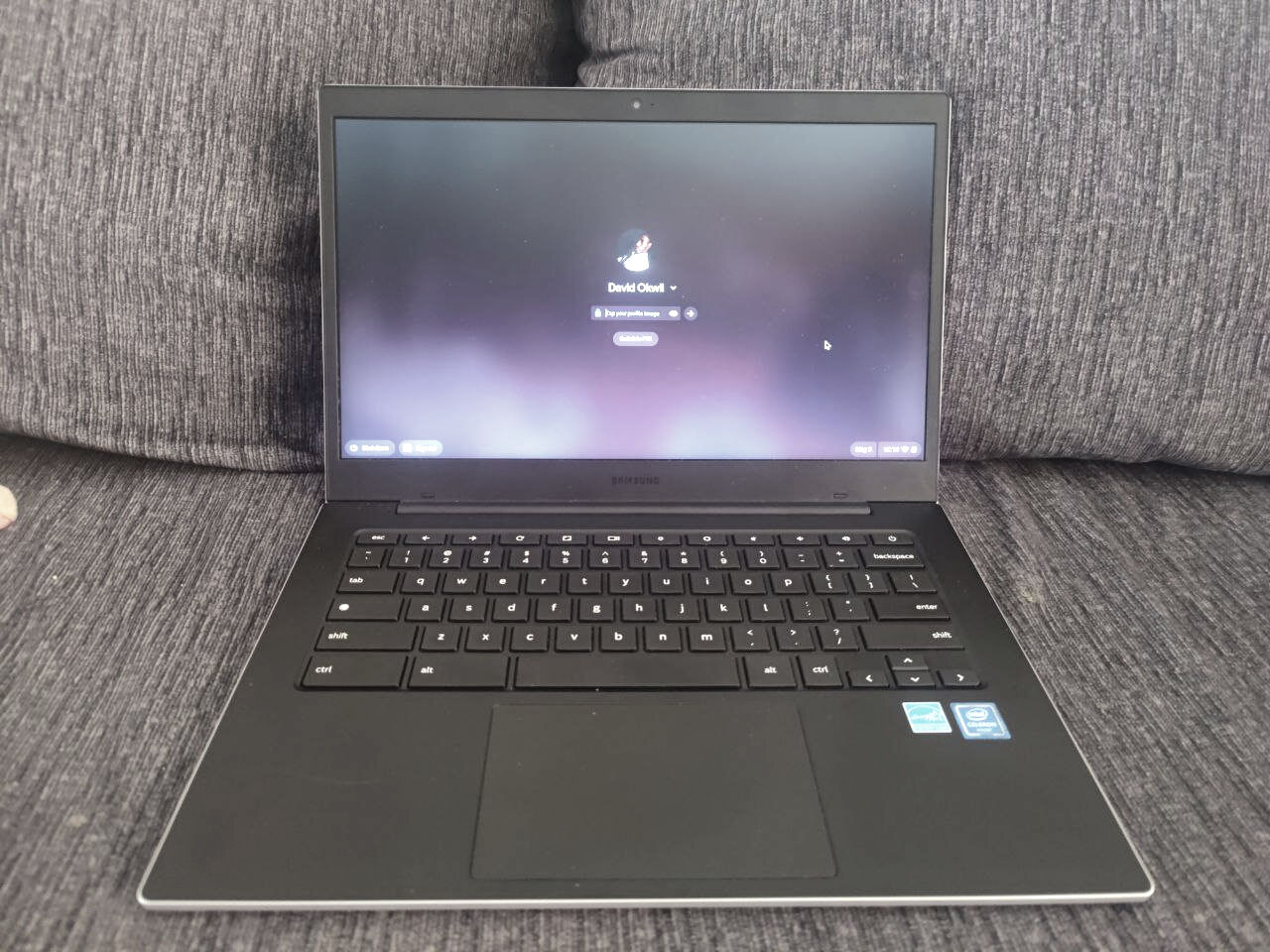
This tag collects articles that deal with the everyday use and management of personal identification numbers (PINs) across a range of consumer devices and services. It is written for the average user, not an IT professional, who needs straightforward, practical guidance on locating, changing, or working around a PIN in a specific context, whether that is on a phone, a streaming device, or a financial app. The material is geared toward solving a concrete, often frustrating problem without requiring deep technical knowledge.
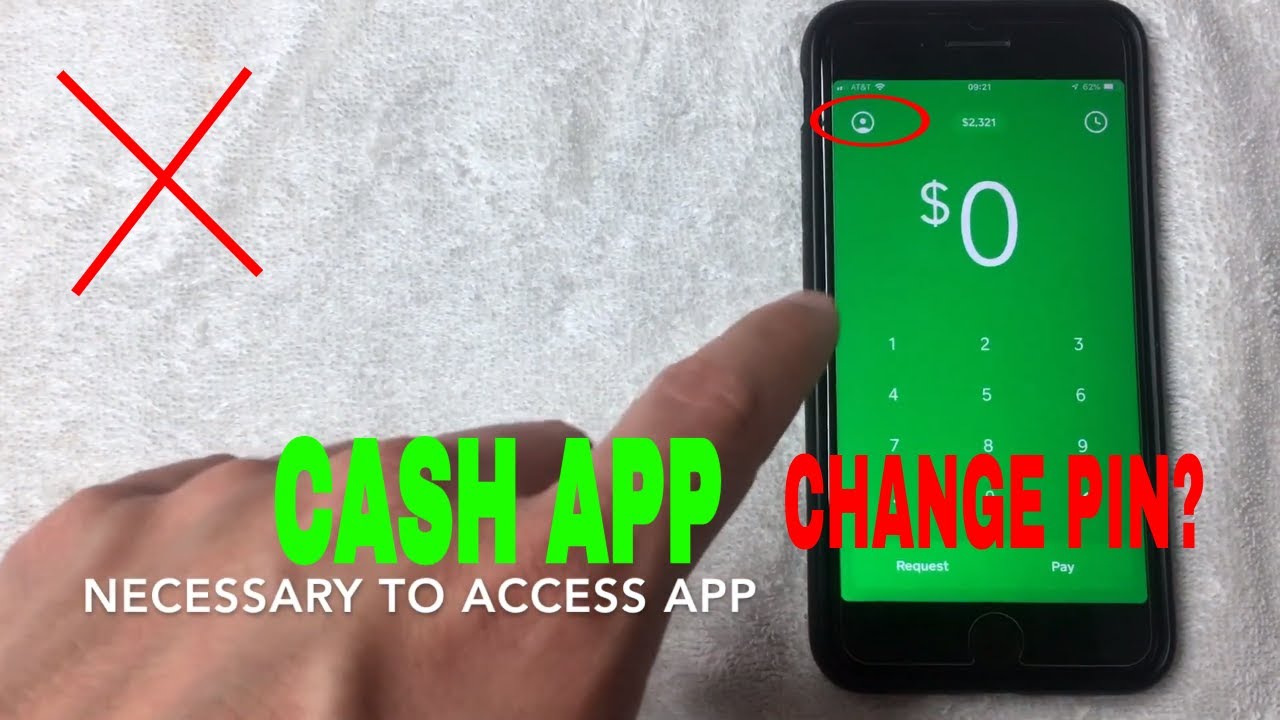
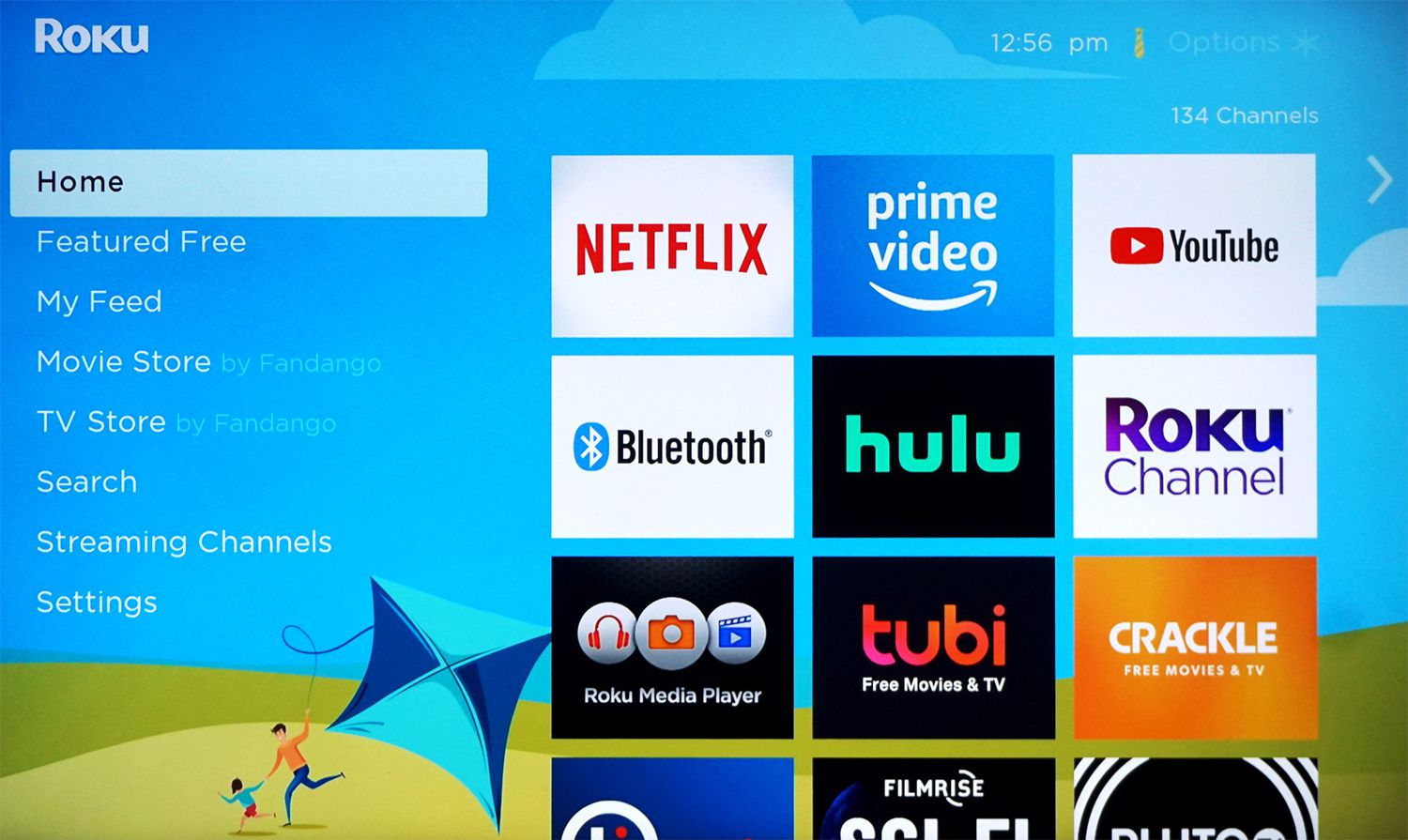
The articles group into a few clear themes. One is account and device access: for example, the guides on finding the PIN on an Android phone and on unlocking a Chromebook help you regain entry to your own hardware. Another theme is financial and security management, seen in the pieces on changing your Cash App PIN or your Chime Card PIN, these are about maintaining control over your money and protecting your accounts. A third, smaller theme involves managing family or device settings, such as the article on blocking apps on a Roku TV, which is a parental-control task, and the piece on factory resetting a device when you do not know the child profile PIN, which addresses a common household predicament from a safety and settings-recovery perspective rather than a workaround.
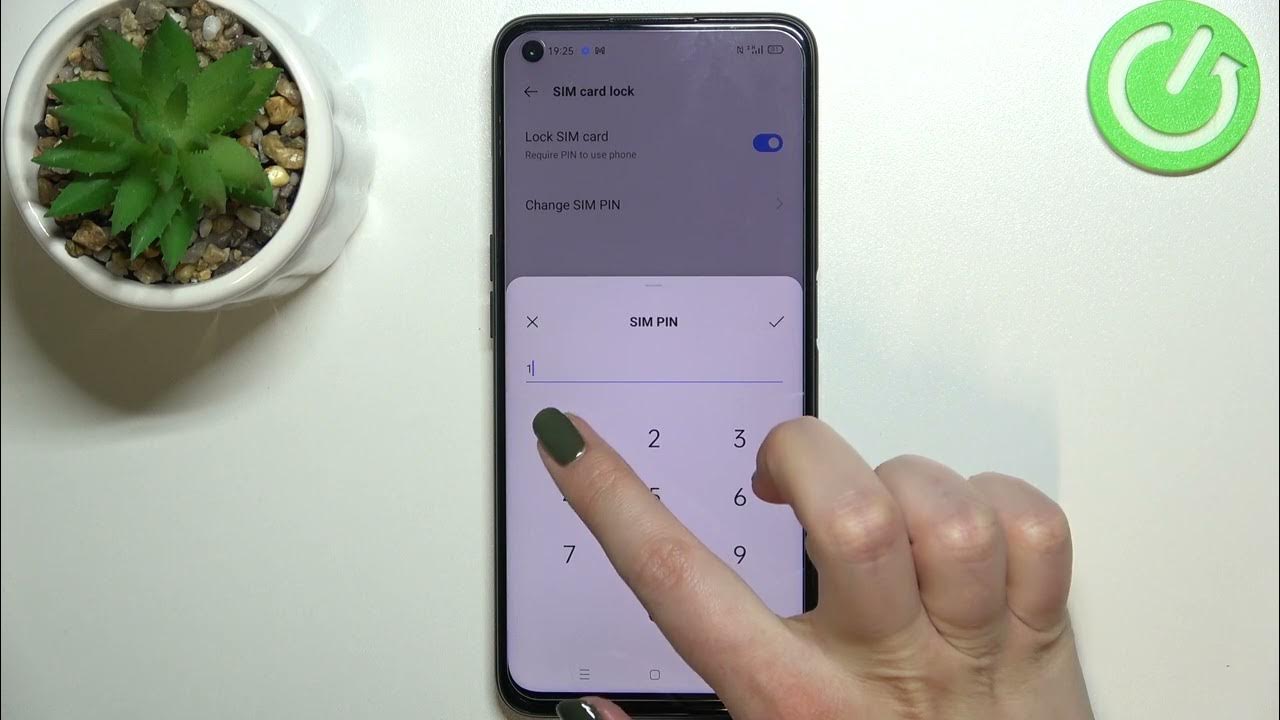
Notably, the article about the child profile on a Chromebook is framed as a question about legitimate recovery options, not as a way to bypass parental controls. Similarly, the SIM card PIN guide helps you understand a security feature on your own phone, not how to break into a locked network. The goal across all these pieces is to help you do something legitimate, like resetting your own code, finding a number you forgot, or understanding what a factory reset will and will not do, always within the bounds of normal device ownership and account management.