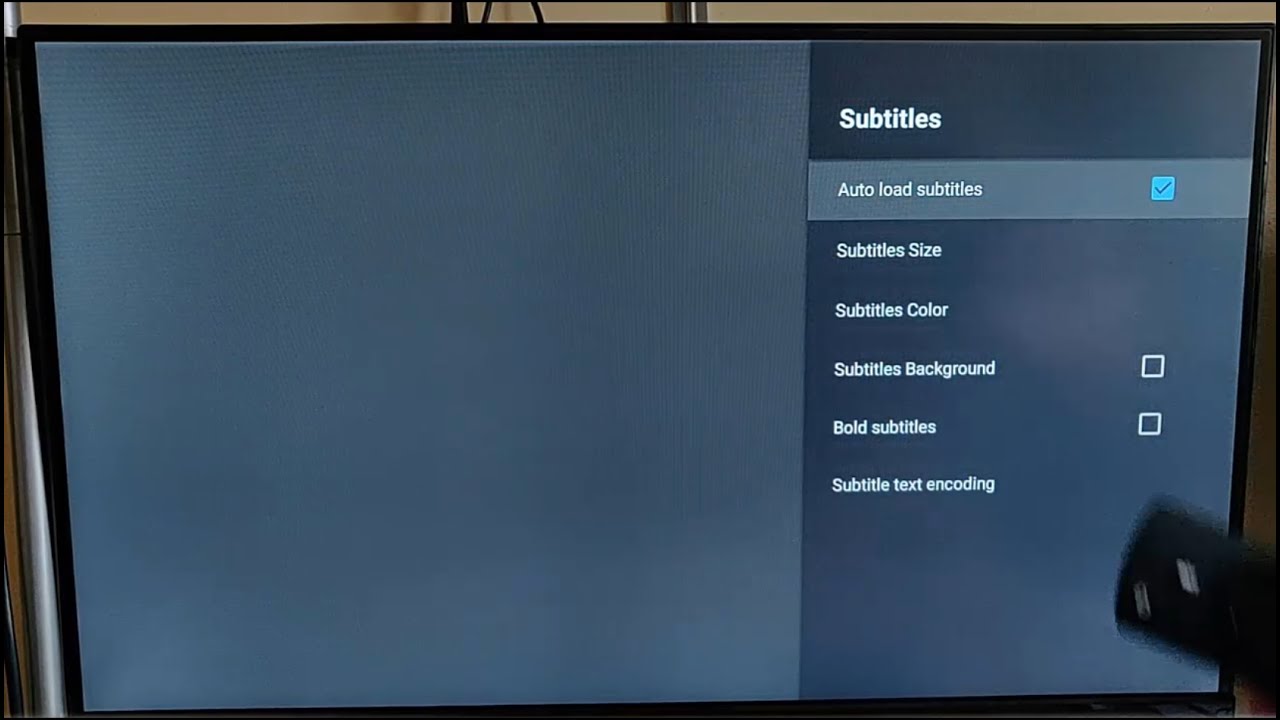
If subtitles suddenly appeared on your Toshiba TV and you want them gone, you can turn off subtitles on Toshiba TV in seconds using only the remote. The fix is a simple settings change, and you don’t need any tools or technical knowledge.
Use the Home or Menu button to get started
Press the Home or Menu button on your physical remote to open the TV’s main interface. This is the same button you use to access apps or change inputs. Once the home screen appears, look for the gear or cog icon, that’s the Settings entry point.
Find the Closed Captioning or Accessibility menu
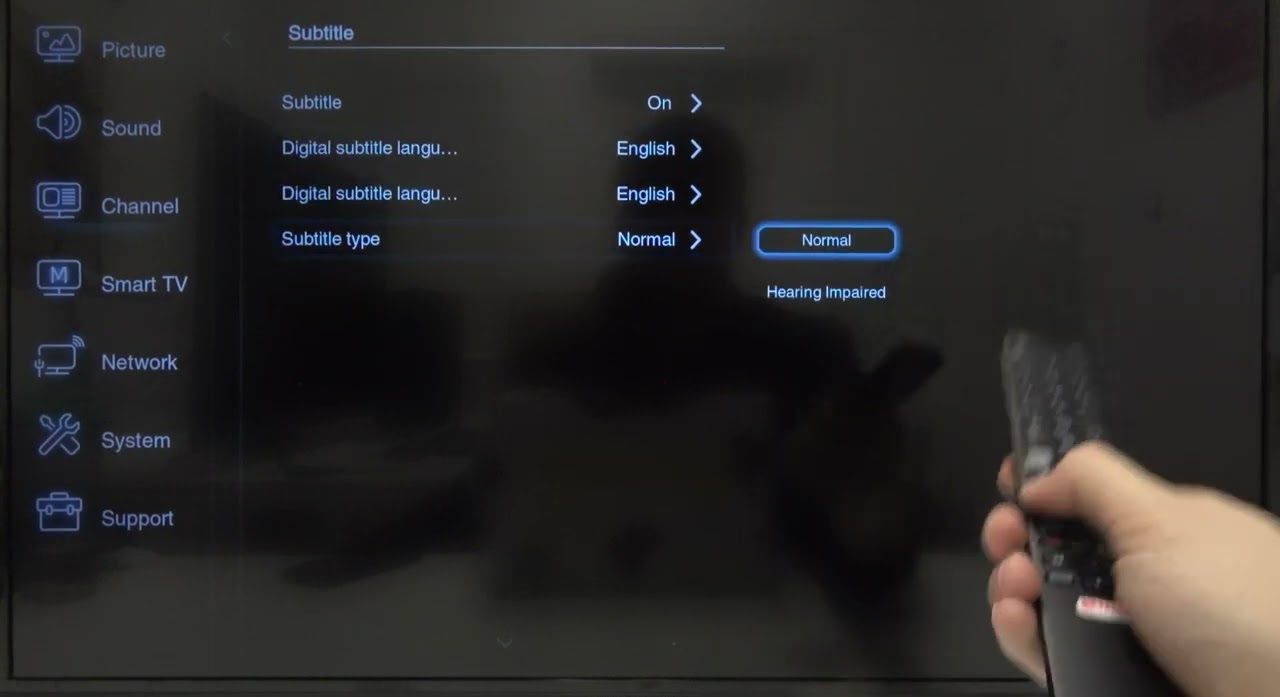
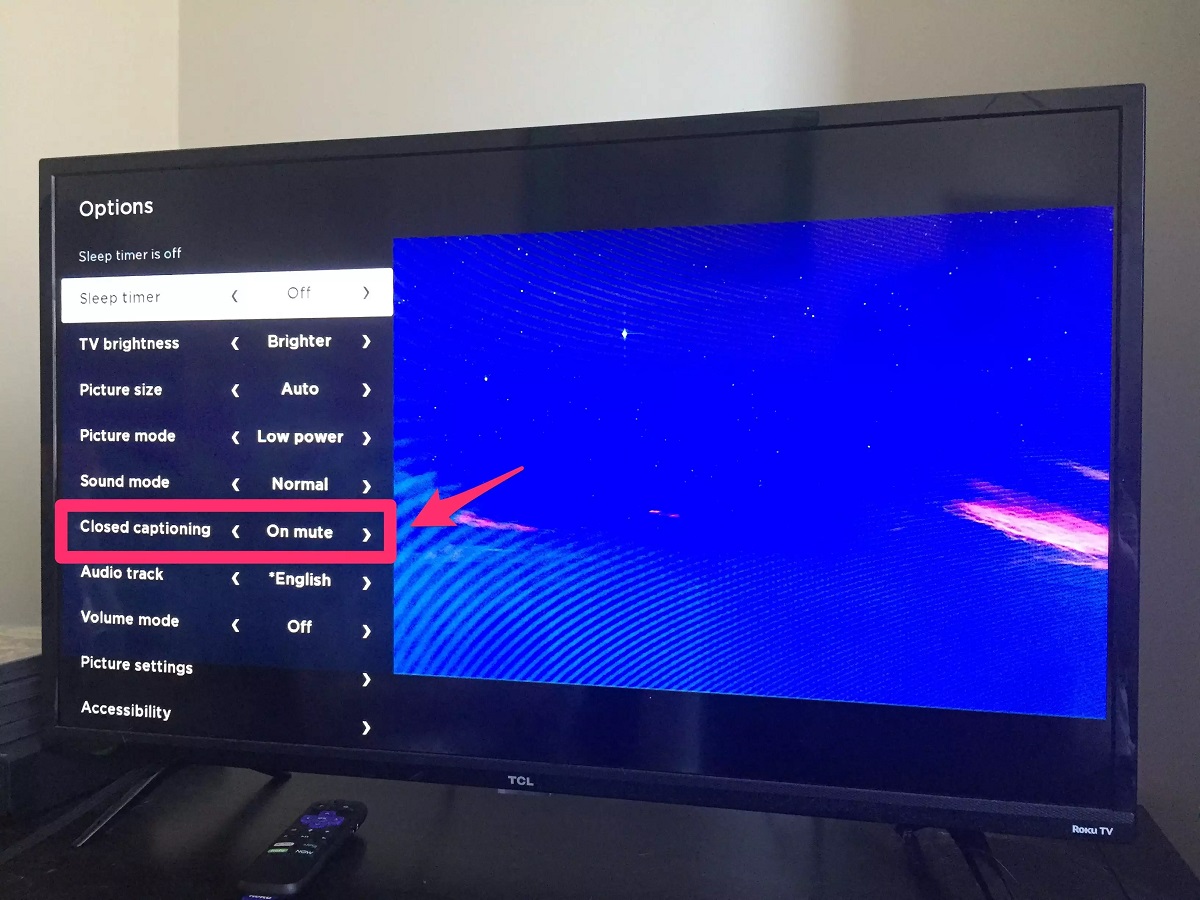
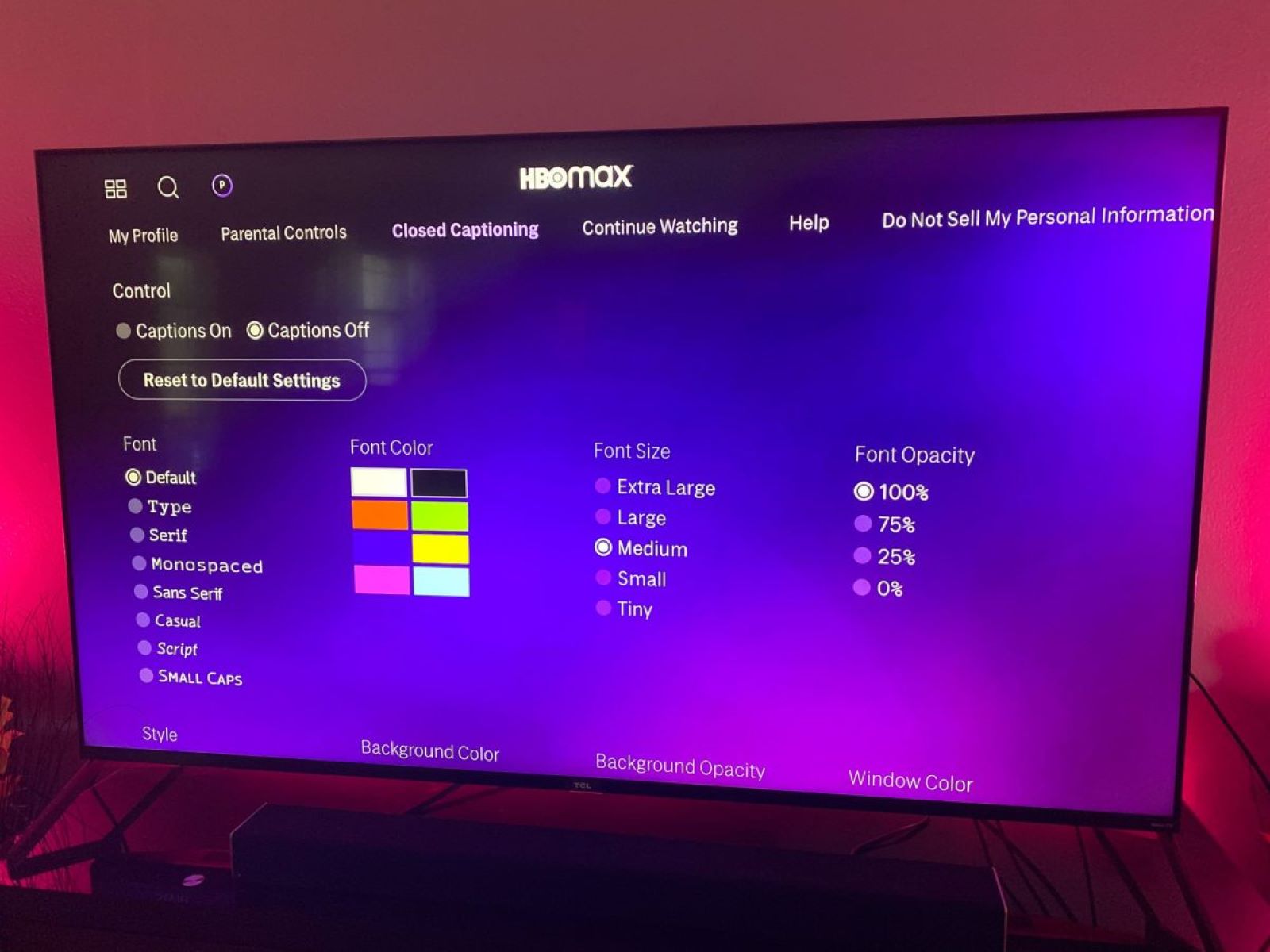
From the settings list, scroll to and select Accessibility or Closed Captioning. On many Toshiba models, these options are grouped together. If you don’t see either label right away, open the submenus and look for Subtitles or Caption Settings, they’re often tucked inside one of those two main sections.
Switch subtitles to Off
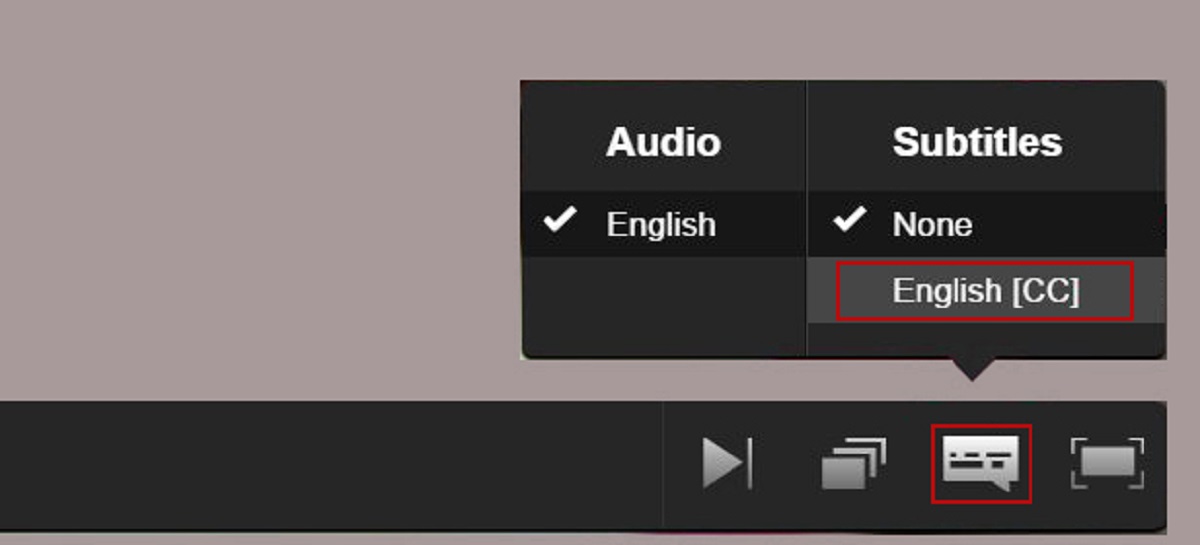
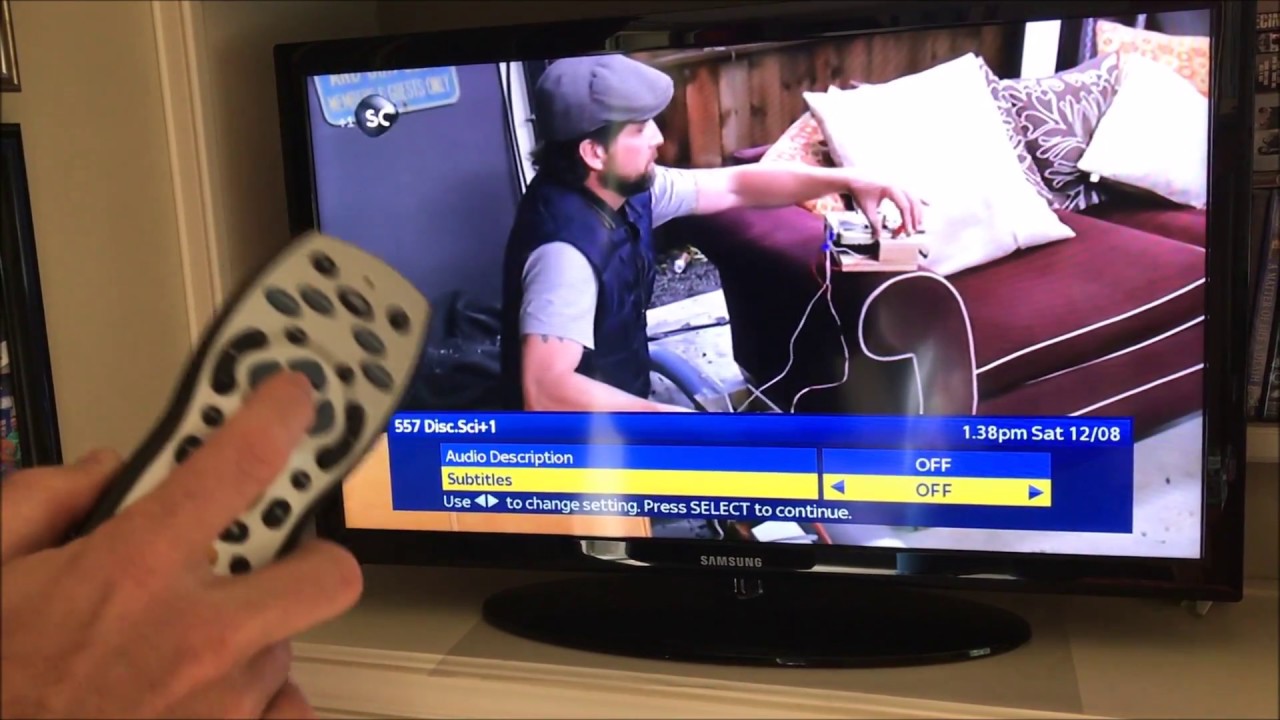
Once you’re inside the captioning menu, find the option that controls the subtitle mode. It might be labeled Subtitles, Caption Mode, or simply CC. Select it, then choose Off or None from the list. Confirm your selection, and the on-screen text will disappear immediately.
What to do if the menu looks different
Some Toshiba TV models use slightly different wording or place the caption settings deeper in the menu. If the steps above don’t match your screen, check your TV’s user manual for the exact menu path. You can also contact Toshiba support directly, they’ll walk you through the model-specific location. If you ever want the text back, just revisit the same menu and choose On instead of Off. If you're streaming and need to turn subtitles off on Paramount plus, the setting lives inside the app rather than your TV menu. For quick reference, if you want to turn on subtitles, the answer is the same in reverse: go to the same Accessibility or Closed Captioning menu and select the option you need.
\nRelated reading: How To Turn Off Subtitles On Philips Tv.