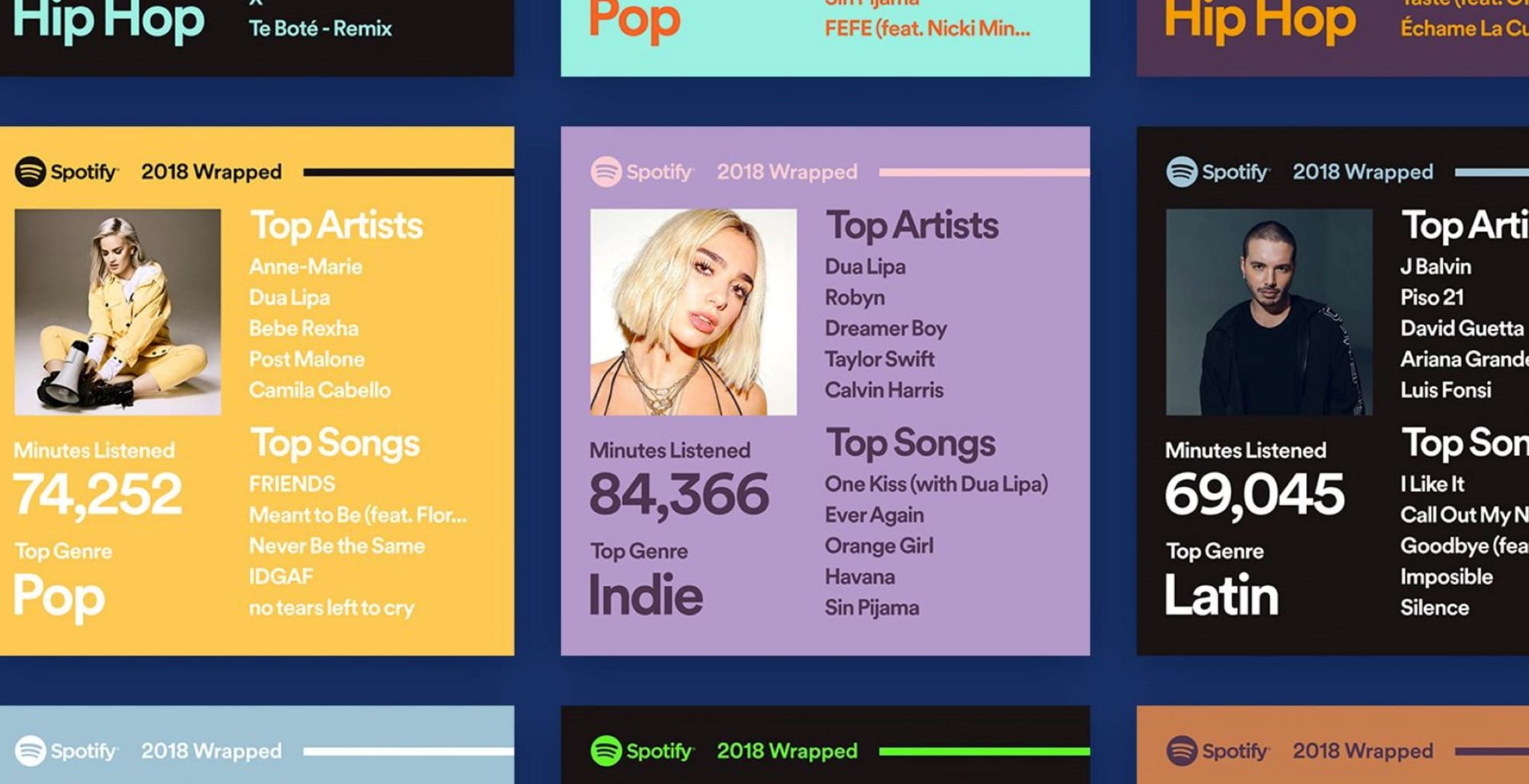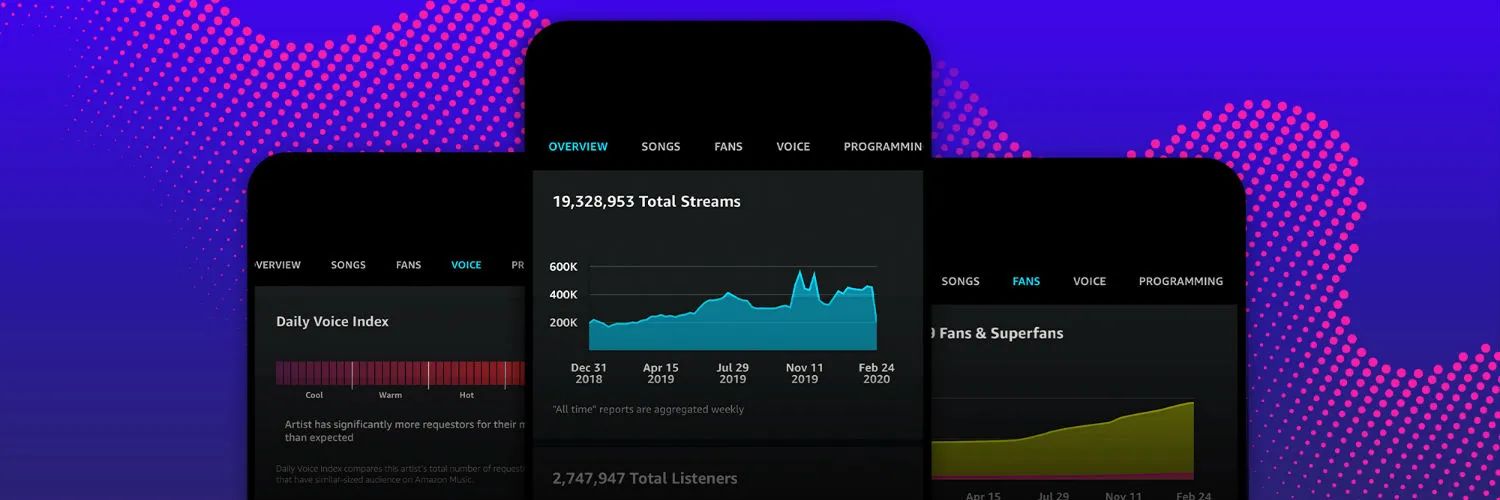
To see how many listeners a podcast has on Spotify, you need to check your own show's analytics in Spotify for Creators or look at the public listener range displayed on another podcast's page. For your own show, the exact number is private and available only through your creator dashboard, much like the personal listening stats you uncover when you look at my Spotify wrapped. If you want to track your own engagement in more detail, you can also see how many minutes you've listened on Spotify.
How to see how many listeners a podcast has on Spotify: your own show
To see the exact number of listeners for your own podcast, you must log into Spotify for Creators (formerly Spotify for Podcasters). This dashboard gives you precise data that is not visible to the public.
- Go to creators.spotify.com and log in with your Spotify account credentials.
- Once logged in, click on "Analytics" in the main navigation menu.
- From the Analytics page, select the "Audience" tab to view show-level audience analytics.
- Look for the metric labeled "Spotify audience." This represents the number of unique people that played any episode of your show on Spotify during the selected time period.
- For episode-level data, go to "Episodes," select a specific episode, then under "Analytics," choose "Audience."
You can also export each section of data as CSV files if you need to work with the numbers offline or in a spreadsheet.
Understanding your Spotify audience segments
Knowing the breakdown of your listeners helps you understand whether your show is attracting fresh ears or retaining loyal fans. The "Audience" section breaks your Spotify audience into two segments: "new audience" and "returning audience."
"New audience" refers to distinct people who played at least one episode during the selected time period but had not played any episodes in the prior year. "Returning audience" refers to distinct people who played at least one episode in the prior 12 months and returned to play at least one episode during the selected time period. Tracking these two groups tells you whether your growth is coming from new discovery or listener retention.
How often Spotify listener stats update
Most analytics in Spotify for Creators update every 15 minutes, so you can check your listener numbers frequently throughout the day. However, some metrics may take up to 48 hours to refresh in Spotify for Creators. If you notice data that seems stale, wait a day or two before expecting it to update fully.
If your podcast is hosted with Spotify for Creators, you may also see audience data from other platforms where your show is available, giving you a broader view of your total reach.
How to see the listener range for other podcasts
For podcasts that are not yours, Spotify does not show an exact listener count. Instead, you can find an estimated listener range on the podcast's public profile page. To locate this:
- Open the Spotify app and use the search bar to find the podcast you are interested in.
- Select the podcast from the search results to open its main page.
This range is an estimate, not a precise count, and it gives you a general sense of the podcast's popularity on Spotify.
What the listener ranges mean
Spotify categorizes public listener ranges into six brackets. Here is what each range generally indicates about a podcast's reach:
- Fewer than 1,000: The podcast has a relatively small audience, typical of a new or niche show.
- 1,000-5,000: The podcast has gained some traction and is building a modest listener base.
- 5,000-10,000: The podcast is steadily growing and attracting a significant audience.
- 10,000-50,000: The podcast has a substantial listener base and a strong following.
- 50,000-100,000: The podcast has achieved high popularity with a large number of loyal listeners.
- More than 100,000: The podcast has a very large listener base, placing it among the most popular shows on Spotify.
These ranges are useful for comparing the relative popularity of different shows, but they do not reflect the quality or relevance of the content. A podcast with fewer listeners can still offer exceptional value, while a show with a large range may not always deliver superior content.