This tag collects practical, everyday troubleshooting guides for consumer wireless devices, aimed at anyone who has ever wrestled with a stubborn Bluetooth connection, a finicky wireless mouse, or an unexpected drop in signal. The articles here are written for the typical home user, not IT professionals, and focus on getting your gear working again with clear, step-by-step instructions. Whether you are pairing a new keyboard, reviving an old one, or trying to understand the range of a 5G tower, the content is grounded in real-world fixes rather than abstract theory.
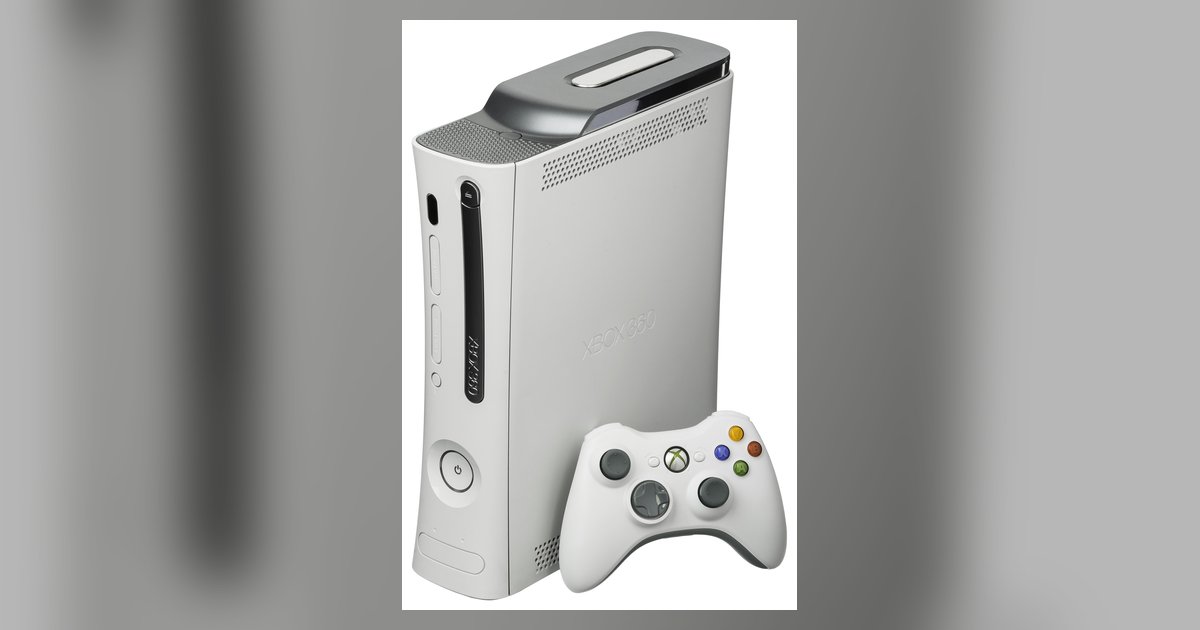
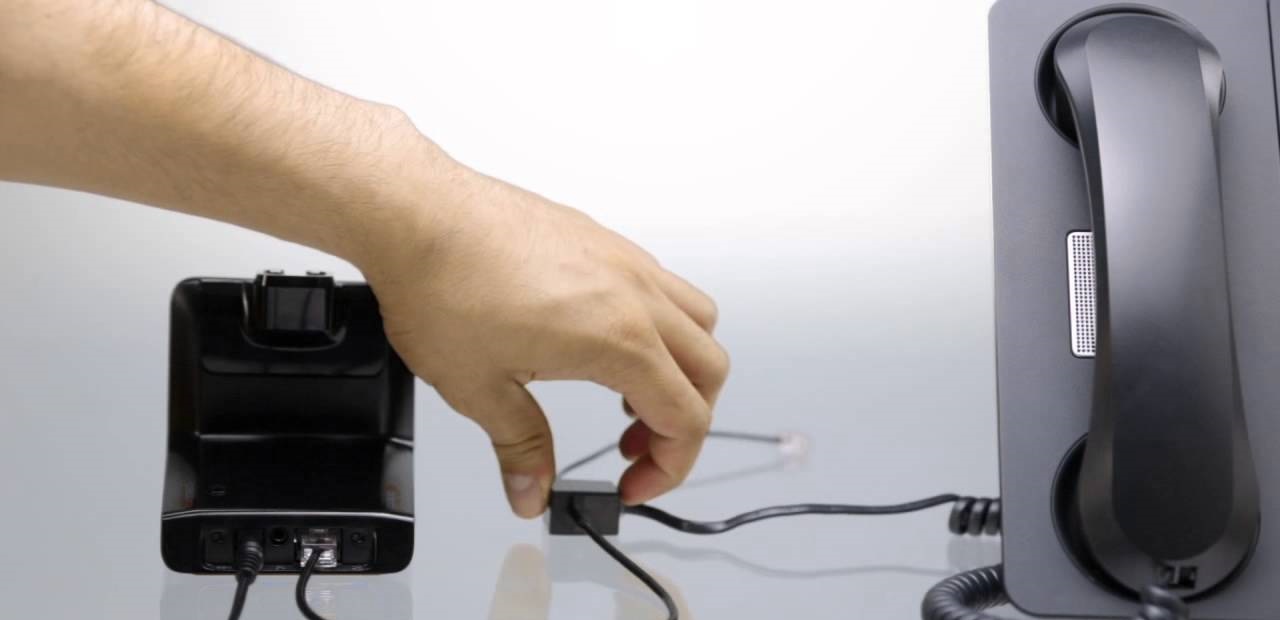
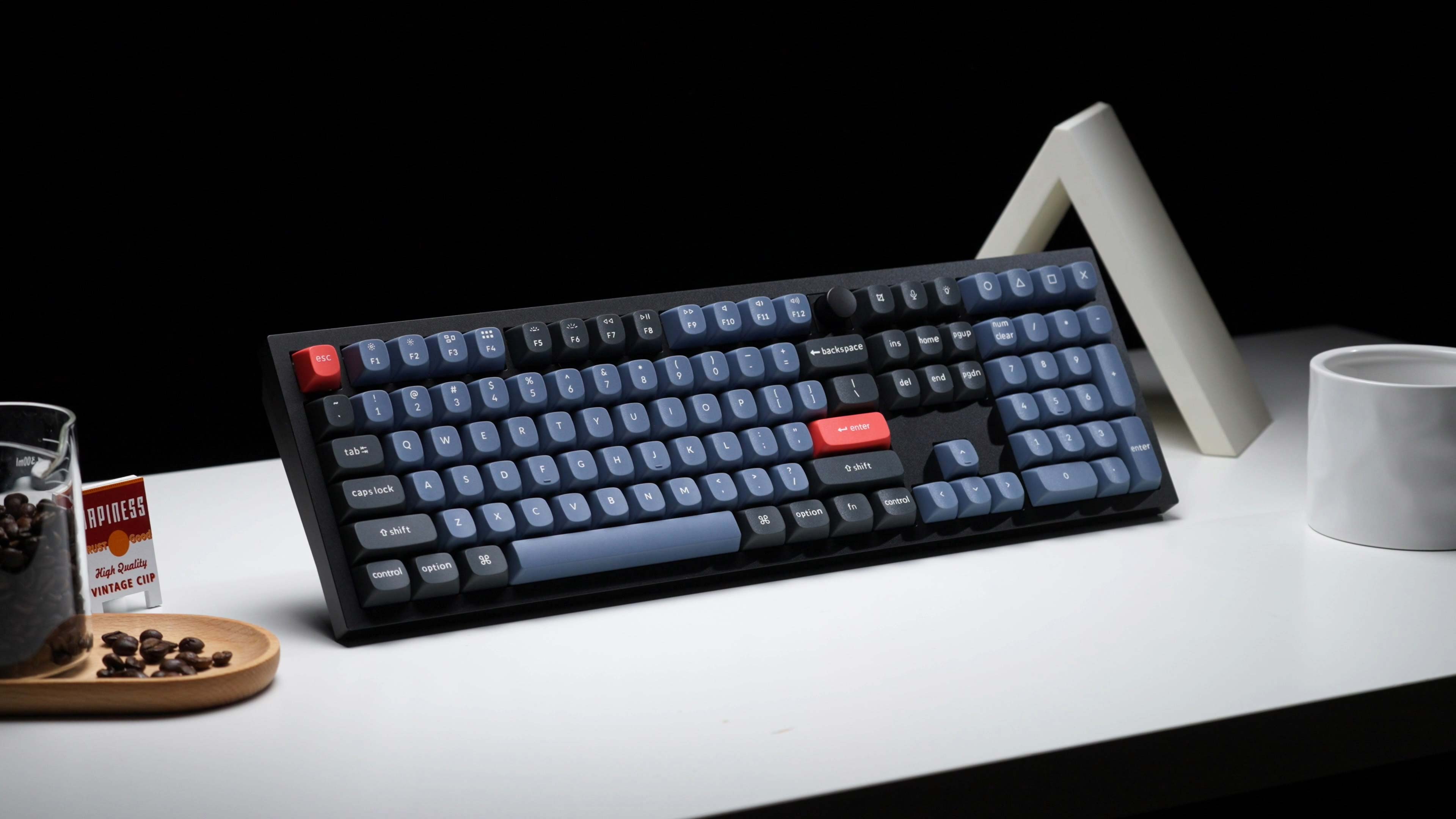
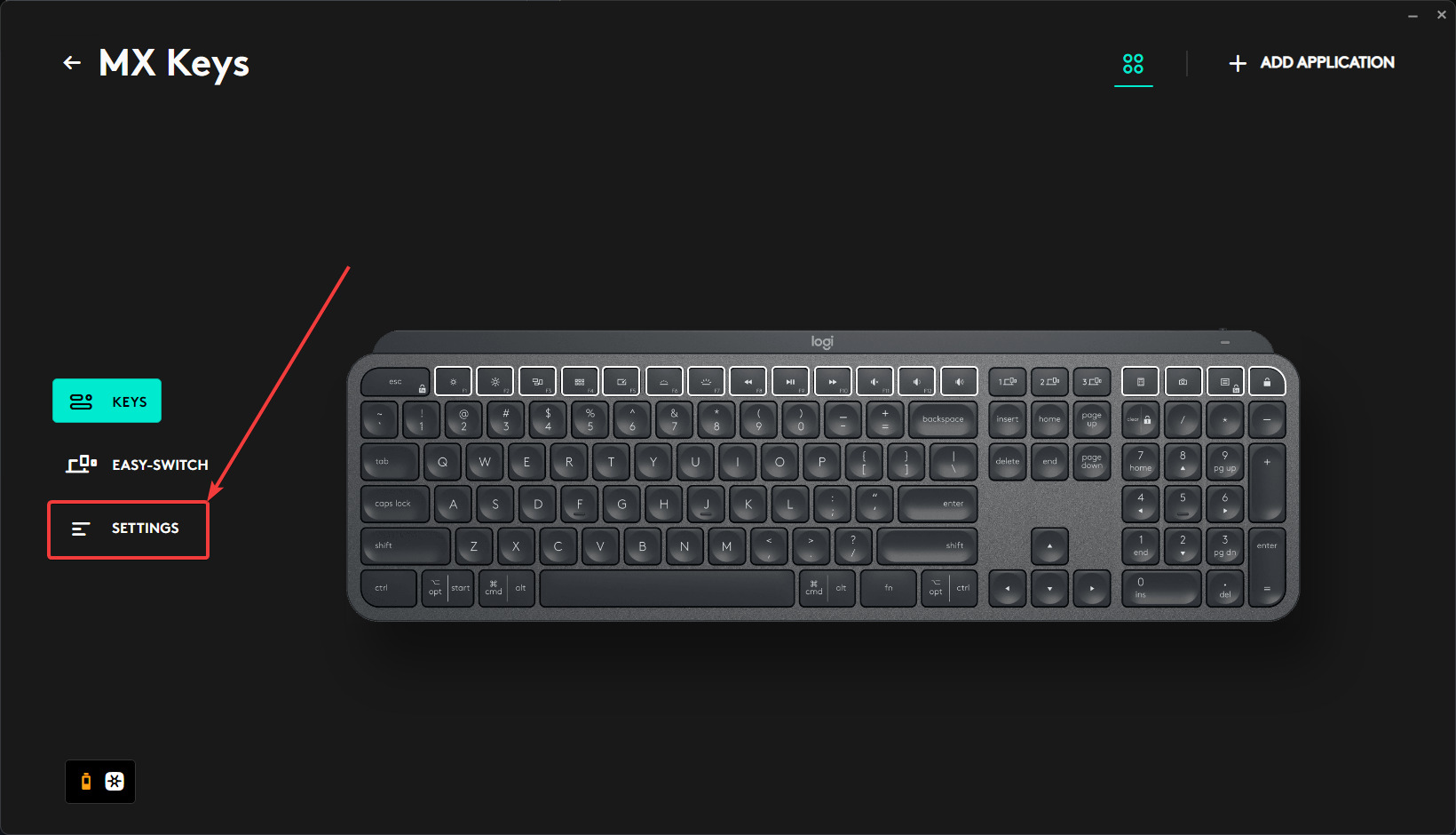
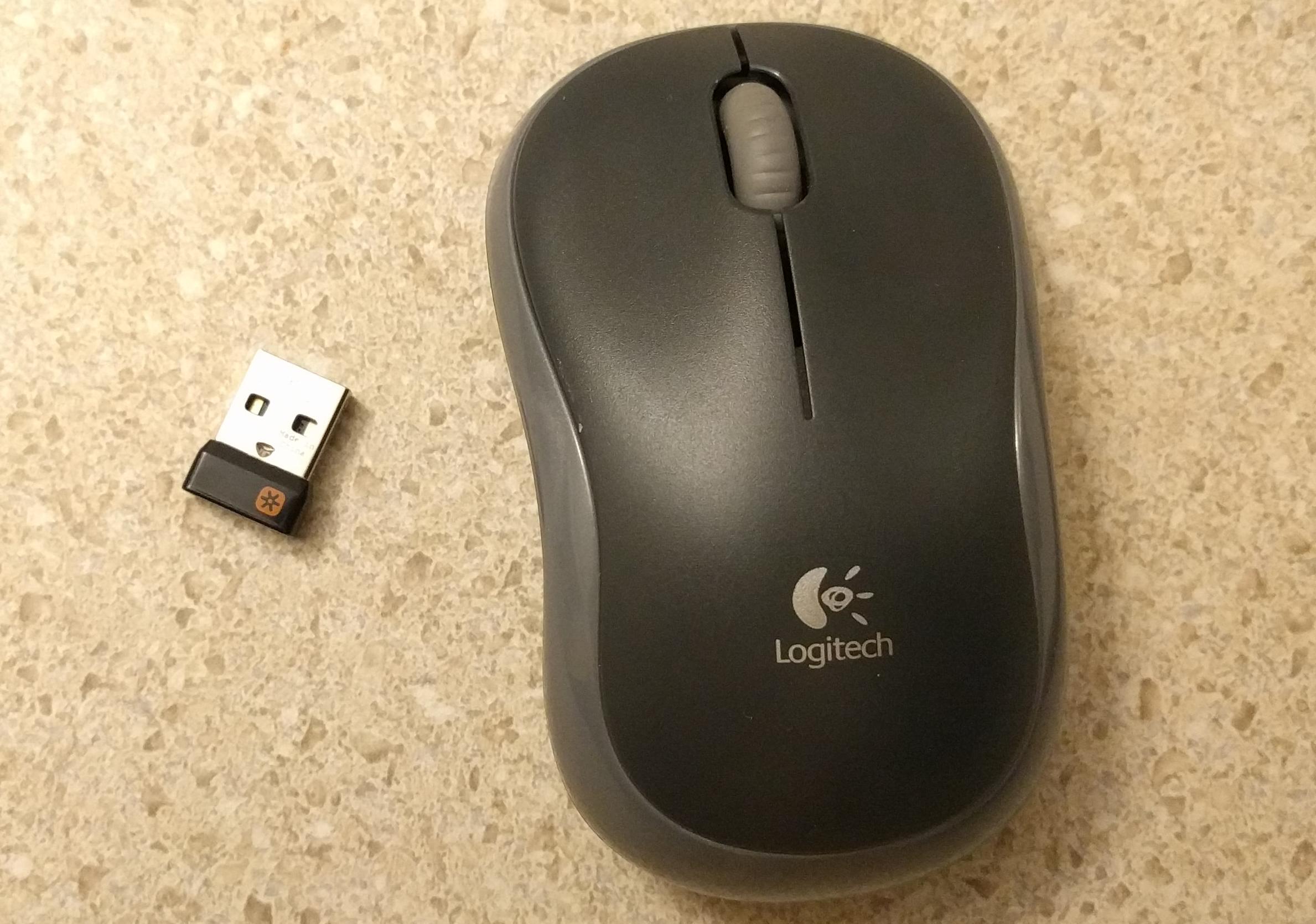
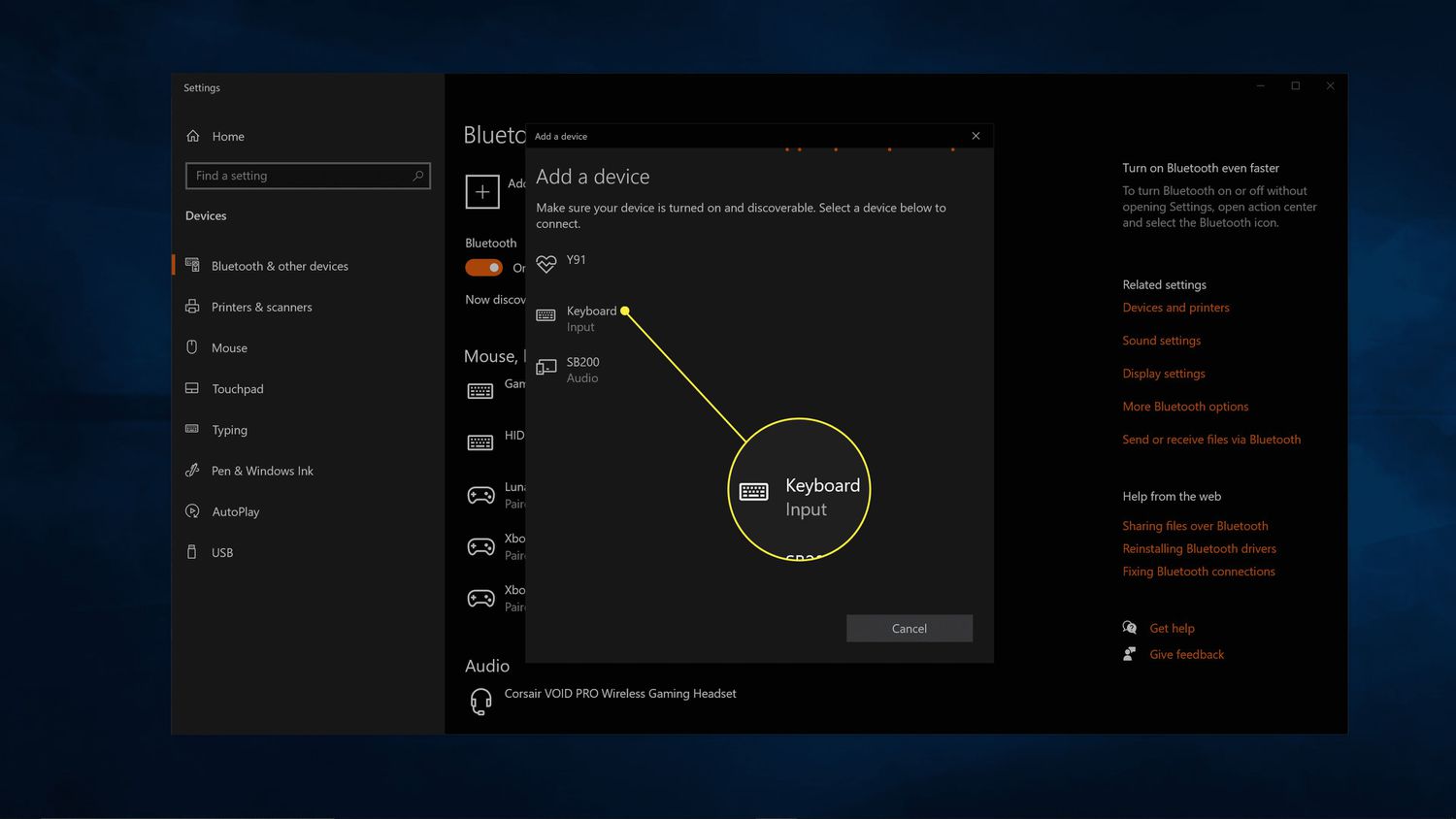
The problems covered fall into two main themes. The first is device pairing and connectivity, which includes specific how-tos for making a Logitech keyboard discoverable, syncing a mouse to a new receiver, or connecting a Keychron board via Bluetooth. The second theme is hardware behavior and compatibility, such as resetting an MX Keys keyboard to fix input lag, or figuring out why a game controller disconnects when the vibration motor kicks in, a common power-draw issue. A few articles also touch on wireless range and office integration, like how far a 5G tower actually reaches, or how to get a Plantronics headset working with a Cisco desk phone.
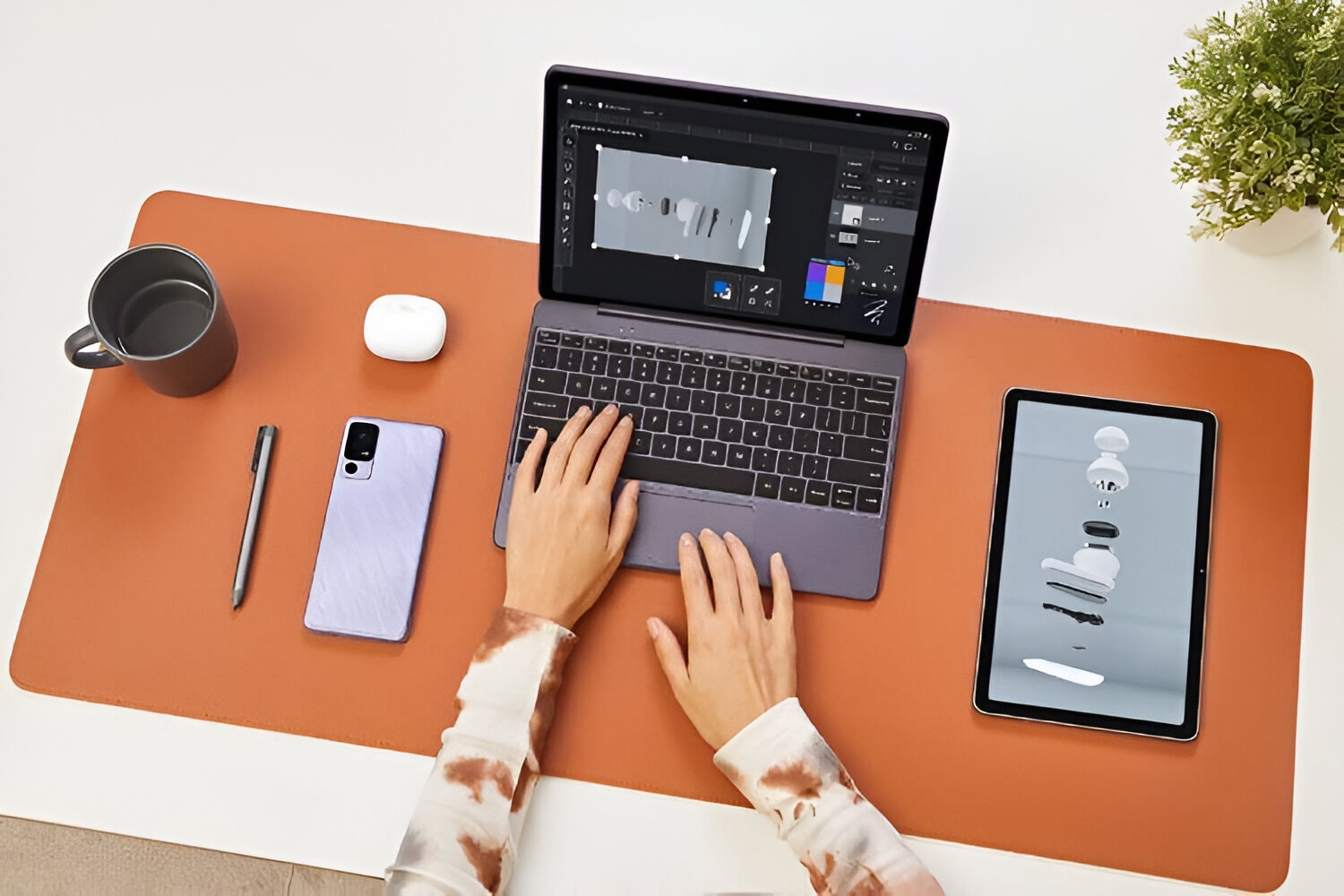
For the trickier topics, the tag takes a safe and legitimate approach. The guide on connecting a tablet to a computer wirelessly, for example, focuses on standard file-sharing and display options, not workarounds. Similarly, the article about a Plantronics headset on a Cisco phone is about proper configuration and compatibility, not about bypassing company security. The piece on controller vibration disconnects explains the underlying power draw and suggests safer alternatives, like reducing vibration intensity, rather than encouraging any modification to the hardware. In short, these articles help you fix, pair, and configure your own devices, legally and without risk.