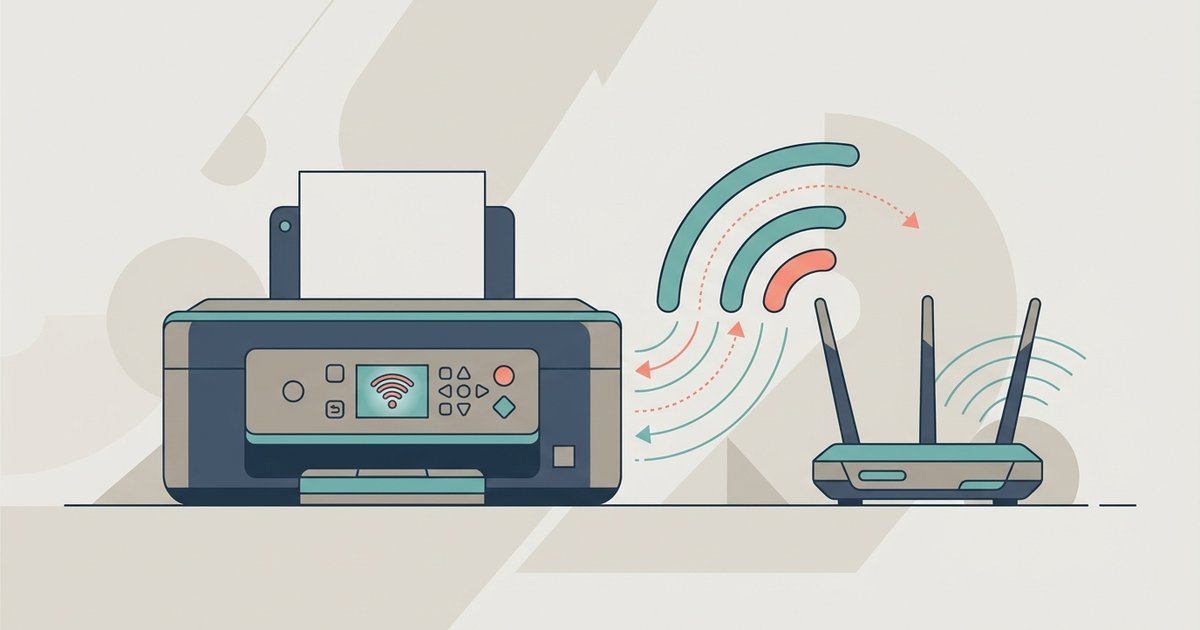
Before you begin: connect printer to Wi-Fi essentials To connect a printer to WiFi, first confirm that your printer and your connection are actually compatible. If you are trying to...
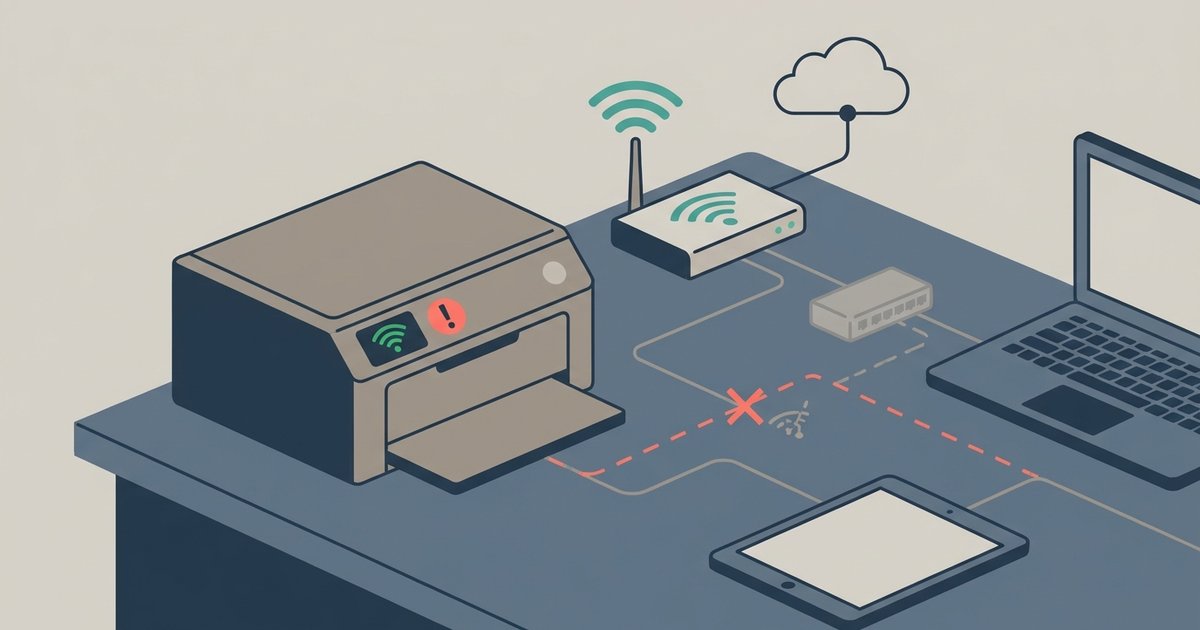
Your printer is likely dropping off the network due to power-saving sleep modes, a changing IP address assigned by your router, or weak Wi-Fi signal—not because it lost the Wi-Fi...
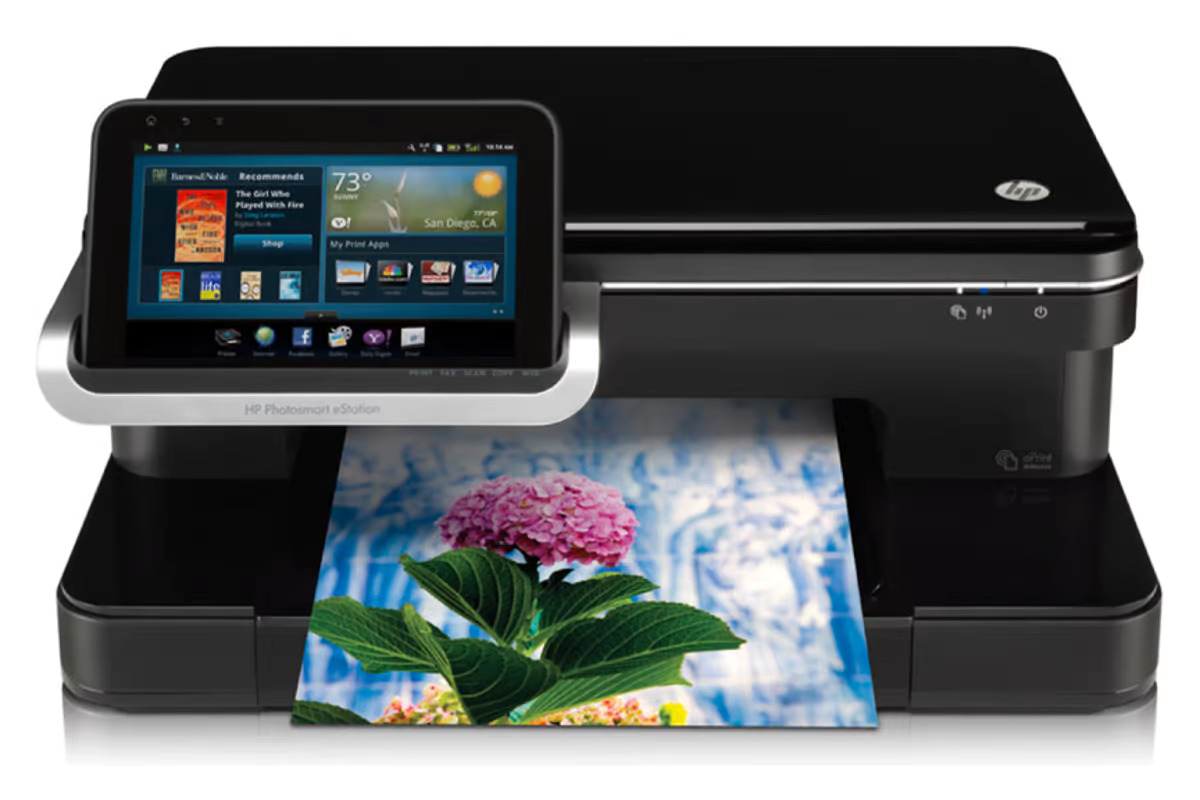
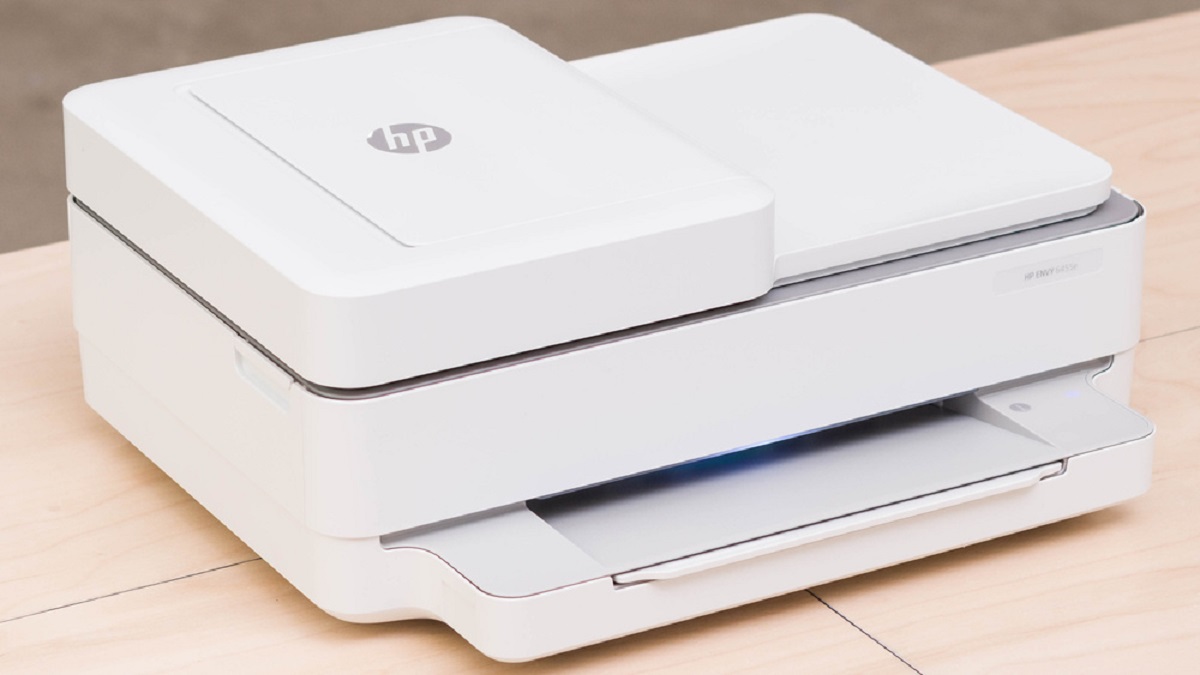
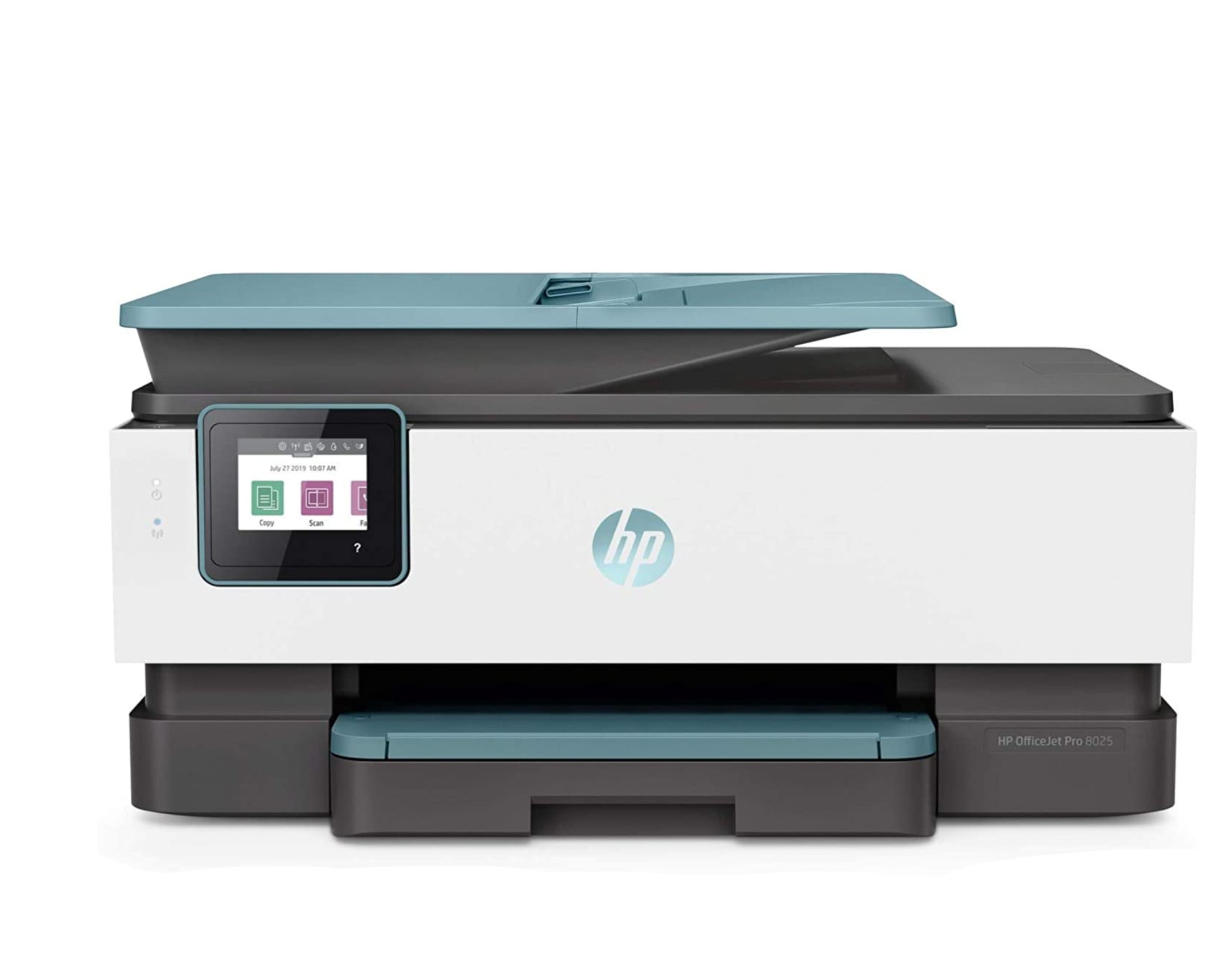
This lets you connect your HP printer to a hotspot so you can print wirelessly when a traditional Wi-Fi network is unavailable. Before you connect your HP printer to a...
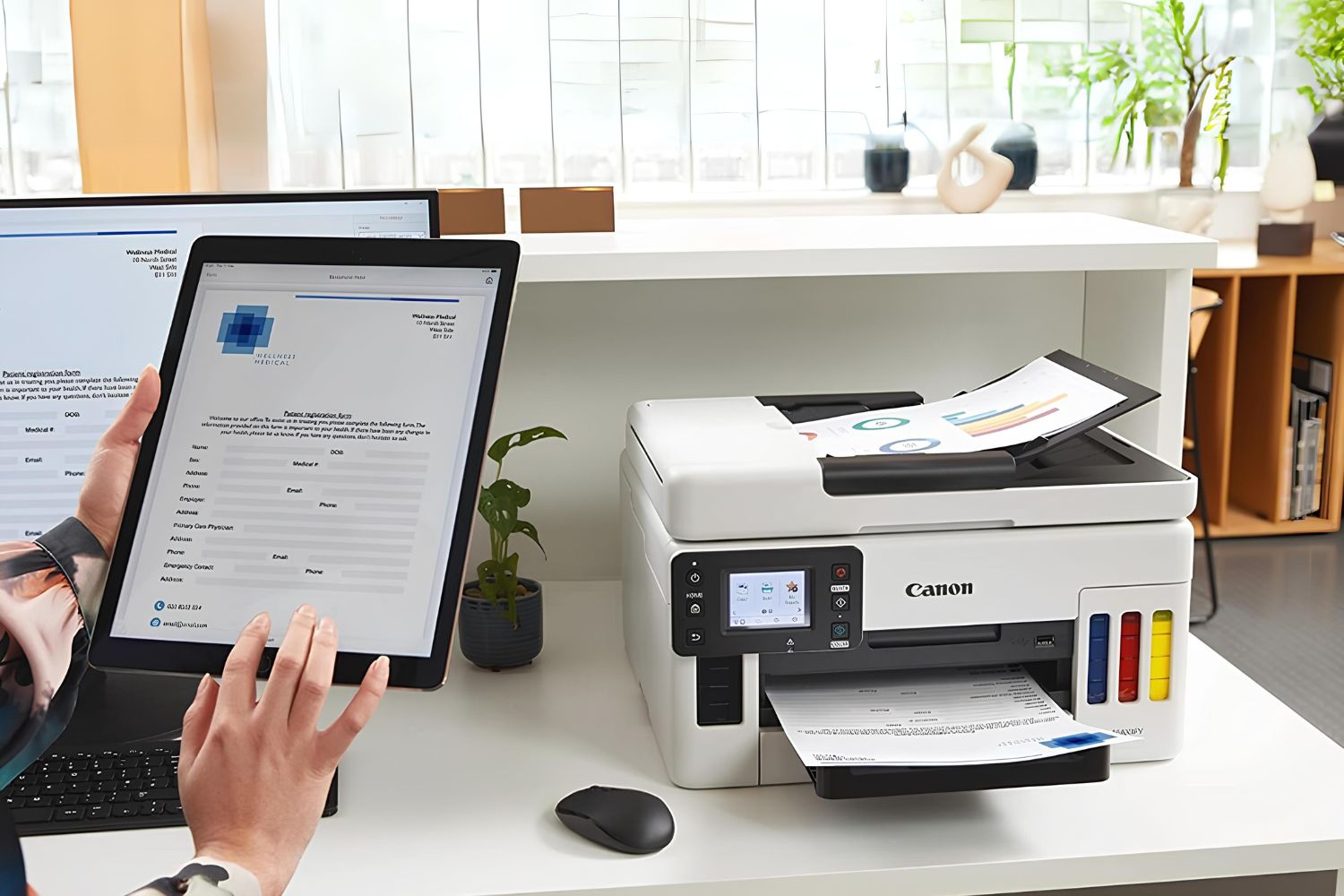
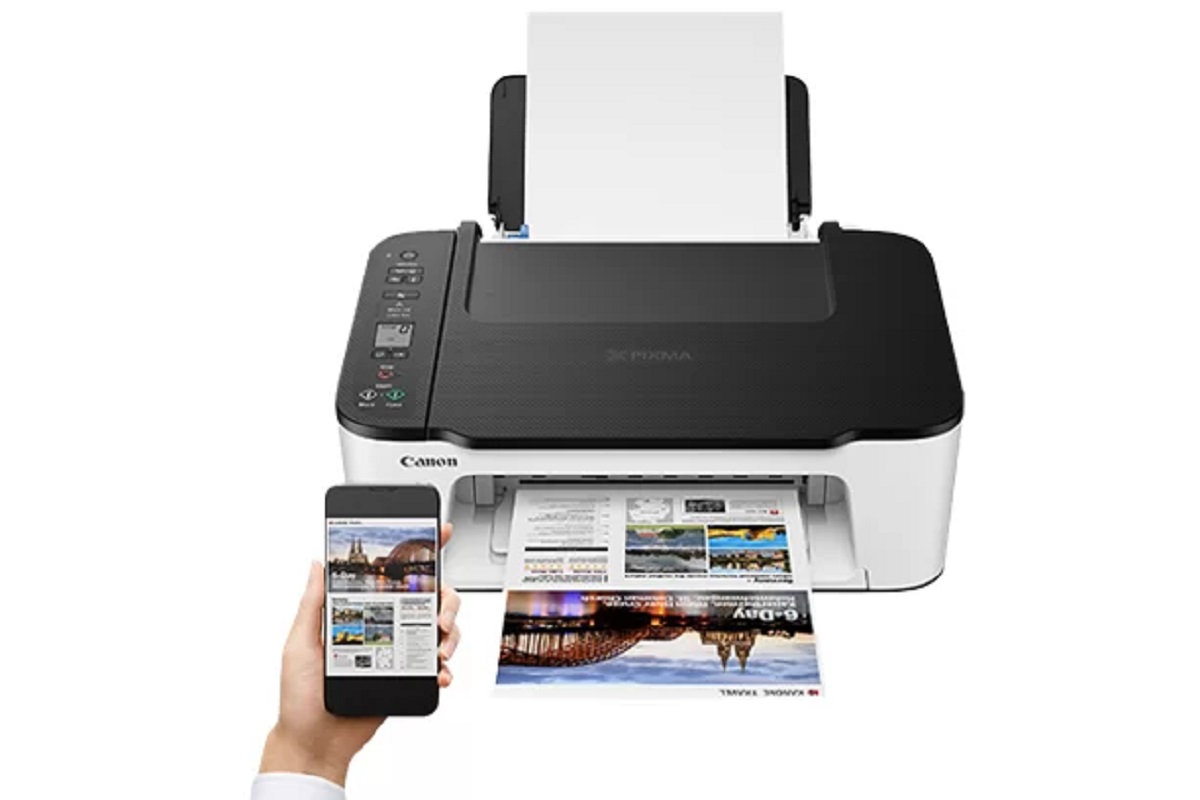
Connecting canon printer to hotspot allows you to print wirelessly from your phone or laptop when a traditional Wi-Fi network is unavailable. This guide covers two methods: connecting the printer...
To connect printer to hotspot, you need to turn on the printer, access its wireless settings, and select the hotspot network from the list of available Wi-Fi networks. This process...
To print from tablet to wireless printer, both devices must be connected to the same Wi-Fi network, and your tablet should support a built-in printing method like Apple AirPrint or...
To connect a tablet to a printer wirelessly, the most reliable method is to use built-in printing services like Apple's AirPrint for iPads or the Mopria Print Service for Android...
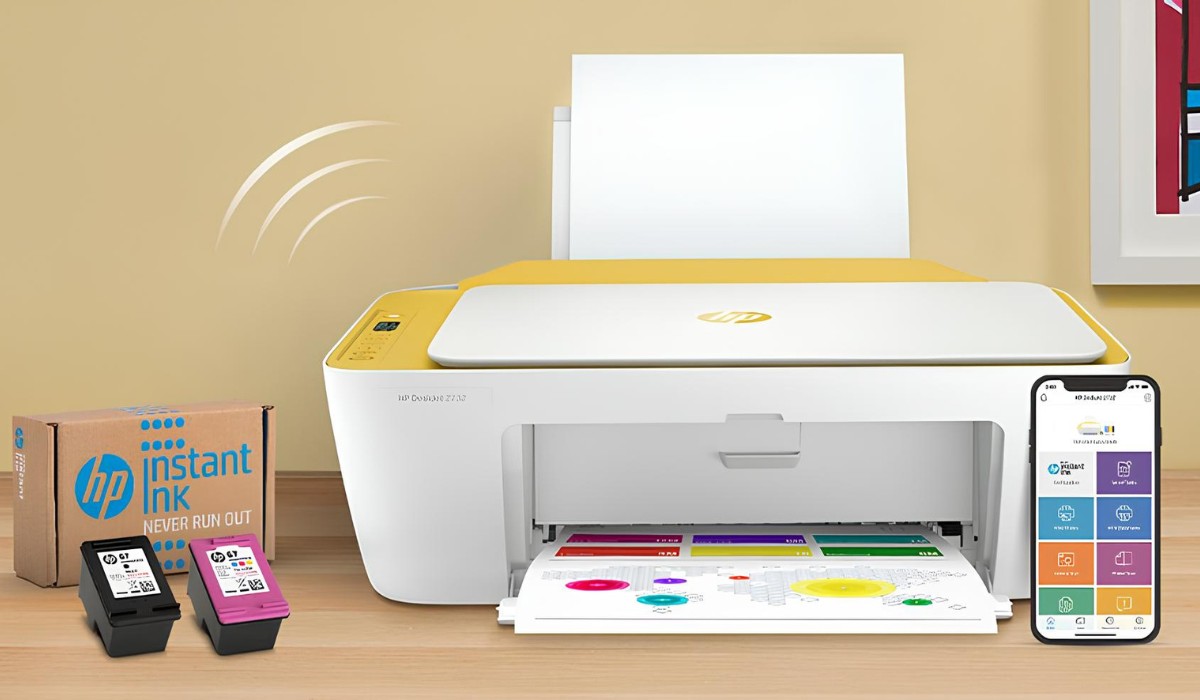
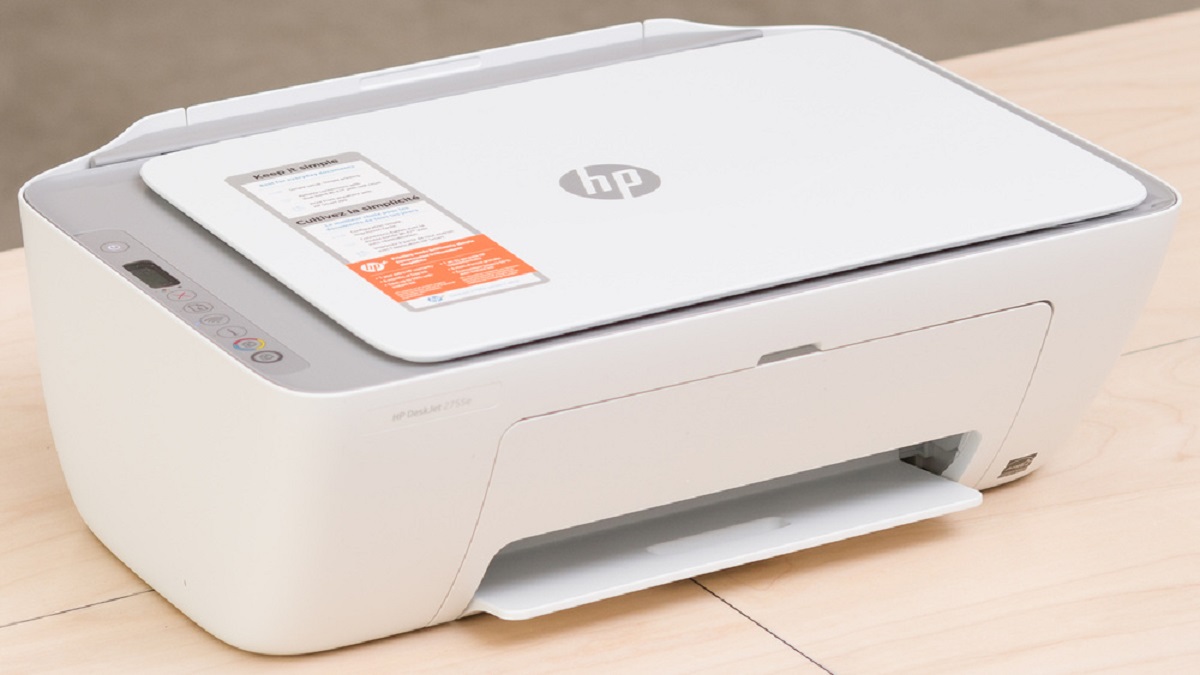
To connect your HP Deskjet 4100 to WiFi, use the HP Smart app on a phone or computer that's on the same wireless network you intend for the printer. Put...
If your HP printer suddenly shows as offline or disconnected, the fastest way to reconnect hp printer to wifi is through the HP Smart app, which removes the stale connection...
To connect your Canon Pixma printer to Wi-Fi, you need to choose a setup method that matches your equipment and comfort level. Whether you have a router with a WPS...
This website uses cookies so that we can provide you with the best user experience possible. Cookie information is stored in your browser and performs functions such as recognising you when you return to our website and helping our team to understand which sections of the website you find most interesting and useful.
Strictly Necessary Cookies
Strictly Necessary Cookie should be enabled at all times so that we can save your preferences for cookie settings.
If you disable this cookie, we will not be able to save your preferences. This means that every time you visit this website you will need to enable or disable cookies again.