Sideloading is the process of installing apps and software outside of an official app store, and this tag collects our guides on doing exactly that. It is written for everyday users who want to get more out of devices they already own, whether that is a streaming stick, a tablet, a game console, or a smart TV, without being locked into the default app ecosystem. The articles here are practical walkthroughs for people who have hit a wall with the official store and want a clear, safe path to alternative software.
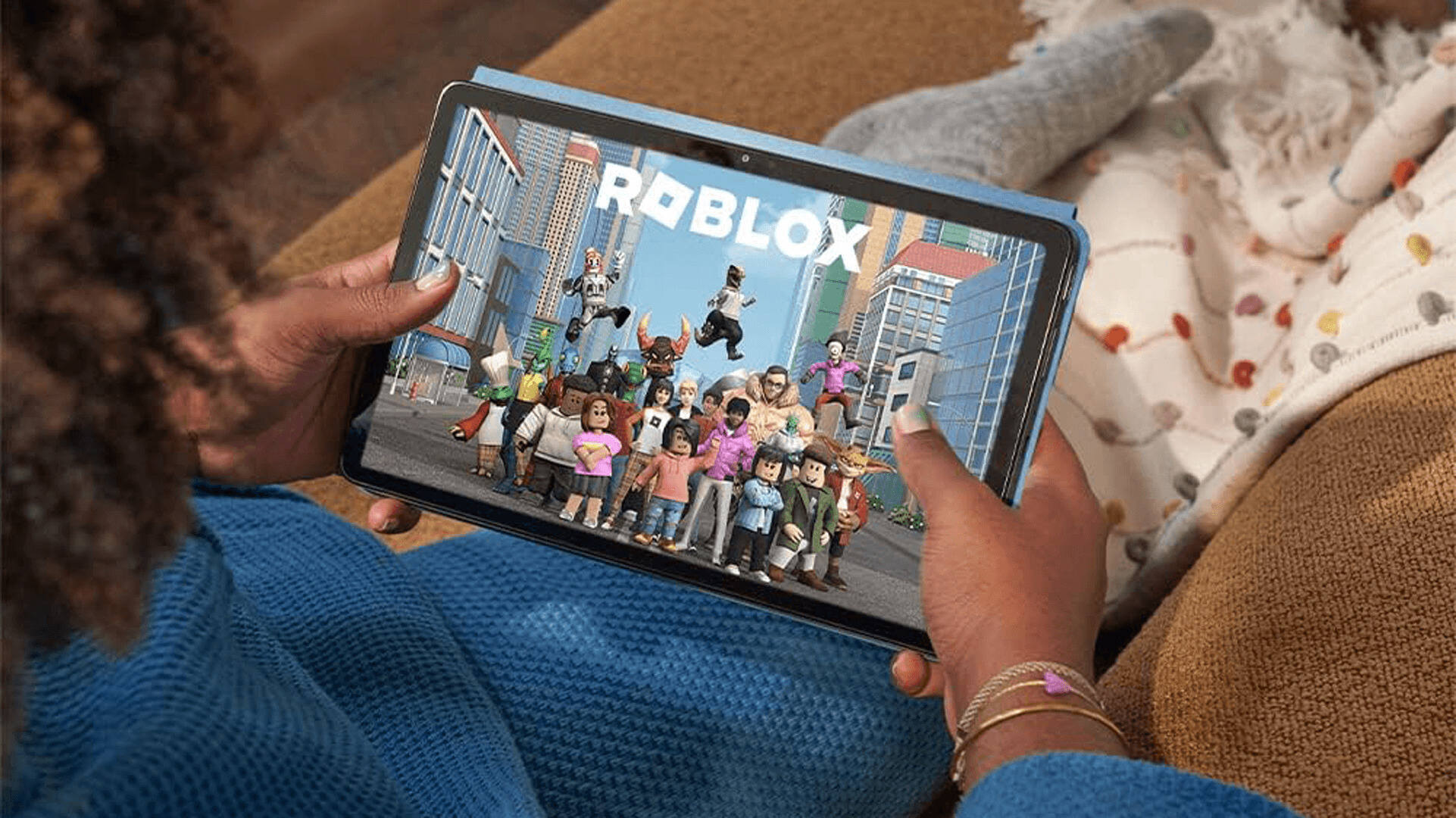
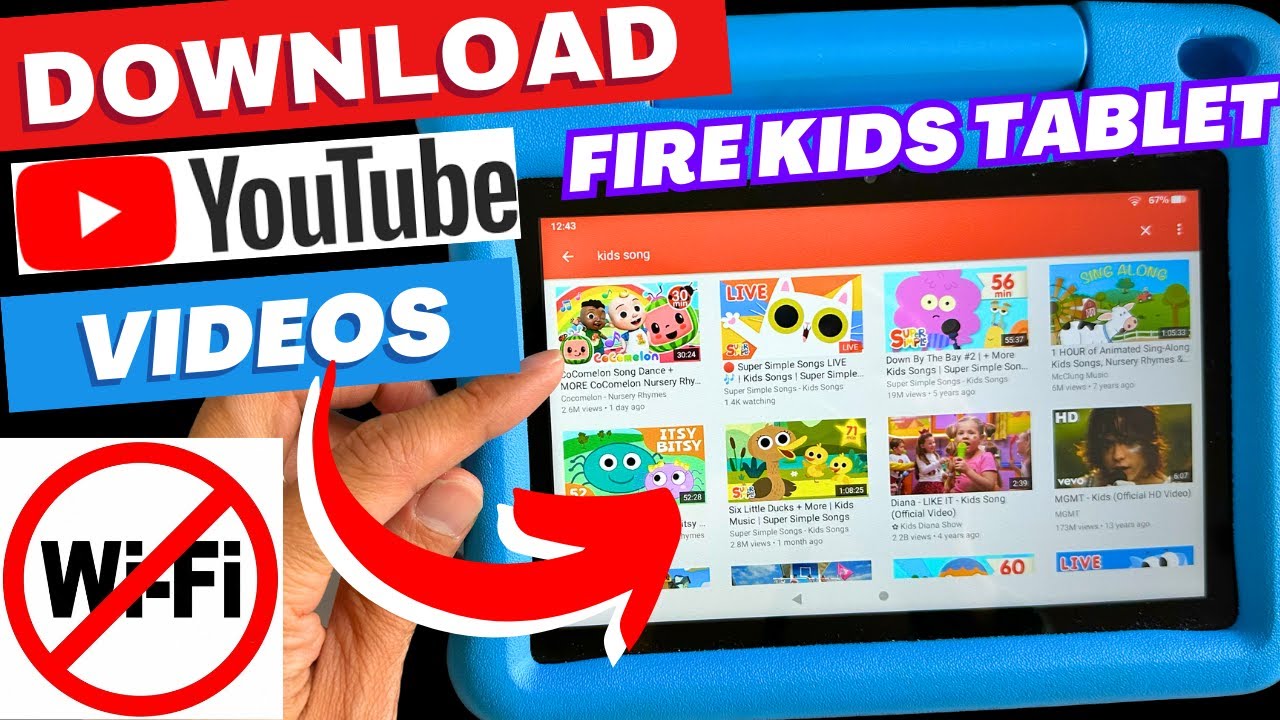
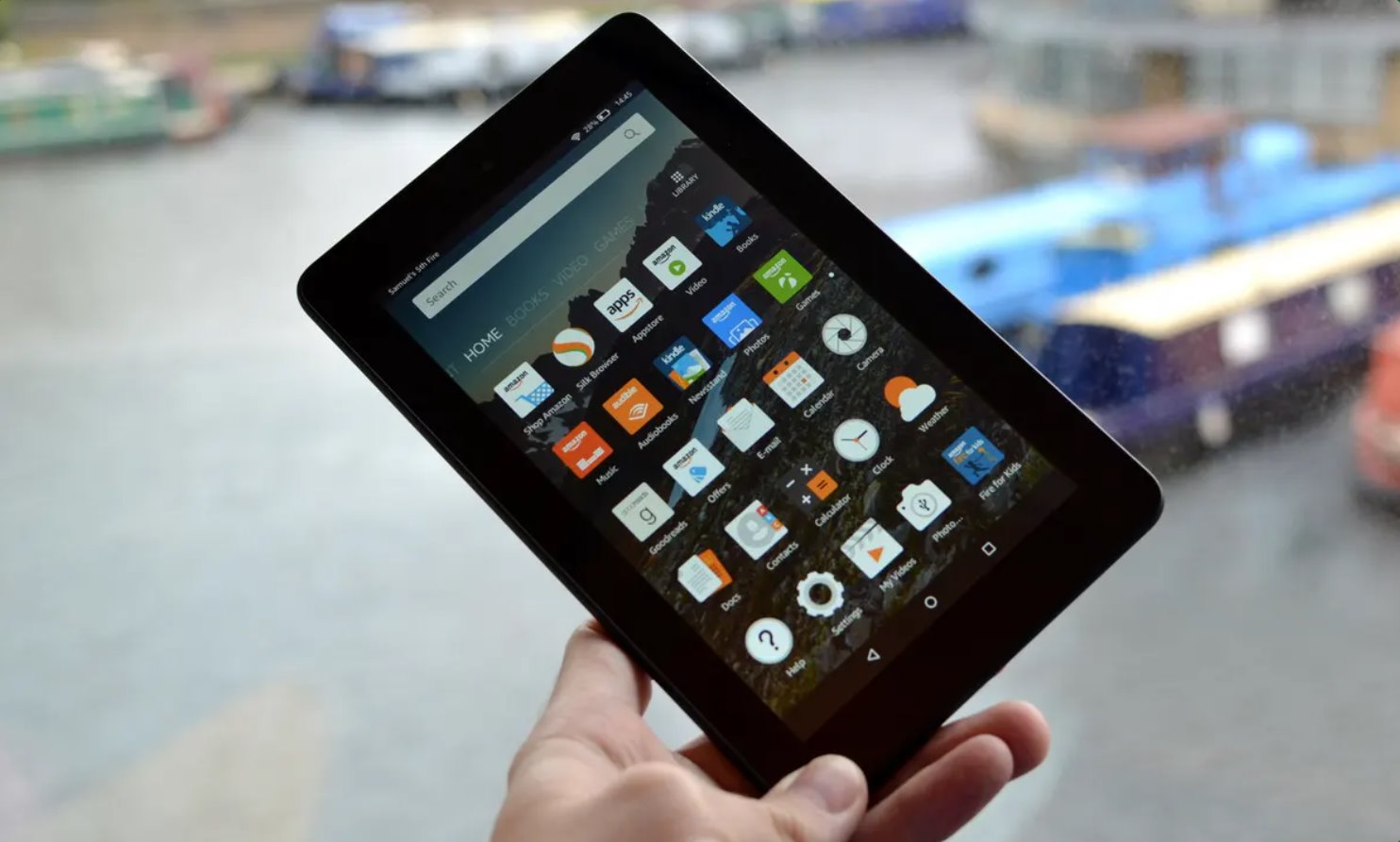
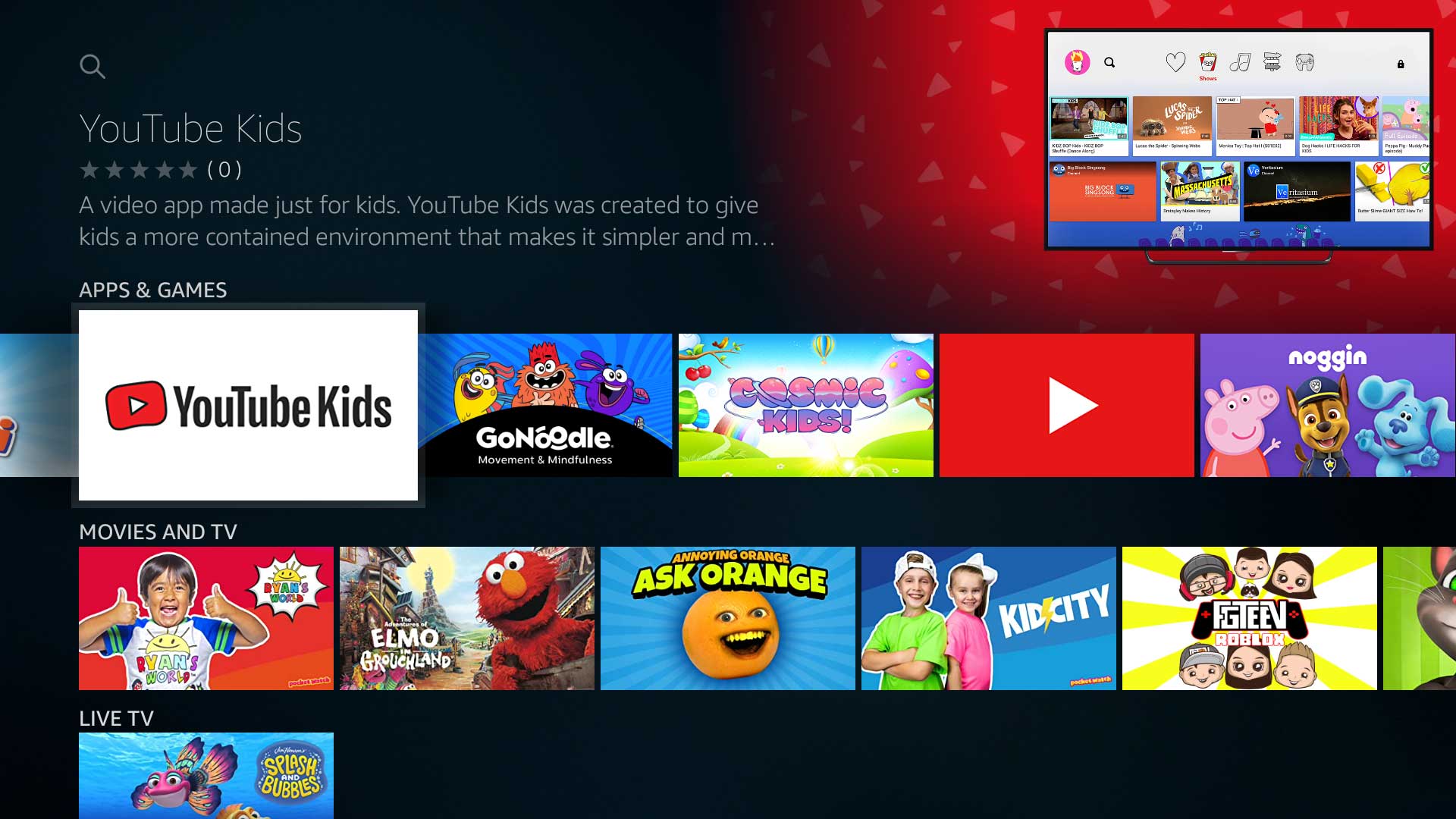
The problems these articles solve fall into two main themes. First, there is the “unlock your hardware” theme: many of these guides show how to install a full app store like Google Play on a Fire tablet or Firestick, or how to enable “unknown sources” on a streaming device. Others focus on bringing specific popular apps to unsupported platforms, for example, getting Roblox on a Chromebook or Fire tablet, or installing YouTube Kids on an Amazon Fire device. A second, smaller theme covers system-level changes, such as rooting a Fire tablet or jailbreaking a smart TV, which are explained as a way to gain more control over your own device, not as a way to steal or bypass security.
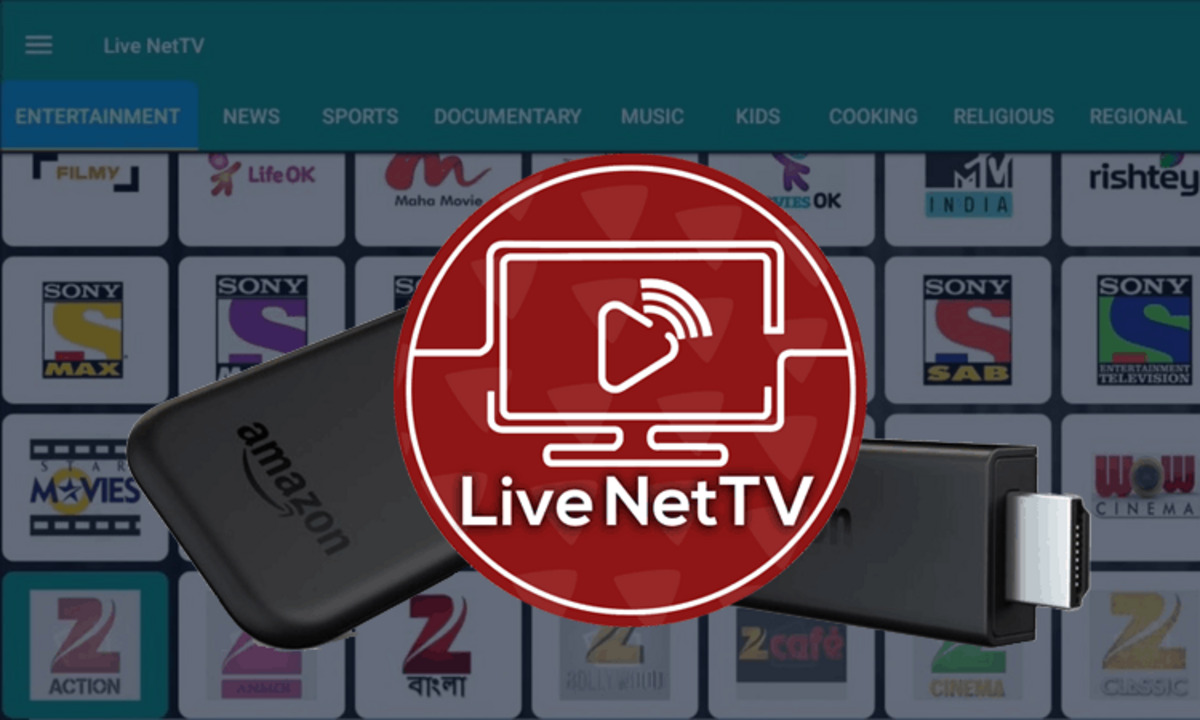
Throughout the tag, you will also see a strong emphasis on safety and legality. Many articles, such as those for downloading MovieBox Pro or Live Net TV on Firestick, are framed around finding legitimate, ad-supported or free streaming alternatives, and they explicitly warn against pirated add-ons. Others, like the guides for installing TikTok++ or Master Royale on iOS, are presented as ways to access modified or region-locked apps within the rules of your own account. The goal is always to help you sideload responsibly, knowing the risks, respecting copyright, and keeping your device secure.