This tag collects practical, step-by-step guides for anyone managing a home network, from first-time router owners to people troubleshooting a stubborn connection. The articles are written for everyday users who want to fix problems themselves, without jargon or assuming prior networking knowledge. Whether you’re setting up a new device, trying to improve your Wi-Fi signal, or just curious about how your network works, these guides walk you through the process in plain language.
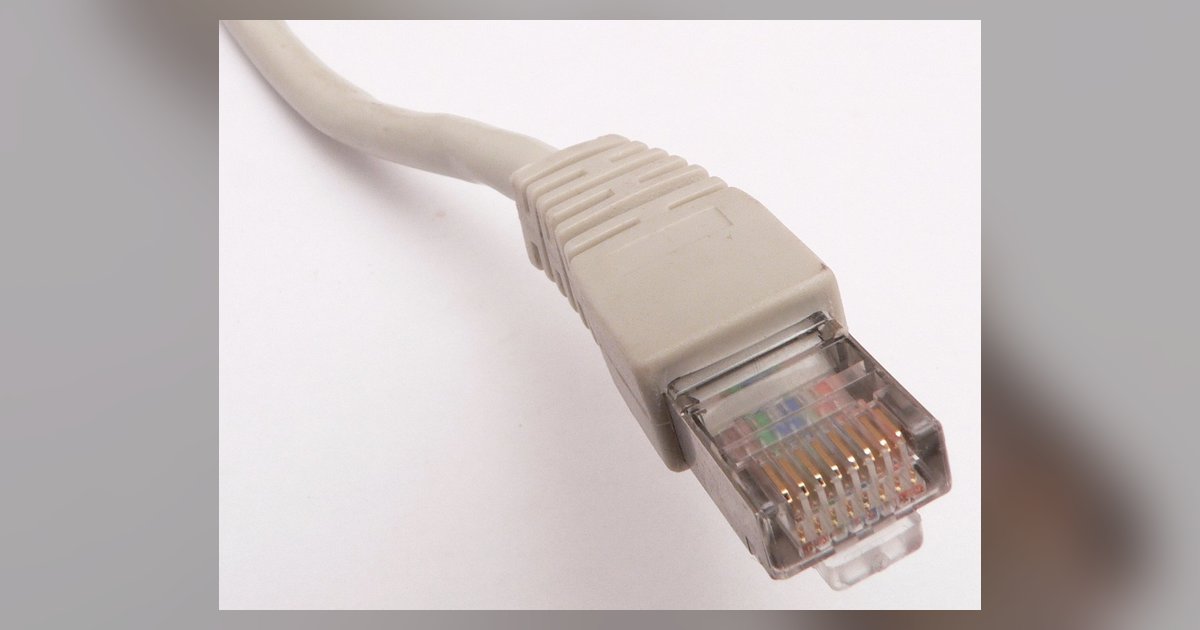
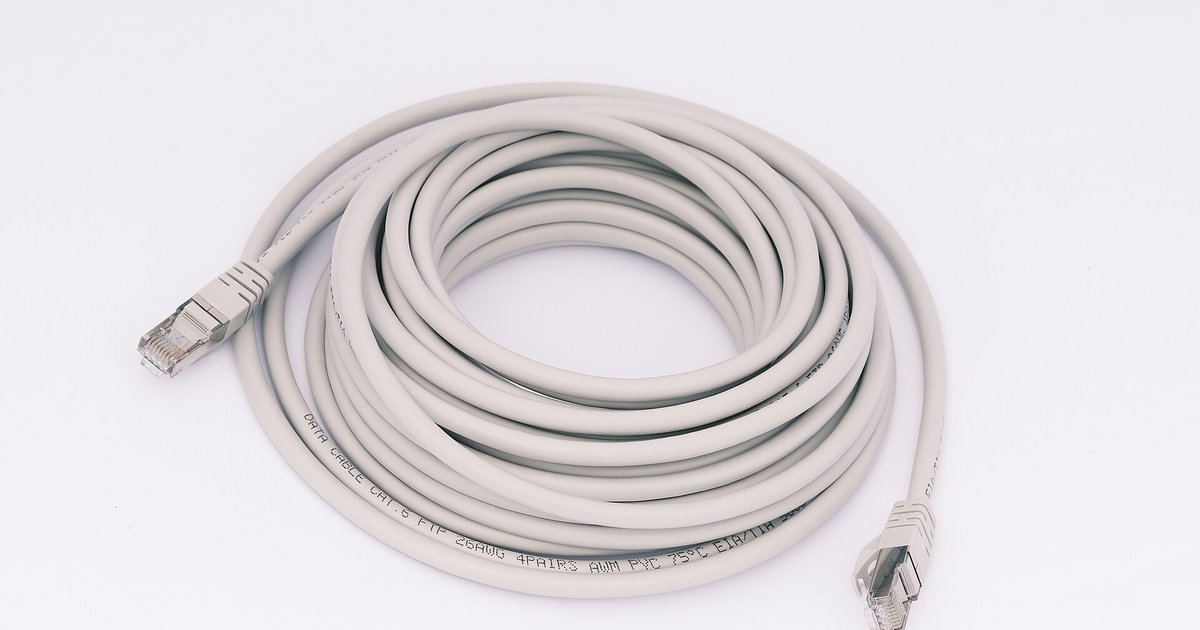
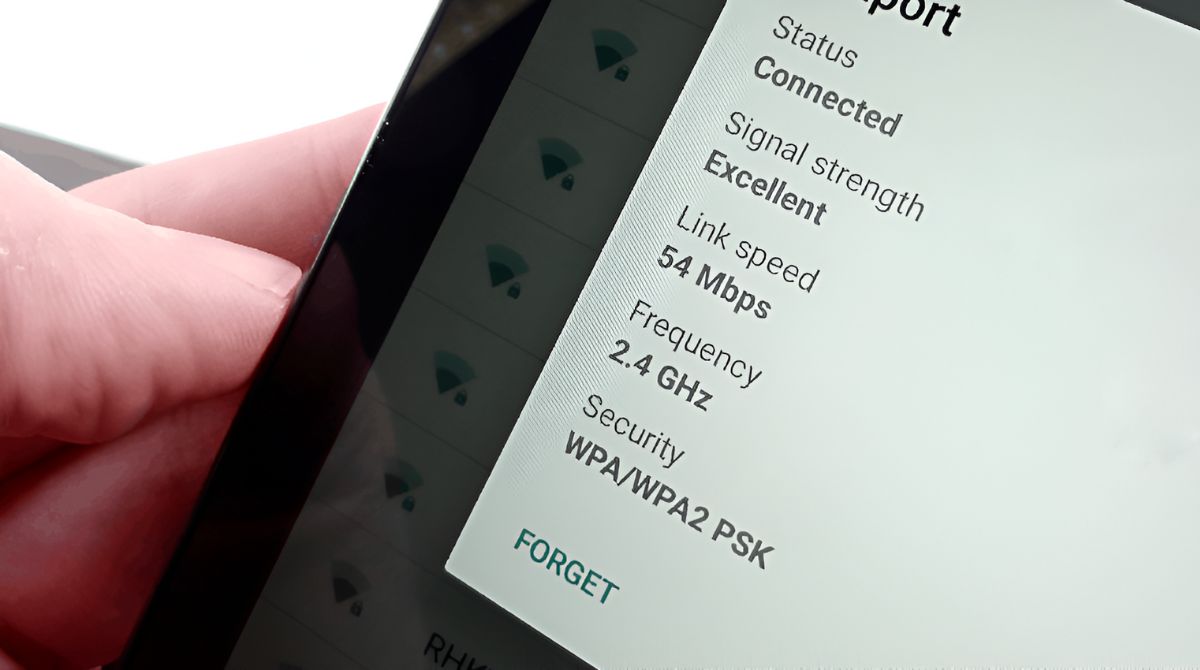
The most common theme is connectivity: getting specific devices online or back online. You’ll find instructions for connecting a computer to Wi-Fi, changing Wi-Fi settings on a Sonos speaker, or setting up a Chromecast on a new network. Several articles also address the gap between wired and wireless connections, such as how to use Ethernet instead of Wi-Fi, where to plug in Ethernet cables, or how to connect a router to a modem without an Ethernet cable. A second theme is network optimization and troubleshooting, for example, figuring out what GHz your Wi-Fi is, making a PlayStation download faster, or fixing high download latency. These pieces help you diagnose why things are slow or unreliable and take corrective action.
A third group focuses on security, privacy, and network boundaries. Some articles explain what you can do with someone’s IP address from a defensive standpoint, or how to find the default gateway IP address for your own router. Others cover setting up a separate IoT network to isolate smart devices, or how to turn off Wi-Fi without turning off the router. A few titles address legitimate access questions, like finding a Roku IP address without a remote or resetting a Wi-Fi extender, always framed as ways to manage your own equipment, not to bypass protections. The collection is a solid reference for maintaining a faster, safer, and more reliable home network.