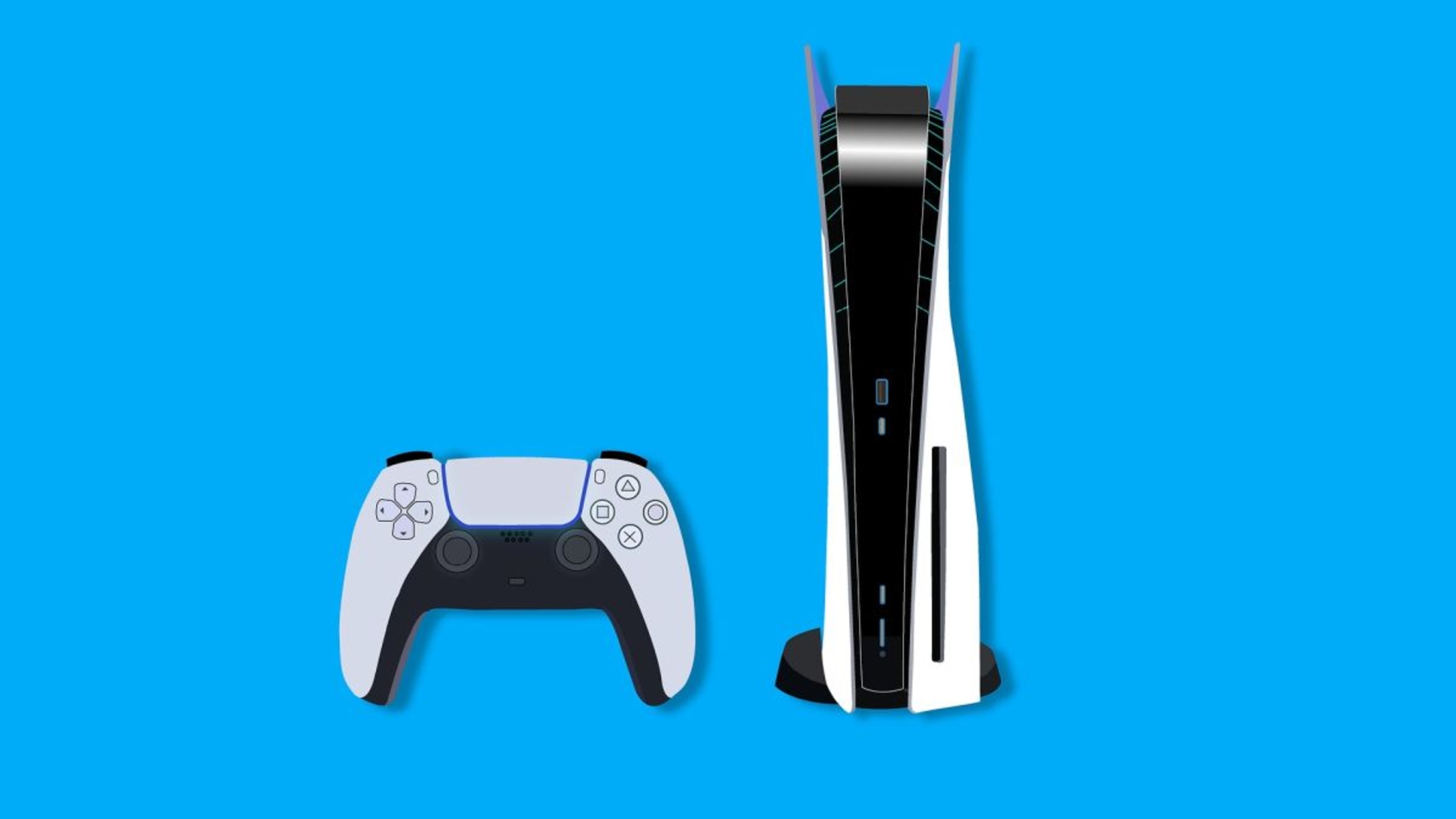
The PS5 tag on robots.net collects our coverage of Sony’s current-generation console, written for everyday players who want practical, no-nonsense help. Whether you’re a new owner or a long-time PlayStation fan, these articles are here to answer the questions that come up during setup, play, and maintenance, without assuming you already know the answer.

The articles fall into a few clear groups. One big theme is getting the hardware and network working: you’ll find step-by-step guides for connecting a PS5 to hotel Wi-Fi, setting up an Ethernet connection, playing on a laptop via HDMI, and fixing common annoyances like controller drift or a damaged HDMI port. Another theme is account and system management, with safe, legitimate instructions for adding funds to your PSN wallet, deactivating or deleting your PSN account, and understanding error codes like e-8210604A. Finally, a large portion of the tag covers game previews and reviews, from launch titles like Godfall and Returnal to upcoming releases such as Horizon Forbidden West, God of War: Ragnarok, and Marvel’s Guardians of the Galaxy, so you can decide what’s worth your time and money.

Across all these pieces, the goal is simple: help you do what you want with your PS5, fix what’s broken, and choose your next game with confidence. The troubleshooting guides focus on official methods and practical repairs, not shortcuts or risky workarounds.
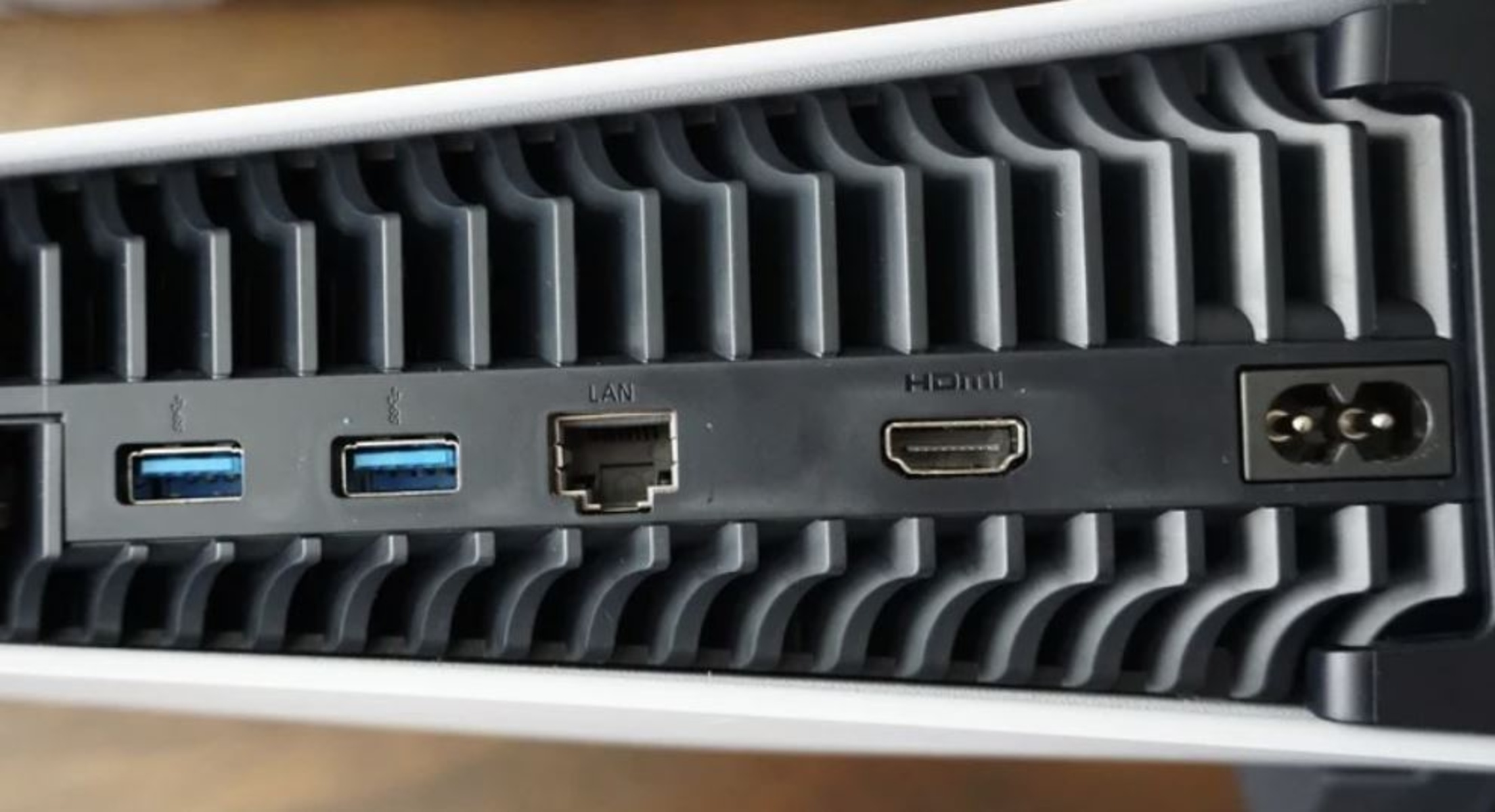
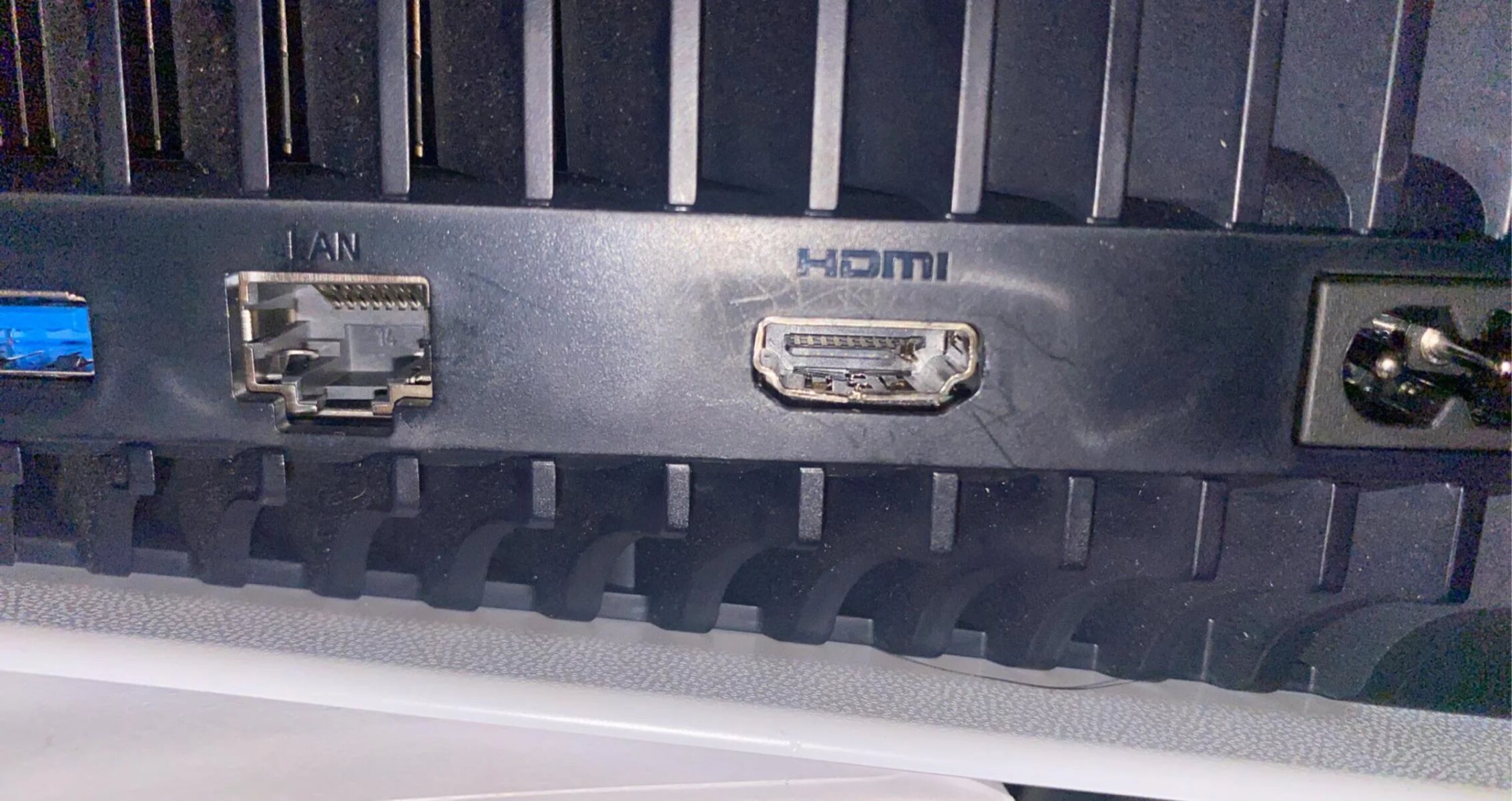
How Many HDMI Ports Does PS5 Have

How many HDMI ports does PS5 have? The short answer The PS5 has exactly one HDMI port, and it is an HDMI 2.1 OUT port located on the rear of...

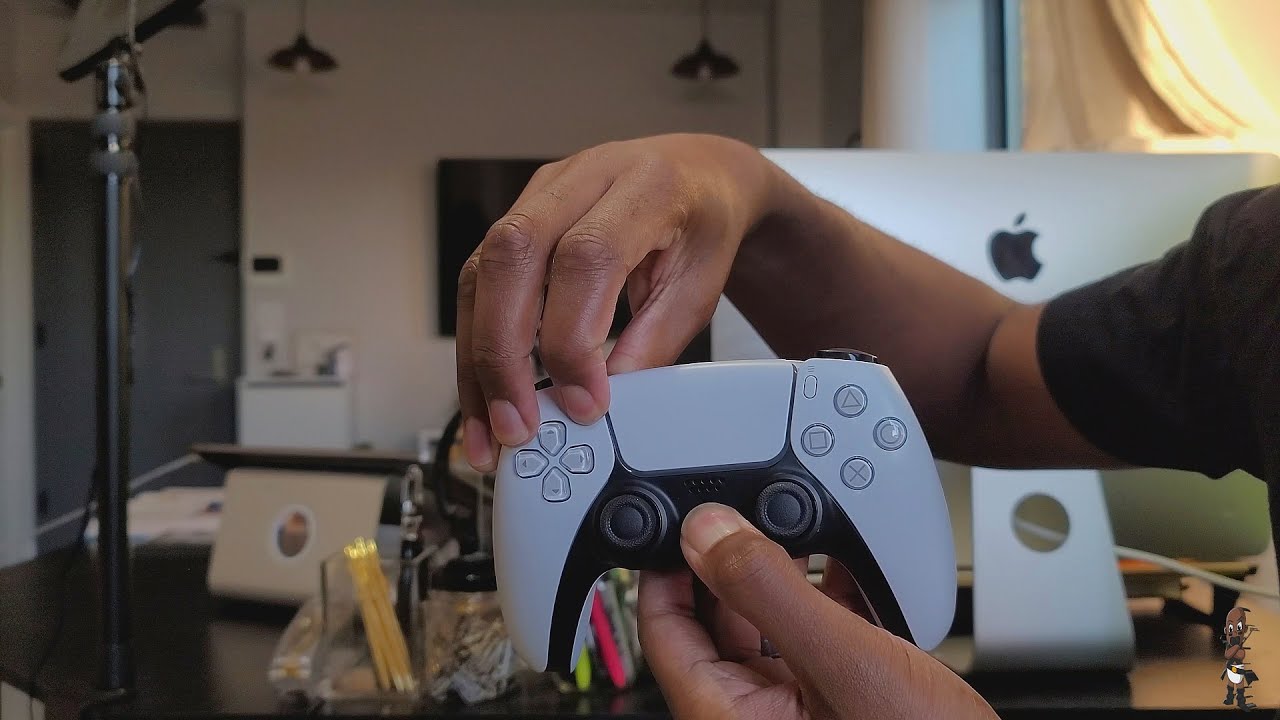
How To Connect Ps5 Controller Bluetooth

To connect a PS5 controller via Bluetooth, press and hold the PS and Create buttons together until the light bar blinks rapidly, then select “DualSense Wireless Controller” from your device’s...

How To Connect Logitech Headset To Ps5

To connect Logitech headset to PS5, choose your connection type: plug the USB receiver or cable into the console, or insert the 3.5mm jack into the controller. For USB wireless,...

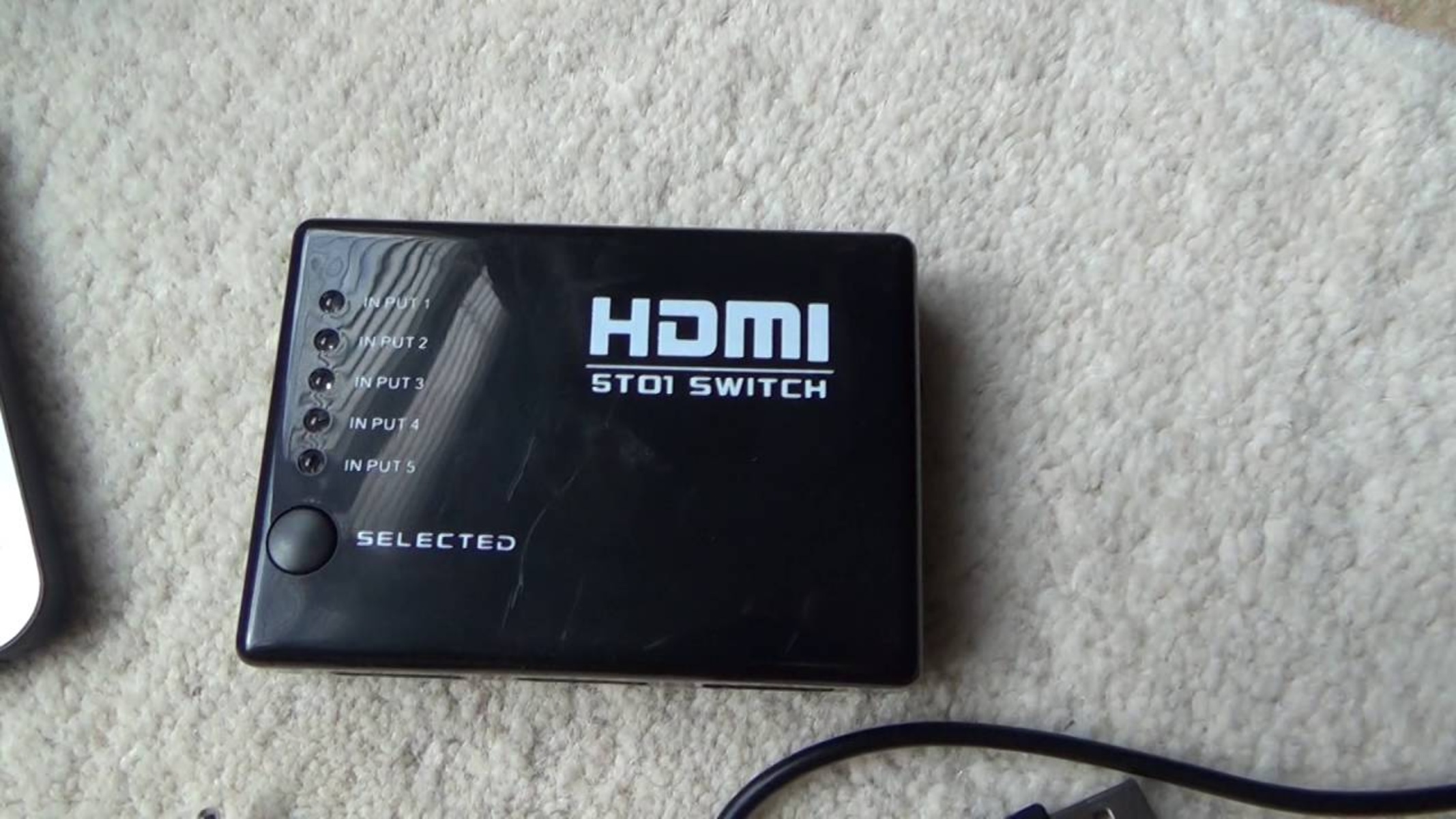
How To Switch From HDMI 1 To HDMI 2

Before you switch from HDMI 1 to HDMI 2 To switch from HDMI 1 to HDMI 2, you usually just press the Input or Source button on your remote, but...

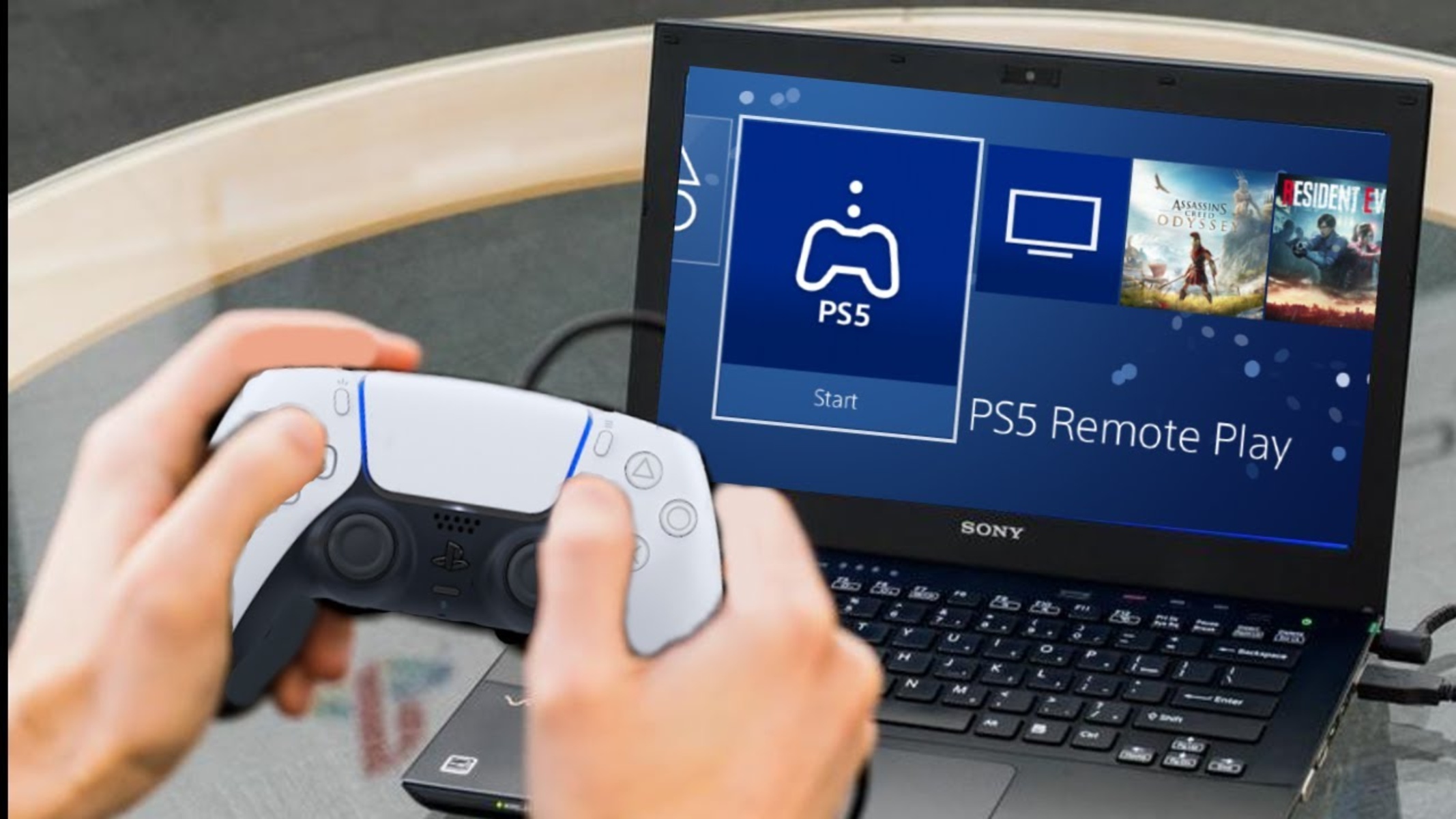
How To Play PS5 Without HDMI

You can play PS5 without HDMI by using Sony's official PS Remote Play app to stream your console's video and audio to a compatible device over your home network. If...

Who Can Fix PS5 HDMI Port

Only a professional with micro-soldering experience should attempt to fix a PS5 HDMI port, as the repair requires precise soldering skills and carries a high risk of permanent motherboard damage....

How To Set Up Ethernet On Ps5

To set up Ethernet on PS5, plug a LAN cable into the back of your console and your router, then configure the connection through the console's settings menu. This wired...

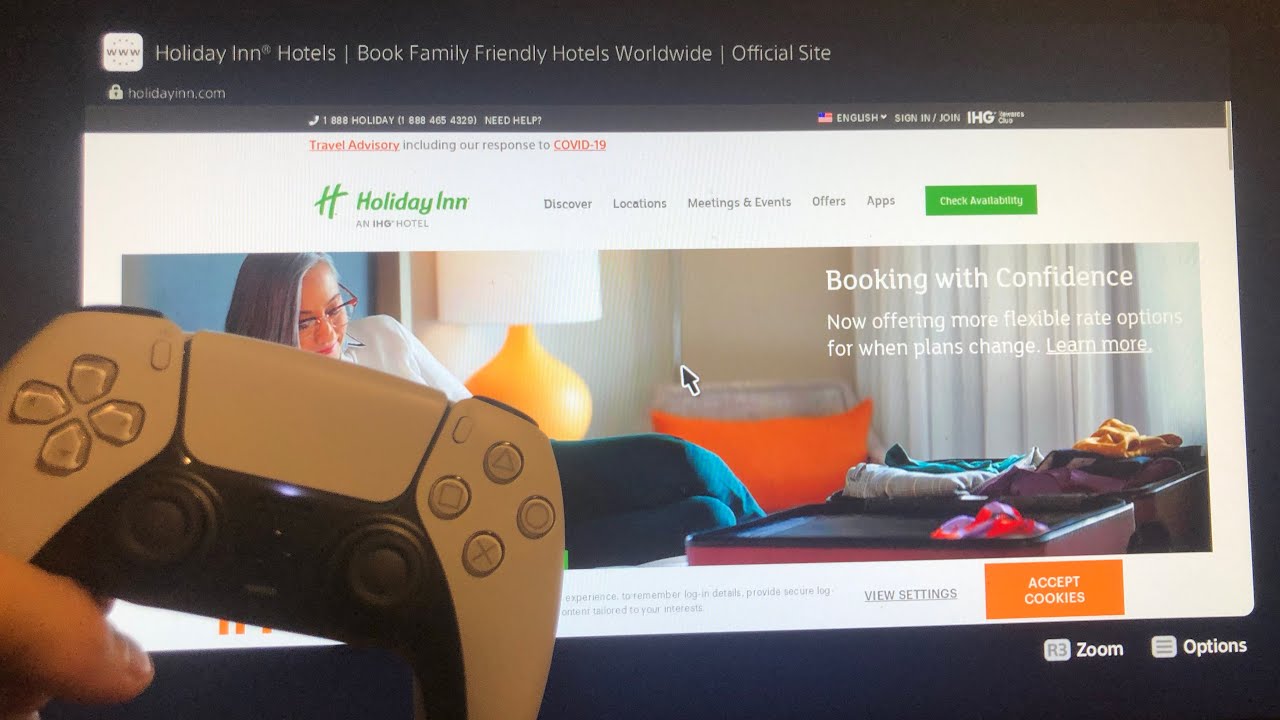
How To Connect Ps5 To Hotel Wifi

Here's the rewritten sentence: This direct method bypasses the usual frustration of a blank screen when you connect PS5 to hotel WiFi, letting you enter credentials or accept terms of...

PS5 Controller Drift: How to Fix It? (GUIDE)

PS5 controller drift happens when your analog sticks register movement even though you aren't touching them, causing your character or camera to move on its own. The fix usually starts...

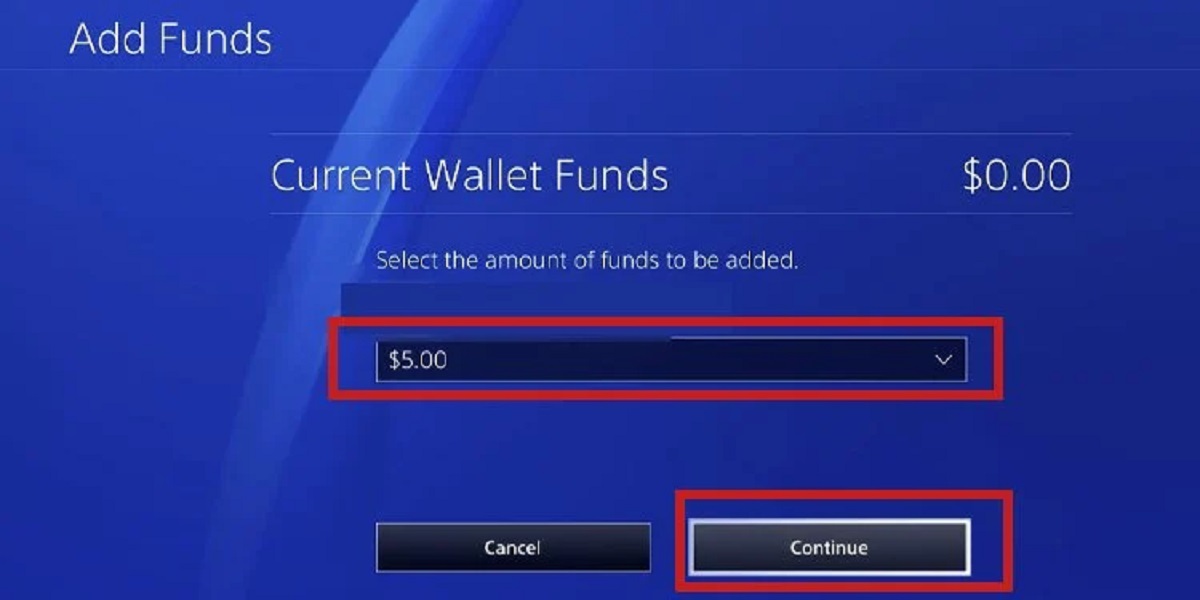
PSN Wallet: How to Add Funds & Buy Games

Your PSN wallet acts as a digital purse that stores funds for purchases on the PlayStation Store. When you buy games, add-ons, or subscriptions, the wallet balance is automatically used...