56 practical guides and reviews aimed at everyday console owners who want to get more from their hardware without getting lost in technical jargon. Whether you are a new player setting up a machine for the first time or a long-time user dealing with an aging system, these articles are written for a curious, non-expert audience. The focus is on clear explanations and safe, supported methods for common tasks.
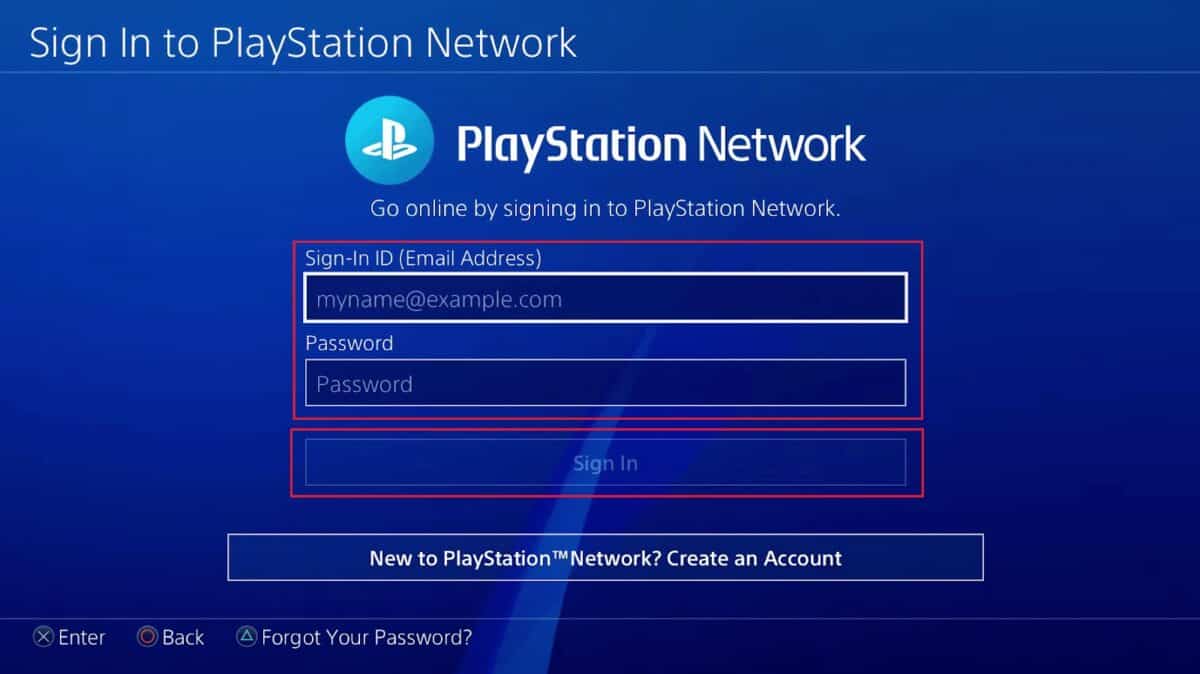
A large portion of the tag deals with hardware upkeep and connection troubleshooting. You will find straightforward walkthroughs for upgrading the internal hard drive, rebuilding the PS4 database, and addressing a loud fan, as well as guides for connecting the console to a laptop, PC monitor, or TV when HDMI ports are unavailable. There is also a helpful piece on the e-8210604A error code, which explains what causes it and how to resolve it through official channels. For account management, the tag includes a guide on deactivating and permanently deleting a PSN account, framed around privacy and account security rather than workarounds.
Beyond maintenance, the tag is rich in game-specific content. Reviews and previews cover major titles such as Cyberpunk 2077, Ghost of Tsushima, Watch Dogs: Legion, and Horizon Forbidden West, often with a beginner-friendly angle that explains core mechanics and whether a game is worth your time or money. There are also practical how-tos for streaming on Twitch, connecting a PS4 to Discord without a capture card, and understanding PS5 backwards compatibility. These articles help you decide what to play, how to play it, and how to keep your console running smoothly, all without encouraging risky or unauthorized practices.