This tag collects practical, hands-on guides for people building or maintaining their own desktop PCs. It is intended for hobbyists, first-time builders, and anyone who wants to handle routine hardware tasks with confidence, without resorting to a repair shop. The articles focus on immediate, real-world steps you can take after the case is open and the parts are in your hands.
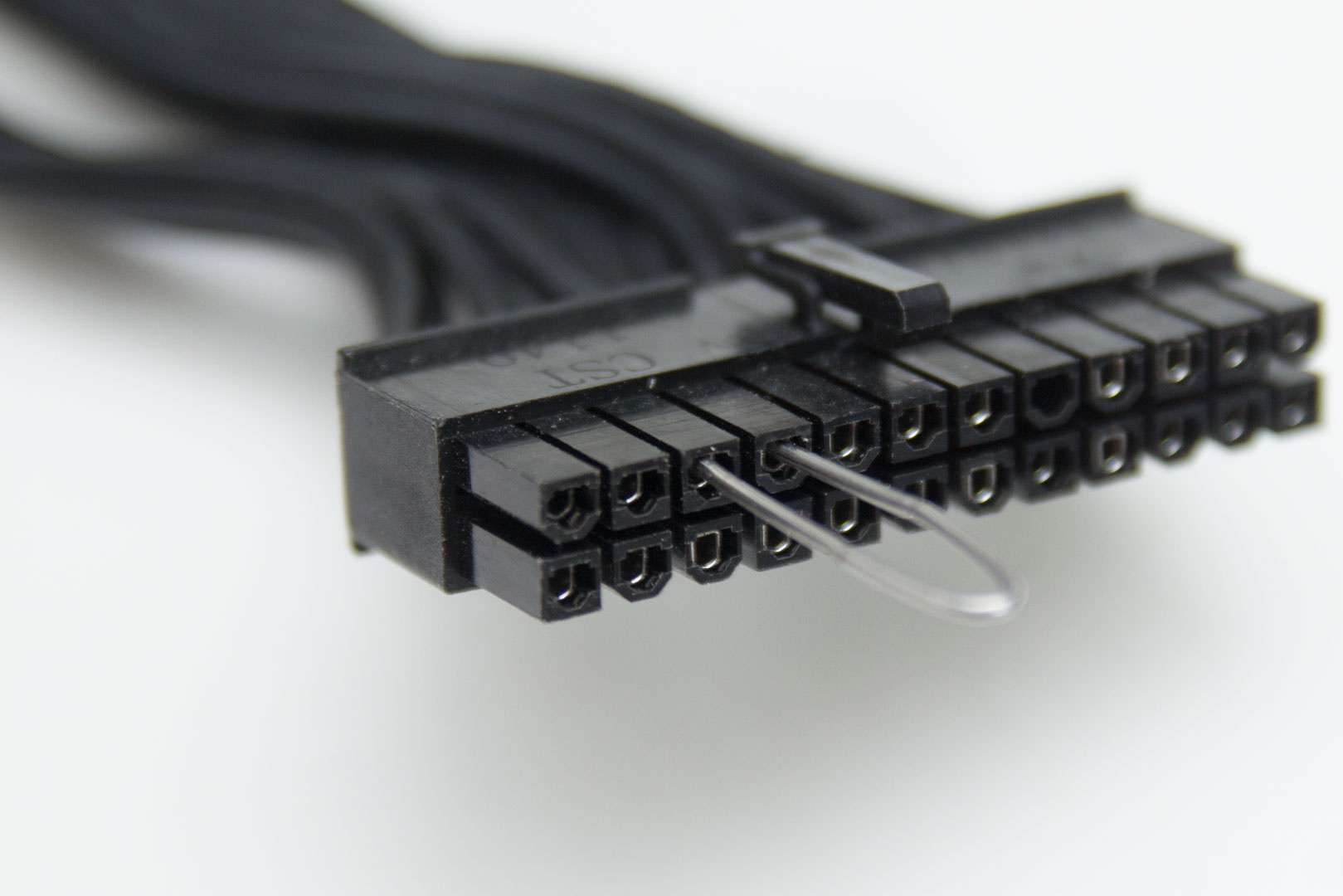
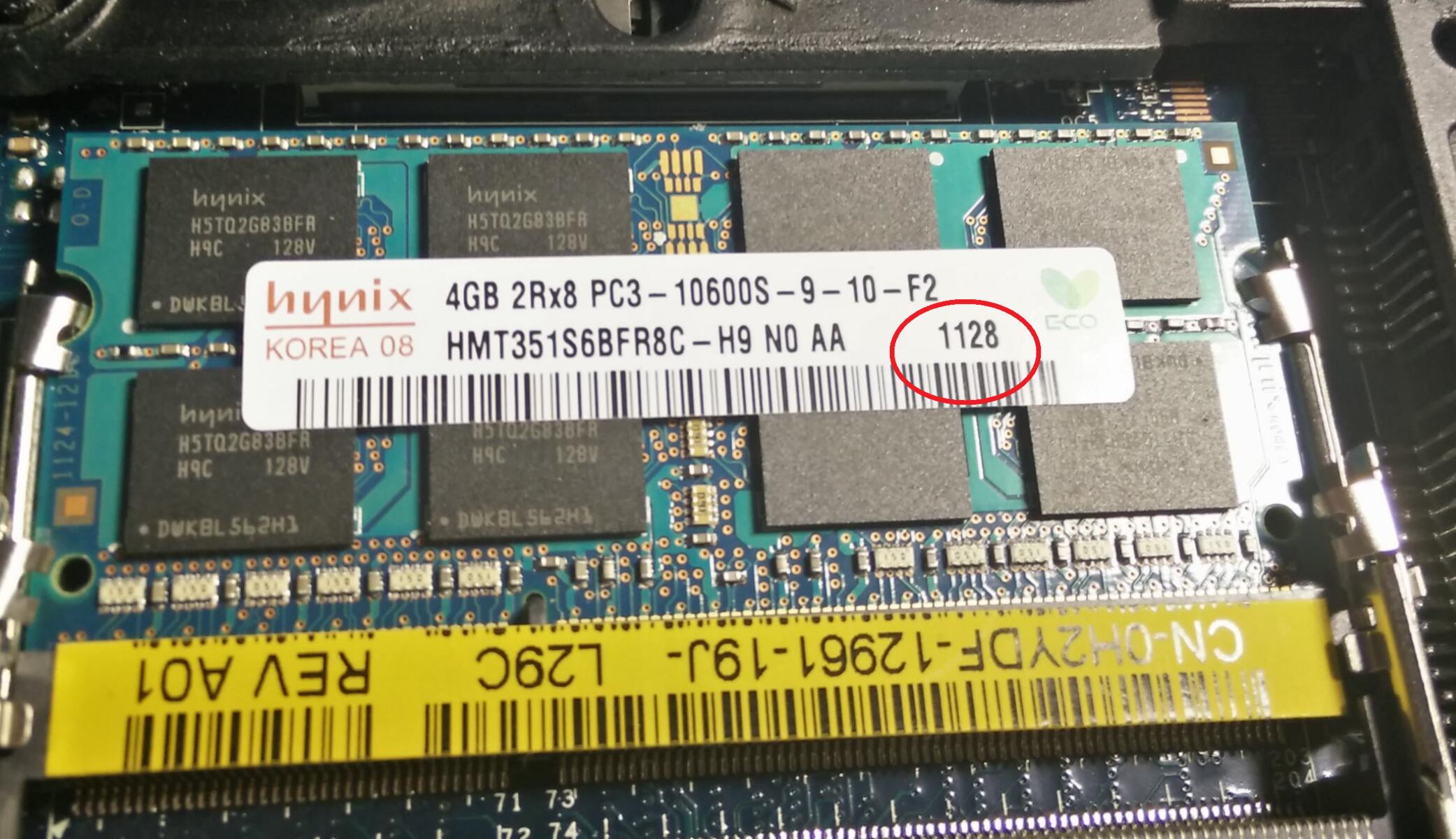
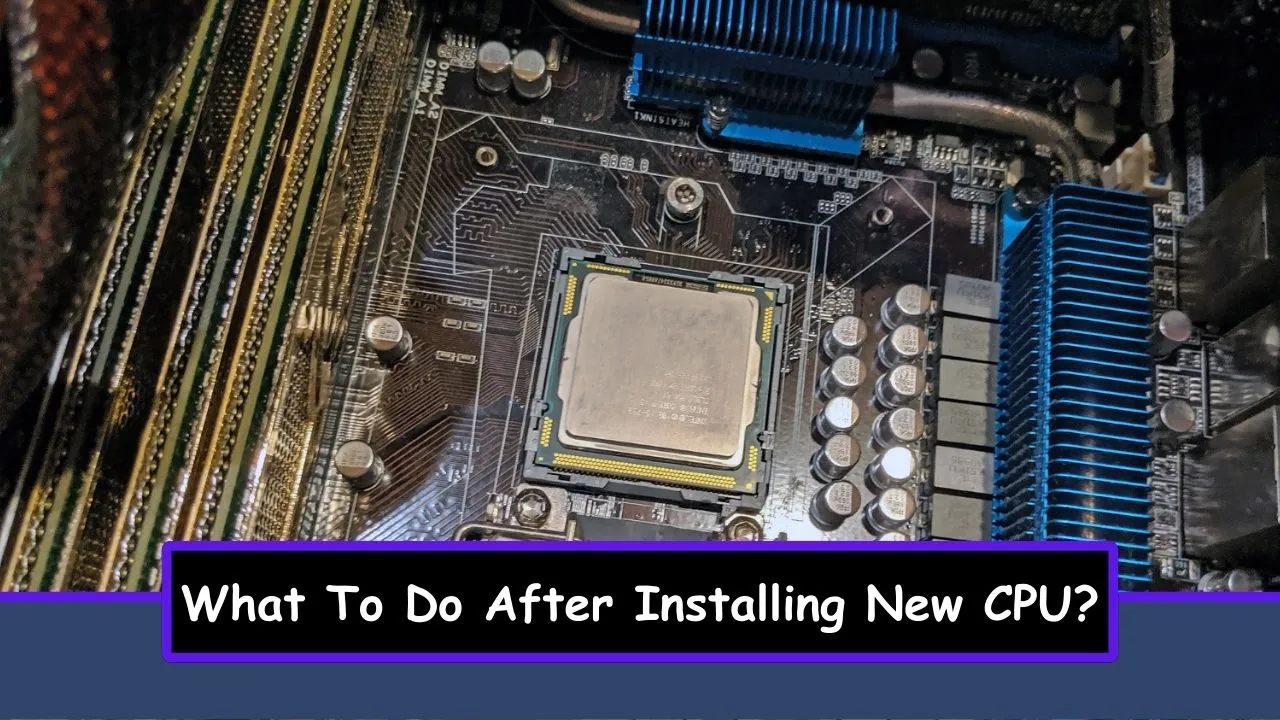
The topics group into a few clear themes. One is setup and troubleshooting after installation, such as knowing what to do after installing a new CPU, and understanding the numbers on RAM memory so you can fit and configure modules correctly. Another theme is safe testing and maintenance, including how to power up a PSU without a motherboard to check if it works, and how to remove glass from a PC case without shattering it. A third theme is case upkeep and customization, covering how to minimize dust on a PC case and how to turn off LED lights on a PC case.
These articles help you do specific tasks, not just read about them. They guide you through checking a PSU safely, cleaning or replacing a glass side panel, and managing airflow or lighting to suit your preference. Where a task involves risk, like opening a PSU or handling glass, the guidance emphasizes safe methods and legal alternatives, not shortcuts or bypasses. The goal is to let you maintain your own machine with care and common sense.