This tag collects our guides to the three most widely used peer-to-peer payment apps in the United States: Venmo, Cash App, and Zelle. It is written for everyday consumers who want to manage their digital wallets with confidence, whether they are setting up a new account, troubleshooting a transfer, or wondering how their transaction data is handled. The articles here are practical, step-by-step explanations aimed at people who use these apps for rent, splitting dinners, or paying a friend back, not at developers or financial professionals.

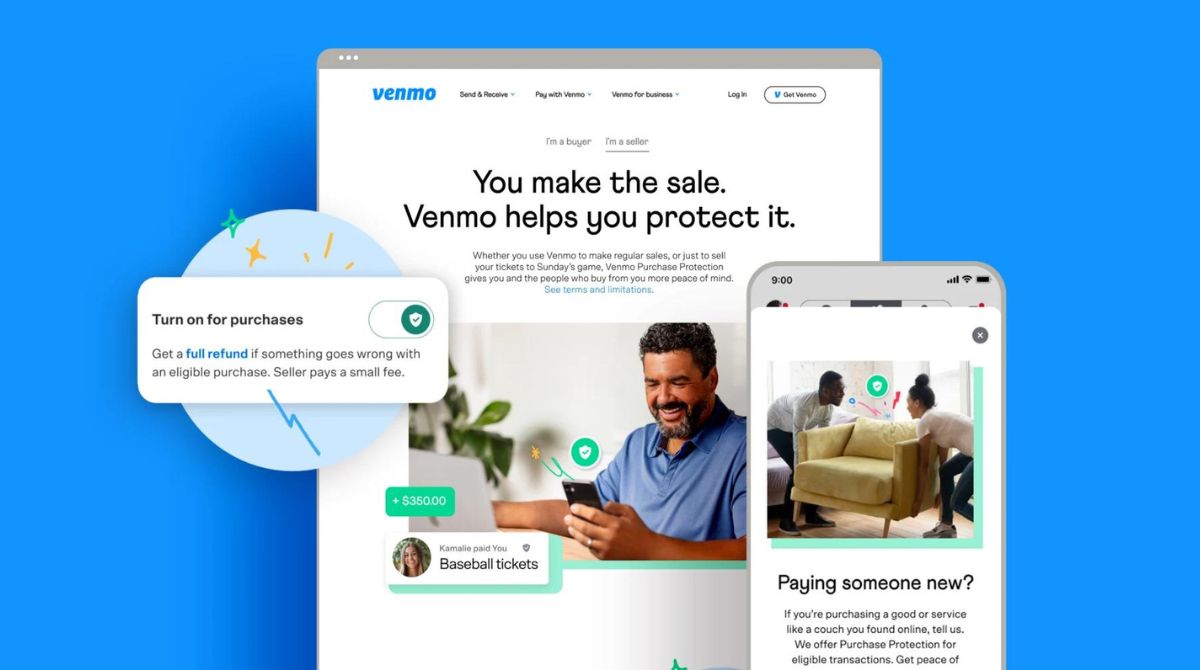
The pieces fall into two broad groups. The first is account and transaction management: setting up a Venmo account, adding friends, rejecting an incoming payment, paying with your Venmo balance, or creating a second account with the same phone number. There are also guides to connecting Venmo with Splitwise and understanding how Cash App transactions actually move money. The second group covers security, privacy, and legal clarity. Several articles explain how to block someone, how to turn off purchase protection, and how to delete your Venmo account entirely. Others address reporting and compliance topics, when Venmo sends a 1099 tax form, whether Zelle reports transactions to the IRS, and why a Zelle transfer can take three days to clear. These pieces help readers understand their rights and obligations, so they can use the apps safely without running afoul of tax rules or payment protections.
Does Zelle Report Transactions To The IRS

Zelle tax reporting does not apply to your transactions, as Zelle itself does not report them to the IRS. However, if you receive business income through Zelle, you are still...

Why Zelle Takes 3 Days

Why Zelle takes 3 days is because standard transfers use the ACH network's batch processing system, which groups transactions and settles them on a fixed schedule rather than in real...

How Do I Add Venmo To Splitwise?

To add Venmo to Splitwise, use the "Settle up" button in the app to send money directly from your Splitwise balance to a friend's Venmo account. This integration is only...

How Do Cash App Transactions Work?

Cash App transactions let you send and receive money instantly between users using a $Cashtag, phone number, or email address, with funds moving directly from one Cash App balance to...

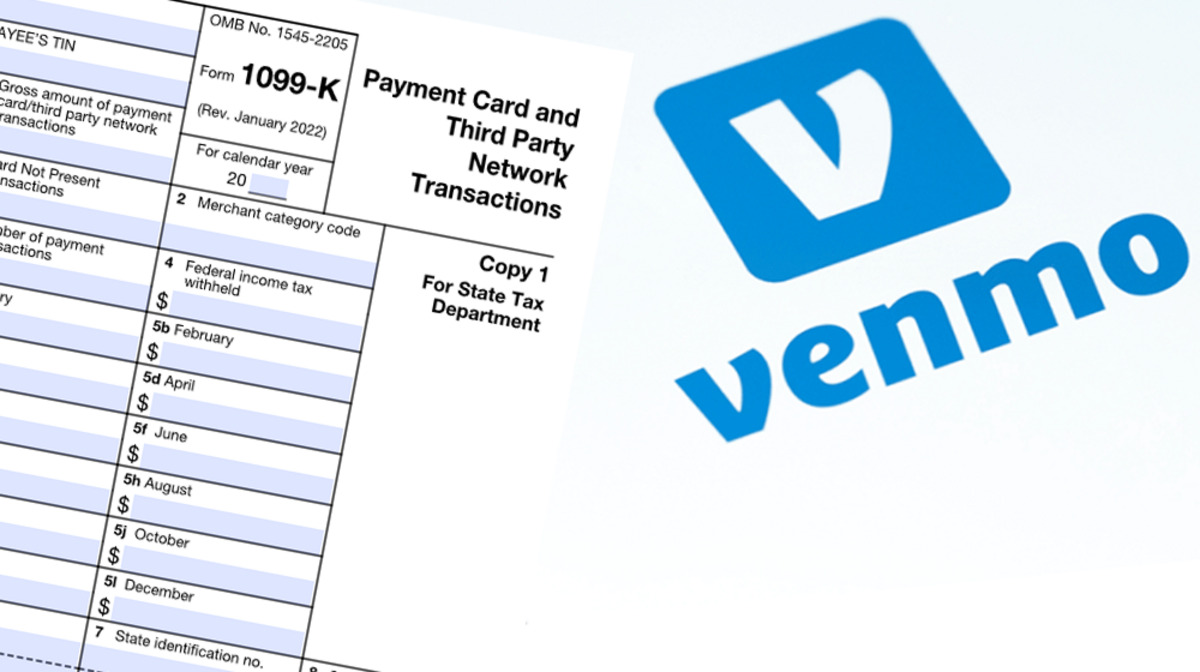
When Does Venmo Send 1099

Venmo sends Form 1099-K by January 31st for users who meet the federal threshold of over $20,000 in goods and services payments and 200+ transactions in the previous calendar year....

How To Make A Venmo Without A Phone Number

To make a Venmo without a phone number, you must use a workaround because Venmo officially requires a U.S.-based cell phone number that can receive SMS texts from short codes....

How To Pay Venmo Goods And Services

To pay Venmo goods and services, open the Venmo app and tap "Pay/Request." Search for the recipient, enter the amount, add a note, then tap the goods and services toggle...

How Do You Block Someone On Venmo

To block someone on Venmo, open the app, go to their profile, tap the three dots in the top right corner, and select "Block." This action immediately stops them from...

How Do I Pay Someone With My Venmo Balance

To pay someone with my Venmo balance, open the Venmo app, tap "Pay or Request," find the recipient, enter the amount, and confirm that your Venmo balance is the funding...

How To Reject Money On Venmo

To reject money on Venmo, you must send the money back yourself because the app does not have a "Reject Payment" button. The only way to reject money on Venmo...