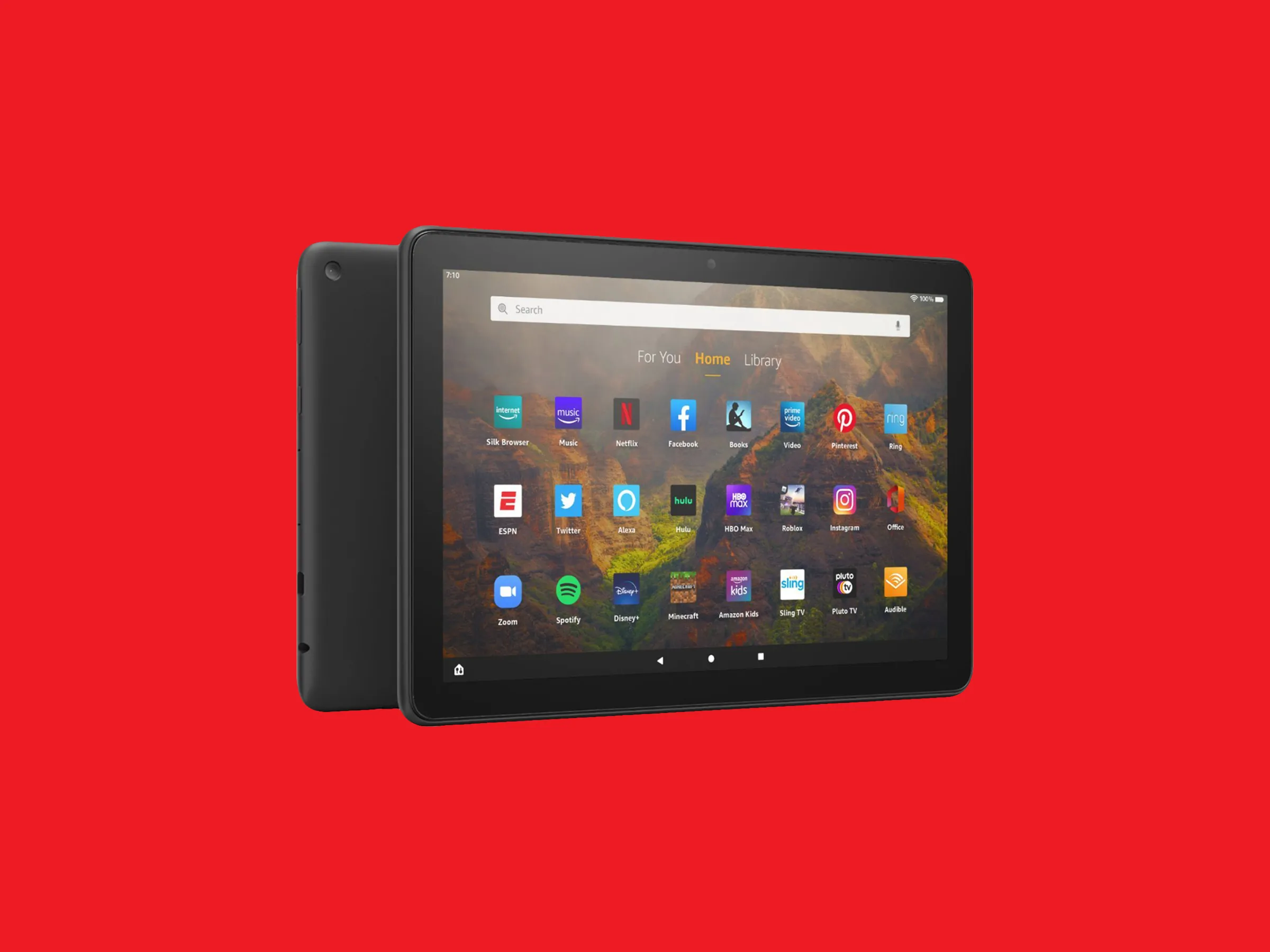
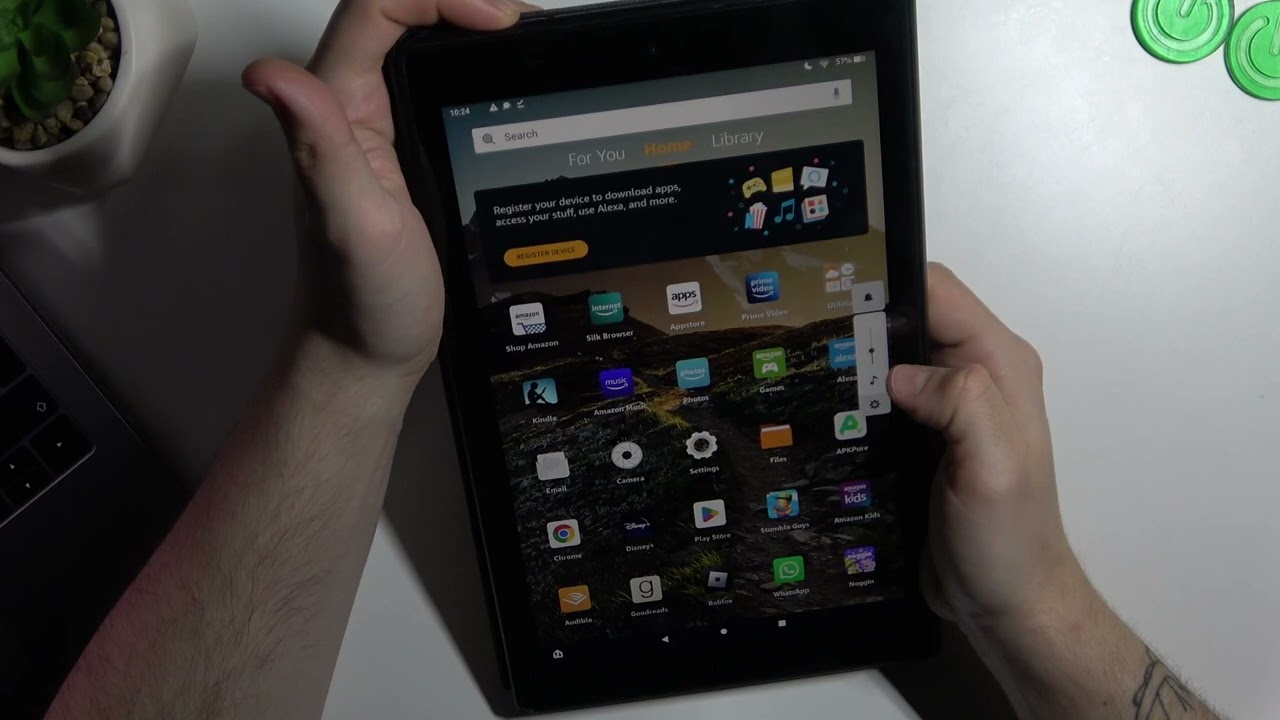
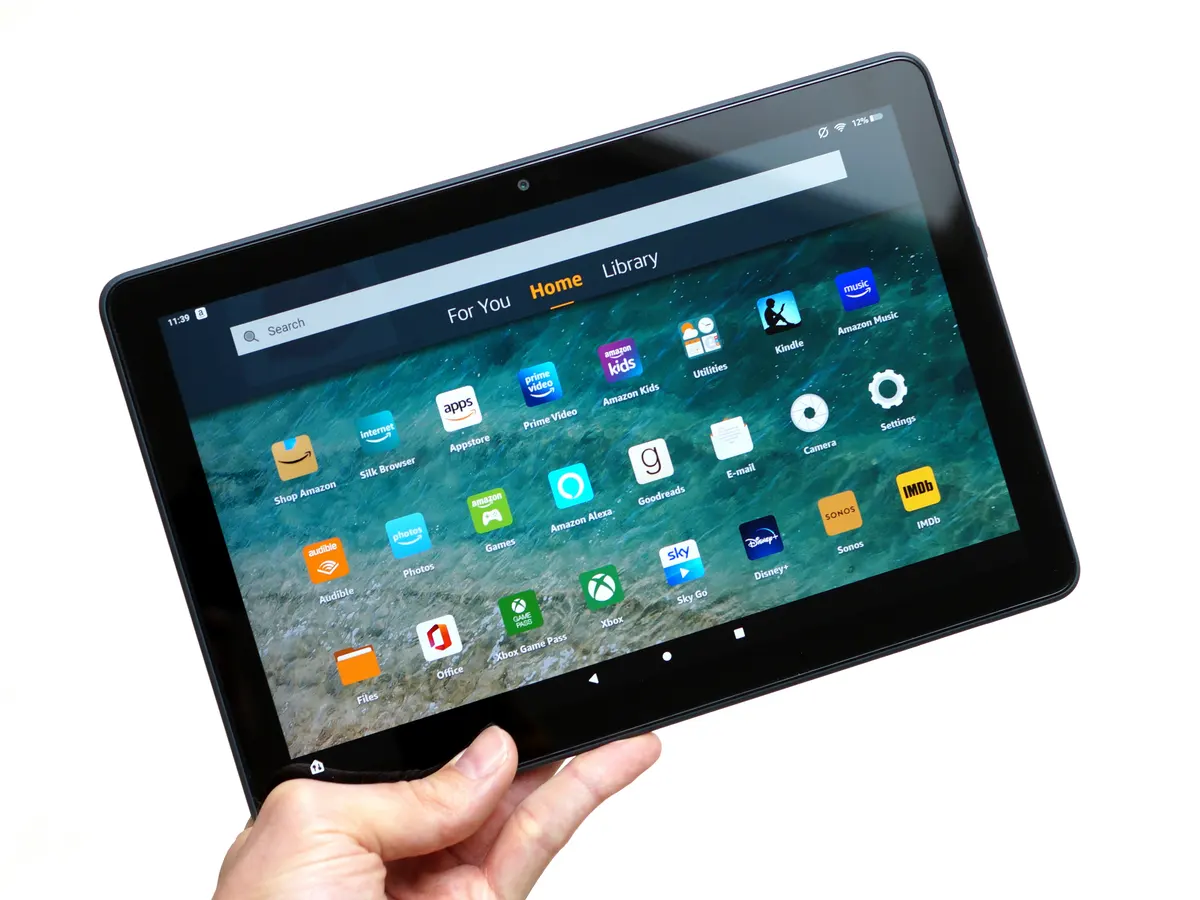
This tag collects articles about managing and troubleshooting parental controls and family safety settings across a wide range of consumer devices and platforms, from Amazon Fire tablets and Roku TVs to gaming consoles like PlayStation and Nintendo, as well as streaming apps and school-issued Chromebooks. It is written for parents, guardians, and anyone responsible for setting up or maintaining a child’s digital environment, but it also serves curious adults who simply want to understand or adjust the restrictions on their own accounts.
The articles here break down into a few practical themes. One major group focuses on locking down and customizing access, for example, how to block specific shows on Netflix, set screen time on a Fire tablet, or add contacts to a kid’s device. Another cluster deals with recovery and account resets, such as figuring out a forgotten Roku PIN, resetting a parental controls password on an Amazon Fire tablet, or getting a PlayStation account unlocked after it has been locked for age-related or security reasons. A third set addresses the boundaries of kid-safe modes and the legitimate questions that come with them, like how to exit Kid Mode on a Fire tablet, what the appropriate age for Minecraft might be, or how to remove a profile from a shared device.
Several articles also cover monitoring and safety from a protective angle, like how to monitor another phone for free or how to disable GoGuardian on a school Chromebook, but these are framed as helping you understand the controls, not circumvent them. The tag also includes practical how-tos for downloading apps or content within a parent-managed environment, such as getting YouTube Kids on an Amazon Fire tablet or adding apps to a kids’ Fire tablet, always with an emphasis on working within the system’s intended settings rather than bypassing them.