This tag collects guides for getting digital music onto the devices and apps you actually use, aimed at everyday listeners who want practical, step-by-step help rather than technical jargon. Whether you are moving songs between streaming services, transferring files to an older gadget, or fixing a playback error, these articles focus on the “how” of managing your own music library, legally and safely.
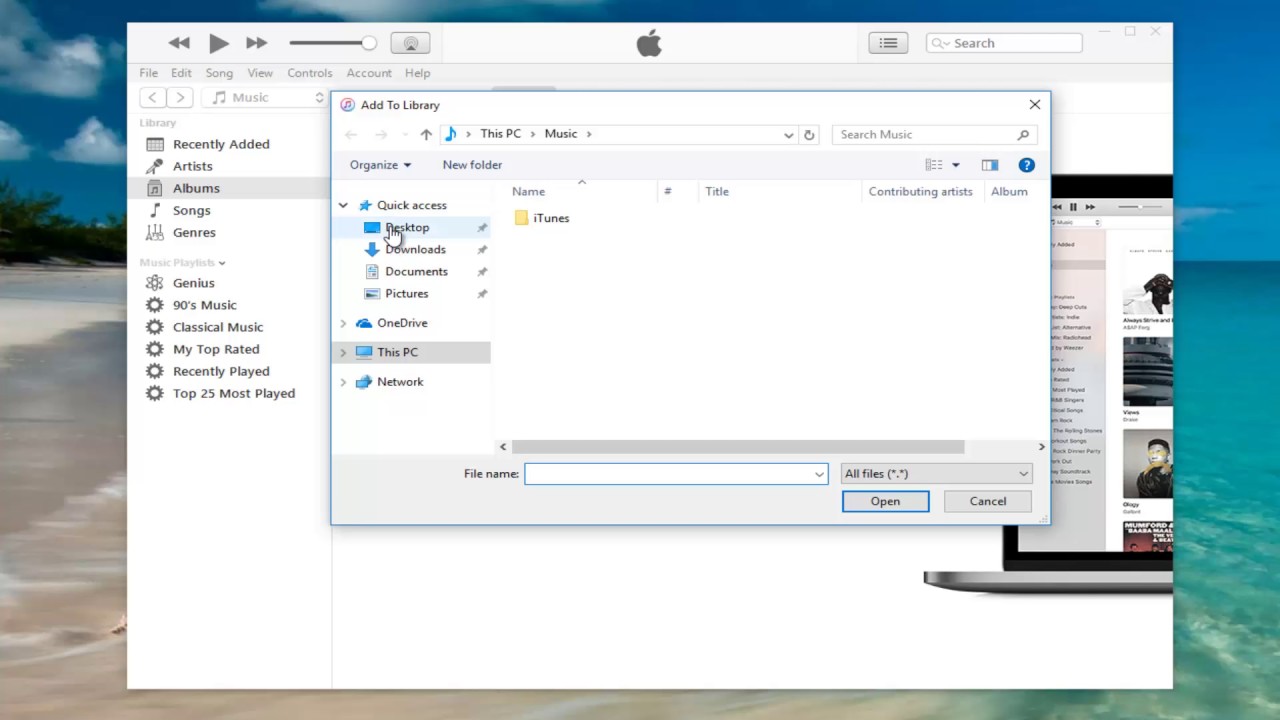
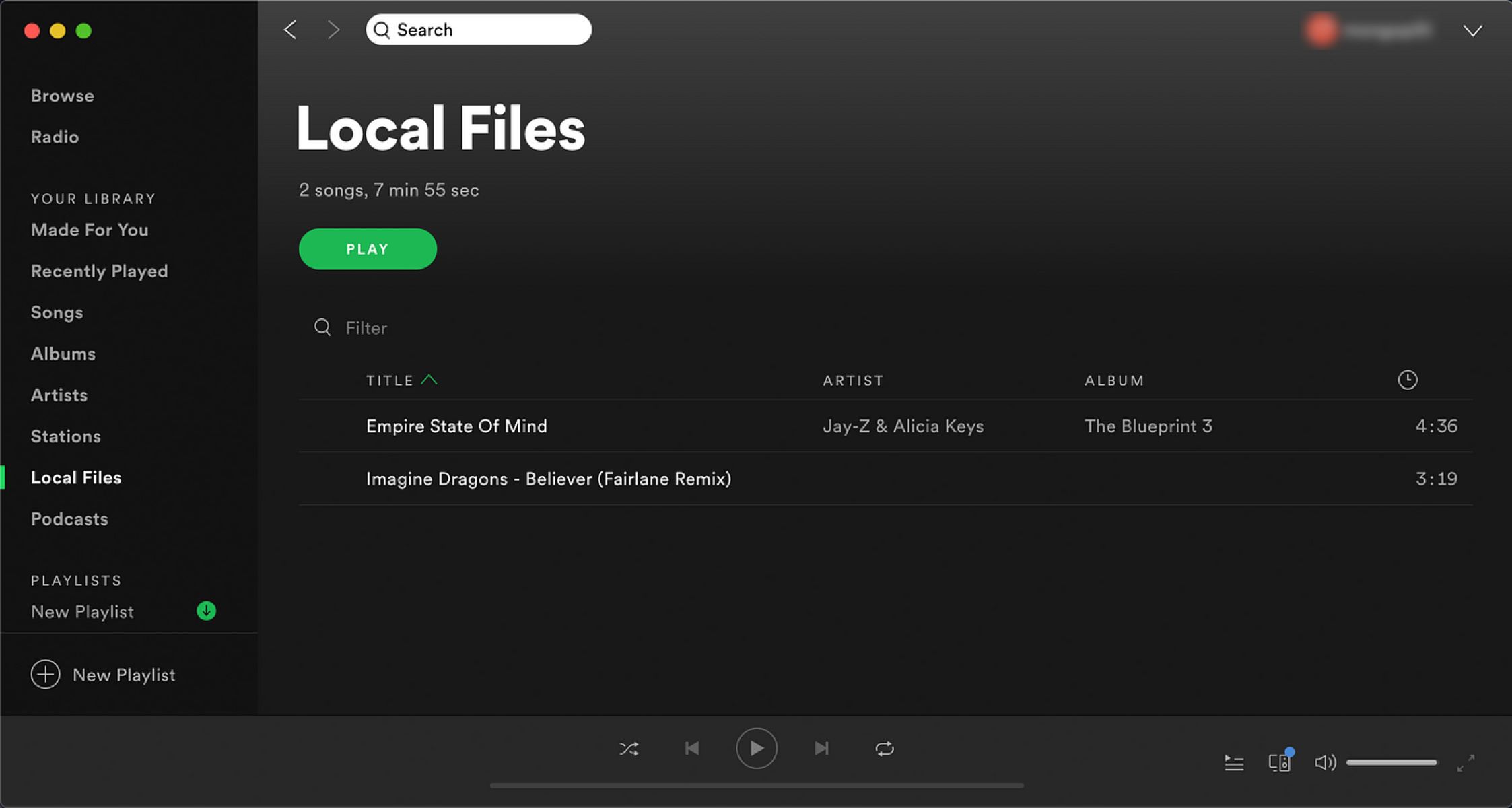
The pieces break down into a few clear themes. One major group covers moving music between platforms: you will see walkthroughs for adding local files to Spotify, pulling purchased songs from iTunes to a computer, or shifting YouTube audio into Apple Music. A second theme is device-specific transfers, with tutorials for getting music onto a PSP, a Fire Tablet, an HTC One M8, or an iPhone. A third theme tackles file quality and compatibility, such as converting AAC to MP3 without losing quality, choosing the best audio format for iPhone, or figuring out why an MP3 player says “format not supported.”
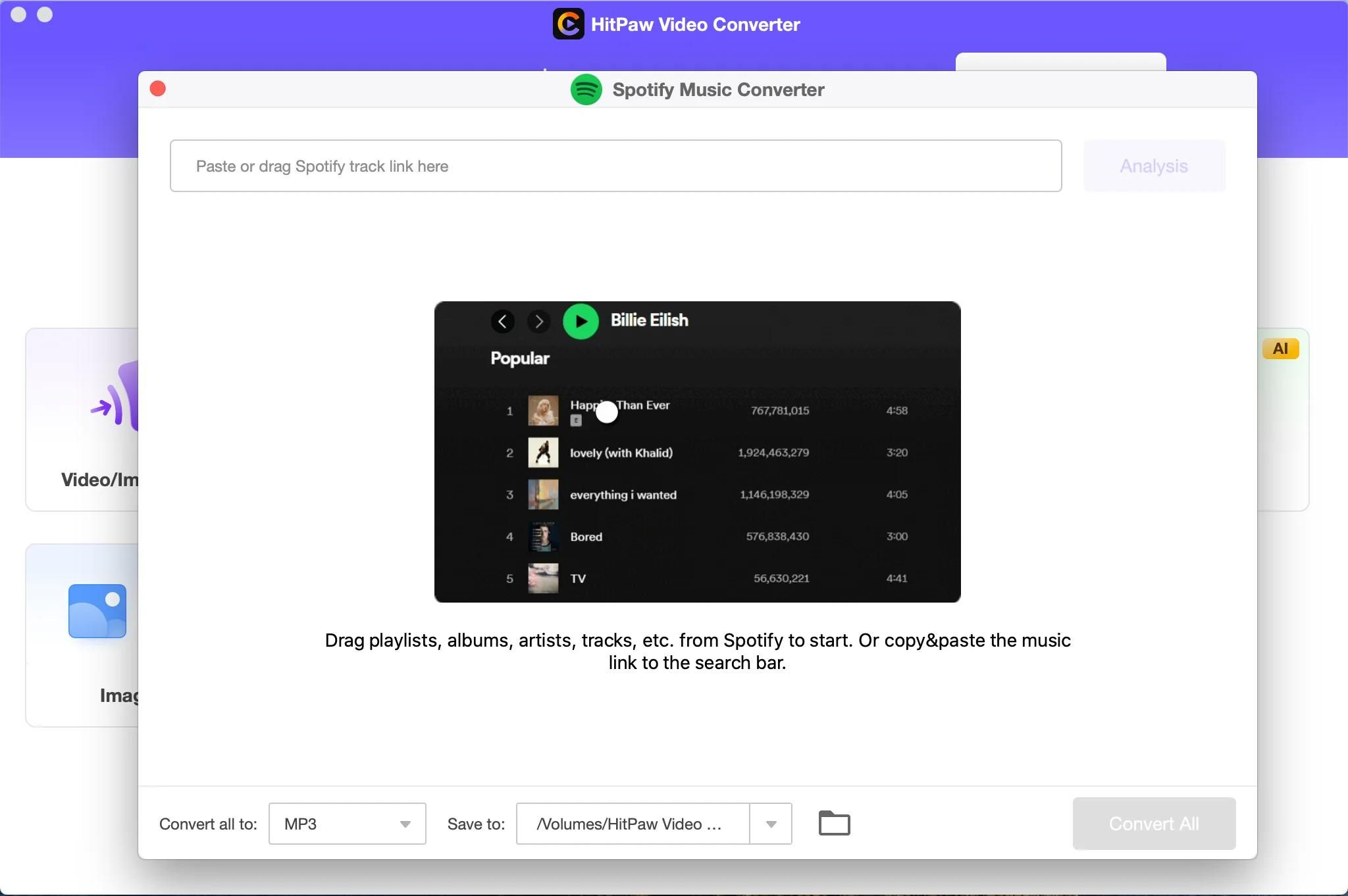
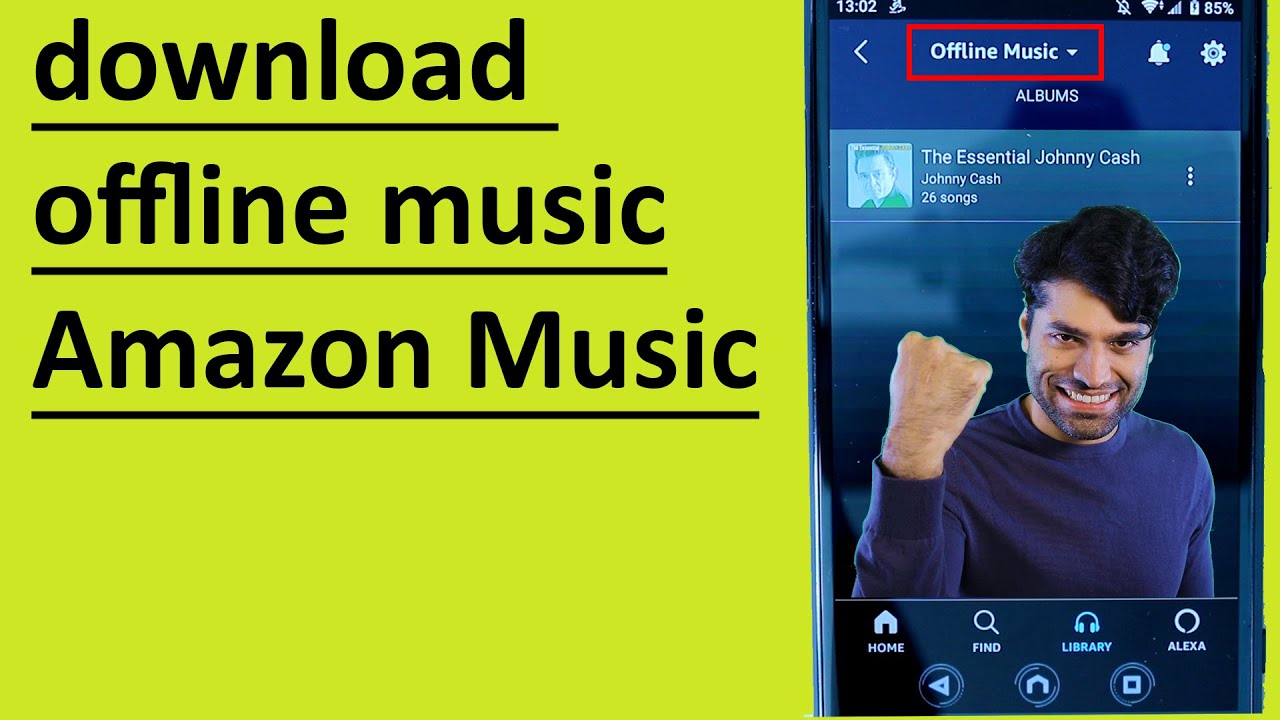
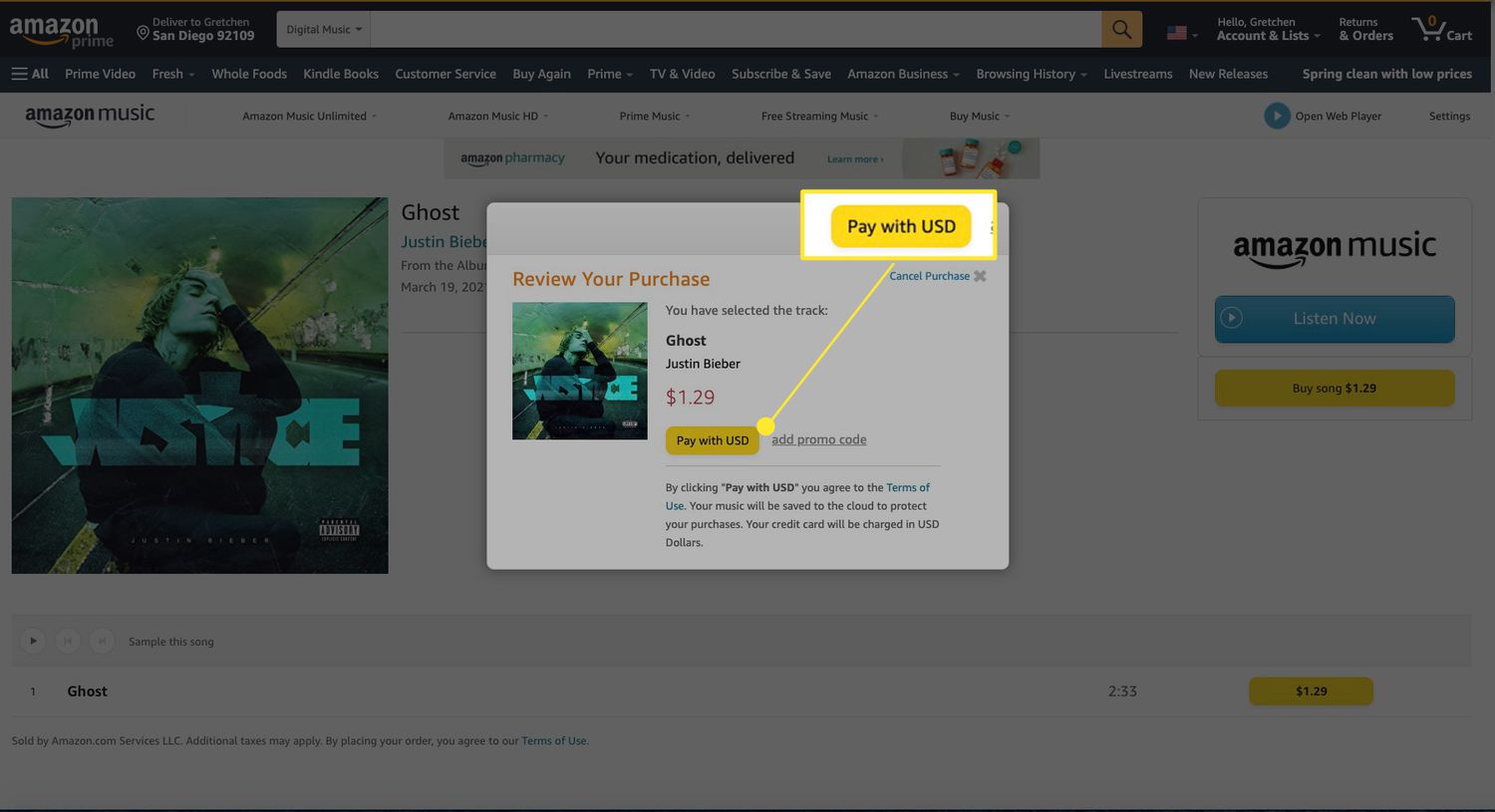
Several articles also address the legal and safe side of downloading. For example, guides on using Amazon Music offline or downloading from Spotify without Premium explain the legitimate, paid or ad-supported routes, never workarounds. Others, like the one on recording Spotify audio, clarify what happens to sound quality rather than encouraging piracy. The tag helps you solve everyday music problems, like setting a ringtone, buying a single track, or finding a free, legal downloader, while steering clear of risky or unauthorized methods.