This tag collects articles about Logitech hardware and software, aimed at everyday users, gamers, and home office workers who own or are considering Logitech peripherals. The content spans buying guides for speakers, controllers, mice, keyboards, headphones, and security cameras, alongside troubleshooting and setup guides for wireless devices. Whether you are pairing a new keyboard, replacing a lost USB receiver, or deciding which gaming microphone fits your streaming setup, these articles address common practical needs.

The articles fall into two broad themes. First, there are selection and comparison pieces that help readers choose the right gear for their budget and use case, such as the best computer speakers under $50, top PC controllers, or gaming mouse pads for avid players. Second, there are connectivity and maintenance guides that solve everyday problems: connecting a wireless mouse without a USB port, syncing a mouse to a new receiver, making a keyboard discoverable, or installing Logitech Unifying software. Some pieces also cover physical upkeep, like disassembling a G502 for cleaning, and security-minded topics, such as choosing a home security camera system for all-around safety.

Specific titles mentioned include “How To Connect Logitech Wireless Mouse,” “What Is Easy Switch Button On Logitech Keyboard,” and “How To Reset Logitech MX Keys Keyboard.” These articles help readers perform tasks like pairing a K520, printing the screen on an MX Keys, or reconnecting a K350 after a battery change, always with clear, legitimate steps for using the product as intended.
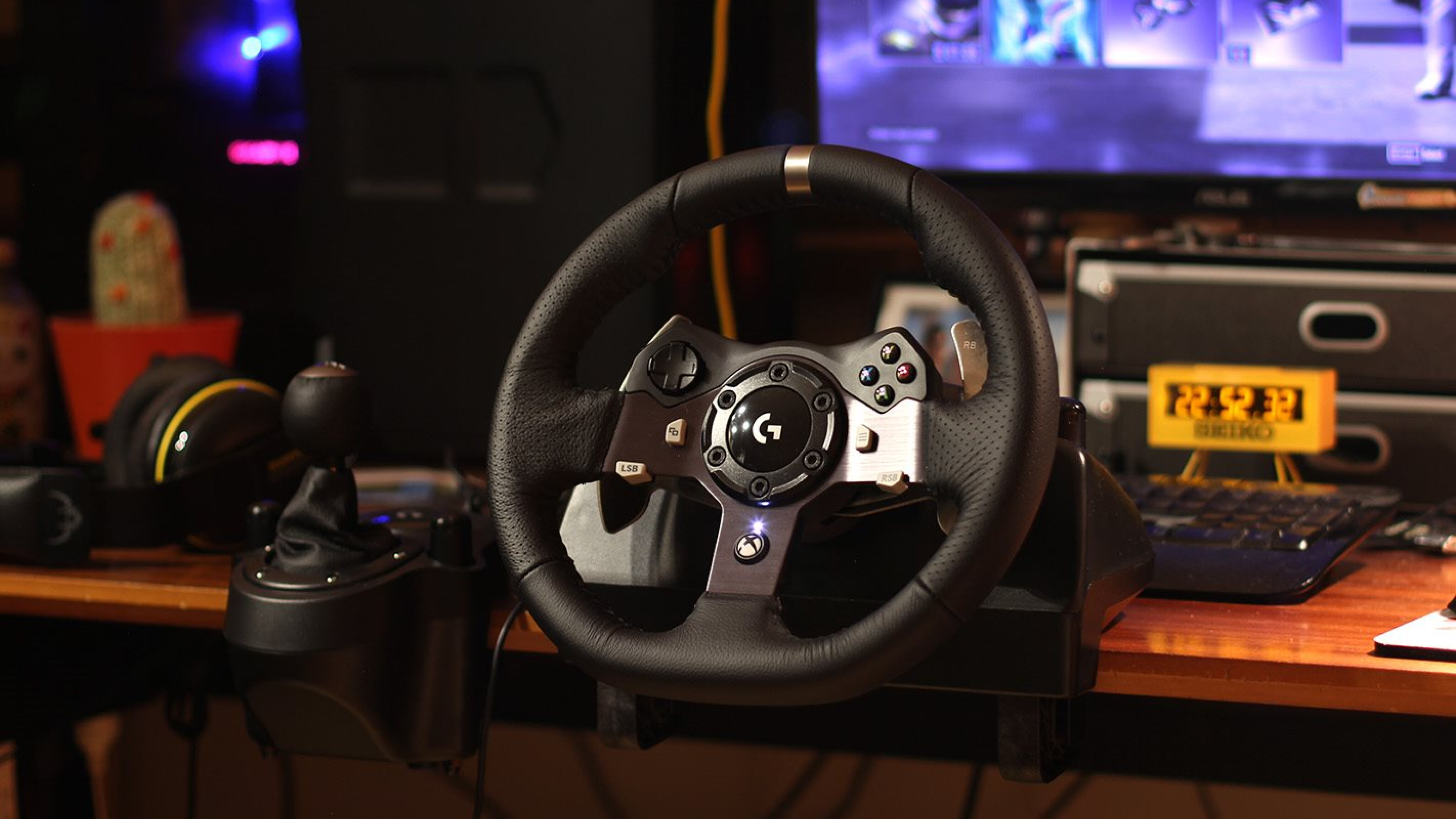
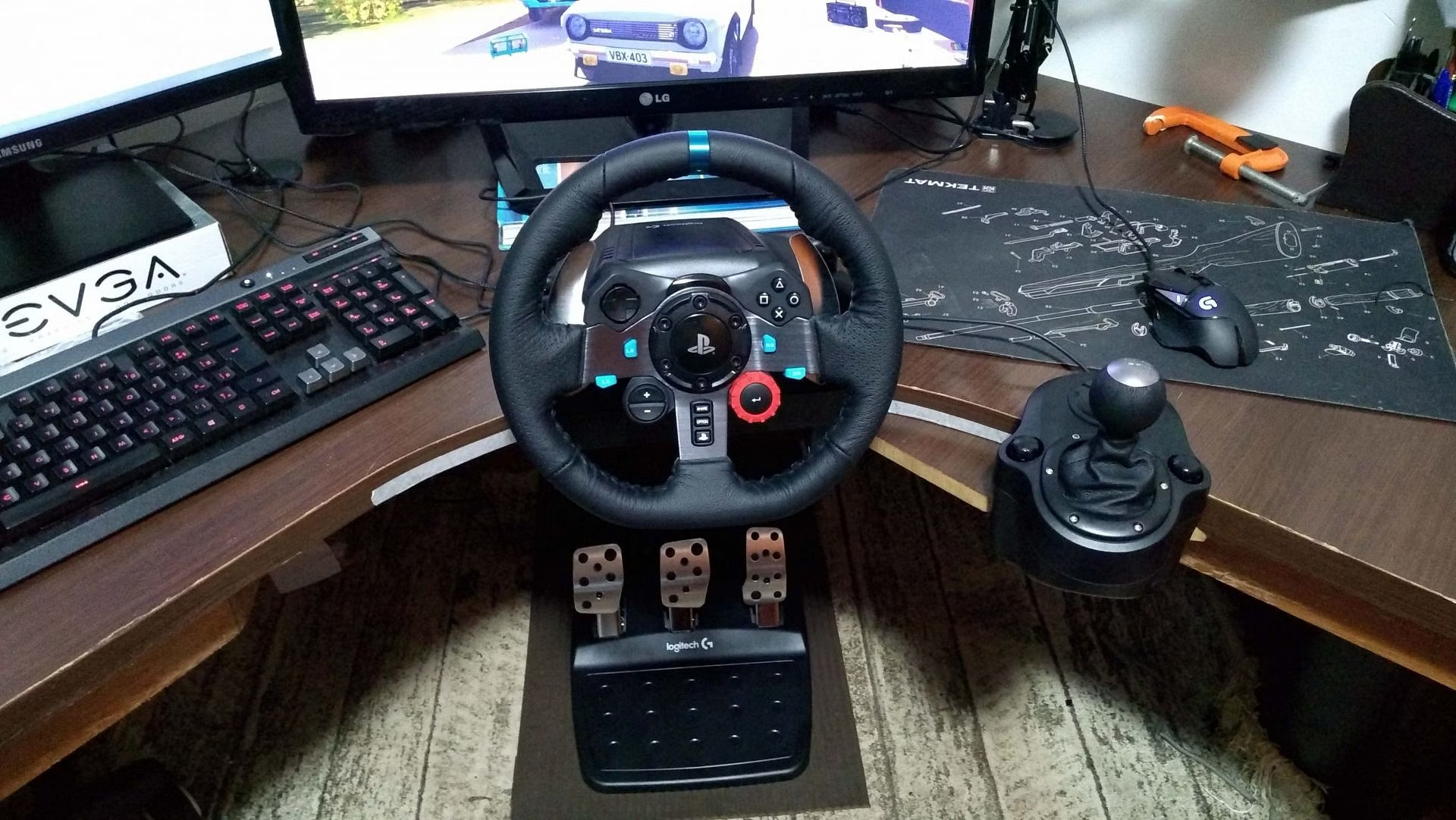
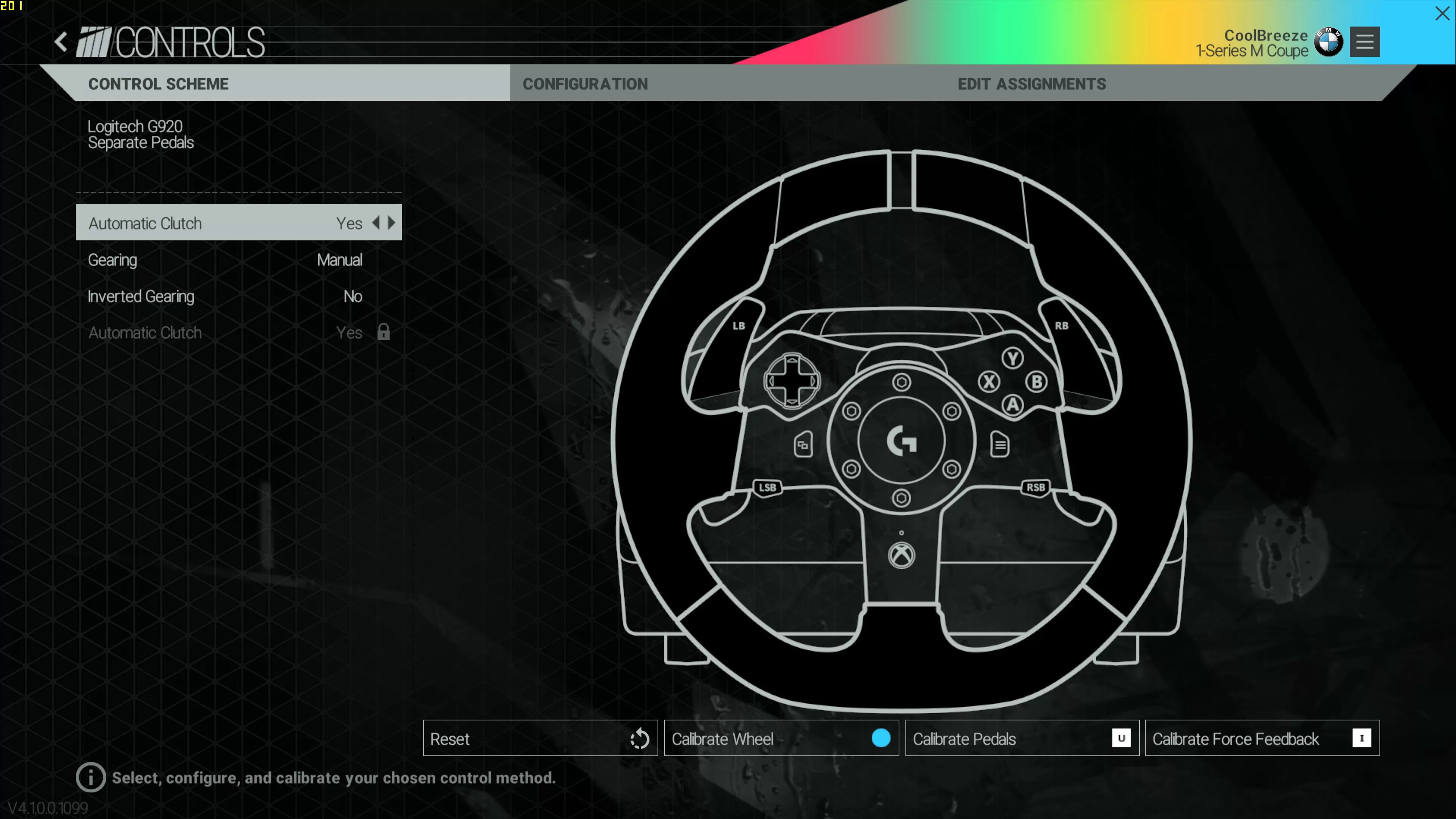
How To Use Logitech G920 On Pc

To use Logitech G920 on PC, you need to physically connect the wheel, install Logitech G HUB software, and configure both the software and your racing game settings for optimal...

How To Setup Logitech G920 To Xbox One

To setup Logitech G920 to Xbox One, simply connect the wheel's USB cable to your console and plug the power adapter into a wall outlet. The wheel is fully plug-and-play,...

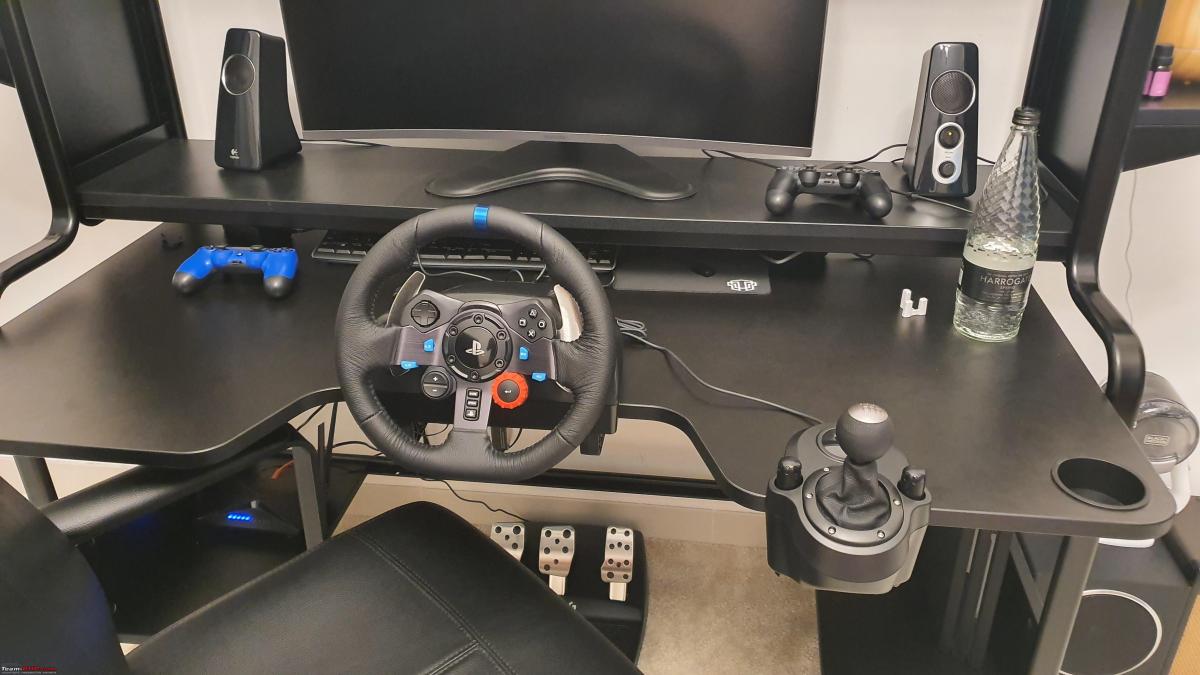
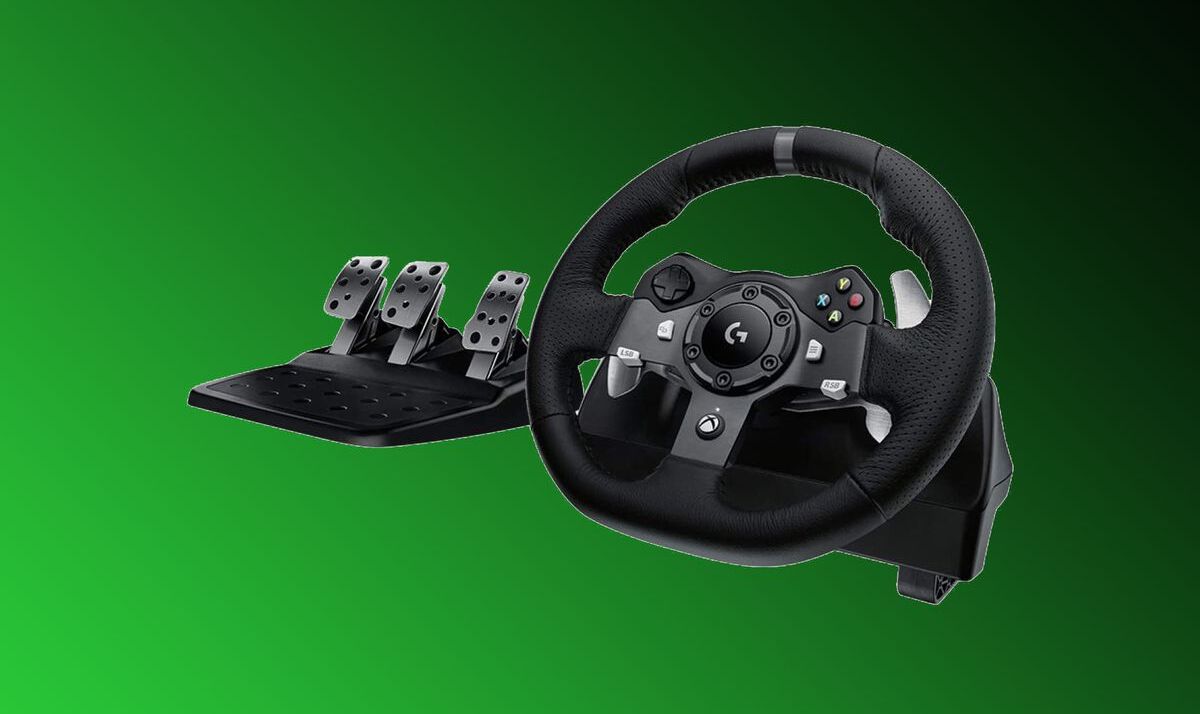
How To Set Up A Logitech G920

To set up Logitech G920, begin by physically connecting the pedal unit and any optional shifter to the wheel base, then plug in the power adapter and connect the USB...

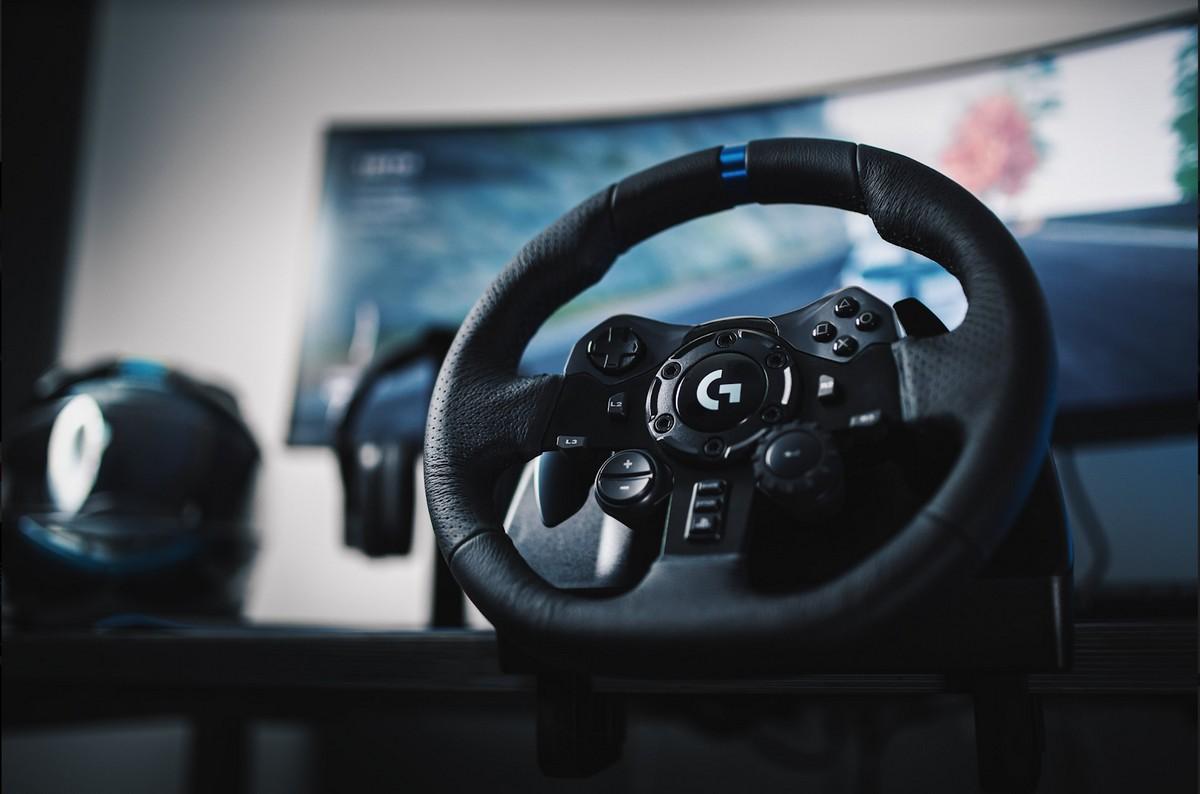
How To Set Up A Logitech Steering Wheel

To set up a Logitech steering wheel, connect the pedals, power adapter, and USB cable in the correct order, then install Logitech G HUB software for full configuration. This guide...

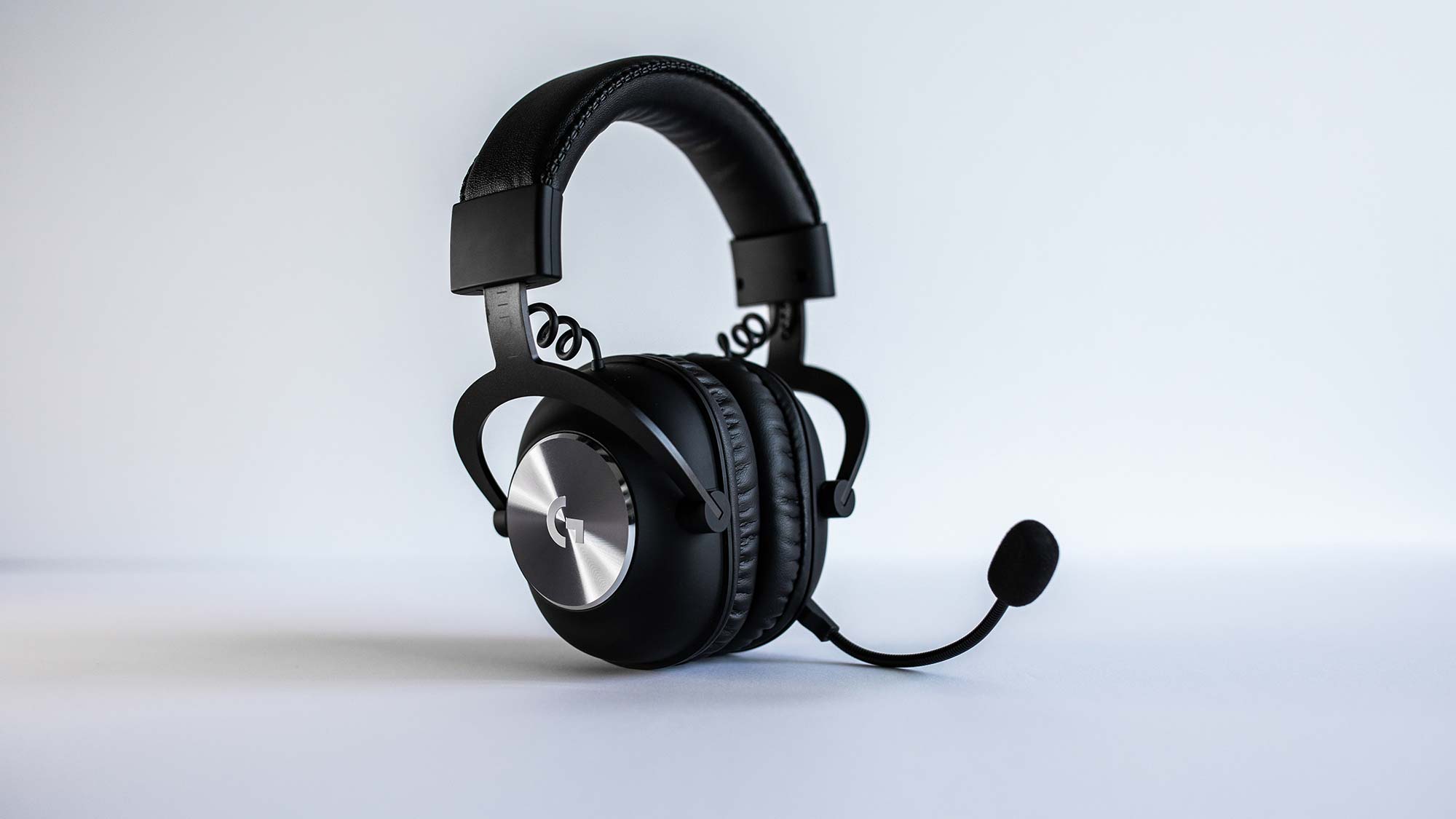
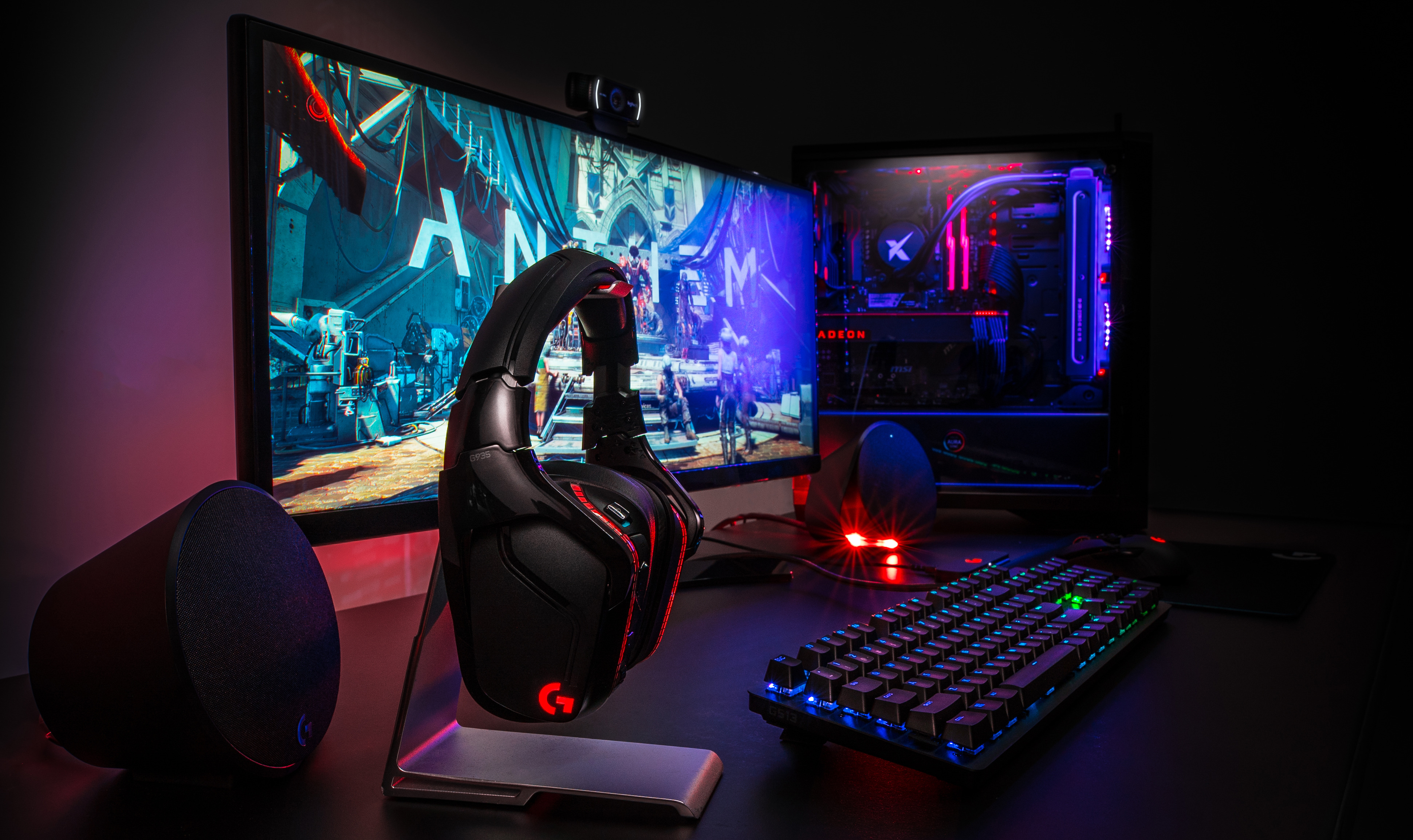
How To Setup Logitech Headset For Pc

To setup Logitech headset for PC, you need to physically connect it, then configure Windows to use it as your default audio device. The exact steps depend on whether your...

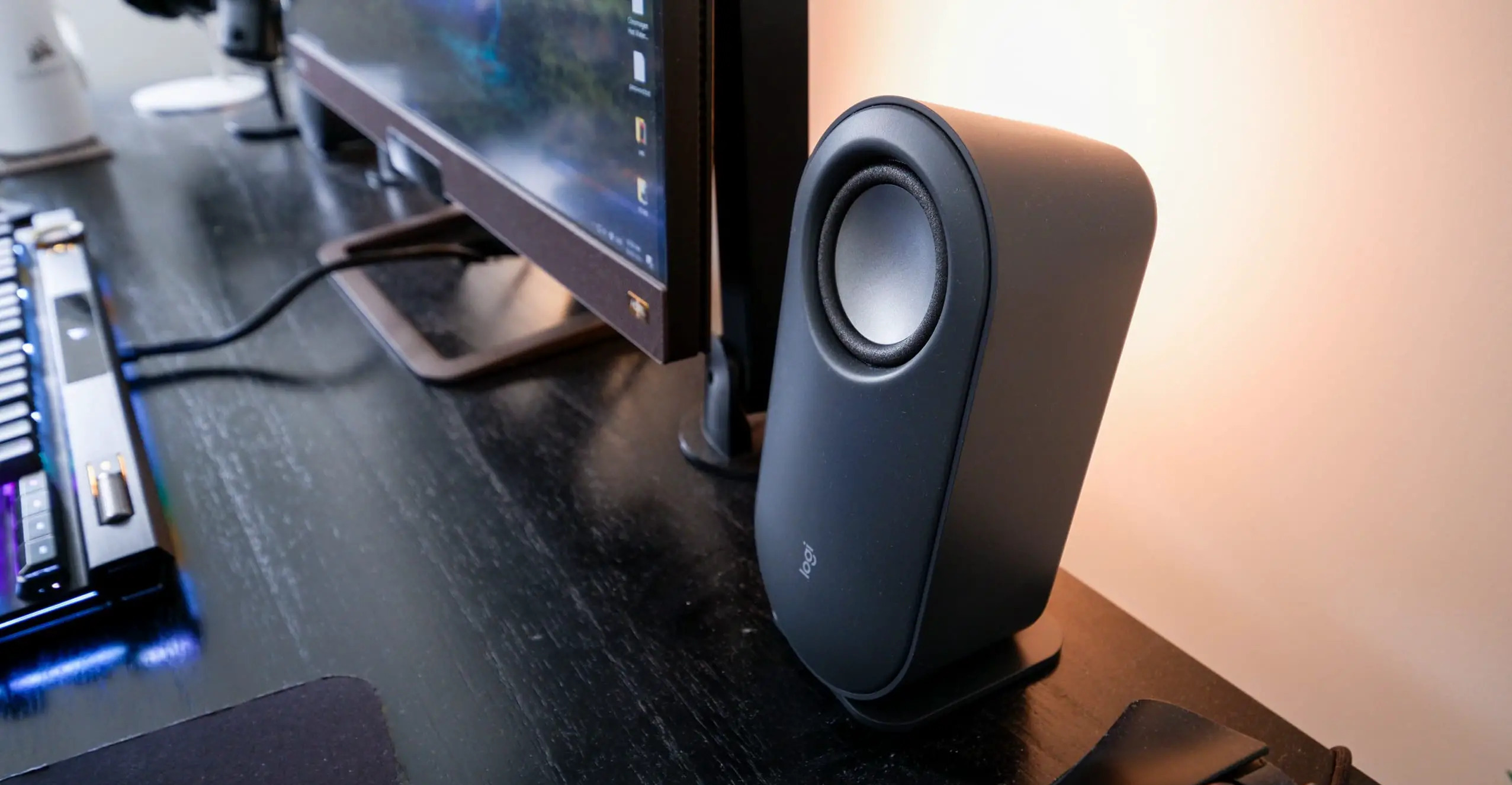
Where To Plug In Logitech Speakers On Pc

For most Logitech speakers, you'll find where to plug in Logitech speakers on PC by connecting the primary audio cable into your computer's green 3.5mm "Line Out" jack (usually on...

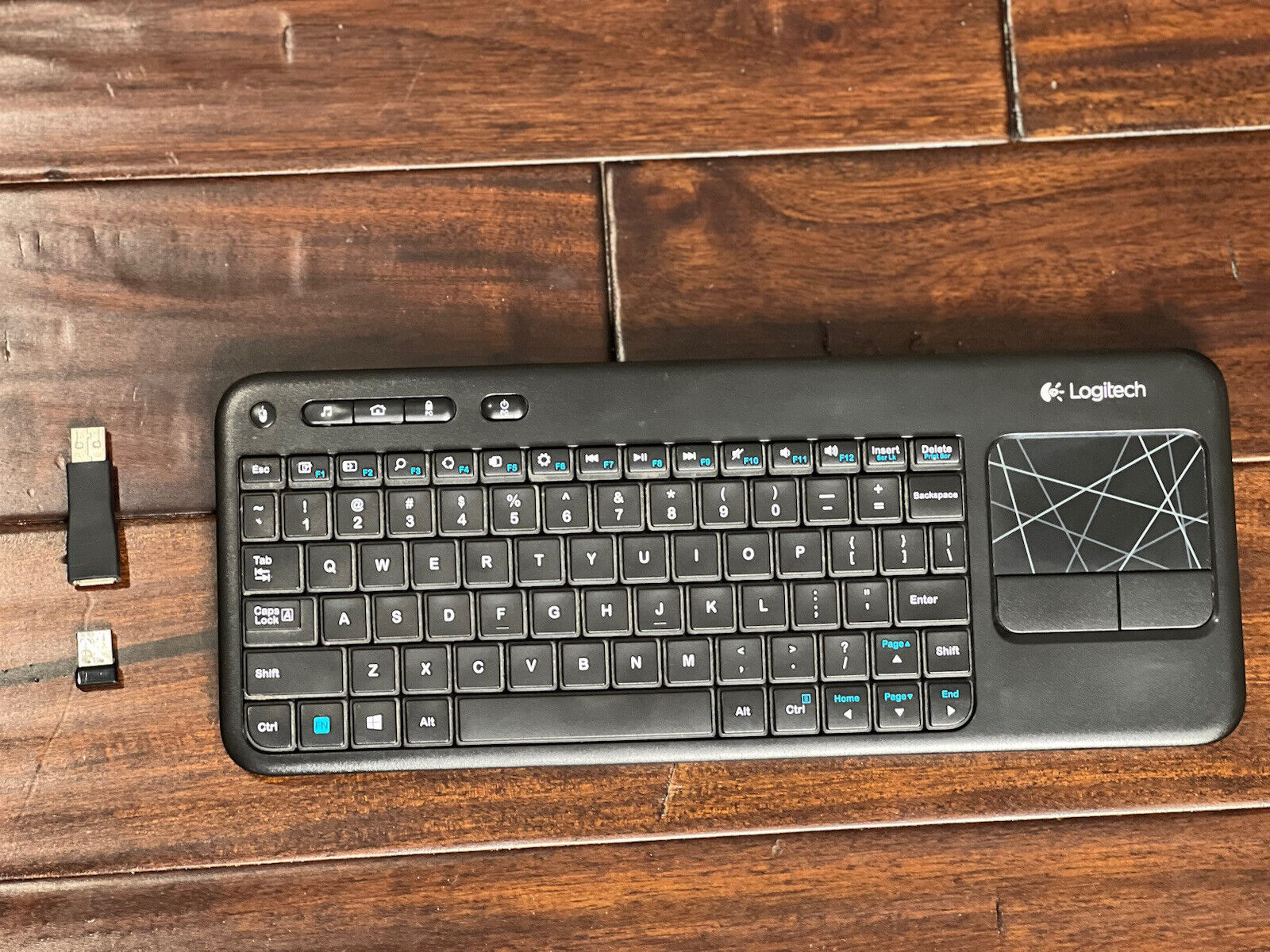
How To Pair Logitech Keyboard K400R

To pair Logitech keyboard K400R with your computer, insert the included Unifying Receiver into a USB-A port and turn on the keyboard, the connection happens automatically. If your keyboard has...

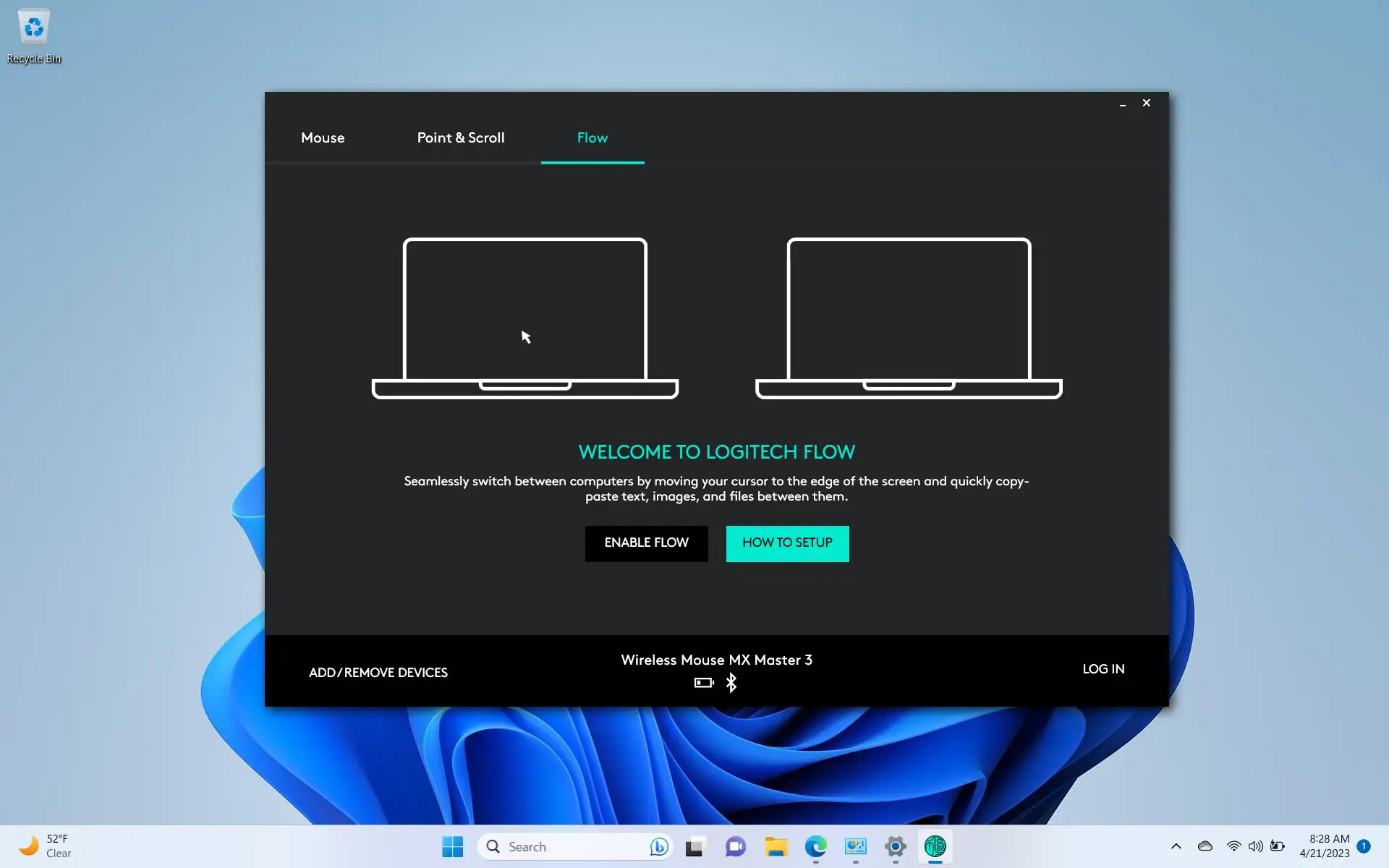
How To Set Up Logitech Flow

Introduction Welcome to the world of seamless productivity and convenience with Logitech Flow. If you've ever wished you could effortlessly control multiple devices with a single keyboard and mouse, Logitech...

How To Connect My Logitech Mouse To Ghub

You can connect Logitech mouse to GHUB by installing the software and plugging in the mouse for automatic detection. To connect your Logitech mouse to G HUB, install the software...