Straightforward, practical guides for anyone who uses a laptop day to day and runs into a specific problem they need to solve quickly. Whether you are a student setting up a new machine, a remote worker troubleshooting a display, or a home user trying to connect an older device to a TV, these articles are written for you. The focus is on clear, step-by-step instruction for common tasks, with no assumption of prior technical knowledge.
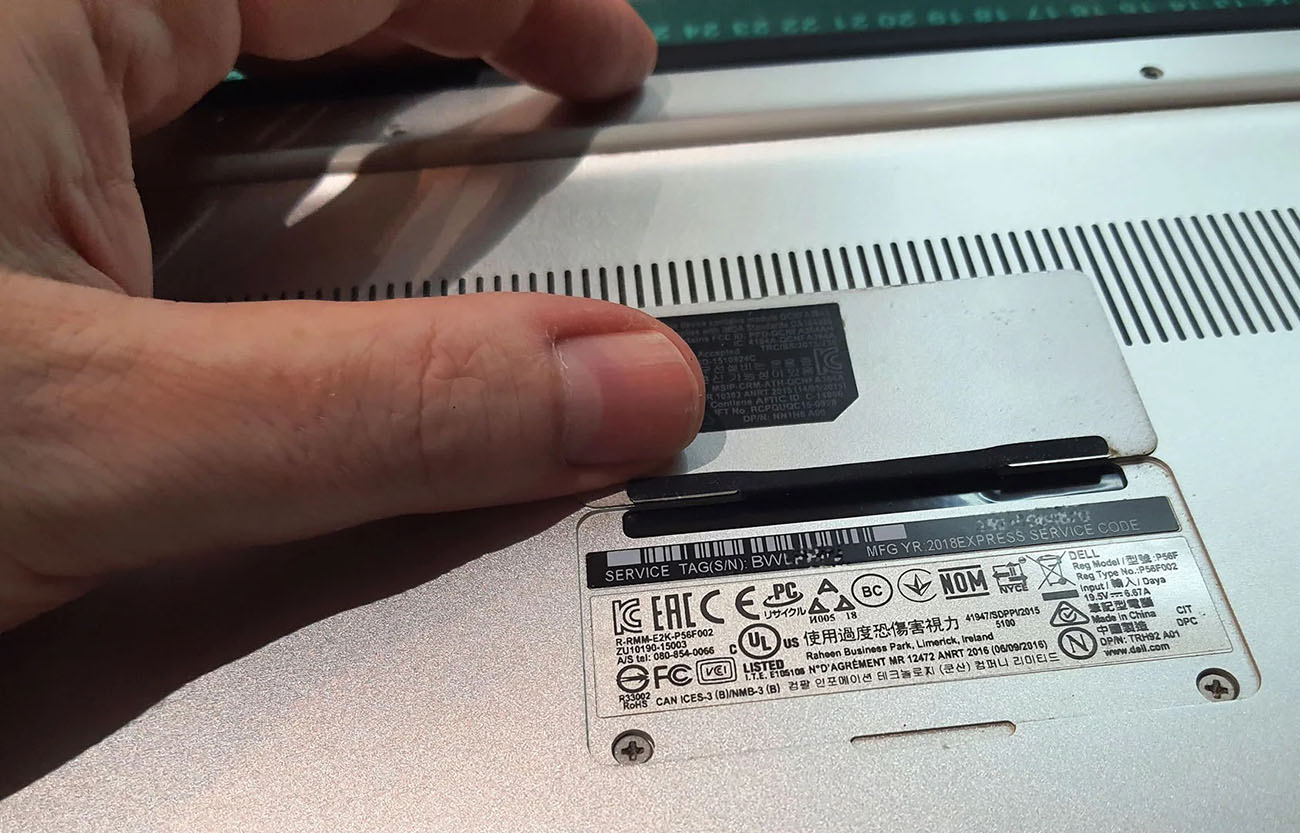
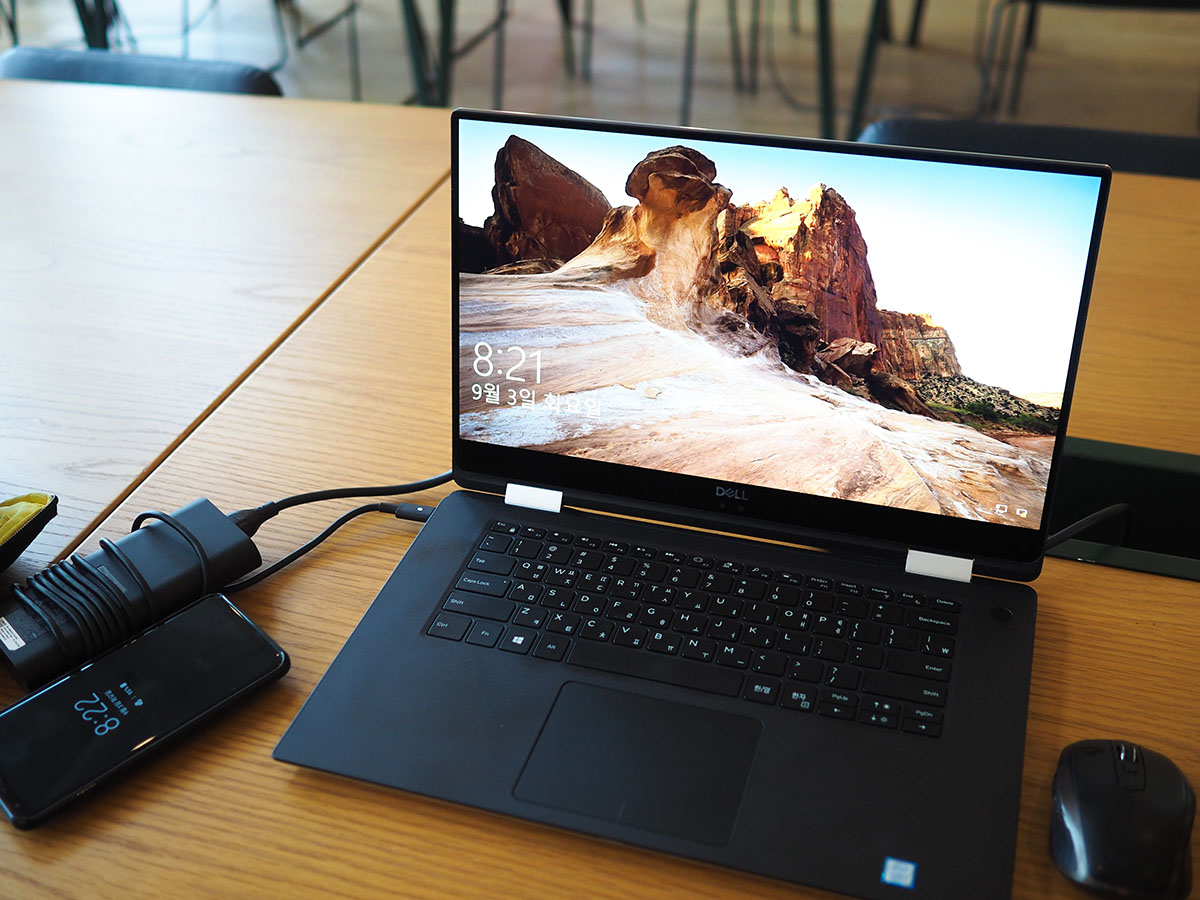
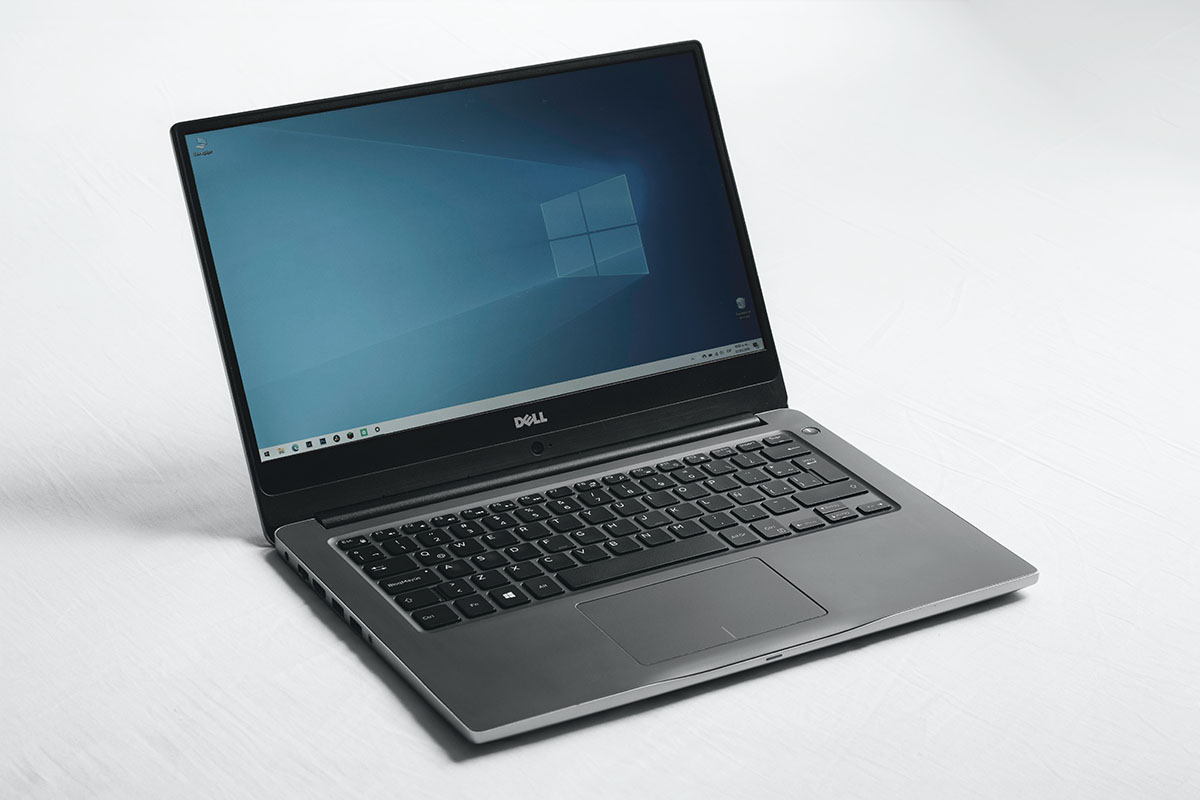
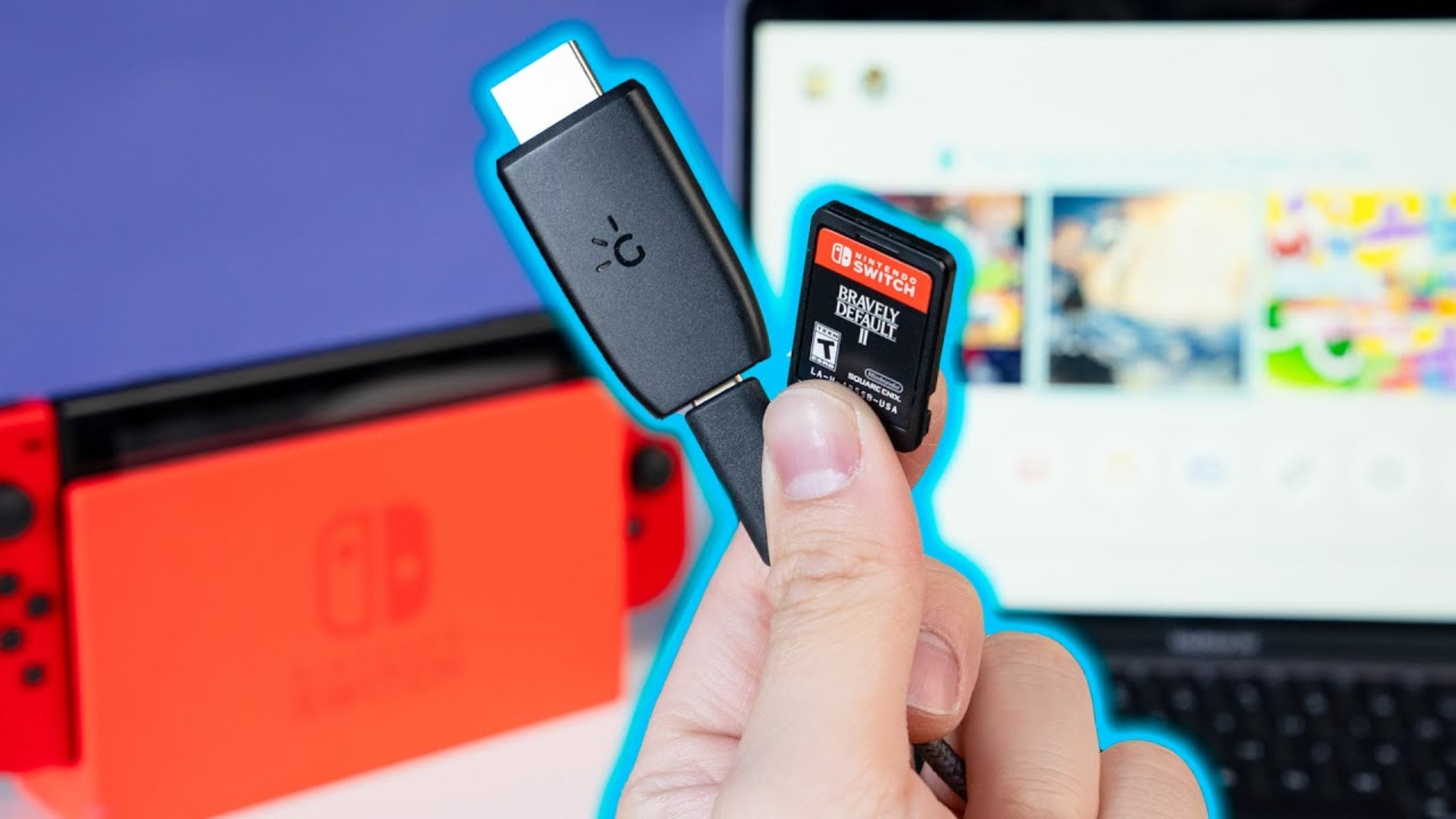
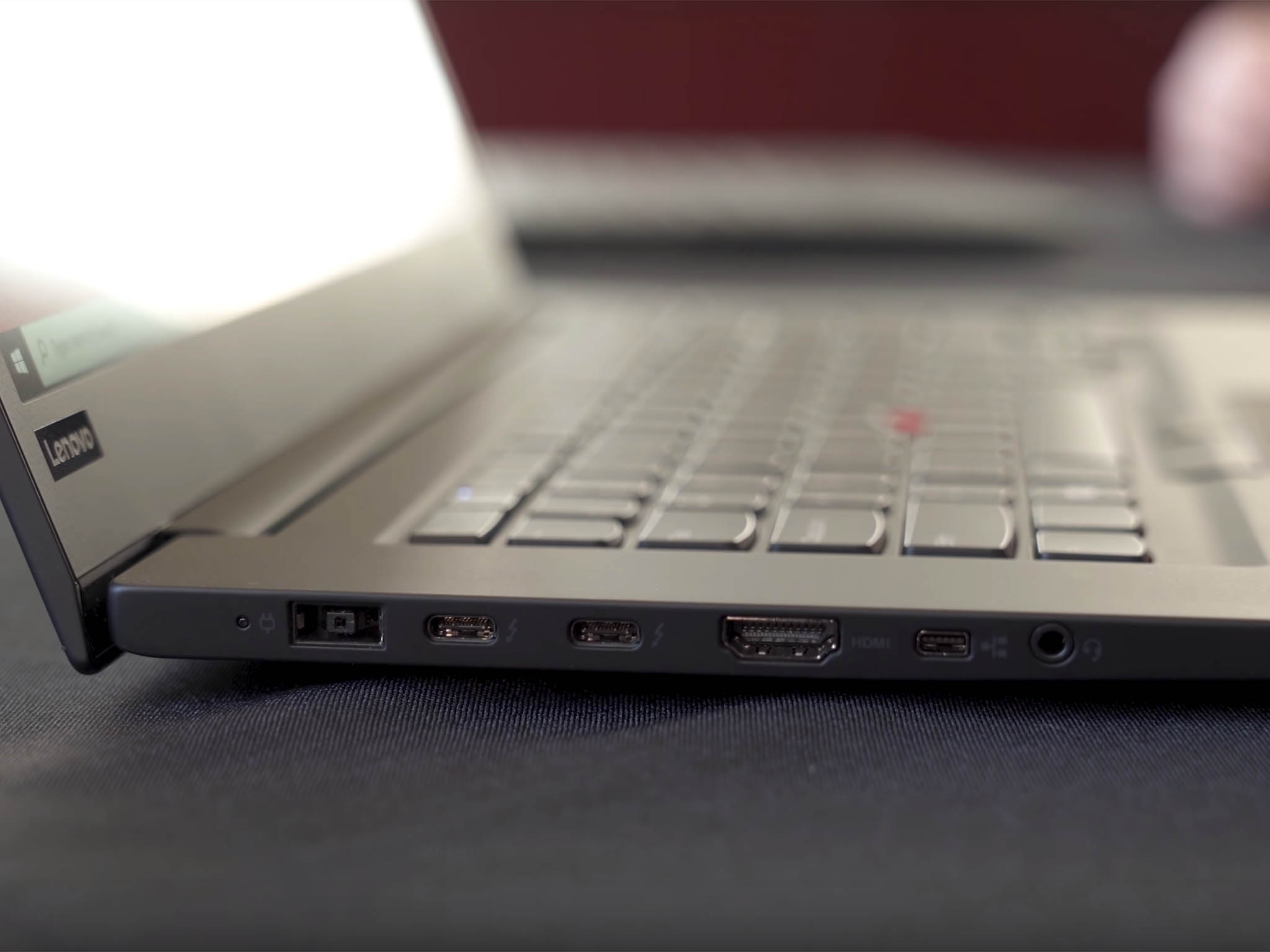
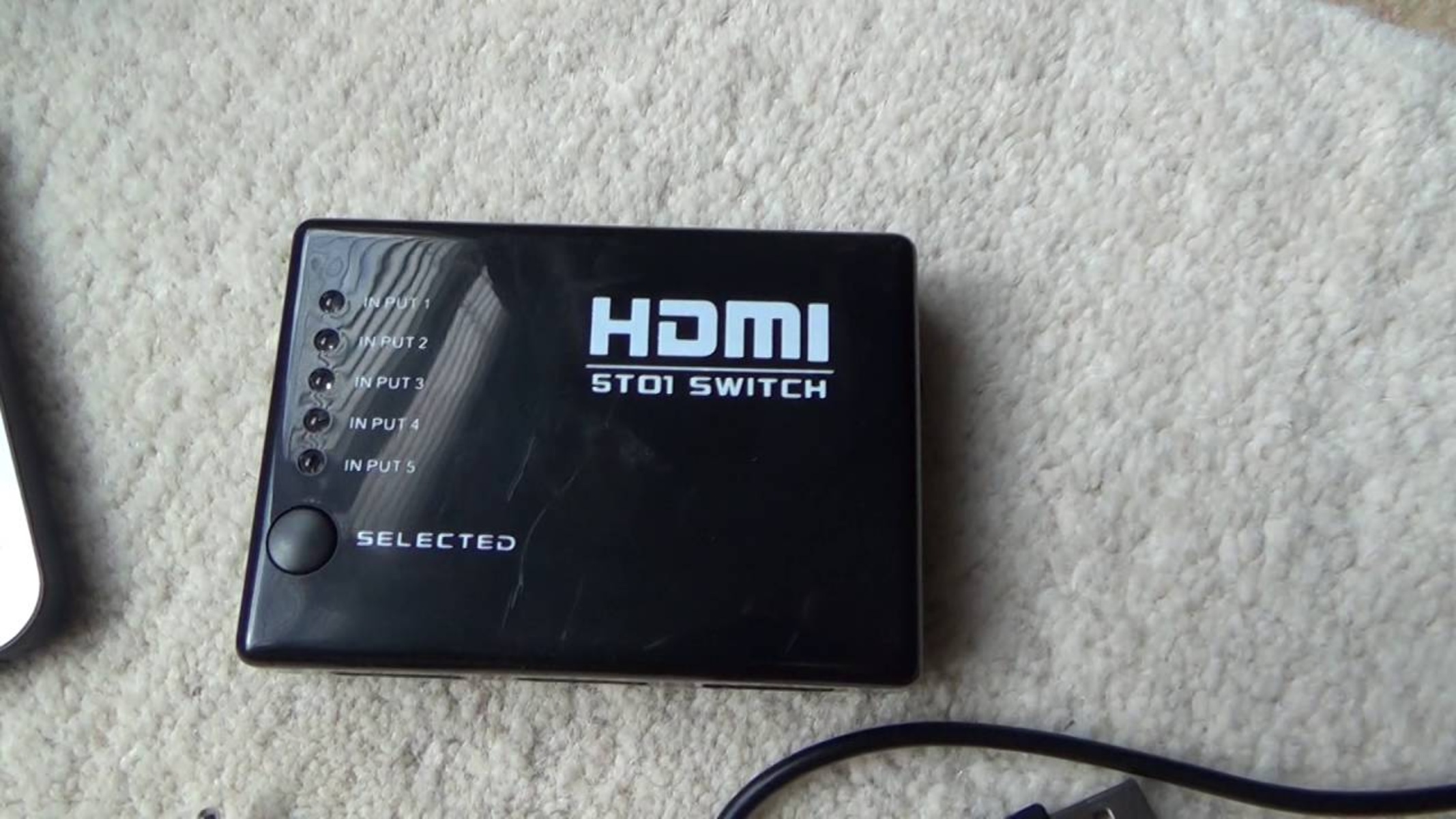
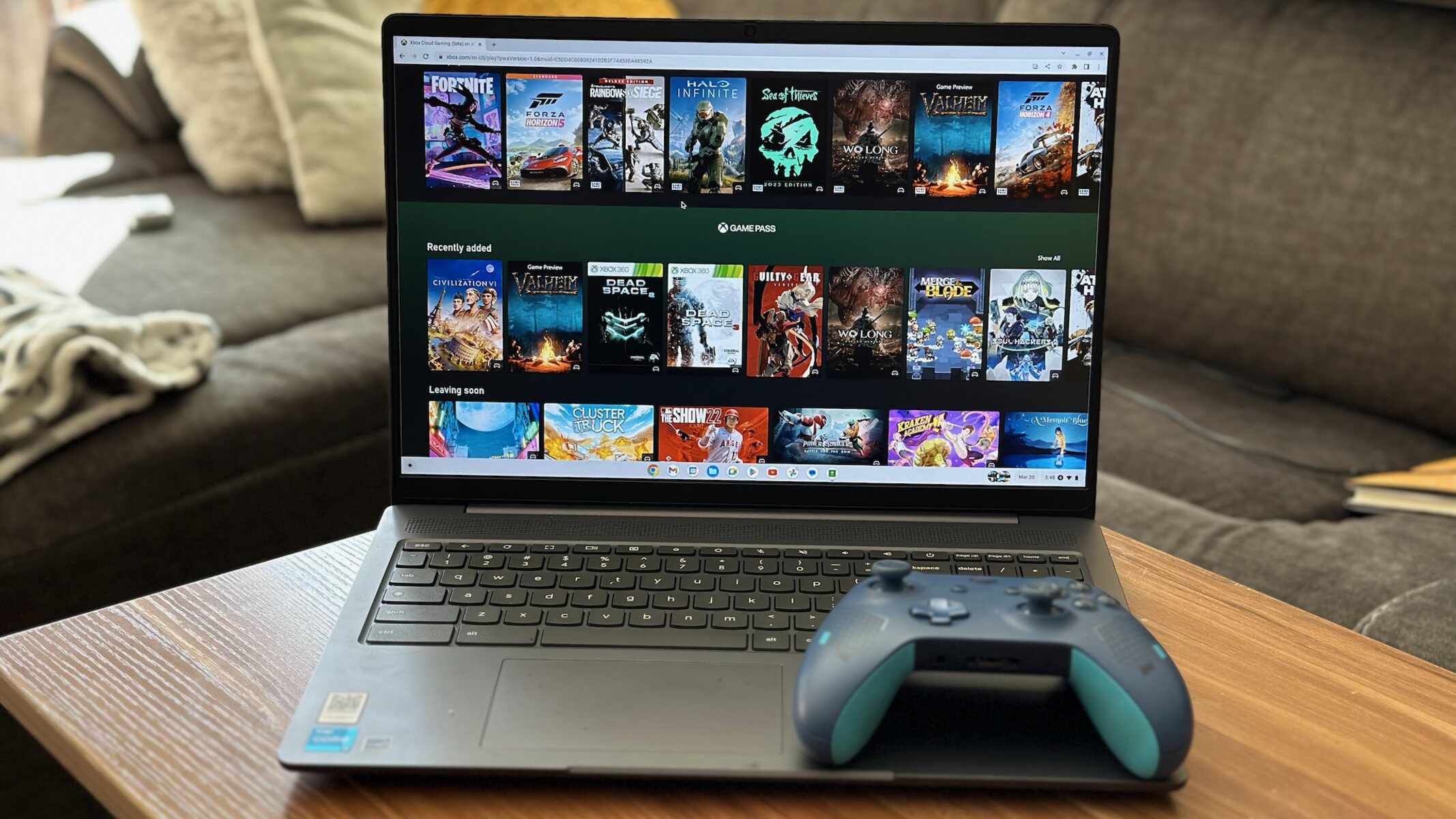
The articles here group into a few clear themes. One major theme is connectivity and external displays. You will find help with wiring a laptop to a TV or monitor, including guides for connecting to Roku, TCL, and Vizio smart TVs, as well as how to use HDMI with a PS4, PS5, Xbox 360, or a Firestick. Another theme covers everyday laptop operation and maintenance, such as forcing a laptop to use a dedicated Nvidia GPU, turning on the keyboard backlight, or using an SD card reader. A third theme focuses on device recovery and identification, with practical instructions for factory resetting a Dell, force shutting it down, or finding its serial number.
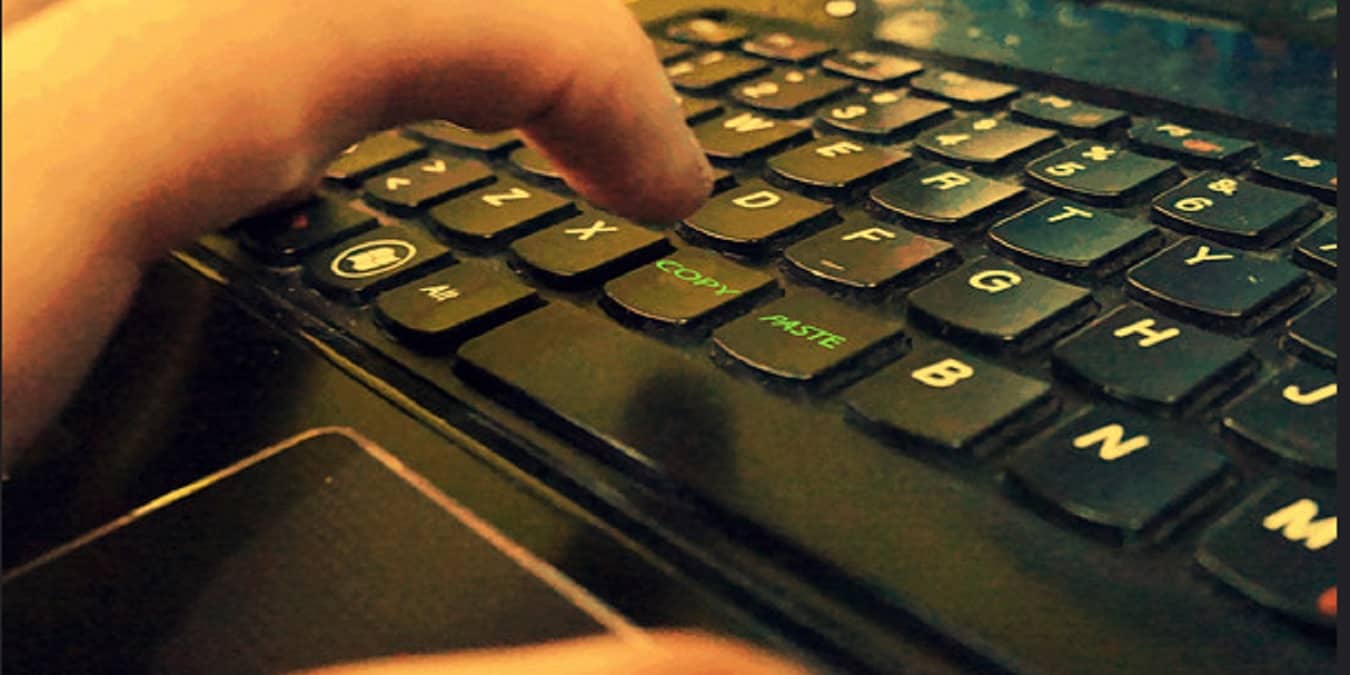
Several articles also address legitimate ways to manage content and hardware. For example, the guides on downloading movies from HBO Max or Disney Plus explain the official, legal methods for offline viewing within those services. Similarly, articles on connecting wireless earbuds or copying and pasting on a Dell are about using standard features correctly. The collection does not cover bypassing security, pirating media, or hacking; instead, it sticks to safe, supported ways to get your laptop and its accessories working as intended.