The iPhone tag on robots.net collects practical, step-by-step guides for anyone who uses an iPhone as part of their daily routine, whether you’re a longtime owner or just switched from Android. These articles are written for everyday people who want to fix a small annoyance, change a setting, or get two devices to work together, without needing to visit a repair shop or dig through dense manuals.

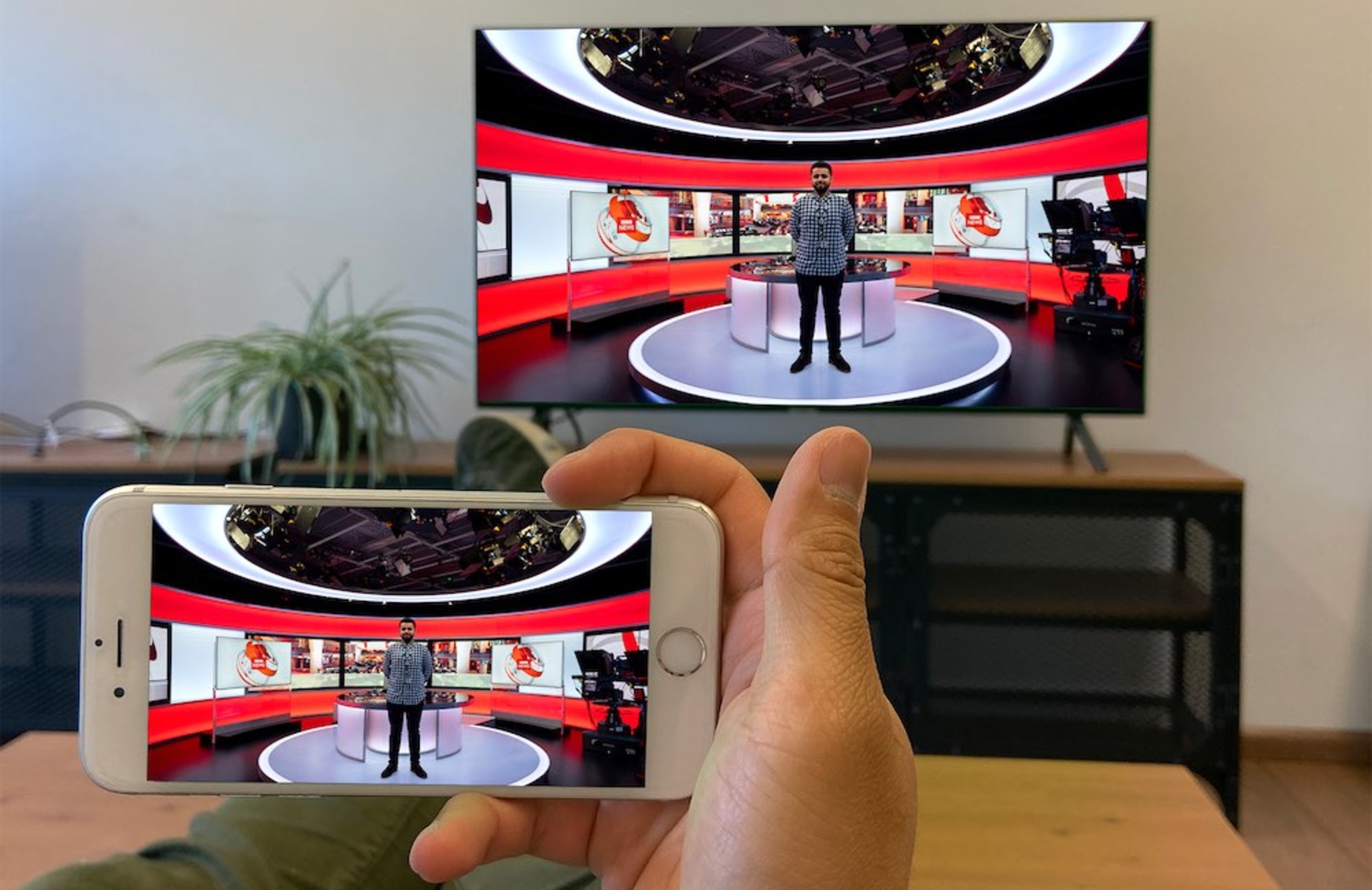
The guides here cluster around a few recurring themes. One is connectivity and device pairing: you’ll find help with getting an iPhone to show on a TV via HDMI, transferring files from an Android phone over Bluetooth, connecting to a Chromebook, or stopping AirPods from automatically jumping to another device. Another theme is managing apps and media storage, for example, clearing the Amazon Music cache, locating Spotify downloads, or moving video from an SD card into the iPhone’s photo library. A third theme is interface and security controls, such as changing the Apple Watch home screen, finding saved Face ID passwords, or turning off Face ID for recently deleted photos so they stay hidden until you choose to view them.

Several articles also address safety and privacy in a straightforward way. You can learn what the SOS icon next to Wi‑Fi means, why your Wi‑Fi might show a privacy warning, or how to interpret an Android user’s blocked status on your iPhone. Others focus on legal, everyday adjustments like installing Waze voices, adding a Spanish keyboard, or setting a Spotify song as your alarm. The overall goal is simple: help you get your iPhone, its accessories, and your other devices working the way you want, with clear instructions you can follow at your own pace.
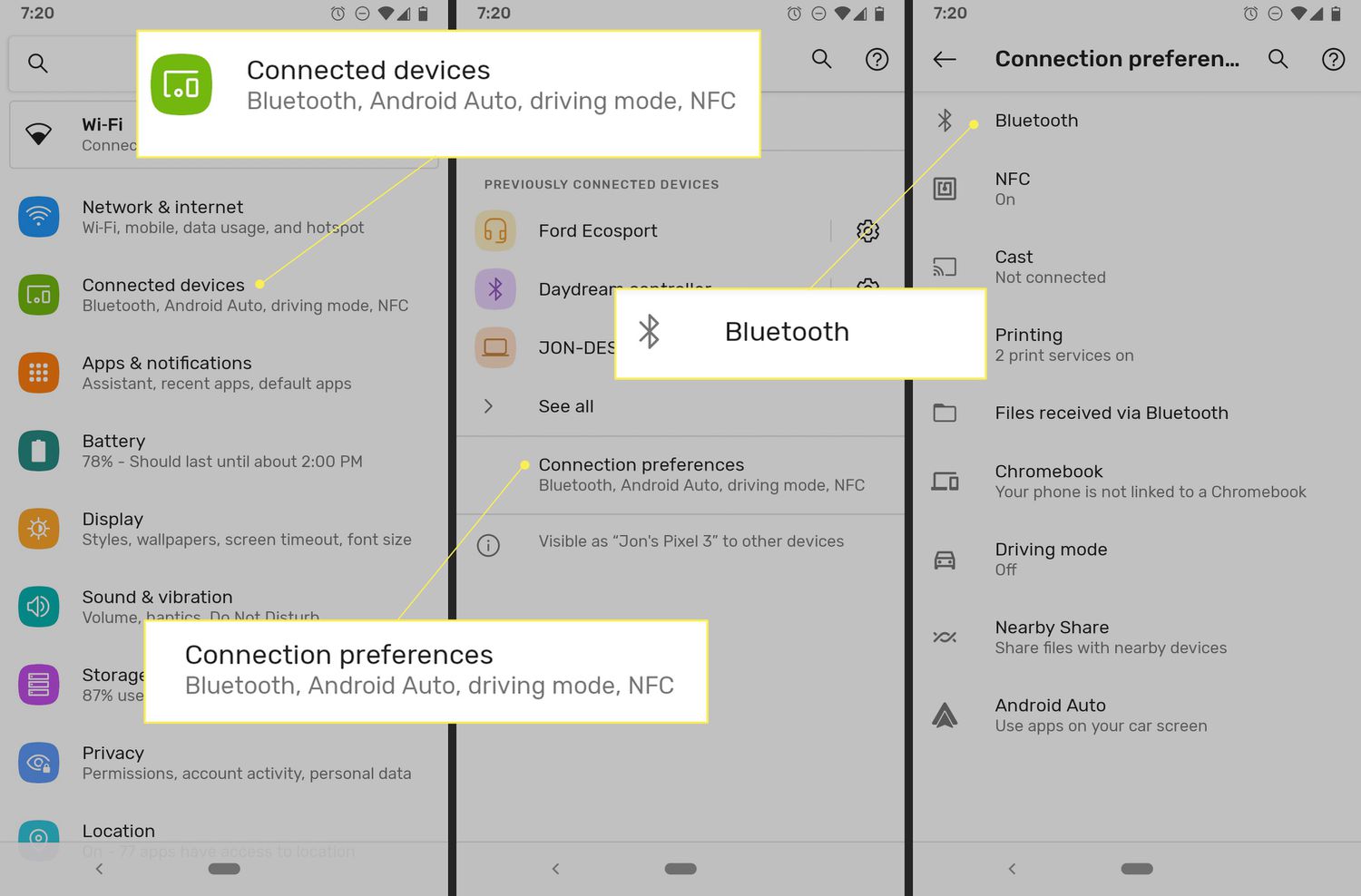
How Do You Change Your Bluetooth Name

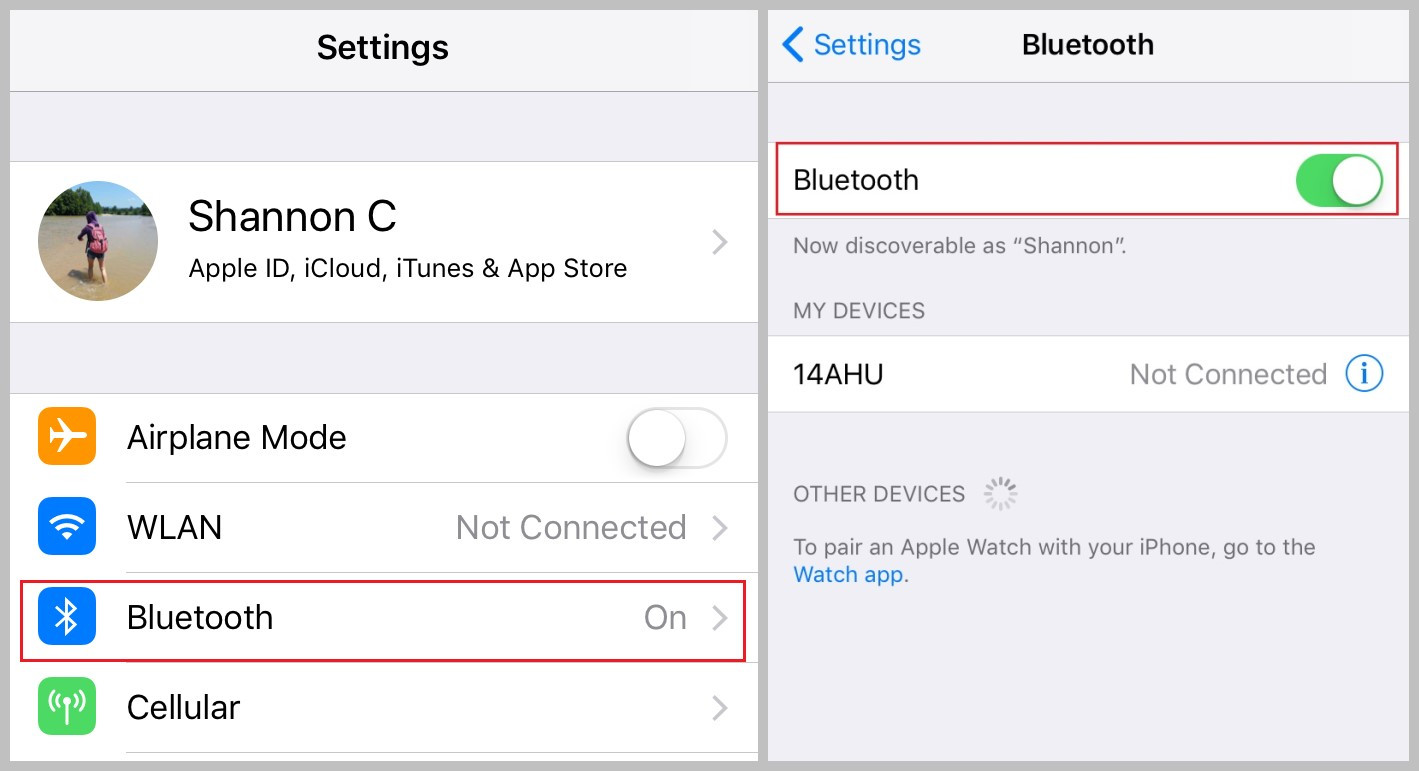
To change your Bluetooth name, you edit the identifier your device broadcasts to nearby gadgets, making it simpler to spot in pairing lists. The exact steps depend on whether you're...

How To Set Spotify Song As Alarm

To set a Spotify song as an alarm on an Android phone, use the built-in Google Clock or Samsung Clock app. On an iPhone, you must download a third-party app...

Where Are Spotify Downloads Stored

Where are Spotify downloads stored? On Windows and Mac, they are stored in an encrypted cache folder that you can see in Spotify Settings, but the files are not playable...

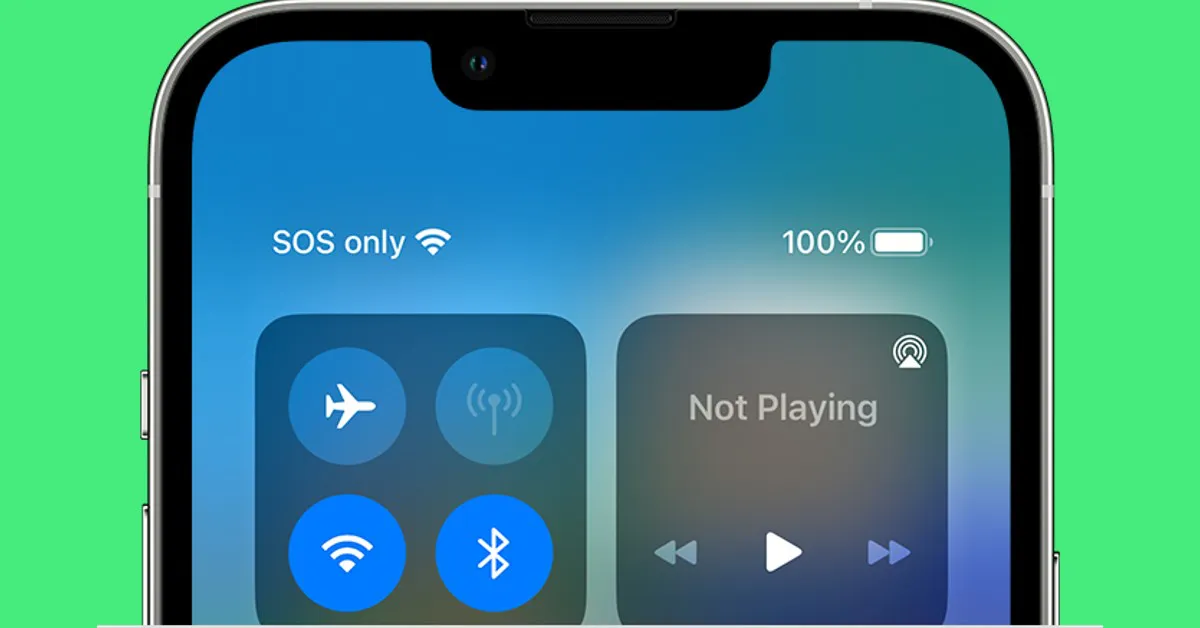
What Does Sos Mean On iPhone Next To Wifi

When you see “SOS” or “SOS Only” next to the Wi‑Fi icon on your iPhone, it means your phone has lost its connection to your cellular carrier’s network, but it...

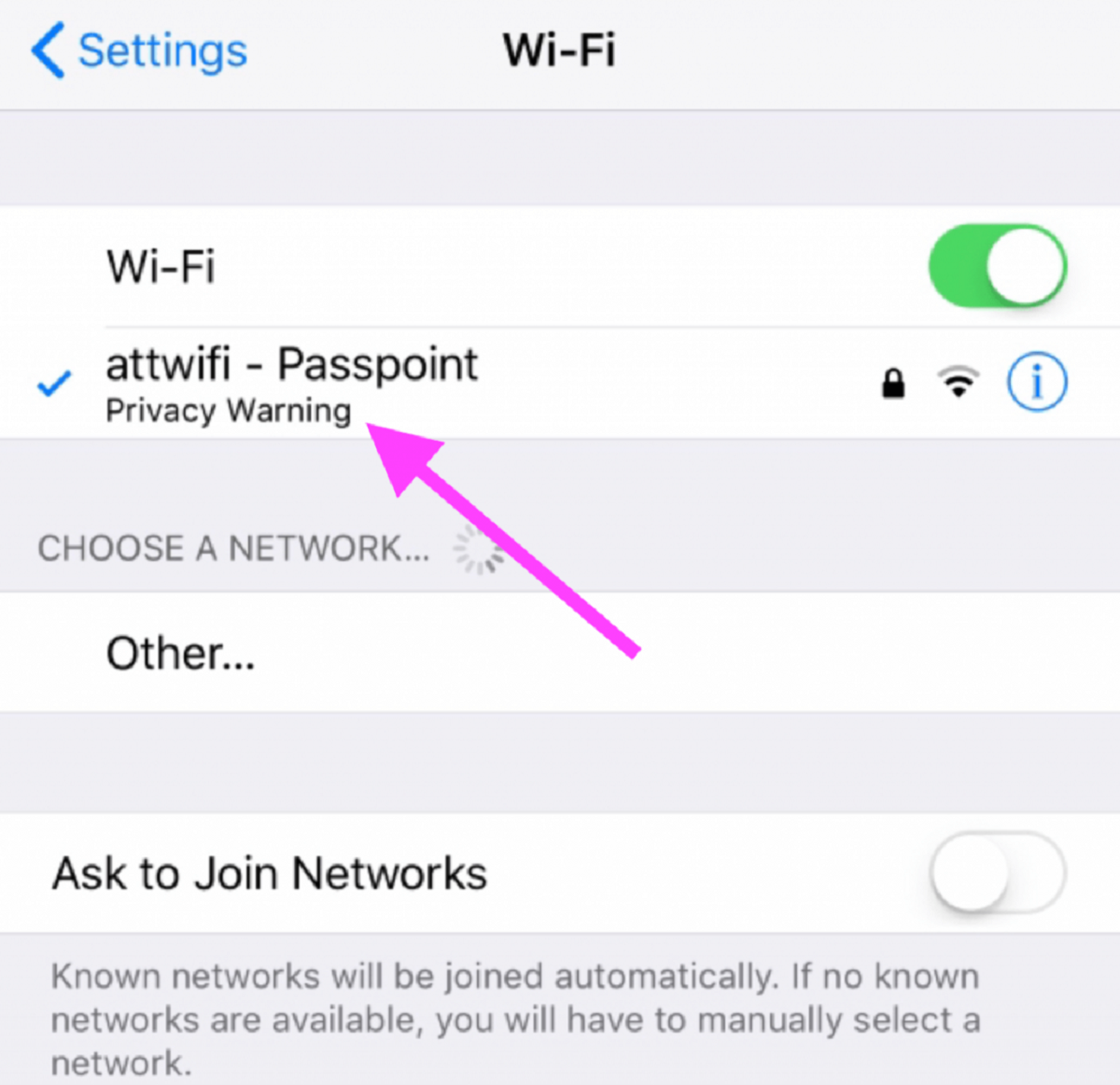
Why Does My Wifi Say Privacy Warning

If you see a wifi privacy warning on your iPhone, iPad, or Mac, it means your device is using its permanent, hardware-based MAC address instead of a randomized one, which...

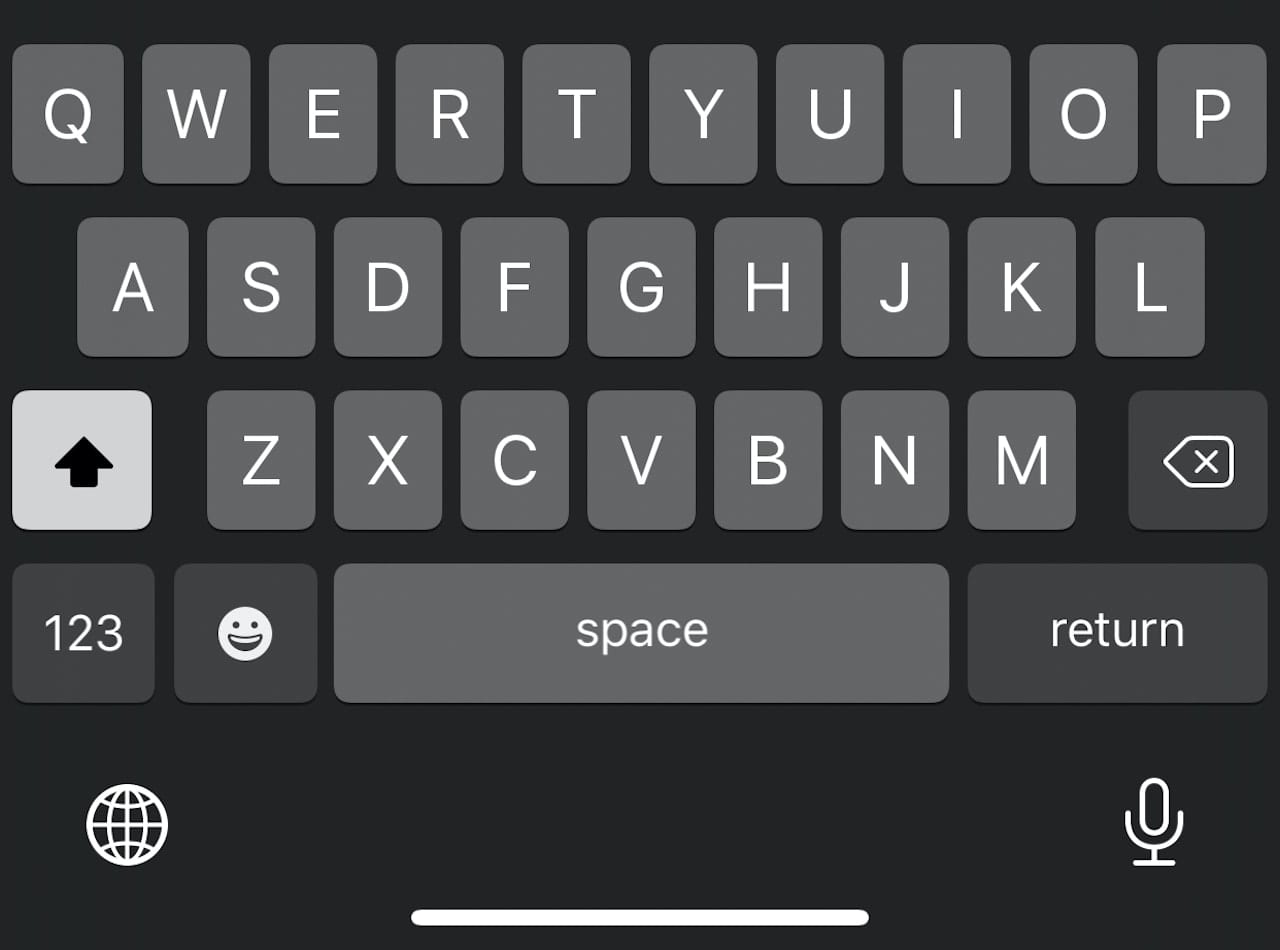
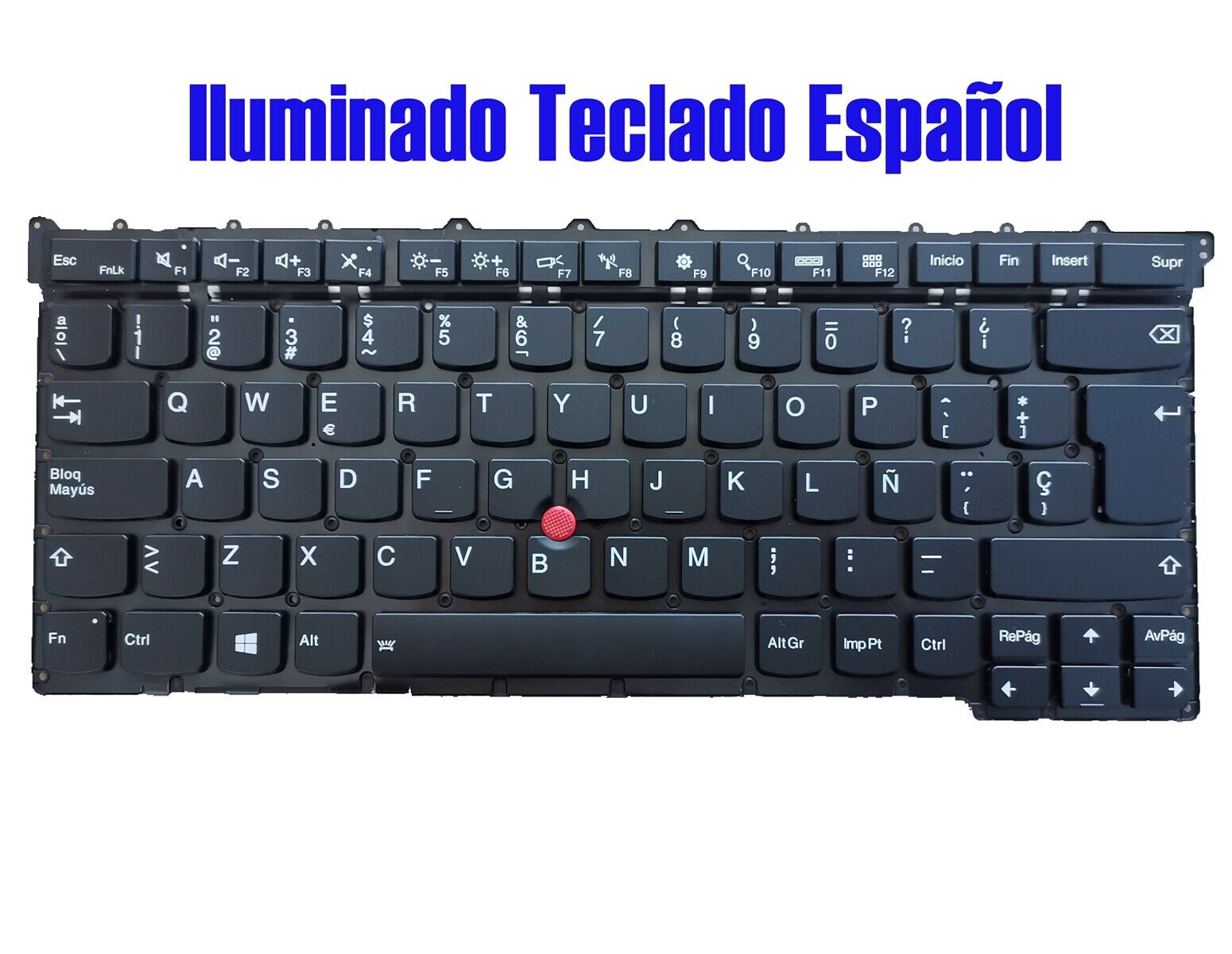
How To Get Spanish Keyboard

To get a Spanish keyboard, you don’t need to buy new hardware, you can change the keyboard layout in your device’s settings in a few minutes. This software-based approach works...

How To Connect Wifi Without Password

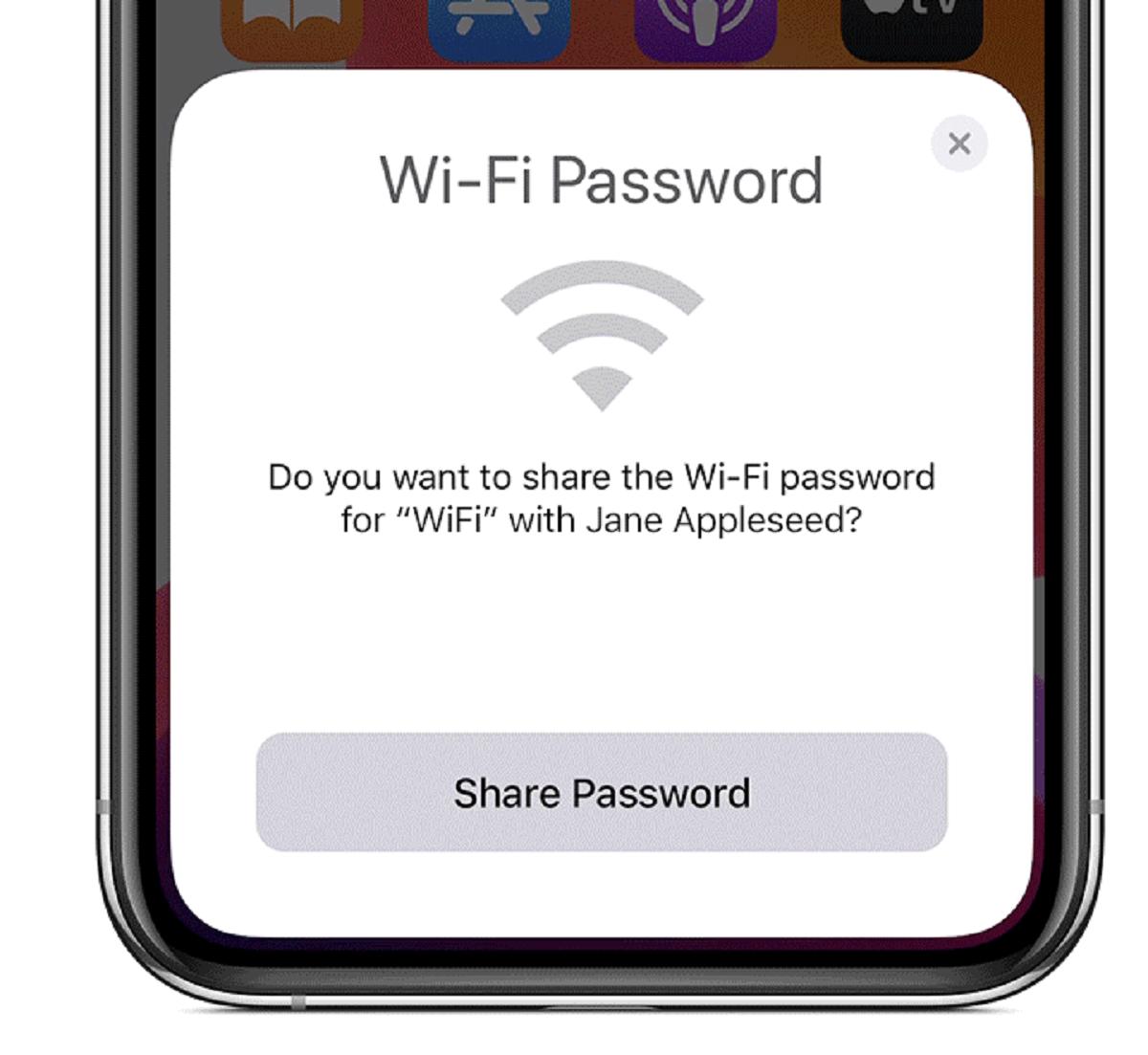
The most direct way to connect wifi without password is to have someone who is already connected generate a QR code from their device that you can scan. This method...

How Do I Know What Ghz My Wifi Is

To find out what GHz your Wi-Fi is, check your device's Wi-Fi settings or network properties, the band (2.4 GHz, 5 GHz, or 6 GHz) is listed there. This quick...