This tag collects articles about IP addresses, what they are, how to find them on various devices, and how to manage them in everyday networking situations. It’s written for home users, small-office troubleshooters, and hobbyists who need practical answers without diving into deep technical manuals. Whether you’re setting up a printer, a game server, or a network switch, these guides focus on the specific steps to get connected and stay connected.
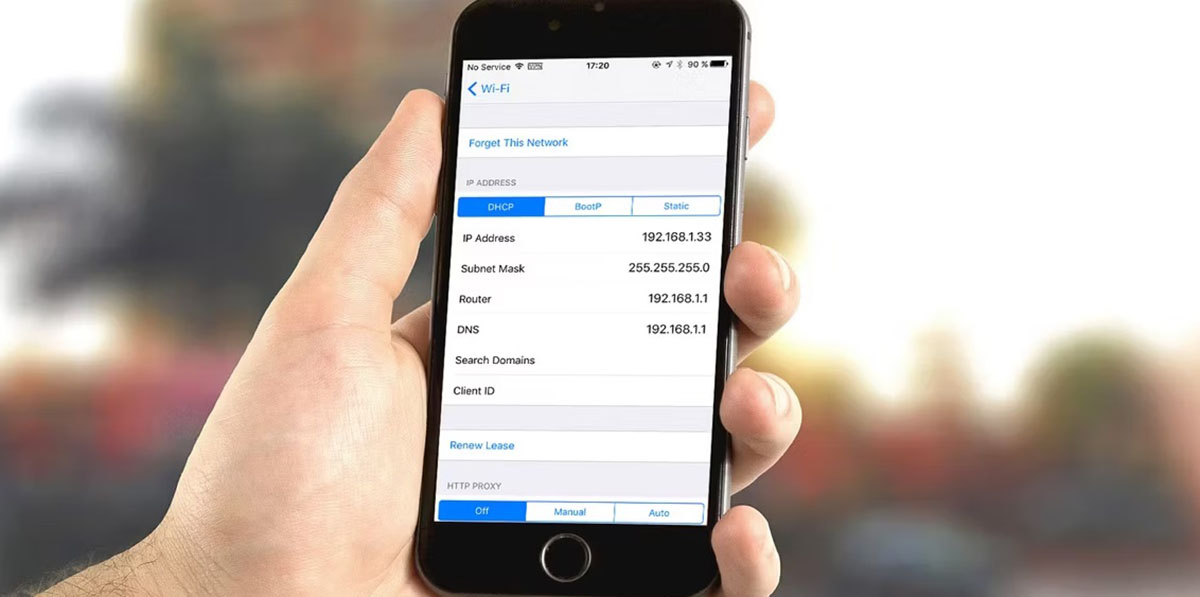
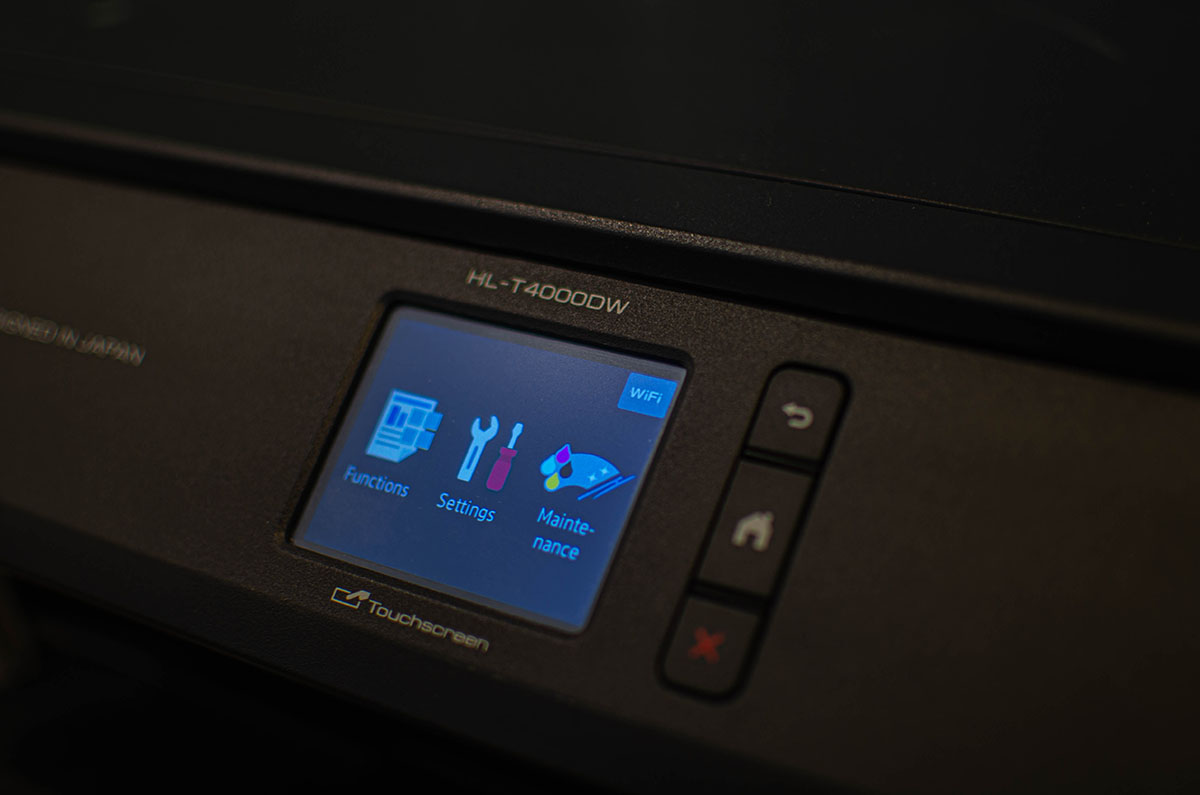
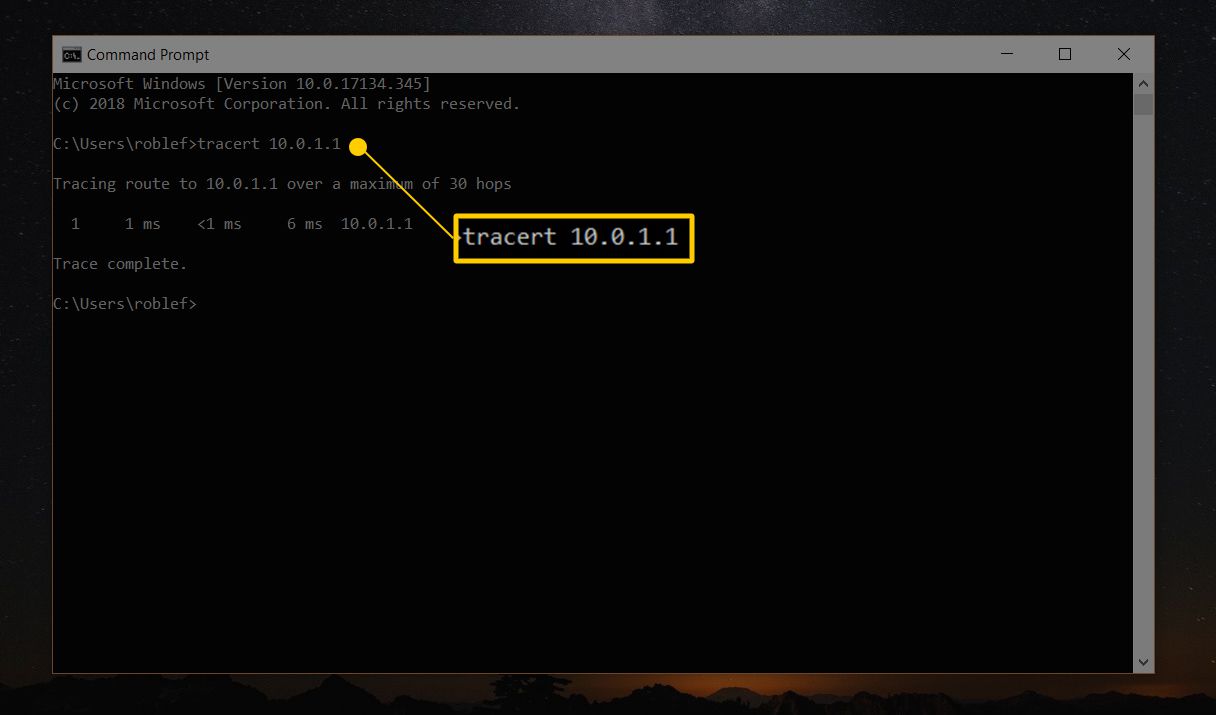
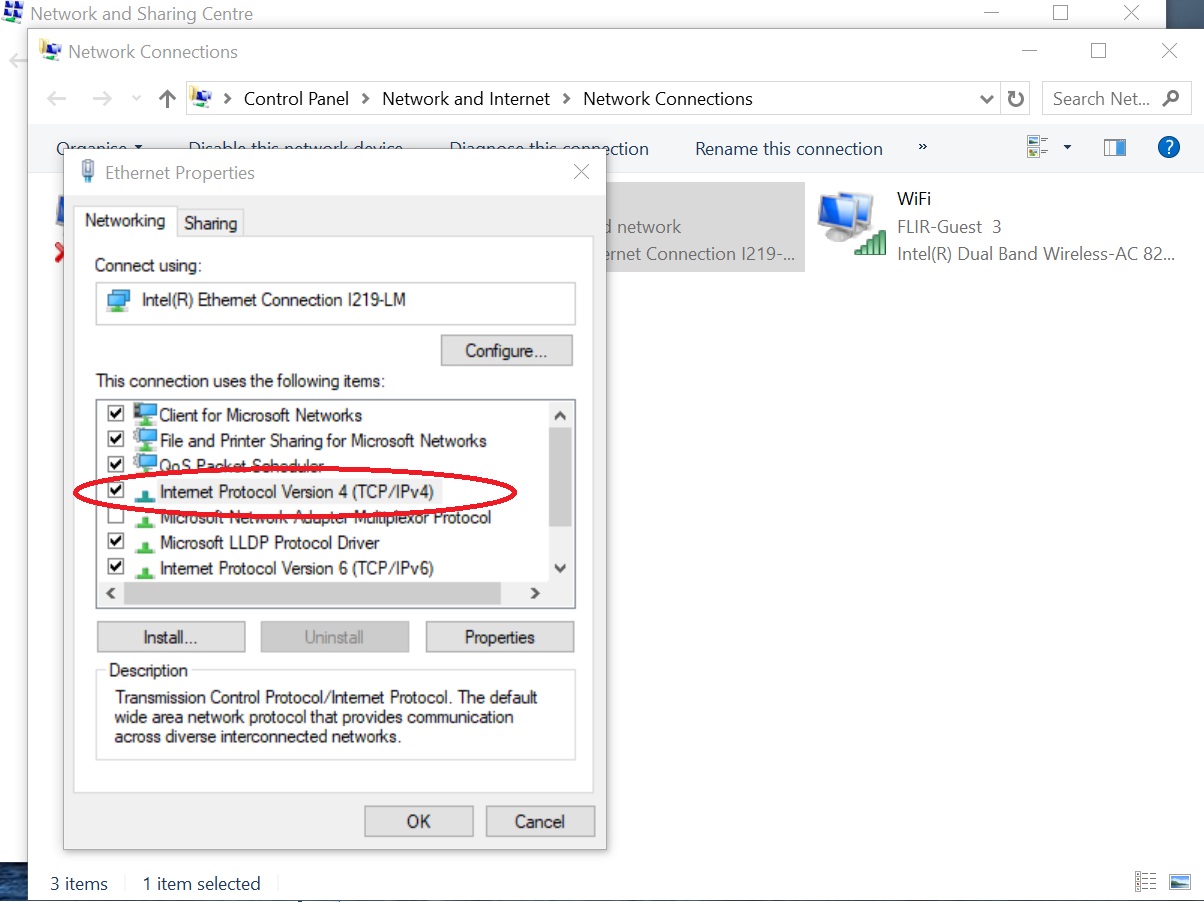
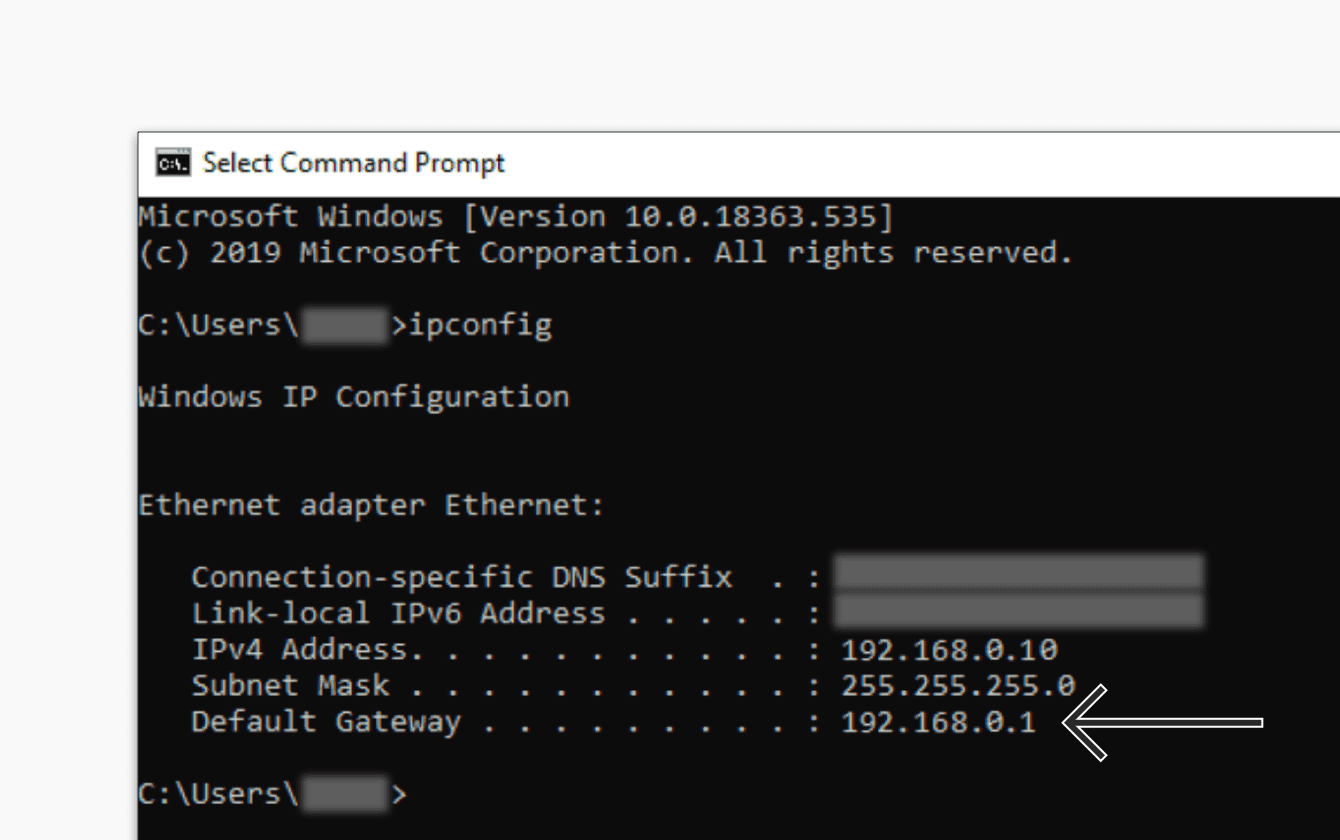
The articles cluster around three main themes. First, device discovery: you’ll find help locating the IP address for a Roku without a remote, a Brother printer, a 3D printer, or an Ethernet-connected computer. Second, network configuration and access: this includes connecting to an IP address in a browser, finding your default gateway, accessing a Netgear switch’s admin page, and troubleshooting why an unmanaged switch doesn’t appear in scans or why a second router breaks connectivity. Third, privacy and security: several pieces explain what someone can do with your IP address, how to hide it without a VPN, and what incognito mode does, and does not, do, particularly regarding Facebook and online gaming.
Rather than offering risky instructions, the safety-related articles are framed as awareness and protective guidance. They help you understand the limits of IP-based tracking, the realistic risks of sharing your address in online games, and the legitimate options for masking it. The troubleshooting pieces, meanwhile, are practical and direct, they help you fix a printer that keeps going offline, connect to a Terraria server, or figure out why your switch works with one router but not another. All of it is aimed at getting your home network running smoothly and keeping your information private.