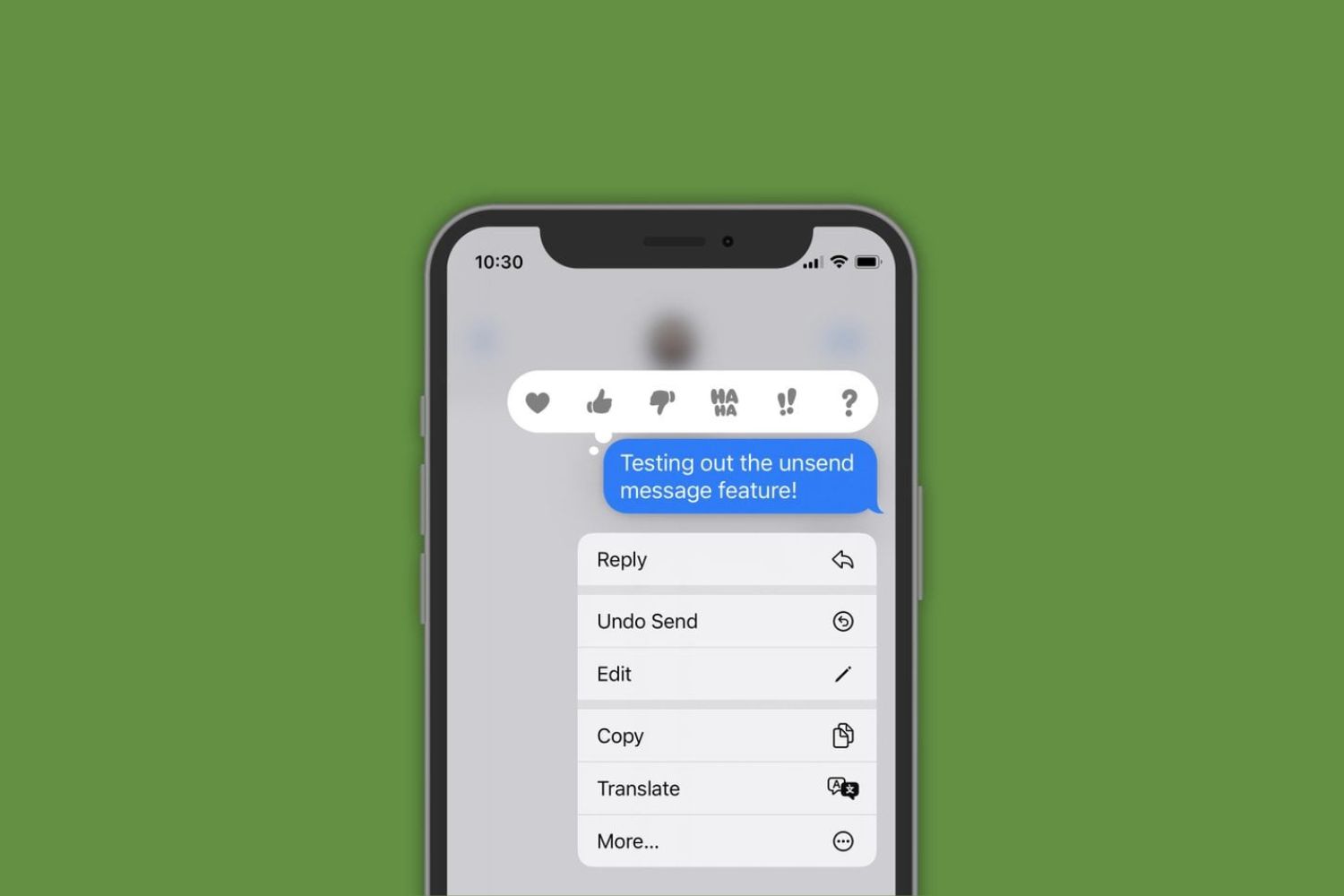
To unsend a photo on iMessage, touch and hold the photo bubble in the conversation, then tap "Undo Send" from the menu that appears. This is the only way to...
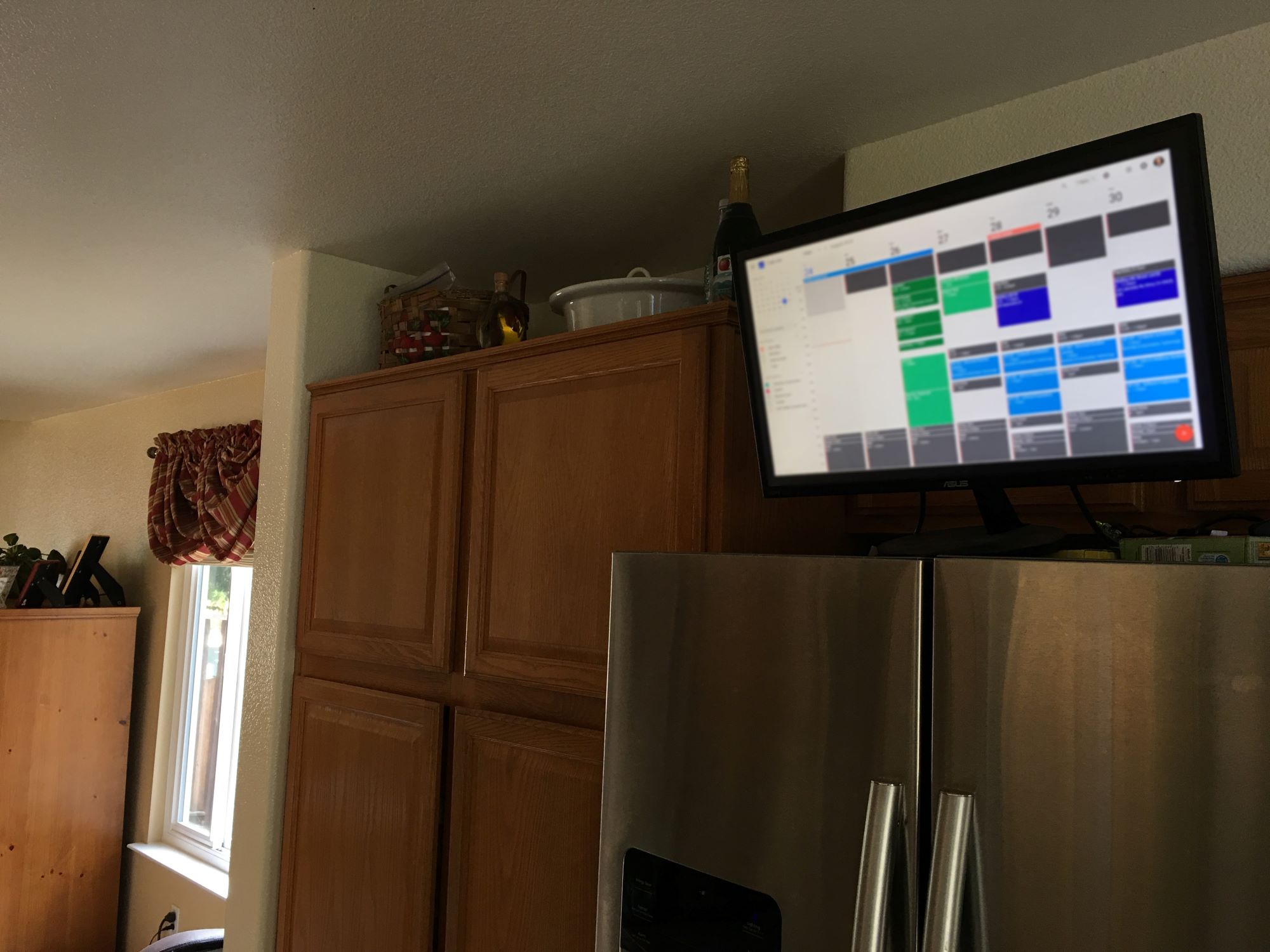
To display Google Calendar on a smart TV, you have two reliable workarounds: screen mirroring from a phone or computer, or using the TV's built-in web browser. No dedicated Google...
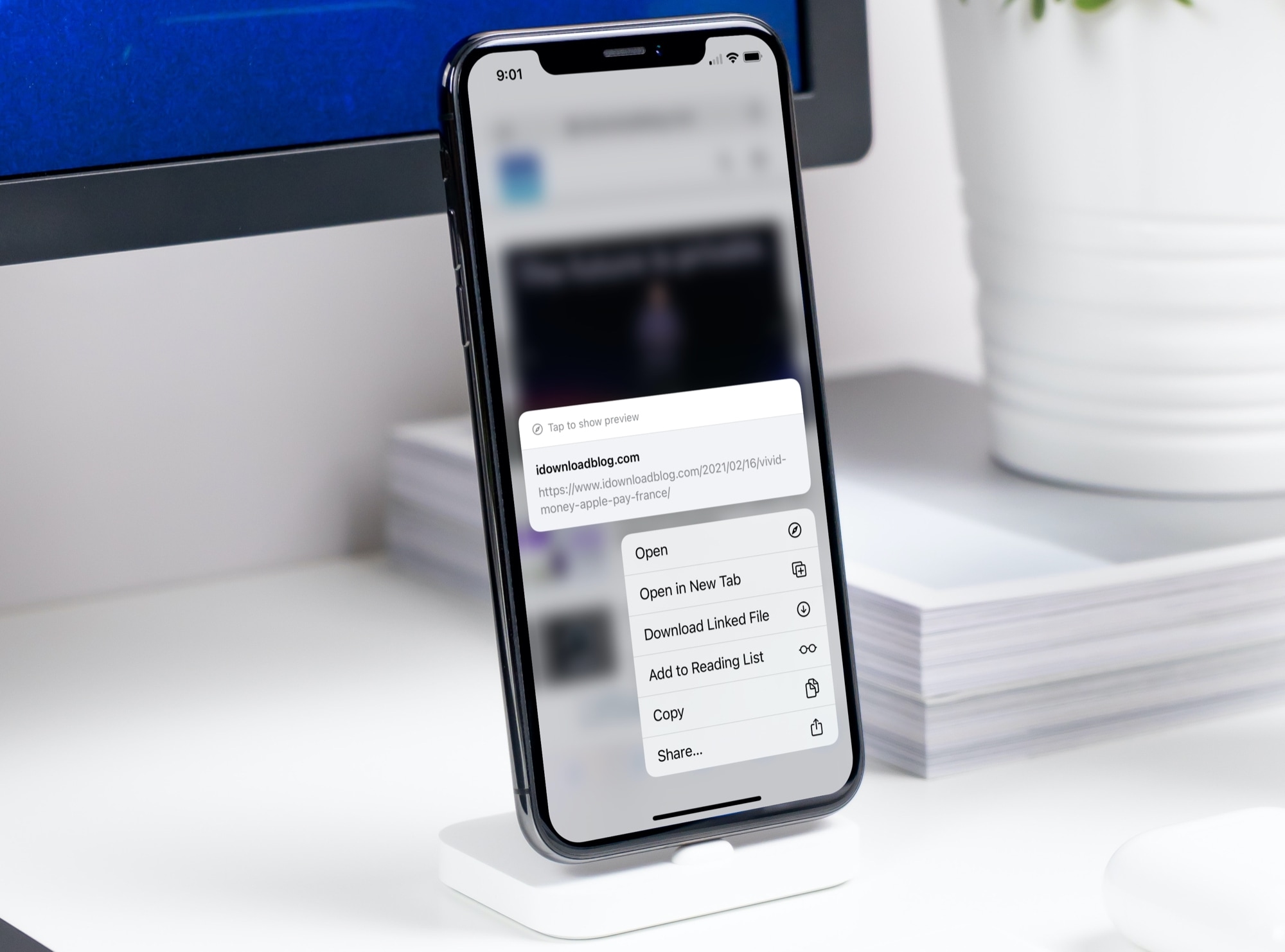
Universal links on iPhone are the automatic, built-in mechanism that lets links open directly in their corresponding app instead of Safari. For apps like YouTube and Instagram that support this...
To set Google Calendar as default on iPhone, you actually configure a Google account as the default calendar for new events created in Apple's Calendar app. This is because iOS...
How To Monitor Another Phone For Free Free parental phone monitoring means using built-in, first-party tools like Apple Family Sharing or Google Family Link to transparently supervise a child's device,...
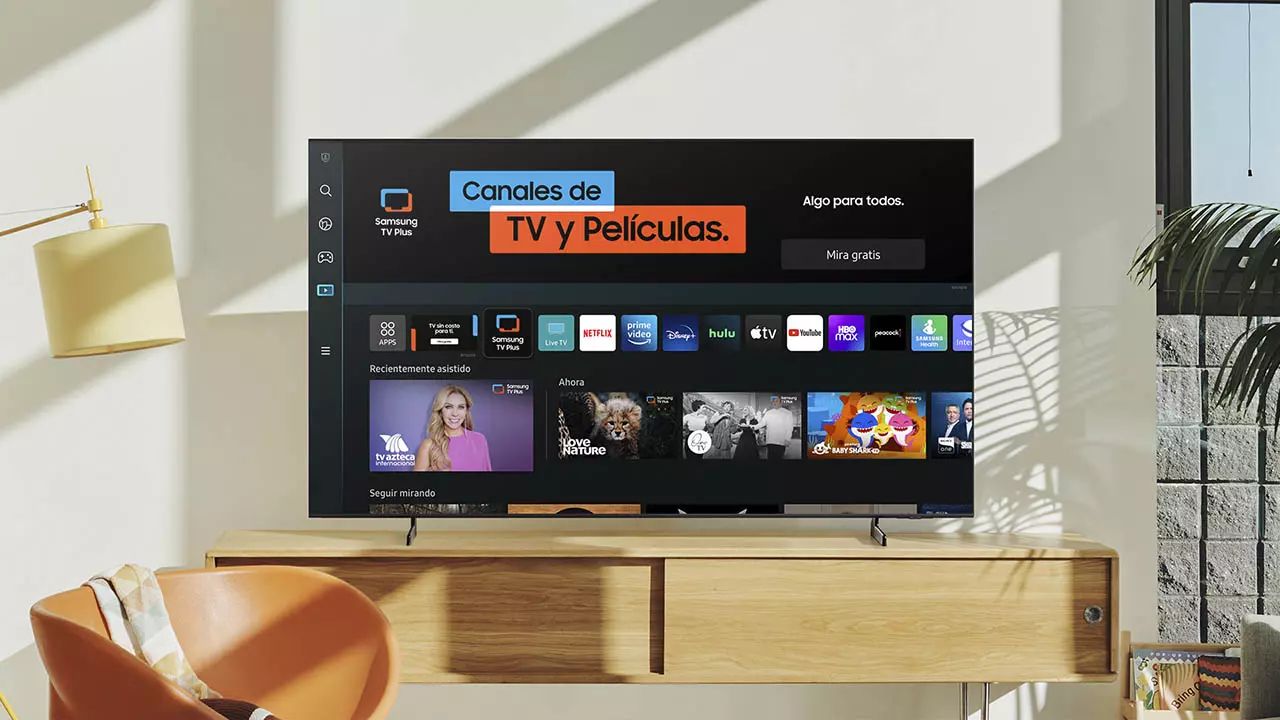
You can setup Samsung smart TV without remote by using the Samsung SmartThings app on your smartphone. This method lets you connect your TV to Wi-Fi and control it entirely...
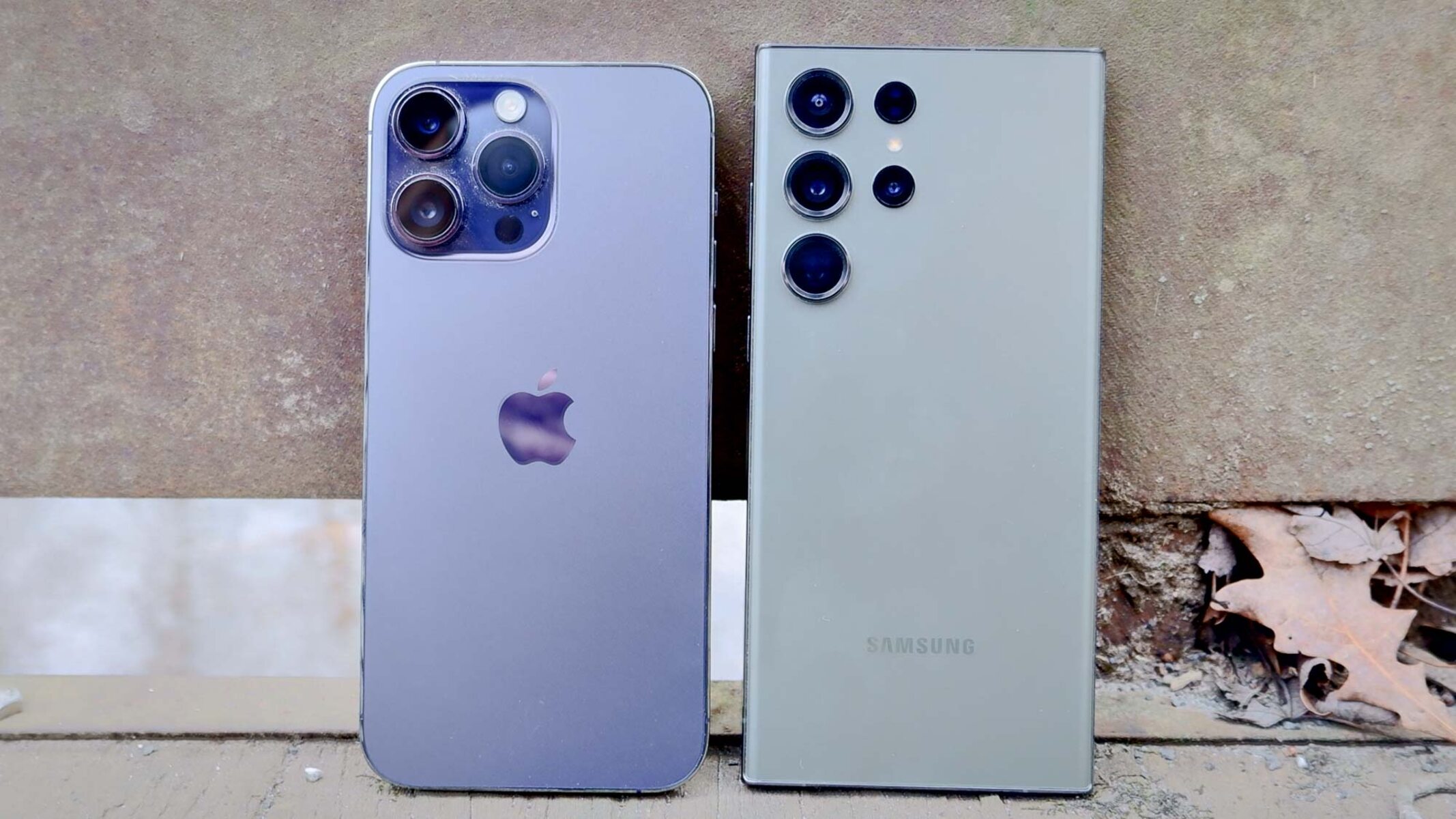
The difference between a smartphone and an iPhone is that a smartphone is a broad category of mobile device, while an iPhone is a specific brand of smartphone made exclusively...
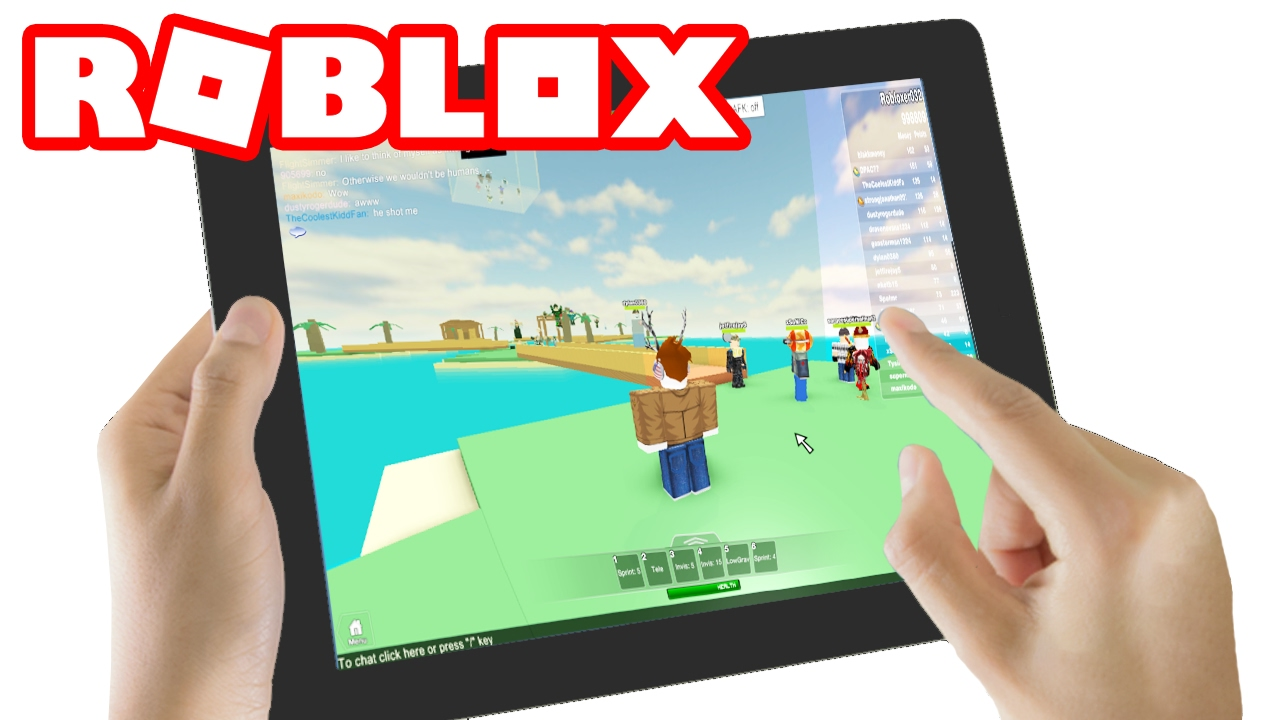
You cannot make a game on Roblox on a tablet using Roblox Studio, because the development tool is not available on iOS or Android devices. The only way to make...
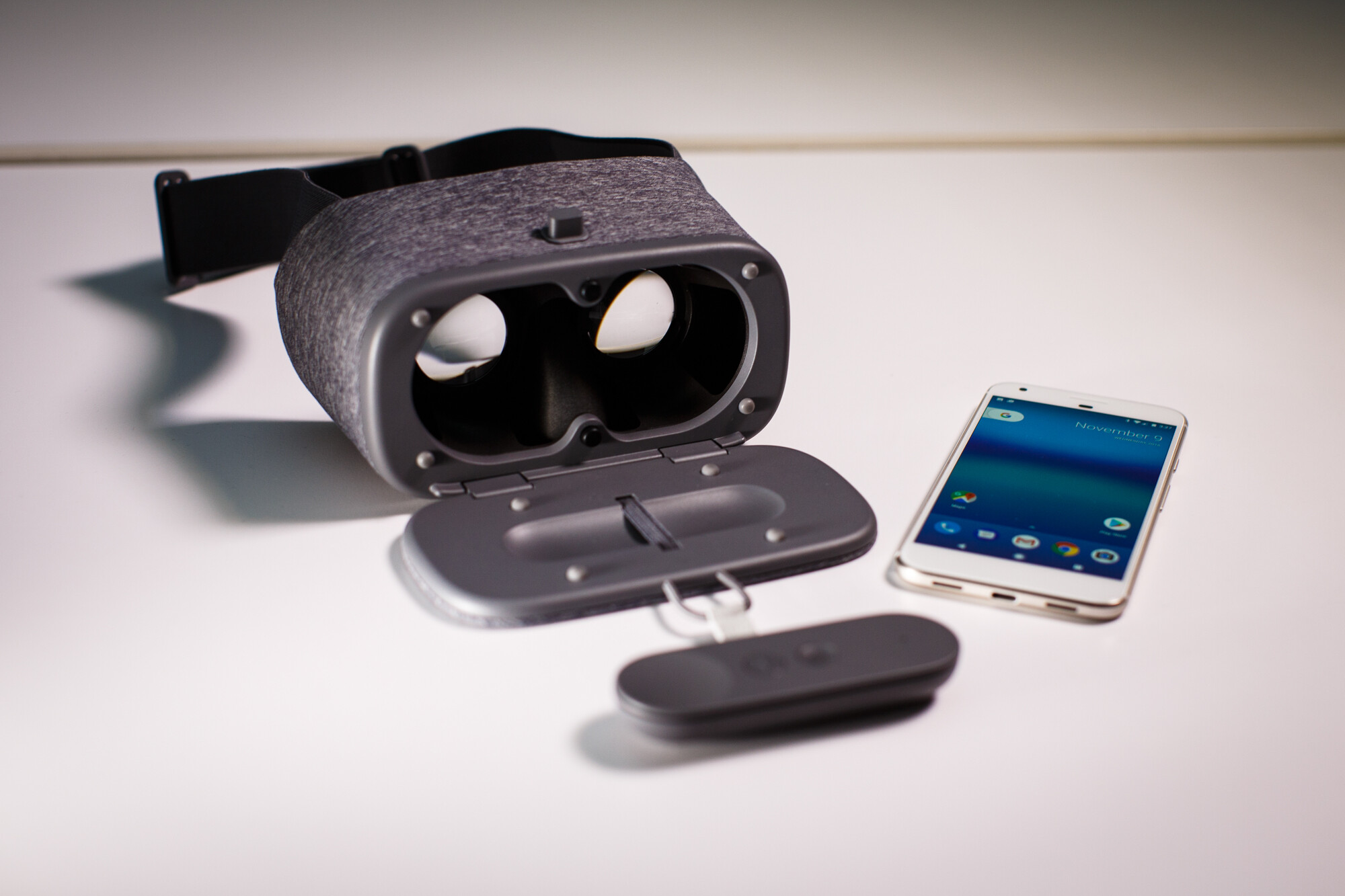
To use phone as VR headset, you need just three things: a compatible smartphone, a low-cost viewer like Google Cardboard, and a VR app from your app store. This turns...
The Google Assistant Bard integration, announced at the Made by Google event in October 2023, upgrades the classic Google Assistant by combining its personalized help with the generative AI capabilities...
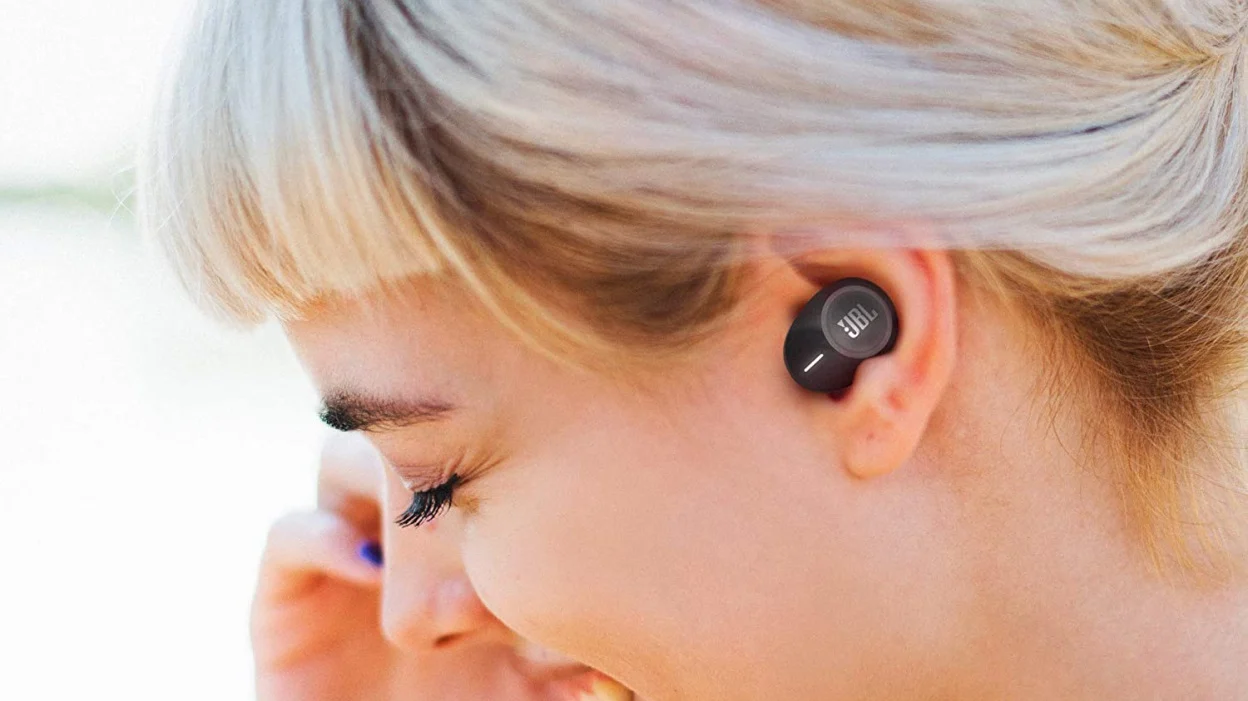
First-time setup and pairing your JBL earbuds To use JBL wireless earbuds, start by taking both earbuds out of the charging case and removing any plastic stickers covering the charging...
To download Grey's Anatomy on Netflix, open the Netflix app on your phone or tablet, find the show, and tap the downward arrow icon next to any episode. You need...
This website uses cookies so that we can provide you with the best user experience possible. Cookie information is stored in your browser and performs functions such as recognising you when you return to our website and helping our team to understand which sections of the website you find most interesting and useful.
Strictly Necessary Cookies
Strictly Necessary Cookie should be enabled at all times so that we can save your preferences for cookie settings.
If you disable this cookie, we will not be able to save your preferences. This means that every time you visit this website you will need to enable or disable cookies again.