This tag collects practical, step-by-step guides for HP desktop and laptop users who want to handle common hardware and software tasks themselves. It is written for everyday owners, not IT professionals, who need clear instructions for routine maintenance, setup, and troubleshooting on their HP machines. Whether you are new to the brand or just looking for a quick answer, these articles focus on specific, real-world questions about ports, peripherals, and system access.
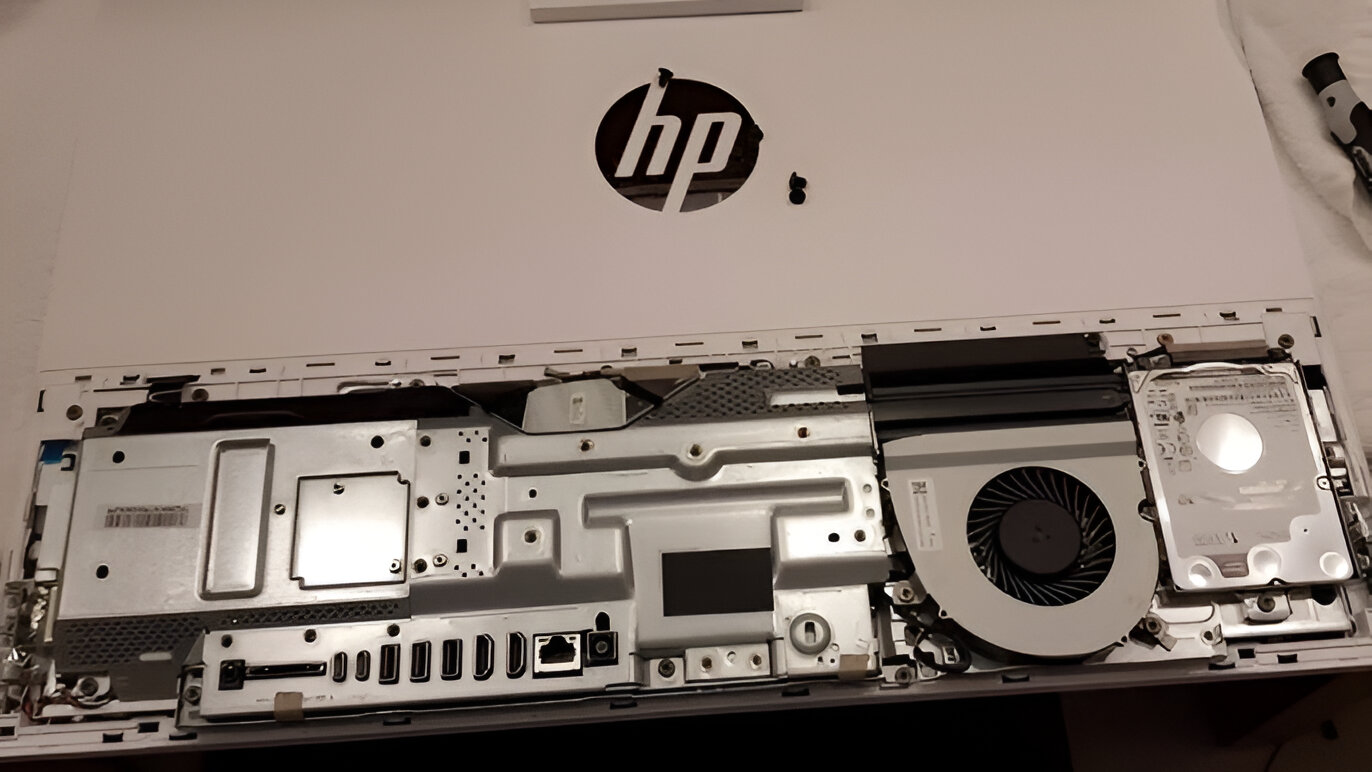
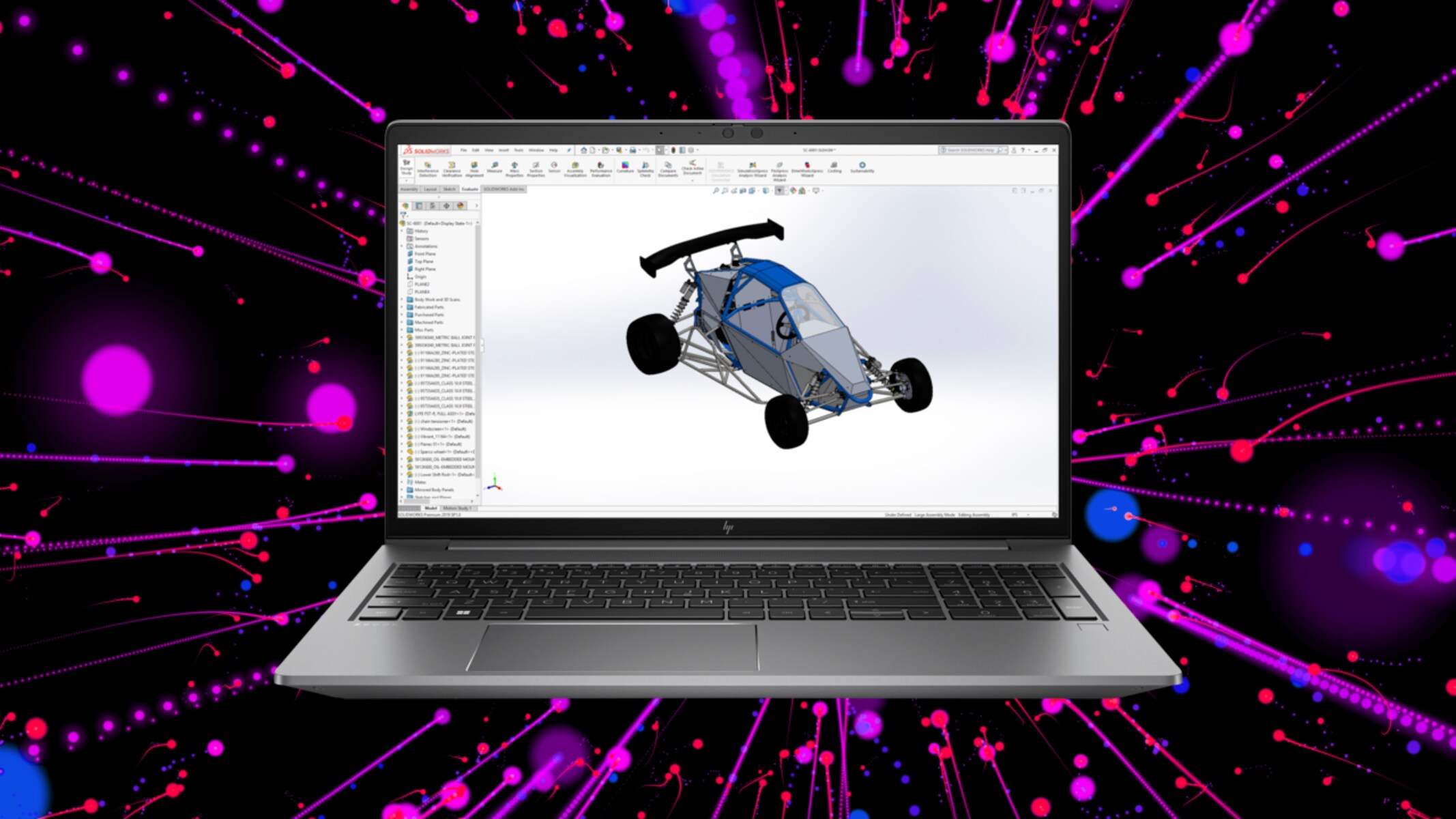
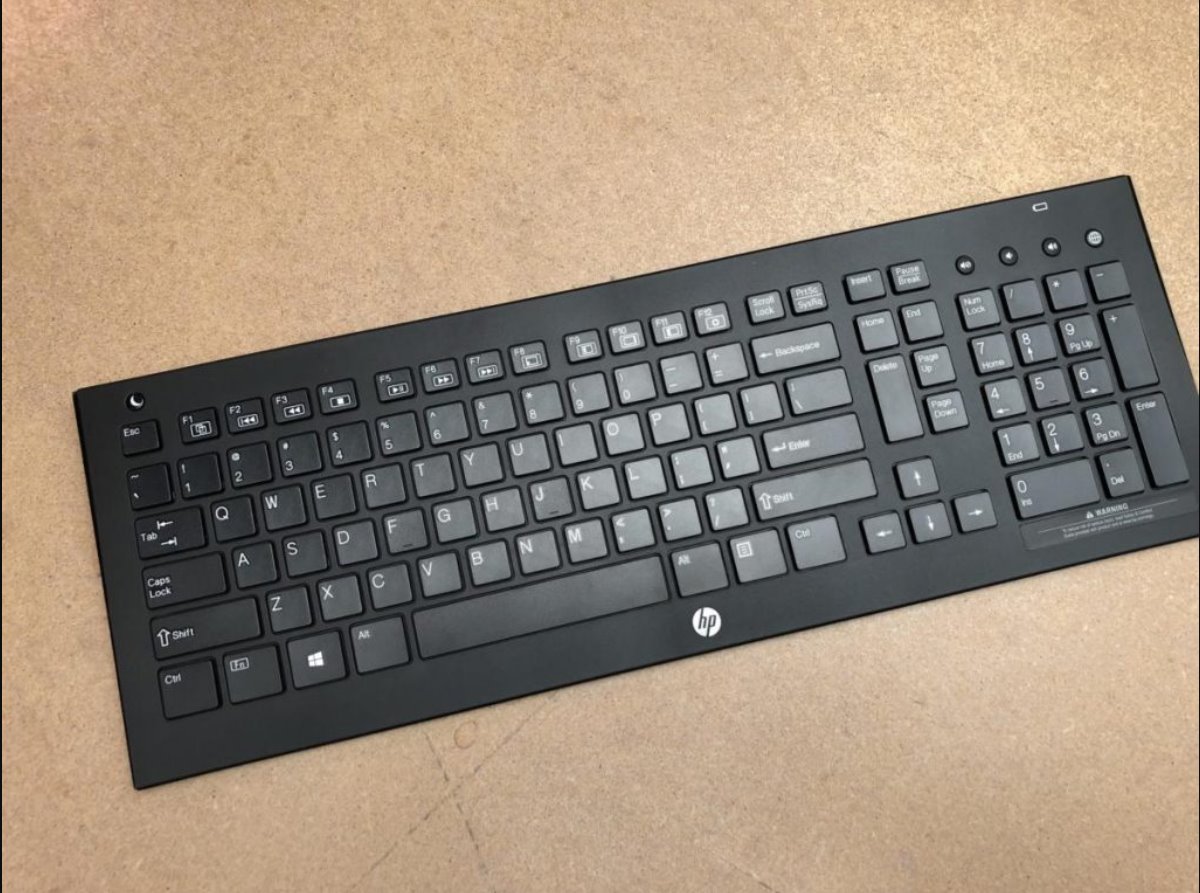
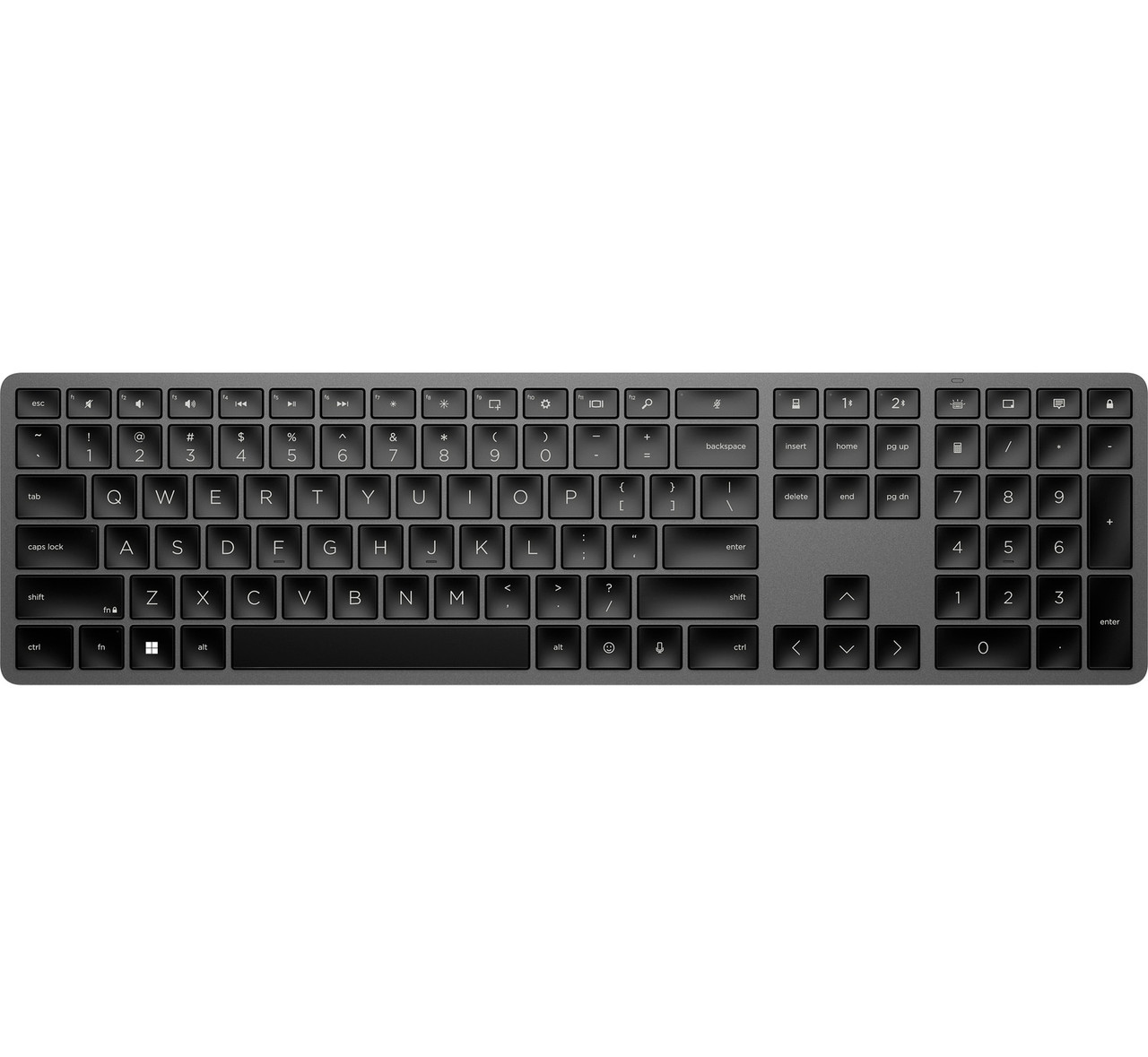
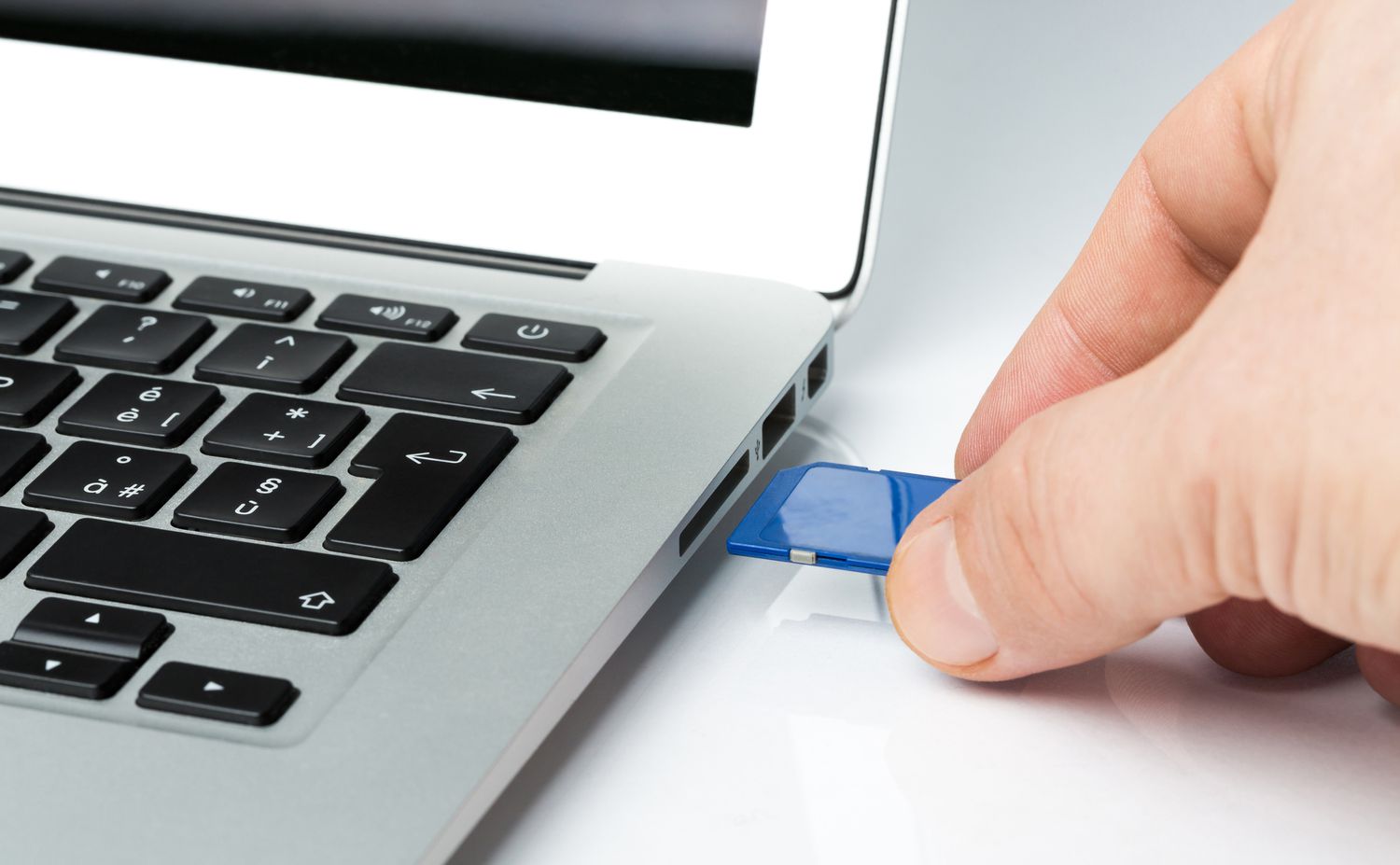
The articles break down into a few clear themes. One group helps you locate or use physical features, such as finding the SD card slot on an HP computer or removing the back of an HP All-In-One PC for cleaning or upgrades. Another theme covers wireless setup and everyday input, including connecting an HP wireless keyboard and turning it on for the first time. A third set deals with system-level tasks like taking a screenshot on an HP ZBook workstation and booting from a USB drive on an HP All-In-One PC.
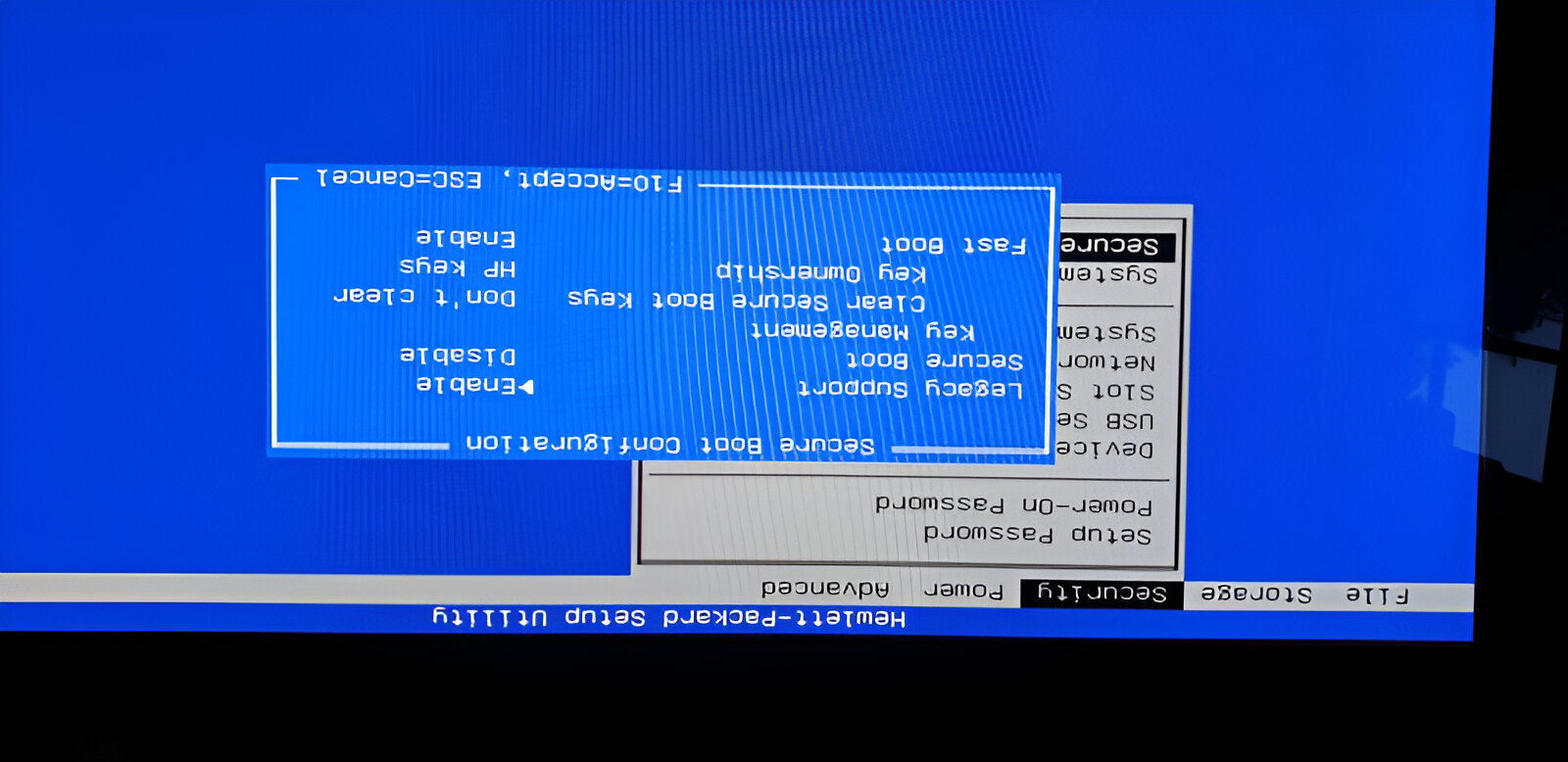
Several pieces also address software installation and data safety from a legal, straightforward angle. For example, the guide on downloading Sims 4 on an HP laptop explains how to install the game through official channels, while the article on booting from USB helps you create a recovery drive or install an operating system using your own licensed media. These instructions are meant to help you work within your device’s normal capabilities, not to bypass protections or circumvent any system safeguards. The goal is simply to give you clear, safe steps for common tasks you might otherwise avoid.