
This tag collects practical, everyday guides for building and improving a home network. It is written for non-technical homeowners and renters who want their internet-connected devices, computers, printers, thermostats, and storage drives, to work reliably together. Whether you are troubleshooting a slow connection, adding a new gadget, or simply trying to understand what your internet plan should actually deliver, these articles speak to the problems that come up when your digital life depends on a home setup.
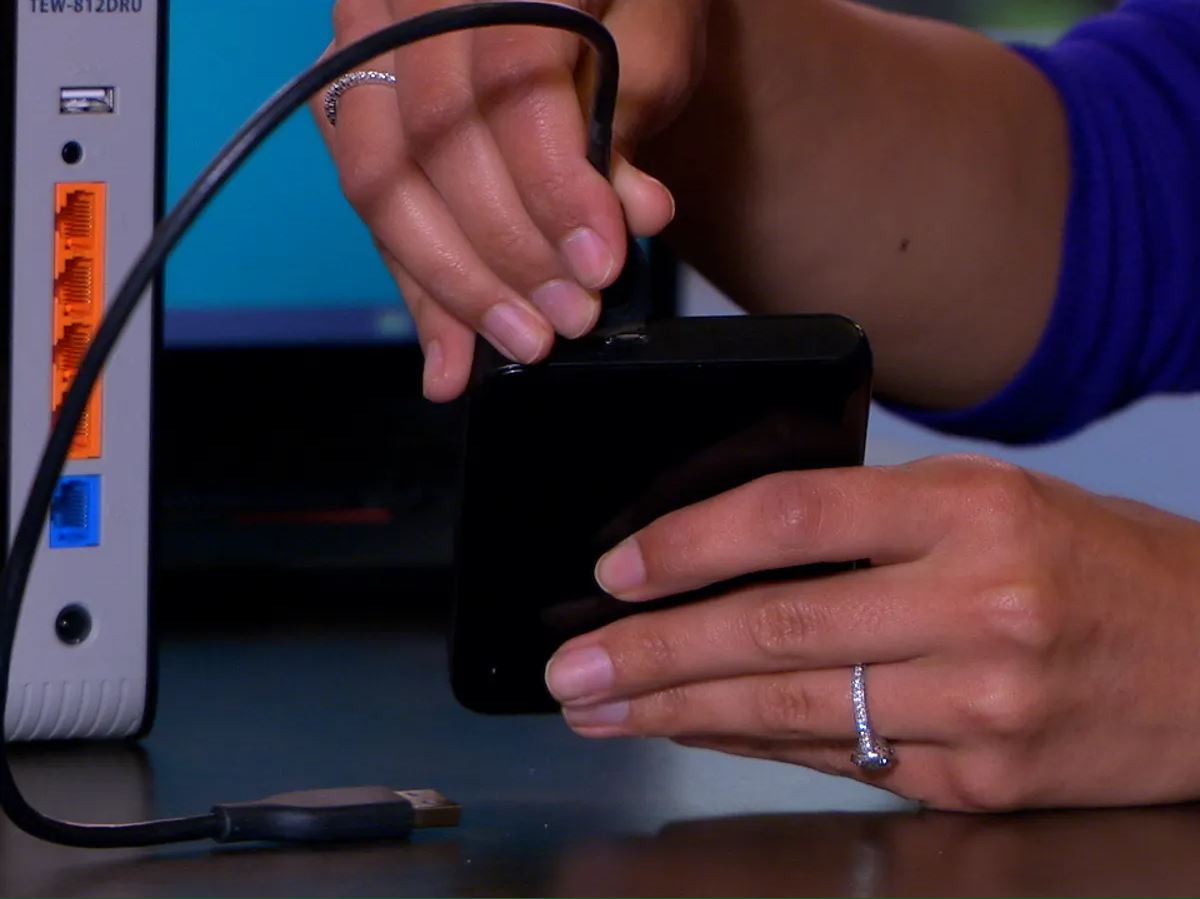
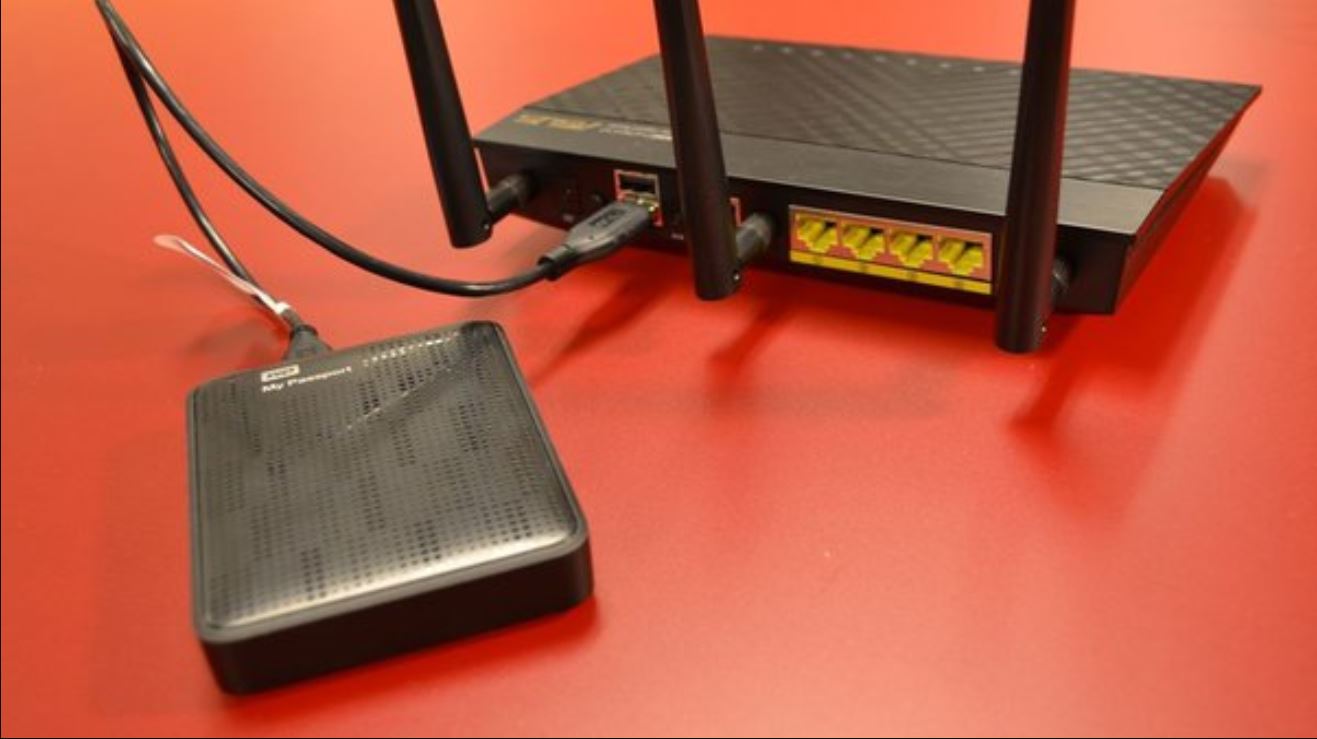
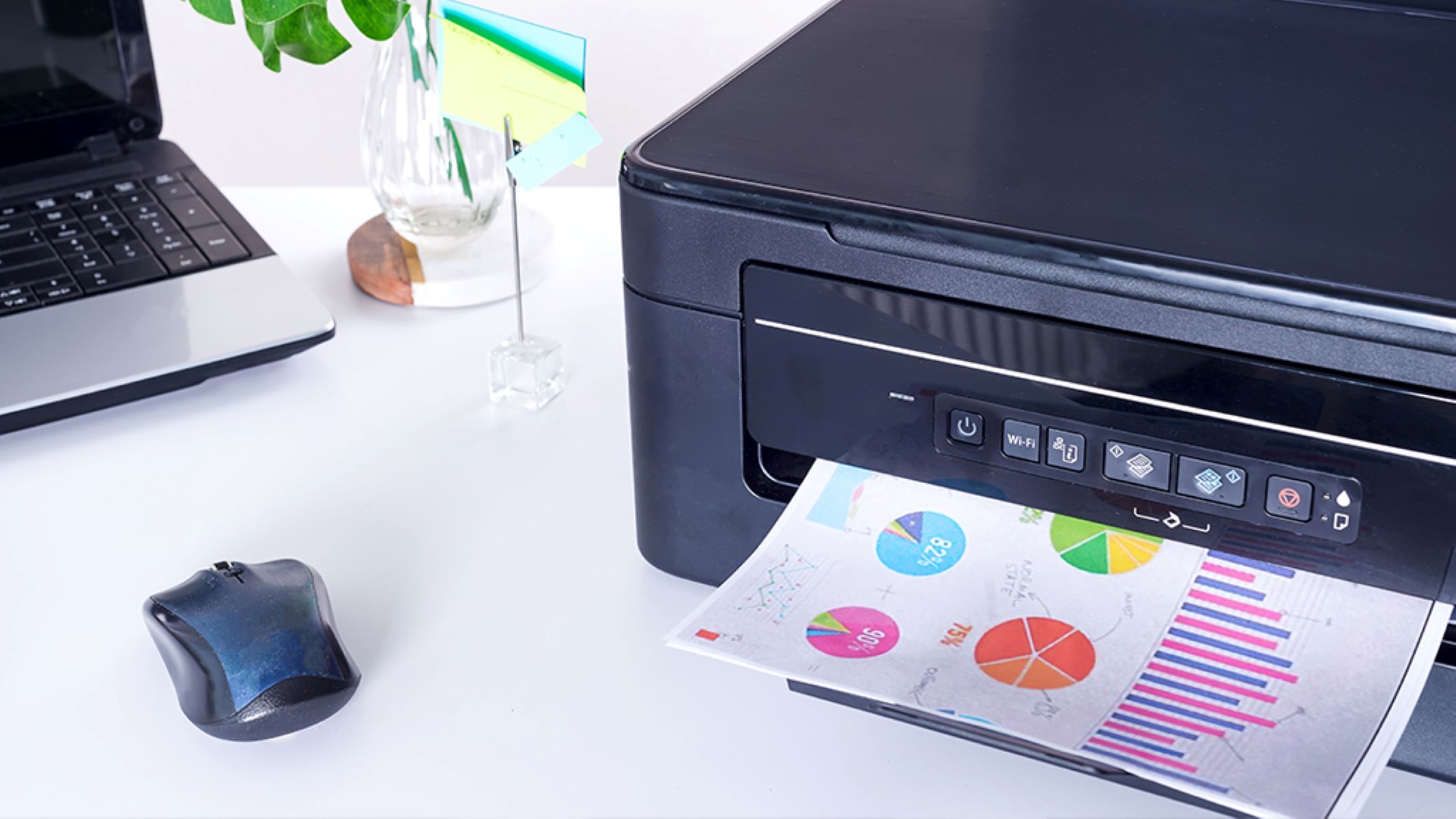
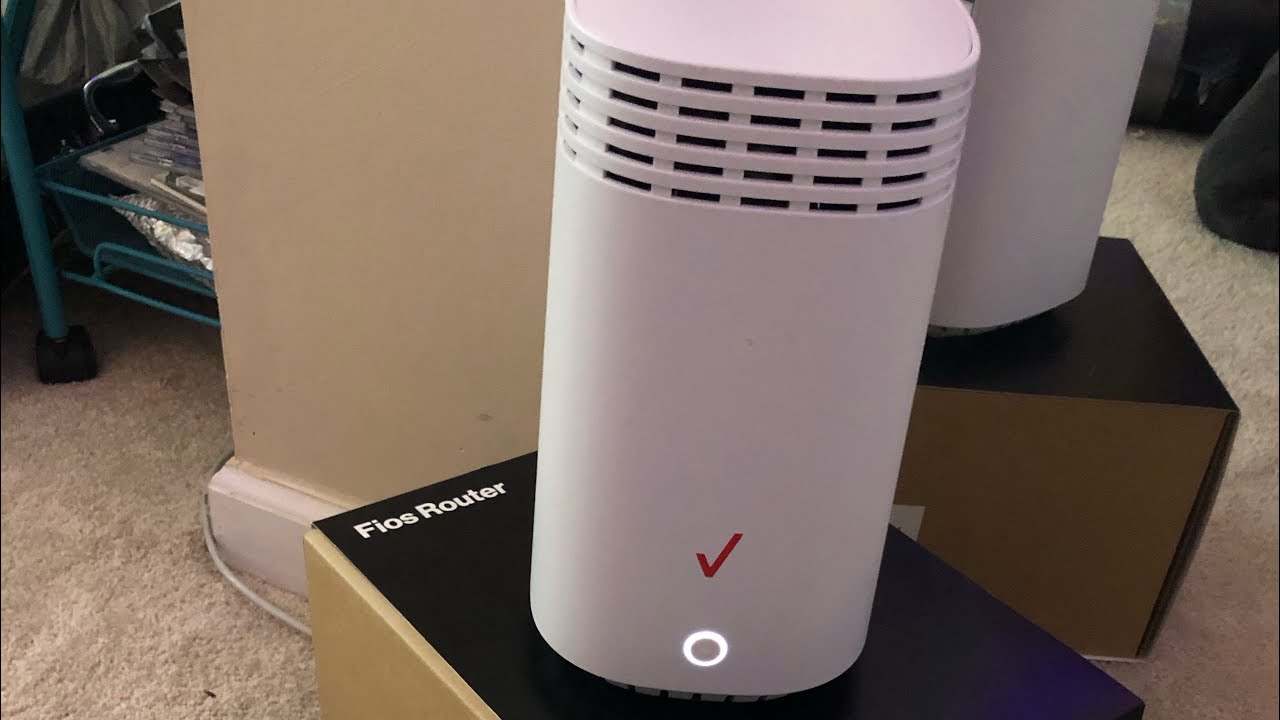
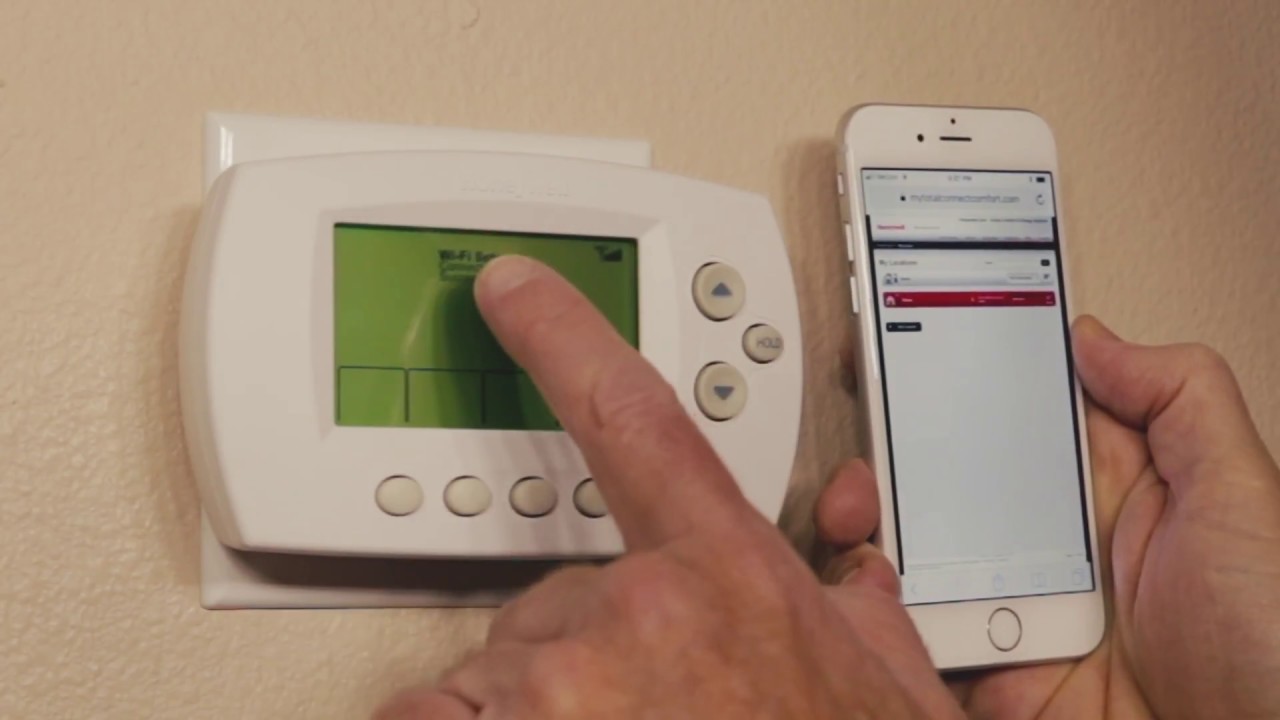
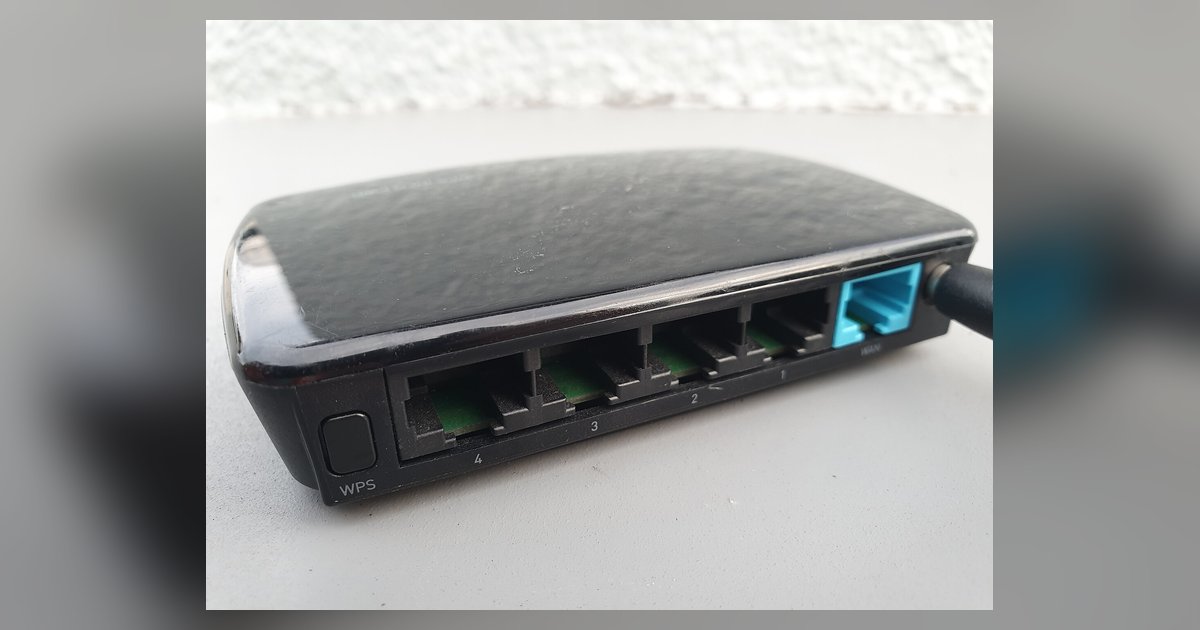
One clear theme is connectivity and coverage. Several articles explain how to strengthen your wireless signal, whether that means setting up a Wi-Fi extender from Verizon, configuring a mesh system, or positioning routers and extenders for better reach. A second theme is device setup and integration: you will find step-by-step guidance for connecting a Honeywell thermostat to Wi-Fi, getting a wireless printer onto your network, and attaching an external hard drive to your router or to the home network as a whole. A third theme is understanding performance and usage. One article walks you through what upload and download speeds are actually good for your household, while another clarifies what online gaming means in terms of network demands, helping you make informed choices rather than guessing.
These articles are not about workarounds or risky tricks. Instead, they focus on safe, standard configuration steps and honest explanations. For example, the speed guide helps you evaluate your internet plan, and the gaming definition article explains how online play uses your connection, so you can decide if you need an upgrade. The setup guides follow official procedures, covering everything from finding the right settings to troubleshooting common issues. The result is a collection that helps you take control of your home network, improving speed, extending coverage, and connecting devices with confidence.