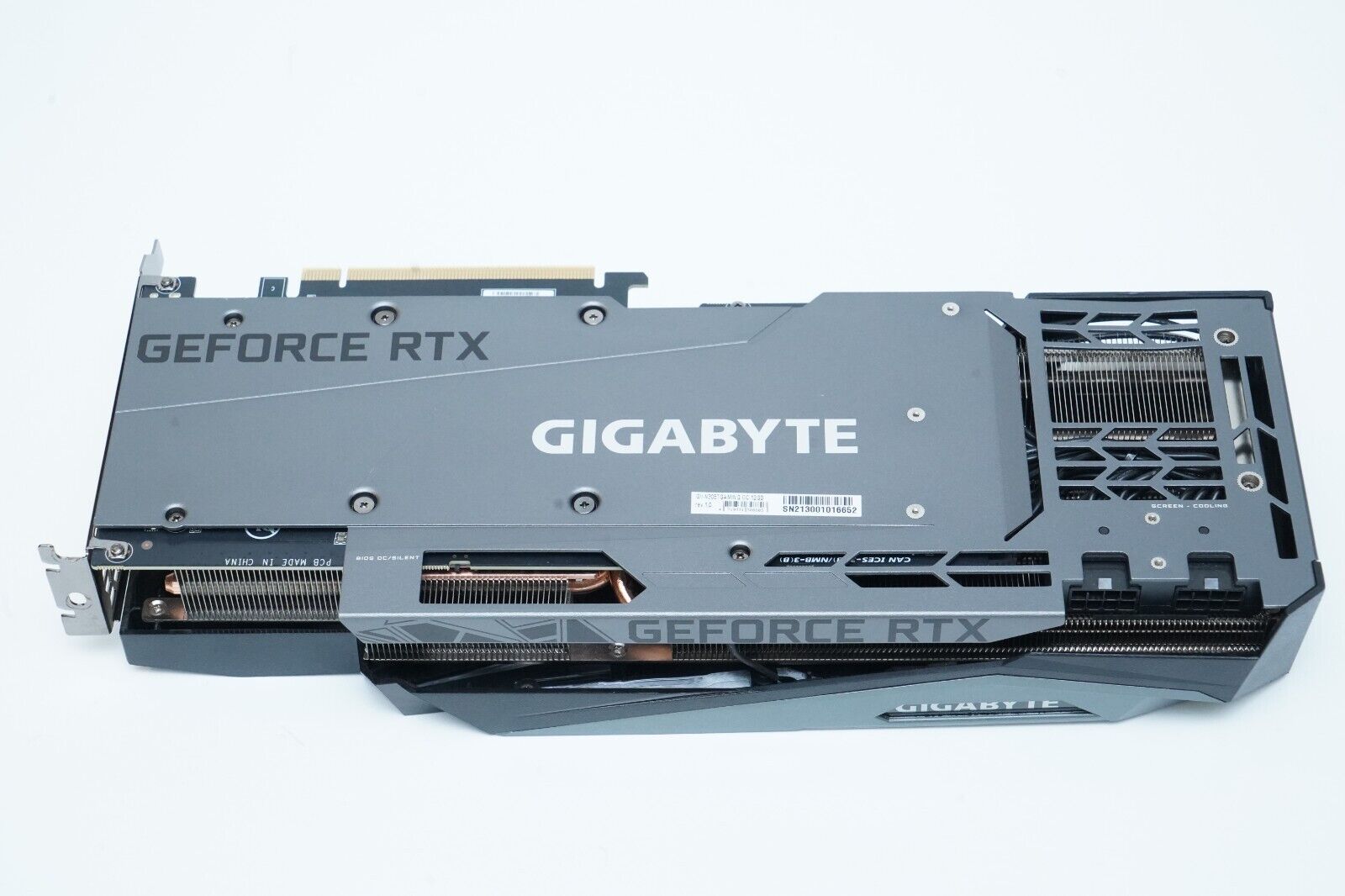
This tag collects practical, hands-on guides for anyone who wants their graphics card to work the way it should, whether you’re a PC builder, a laptop user, or just troubleshooting a display problem. The articles are written for everyday consumers, not IT pros, and they focus on diagnosing and fixing common GPU issues without opening a terminal or voiding a warranty. If you’ve ever wondered why games stutter, why your monitor looks wrong, or why your PC seems to ignore your expensive graphics card, these pages are a good starting point.
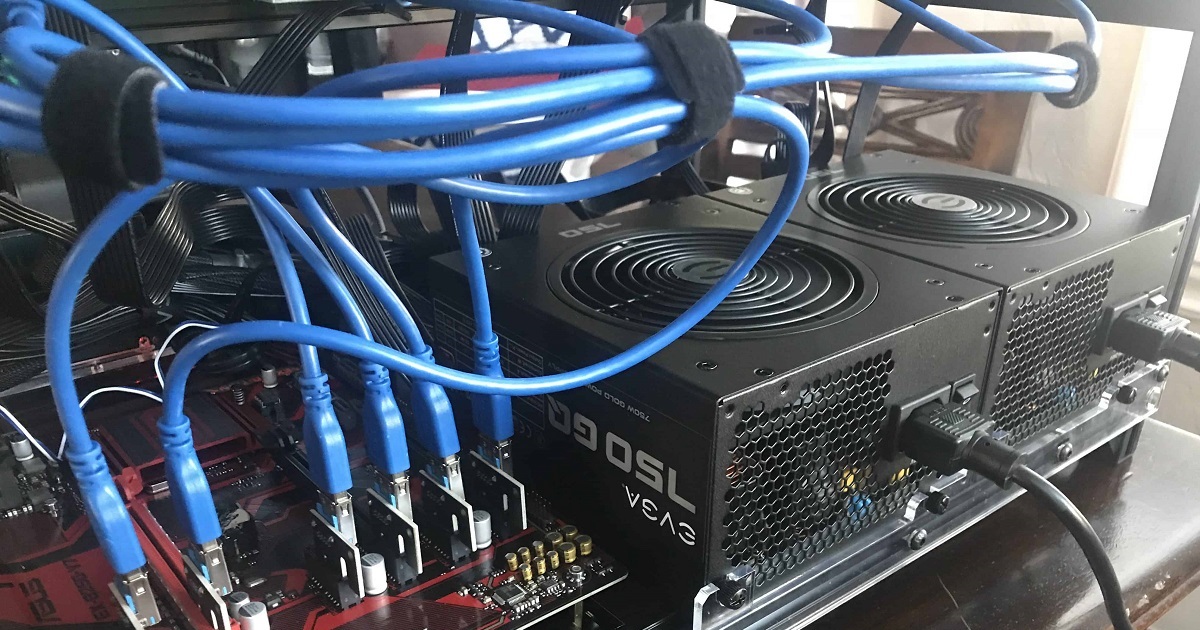
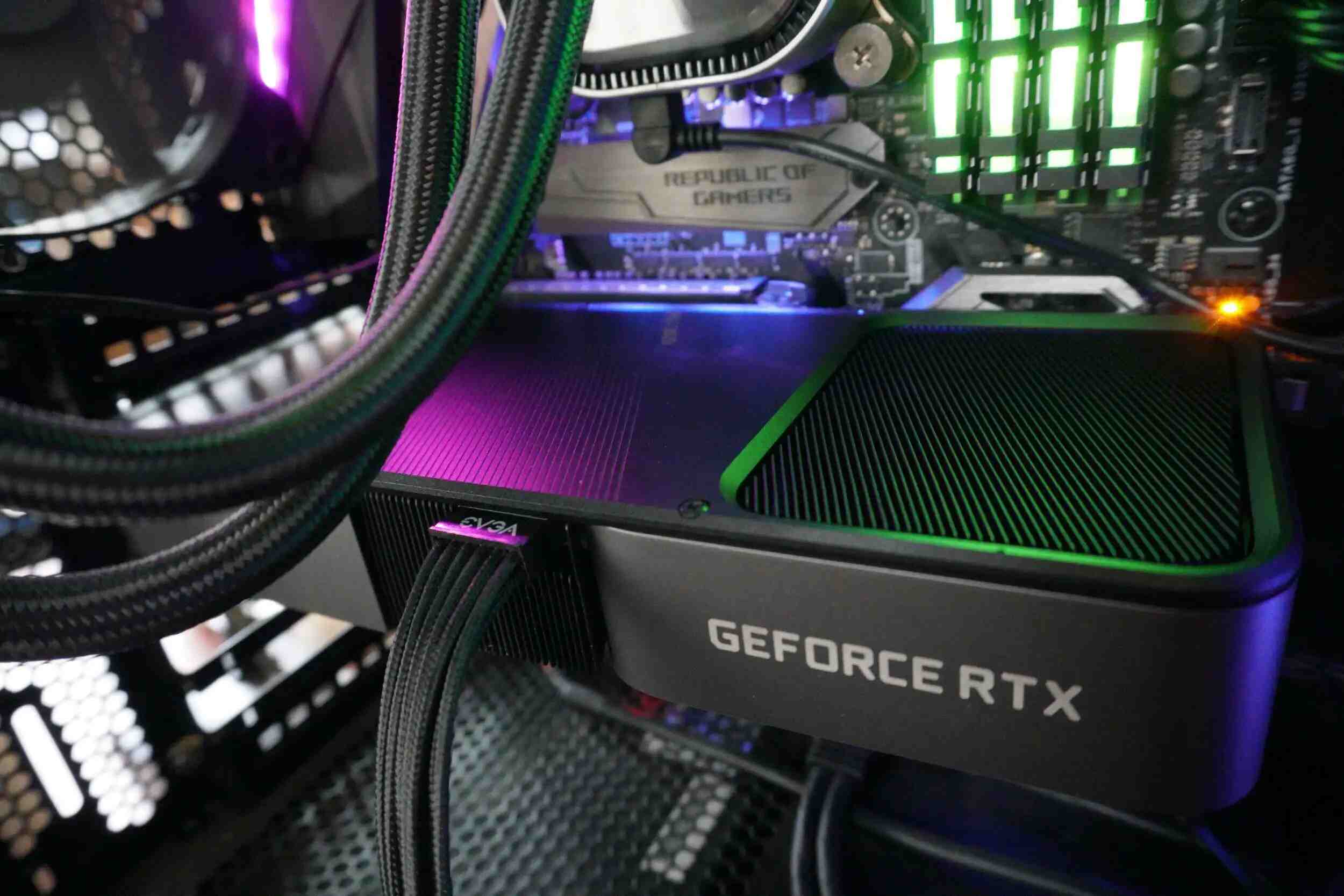
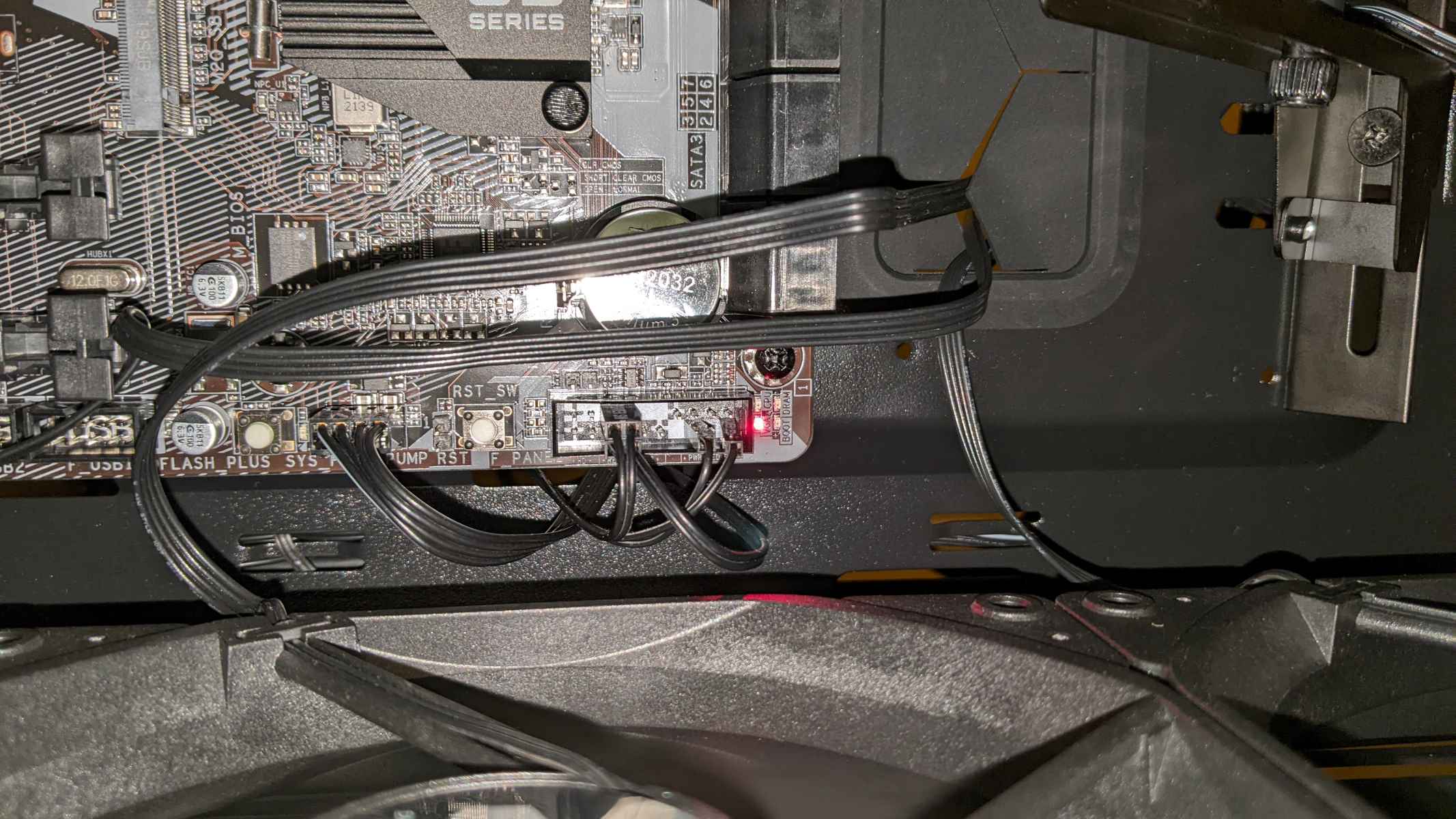
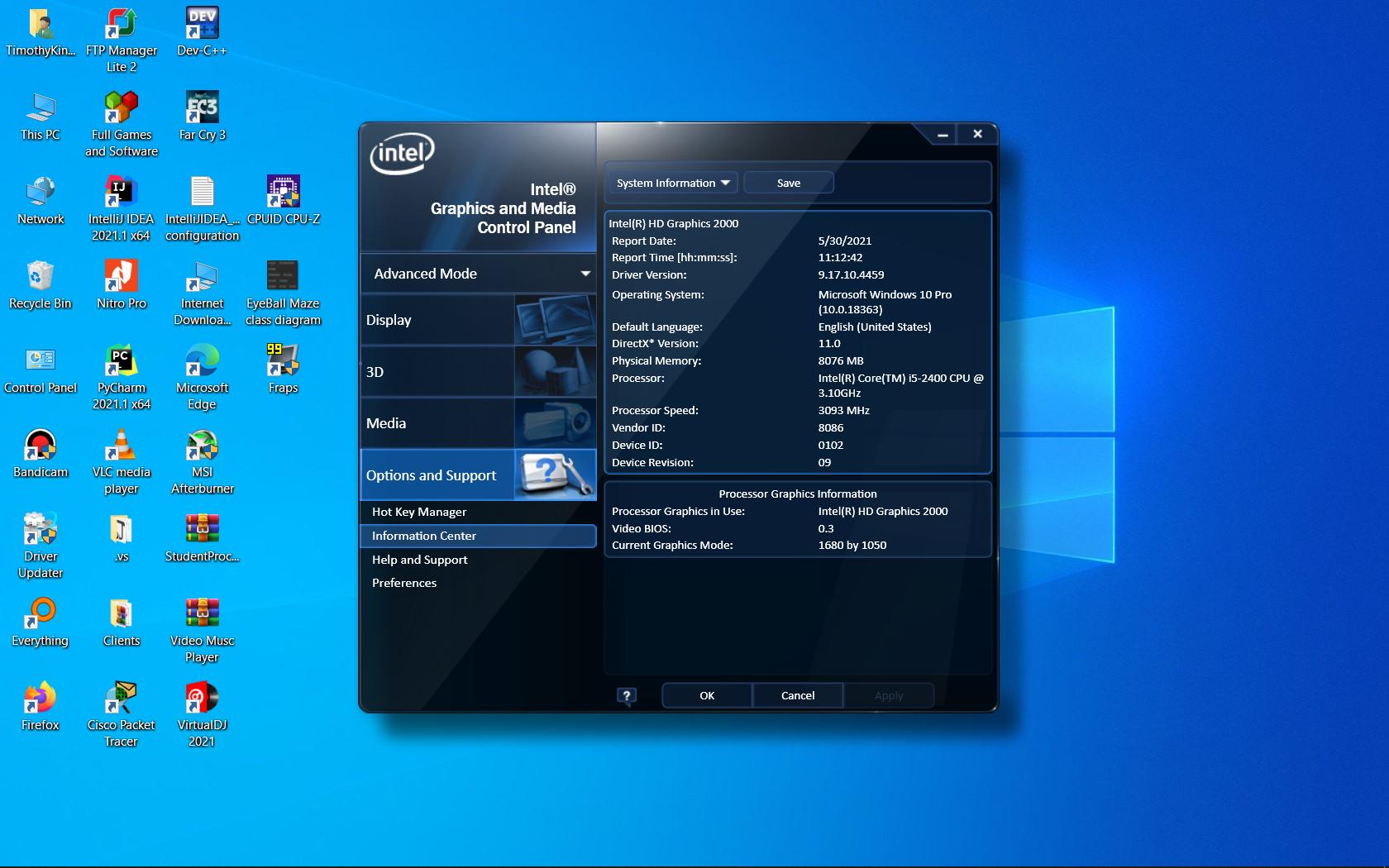
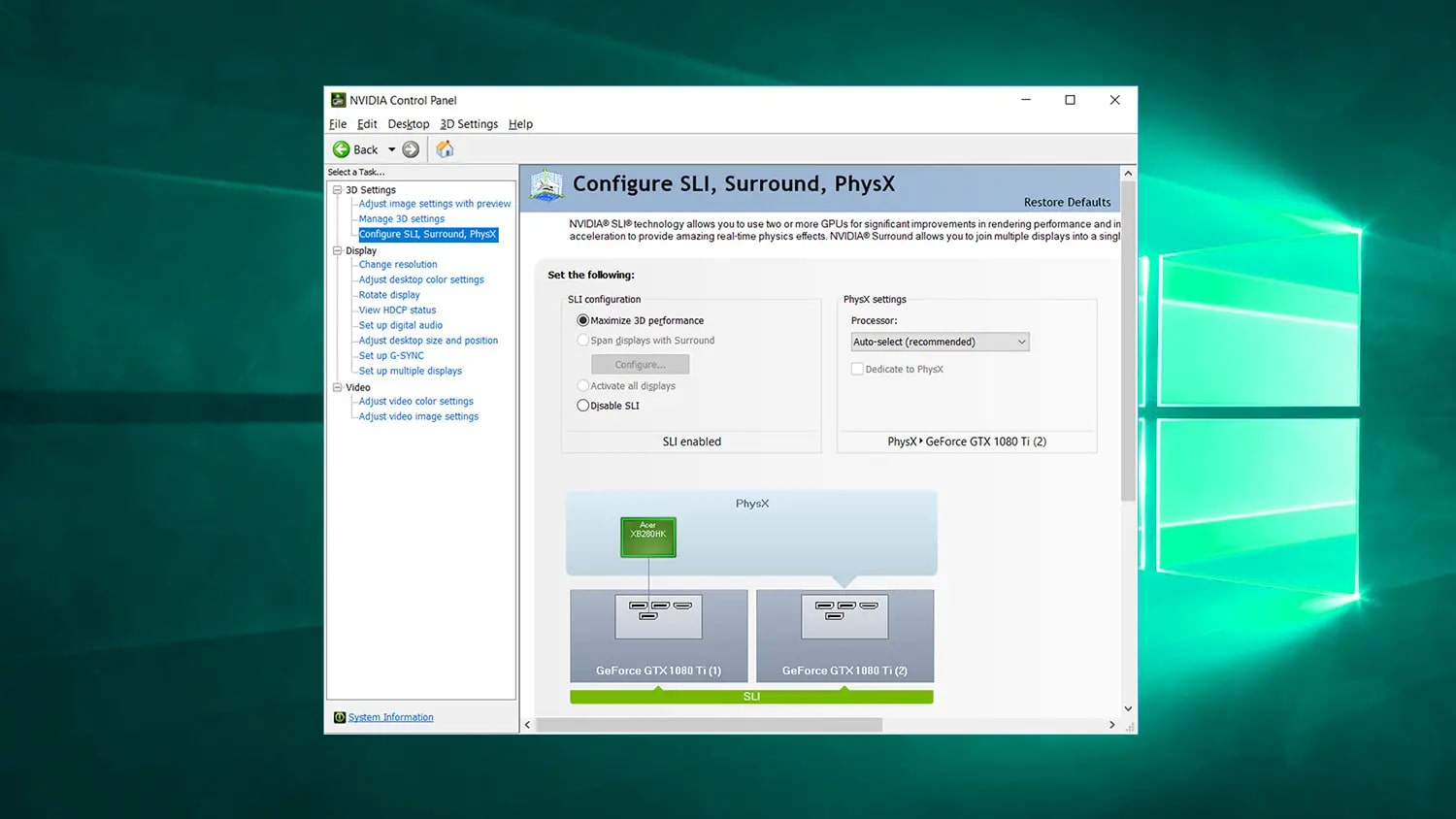
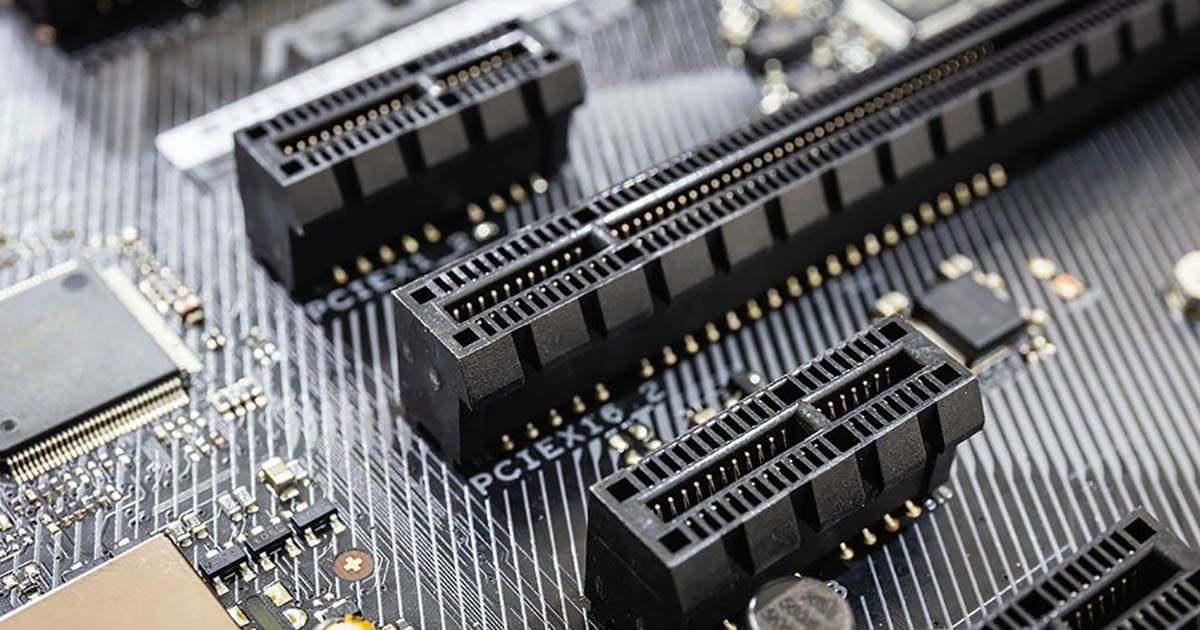
Several of the articles help you verify that your hardware is actually being used and powered correctly. For example, you can learn how to check if your GPU is getting enough power, how to see how many PCIe lanes it’s using, and how to make sure your PC is using your graphics card instead of integrated graphics. A couple of guides are specifically aimed at laptop owners, like the one on forcing your laptop to use its Nvidia GPU, and another that explains how to use the Nvidia Control Panel even if you don’t have an Nvidia card, useful for tweaking settings on a system with an AMD or Intel GPU.
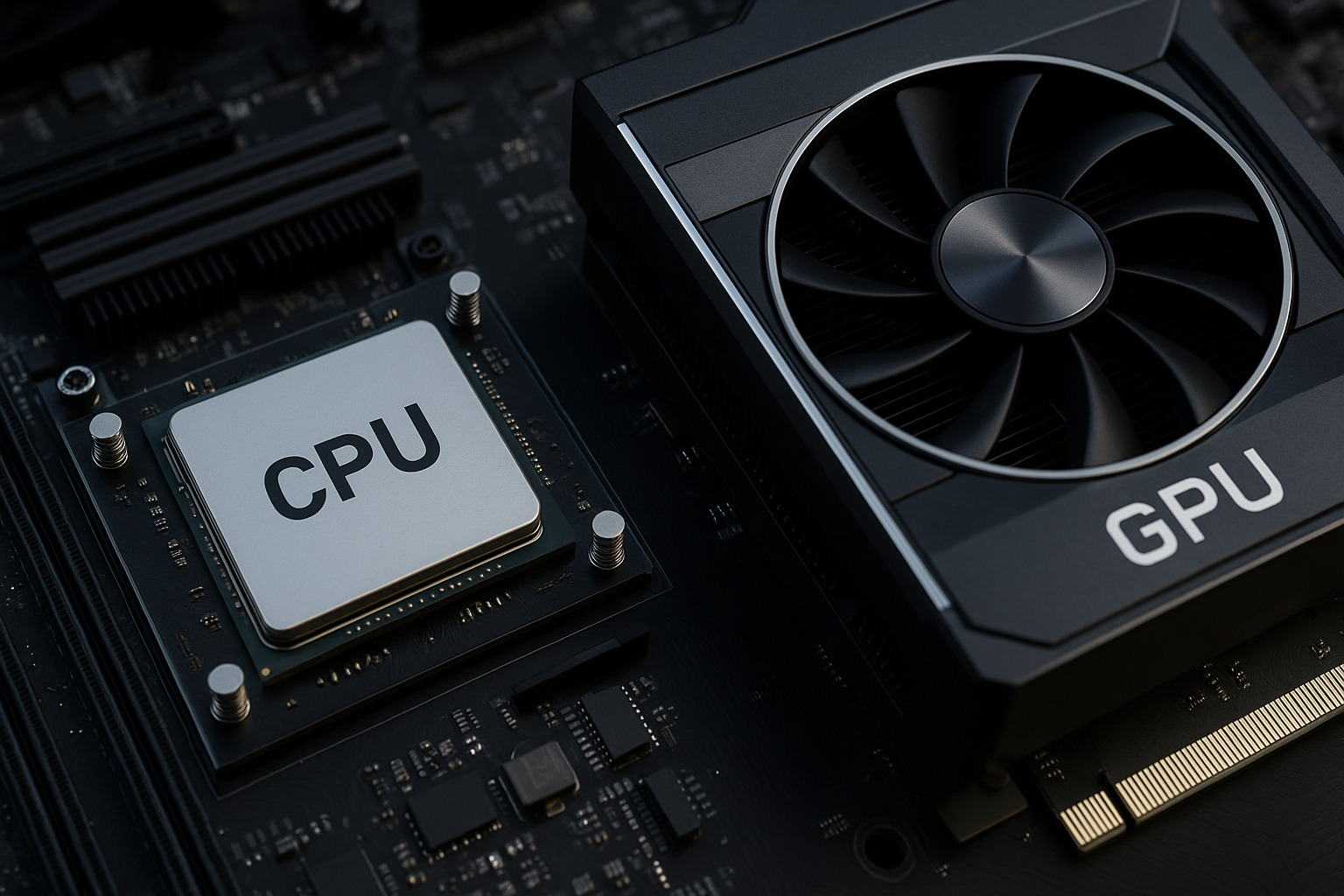
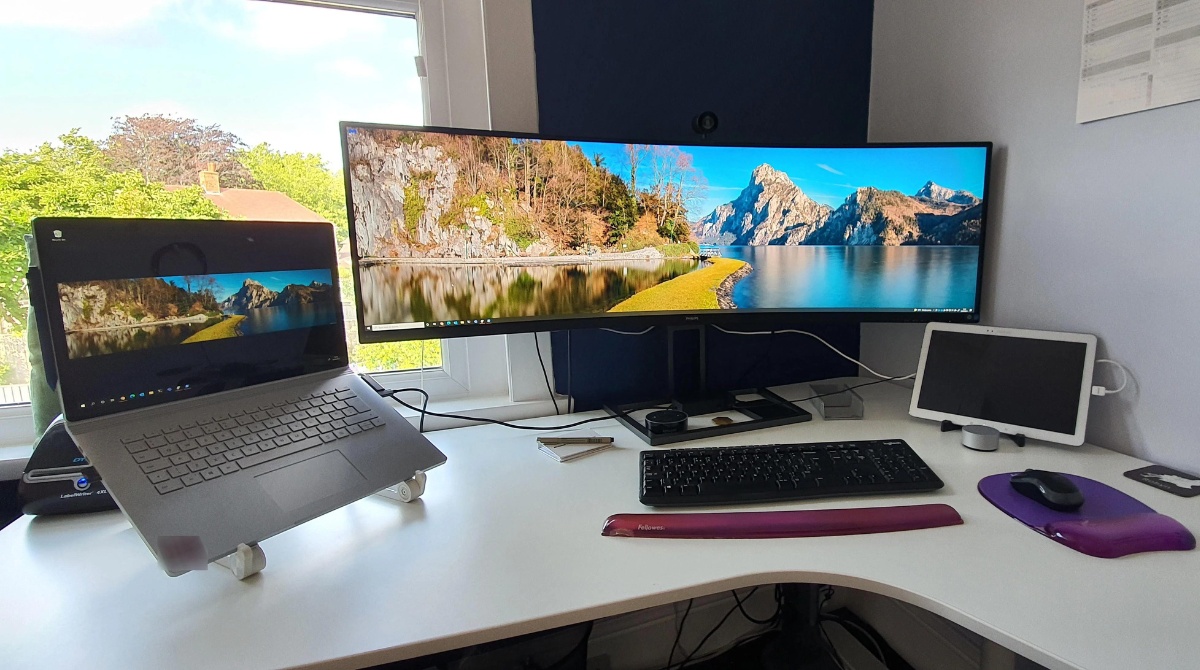
Other articles focus on compatibility and system balance. You can find out if your graphics card supports DirectX 11, whether your computer can run an ultrawide monitor, and how to identify and fix CPU and GPU bottlenecks so your components work well together. These are diagnostic and optimization guides, not workarounds for bypassing restrictions, they help you understand what your hardware can do and how to get the most out of it legally and safely.